You open the site you want to top up — and discover that it doesn’t accept Visa. Or it does, but you’d rather not link your bank-card details to an unfamiliar service. Sound familiar? In both cases, the solution is the same: use an iCash.One voucher that the site accepts. But can you buy icash.one with Visa? The answer isn’t straightforward. Vouchers aren’t sold directly by iCash.One. They can, however, be purchased through a network of authorized resellers in specific countries. Visa availability varies by reseller and region.
Where can you buy iCashOne with a Visa card, and how can you choose one that works on the site you want to top up? We’ll walk through the process, from choosing a seller to receiving the code, and explain the card requirements and potential costs — to help you make an informed purchase.
What Is iCash.One and How Does It Work?
iCash.One grew out of the AstroPay ecosystem and provides online payment services in selected markets. AstroPay remains active, while iCash.One operates separately. Its users include former AstroPay Wallet customers in India. The official reseller directory also lists sellers in Bangladesh, Brazil, Mexico, Egypt, and South Africa, showing the voucher network’s reach across several regions.
One of iCash.One’s payment tools is a prepaid voucher for website deposits and online payments. Key advantages of iCash.One vouchers include:
- No need to share banking details. When paying on a partner website, only the voucher code is entered — card or bank-account details are not disclosed.
- A fixed denomination. The amount is paid in advance: the voucher has a fixed value, and no more than that amount can be deducted from it.
- A single-use code. Buy it, pay with it, and you’re done: after successful redemption, the code becomes unavailable. There is no need to reload it or keep it for future payments.
- A long validity period. Most vouchers are valid for 365 days from the date of issuance.
It works much like a gift card: you buy a specific denomination and receive a 16-digit digital code. When making a deposit or payment on a partner website, you select iCash.One and enter the code instead of card details. The website credits the funds or confirms the payment according to its voucher redemption rules.
But before using the code, you first need to buy it. Vouchers are not sold on the official iCash.One website; they are distributed through authorized resellers, and each seller determines the available payment methods. In other words, you buy an iCash.One voucher from an authorized seller, pay with your Visa card, and receive a code to use on the website you want to top up.
It is important to distinguish between three things:
- Voucher — a single-use prepaid code with a fixed denomination.
- Wallet — your iCash.One account balance, which is funded separately. The voucher’s value cannot be transferred to it.
- Account Top Up — adding funds to your account rather than purchasing a voucher code.
Like all prepaid cards, an iCash.One voucher has limitations:
- It cannot be reloaded after purchase.
- Under the operator’s terms, it is valid for one year from the date of issuance, with the possibility of an extension by the operator.
- The website must specifically accept iCash.One vouchers — the product formerly sold as an AstroPay virtual card. Seeing AstroPay or iCash.One among its other payment methods does not guarantee that it will accept your code.
Sellers of iCashOne cards offer different denominations, currencies, and payment methods. The next question is where you can buy iCashOne with Visa and what determines whether this payment method is available.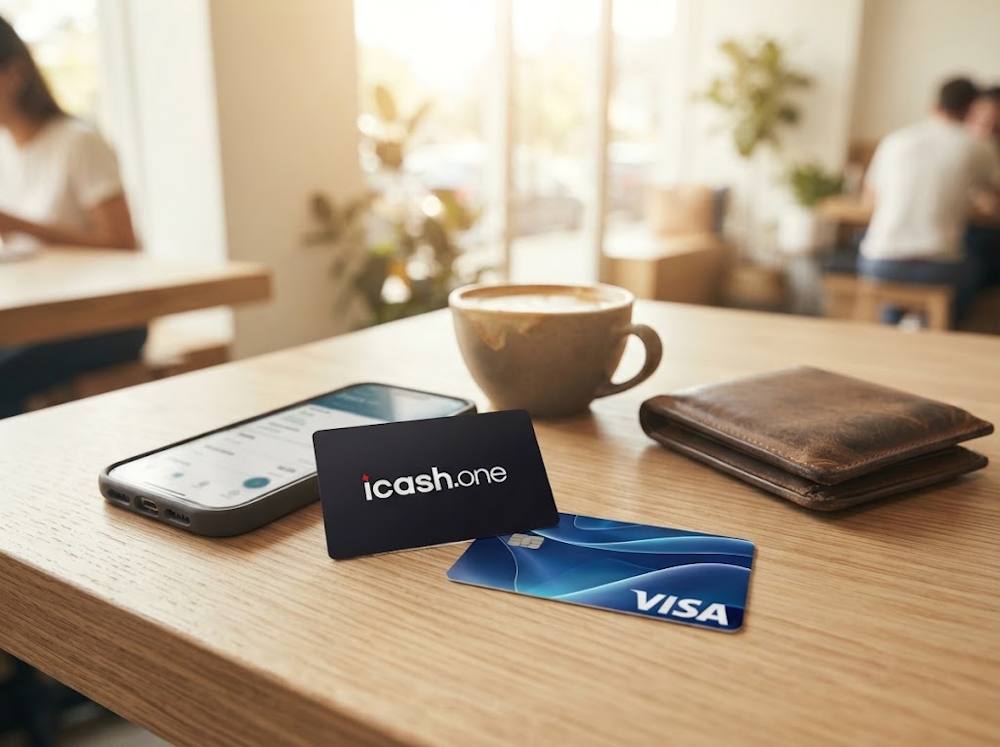
Can You Buy iCash.One Vouchers Directly with a Visa Card?
The official iCash.One website does not sell vouchers directly — whether you want to pay with cash, Visa, or another card. It provides voucher usage rules and reference information, but no “buy voucher” button. To make a purchase, you need to use an authorized reseller and choose a payment method there.
The main complication is that an authorized seller does not necessarily accept Visa. Even if it does, this method may not be available for every country or order. So, to find out whether you can pay for iCashOne with Visa, check the specific store’s terms and checkout options rather than relying on the logos on its homepage.
To find a seller where you can pay with your card, start by checking the store itself, then work through the requirements for your particular payment:
- Start by checking whether the seller is authorized. The official iCash.One Help Center lists local resellers by country. This is a starting point for your search. If a store is not listed, its reliability needs further checking.
- Check whether the voucher is available in your region. Even a product listed in the catalogue may be unavailable for purchase in your country. In that case, the order may be blocked before you can choose a payment method.
- Check the payment options for your order at checkout. A seller may advertise card payments, but Visa still needs to be available for your country and selected voucher.
- Compare the requirements with your card’s capabilities. Visa appearing at checkout means the seller offers that method, but your card must also support the required online transaction, including an international payment where applicable.
Completing these checks lets you proceed to payment; approval then rests with your card issuer. Restrictions on online purchases, cross-border payments, or the seller’s merchant category can still prevent you from paying for iCashOne with a Visa card. For an iCashOne payment with Visa to go through, your bank must permit the purchase you are making. After payment confirmation, the seller processes the order and sends the code. Before that, let’s look at which cards may qualify.
What Visa Cards Can You Use to Buy iCash.One Vouchers?
Debit and credit Visa cards may be suitable for purchasing iCash.One with Visa, provided the seller accepts them for your country and order. Prepaid and virtual Visa cards may also support online payments, but this does not guarantee that a particular reseller will accept them. What matters is not just the Visa name, but also the terms of your card and the seller’s payment service.
The card type determines where the funds come from and what you need to check before paying:
| Card | What to check |
|---|---|
| Visa debit card | Your account has enough available funds to cover the full purchase amount, online payments are enabled, and the transaction is within your card limits. |
| Visa credit card | You have enough available credit, and the bank permits the transaction. |
| Visa prepaid card | The balance covers the purchase, the card supports the required online transactions, and the seller accepts this card type. |
| Virtual Visa card | The digital card details can be used for this payment, with no restrictions preventing a purchase from the chosen seller. |
For an iCashOne card payment made with Visa to reach the authorisation stage, your card must meet the following requirements:
- The card is active and has not expired. An expired or blocked card will be declined.
- Online transactions are enabled. Some banks disable card-not-present (CNP) payments by default and enable them only at the customer’s request.
- There are sufficient funds or available credit. The amount must cover any applicable seller or payment-provider fees and currency conversion costs.
- You can complete any required 3-D Secure / Visa Secure authentication. If the bank requests verification and you cannot complete it, the payment may be declined.
- Cross-border transactions are permitted. If the seller is registered in another country, the bank may block the payment unless it has been specifically enabled.
Most importantly, even if all five requirements are met, final approval rests with the issuing bank. The bank assesses the particular transaction, seller, country, and amount, then makes a decision according to its own rules. This is not a contradiction — these are two different stages of the same payment.
If the seller accepts Visa and your card meets the payment requirements, you can proceed to buy iCashOne with a Visa card.
How to Buy an iCash.One Voucher with a Visa Card
When you buy a voucher, you pay for a code that you will use to top up a website. That makes the seller’s reliability just as important as Visa availability: you need a genuine, unused code, clear delivery terms, and support if something goes wrong with your order.
You can purchase iCashOne with a Visa card on Baxity Store if this method is available for your country and order. The store operates as a verified reseller and offers the following benefits:
- Guaranteed code authenticity — buying from a verified seller rather than an anonymous listing.
- Wholesale terms for larger purchases. For orders of 10 or more cards, ask about special pricing for the vouchers you need.
- Automatic code delivery once payment is confirmed and the order is fulfilled. The store advertises instant delivery; if additional verification is required, the code will be delivered after that check is completed.
- Encryption of transmitted data and payment processing through payment gateways to protect personal and payment information.
For you, this means an official code, someone to contact with questions, and a payment processed over a secure connection. Next comes the purchase process, which has two parts: choosing an iCash.One voucher (formerly sold as an AstroPay prepaid card) and paying by card.
Choose the Voucher Currency and Value
Start by opening the iCash.One card category on Baxity Store. It brings together the available denominations, currencies, and current prices, showing which options can be ordered. Before making your choice, however, check which currency and denomination the website you want to top up accepts. The voucher must be suitable for your region and that particular website: the same product name does not necessarily mean the same terms of use.
To buy an AstroPay card, now sold as an iCash.One voucher:
- On the Baxity Store homepage, open Prepaid Cards, find ICash.One Voucher (ex AstroPay), and go to the voucher catalogue.
- Choose the denomination you need and click Add to cart. You can add several cards if you need a larger total amount. Before adding them, check the currency, regional restrictions, and availability.
Baxity Store lists iCash.One vouchers in the following currencies:
- BDT — Bangladeshi taka
- AOA — Angolan kwanza
- INR — Indian rupee
- BRL — Brazilian real
- EGP — Egyptian pound
- USD — US dollar
Availability depends on the denomination: some items may be marked Out of stock. Also, distinguish between the currency of the displayed price and the voucher’s own currency. If a USD voucher’s price is displayed in euros, its denomination and value remain in US dollars.
Pay with Your Visa Card
Once you have selected your voucher, you can proceed to pay for iCashOne with a Visa card. To do this:
- Open your cart and check the product, denomination, and quantity. Log in to your Baxity Store account or register if this is your first purchase. Complete verification: this is an important security step. When registering, use a working email address that you can access, as this is where your code will be sent.
- Click Checkout, select Visa as your payment method, agree to the Baxity Store Security Policy, and click Place order. On the payment page, select Visa again, enter your card details, and check the final amount. Follow the instructions to confirm payment, including any confirmation required by your bank.
Once your order is complete, check your email. You can also find the code in the Orders section of your Baxity Store account. If the email is missing from your inbox, check your spam folder. If necessary, contact support with your order number.
How to Use Your iCash.One Voucher
You can now use the code to top up your chosen website. No separate code activation is required: select voucher payment, enter the code, and confirm the transaction.
To do this:
- Log in to the website you want to top up and open its deposit or payment section.
- Select iCash.One voucher payment and enter the 16-digit code you received. When copying and pasting it, make sure there are no extra spaces before or after the code.
- Confirm the transaction and check that the funds have been credited or the payment has been completed. Funds are usually credited as soon as the website confirms the code, although processing may take a few minutes. Each voucher can be used for one transaction only; once successfully redeemed, it cannot be used again.
Sometimes, however, everything seems to be in place, yet you still cannot buy iCashOne with a Visa card. Next, we will explain why a Visa payment for iCash.One may be declined.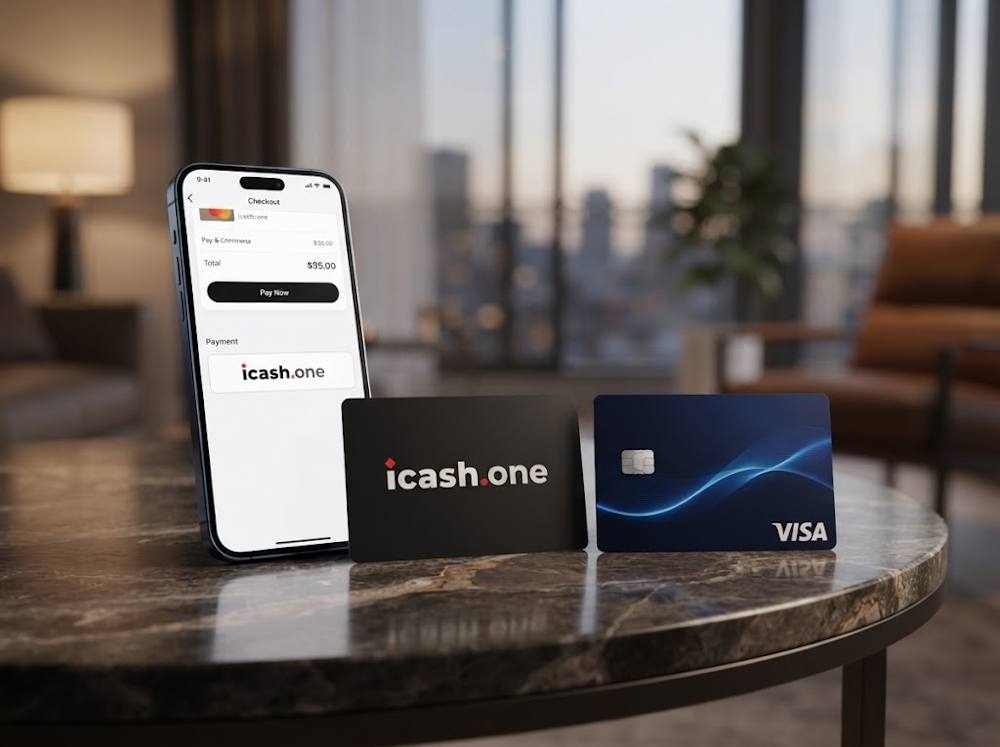
Why Can a Visa Payment for iCash.One Be Declined?
If you cannot pay for iCashOne with Visa, first identify where the purchase stopped. Is the voucher unavailable in your country, is Visa missing from the payment options, or does the bank decline the payment after you enter your card details? Each situation has a different cause, and clicking the payment button again will not resolve them all.
| What happened | What to check and how to proceed |
|---|---|
| The voucher cannot be ordered for your region | Check where the specific voucher can be purchased and used. A different card will not help if the restriction applies to the product itself. |
| The payment was declined after you entered your card details | Check the card number, expiry date, and CVV/CVC. Check your available balance or credit limit: it must cover the final purchase amount, including any fees and currency conversion. |
| The bank does not allow the transaction | Check your online payment settings, limits, and whether international purchases are enabled. If the reason is unclear, contact your bank and provide the seller’s name, the amount, and the time of the payment attempt. |
| Bank authentication could not be completed | Check the notification in your banking app or the one-time code. If the authentication request does not arrive or the process fails, contact your bank. |
Even if the seller accepts payment for iCashOne with a Visa card, the bank may decline a specific transaction under its own security rules. Your card issuer can explain the reason for the decline and advise whether the payment can go through.
- A pending status calls for a different approach. It means there is no final outcome yet. Check the order status in the store and the transaction status in your banking app. If the amount is on hold but the code has not arrived, contact the seller’s support team to clarify the purchase status first. Only retry payment once you know the outcome of the first attempt, to avoid creating a second order.
Once you understand the reason for the decline, you can correct your card details, adjust the settings your bank allows you to change, or choose another available payment method. To reduce these interruptions, run through a short final checklist before buying.
What to Check Before Buying iCash.One with Visa
Before buying an iCashOne voucher with Visa, check whether it suits your intended deposit and how much the purchase will cost.
| What to check | What to look for |
|---|---|
| Voucher and Visa availability | The voucher is available for purchase in your country, and Visa is offered as a payment method for your specific order. |
| Whether your card is ready for payment | The card is active, and online purchases and any required international transactions are enabled. Your available balance or credit limit is sufficient, and you can complete bank authentication. |
| Voucher support on your chosen website | The website accepts deposits using an iCash.One code. An iCash.One or AstroPay logo among its payment methods is not enough. |
| Regional usage restrictions | The purchased voucher can be used in your country and on your chosen website. |
| Currency and denomination | The voucher’s currency and denomination meet the website’s deposit requirements. The currency used to display the store price may differ from the voucher’s currency. |
| Total purchase cost | Account for the final order amount, any stated processing fees, and possible bank charges for currency conversion or international payments. |
| Validity period | Under the operator’s terms, vouchers are valid for one year from the date of issuance, with the operator able to extend this period. Check the expiry date of your specific voucher: validity runs from issuance, not purchase. |
| Usage rules | The voucher cannot be reloaded, and its value cannot be transferred to the iCash.One Wallet balance. Each code can be used for one transaction and becomes unavailable after successful use. |
Once these conditions are met, you can pay for iCashOne with a Visa card, knowing which code you are buying, where you will use it, and how much the order will cost.
Conclusion
If your chosen website accepts iCash.One instead of Visa, or you prefer not to share your card details with it, the solution is to purchase iCashOne with Visa from a retailer and use the code to make your deposit. The key is to choose a reliable seller where you can pay for an iCashOne voucher with Visa, and make sure the voucher suits your region and the website you want to top up.
So why wait? Choose the voucher denomination you need on Baxity Store and, if Visa is available for your order, pay for iCashOne with a Visa card. Once your code arrives electronically, use it to top up your chosen website without sharing your banking details there.
FAQ
1. Can you buy iCash.One with a Visa card if the website you want to top up does not accept Visa?
Yes, provided the website accepts iCash.One vouchers and the seller offers Visa payment for your order. You pay for the code at the seller’s checkout, then enter it on your chosen website instead of your card details.
2. Can you pay for a USD iCash.One voucher with a Visa card linked to a euro account?
This is possible if the seller and your bank allow the payment. Check the currency you will be charged in and any conversion costs. Paying from a euro account does not change the voucher’s currency: a USD code remains denominated in US dollars.
3. What should you do if your Visa payment is confirmed but the code has not arrived?
Check your order status, spam folder, and the Orders section of your Baxity Store account. If the code is missing, contact support with your order number. Do not place another order until you have clarified the status of the first one. Baxity Store provides codes by email or through your account.
4. Does a purchased voucher top up your iCash.One Wallet balance?
No. Vouchers and account top-ups are separate mechanisms. The code is used to make a payment on a compatible website, and its value is not transferred to your iCash.One Wallet balance.
5. What should you do if the website does not accept your code?
Check that you have selected iCash.One voucher payment, copied the code correctly, and included no extra spaces. Also check the expiry date, currency, and regional restrictions. If the error persists, contact support and provide the website, the time of your attempt, and the error message. Share the code only through an official support channel: anyone who has access to it may be able to use it.
6. Which Visa cards can you use to buy iCash.One vouchers?
Baxity Store states that it supports Visa debit and credit cards. Prepaid and virtual Visa cards may also support online payments, but this does not guarantee that a particular reseller will accept them. Acceptance depends on the card’s conditions and the seller’s payment setup, not just the Visa logo. Final approval always depends on the card issuer.
7. Do you need to activate an iCash.One voucher after purchase?
No separate activation is required. The 16-digit code you receive is ready to use. On the partner website, select iCash.One voucher payment, enter the code, and confirm the transaction. Funds are usually credited immediately after the website confirms the code, although processing may take a few minutes. Once successfully used, the code becomes unavailable for further payments.