PlayStation 10$ PSN US
United States
$9.89
Works in United States
Out of stock
Value


+ 2 more
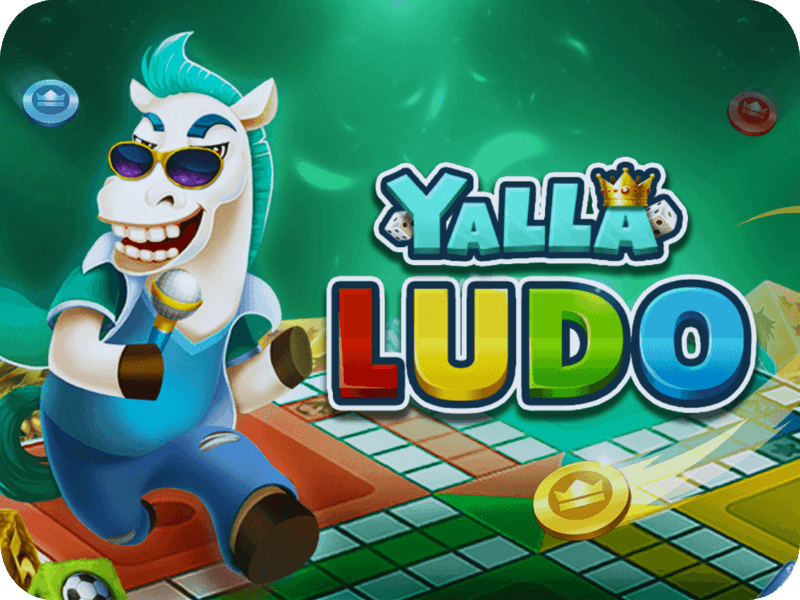
The Yalla Ludo Diamonds $2 digital voucher adds premium currency to a Yalla Ludo account. It suits a player who wants to supplement an existing Diamond balance for an eligible item.
Yalla Ludo takes board games such as Ludo and Domino online and adds voice chat and player profiles. The profile carries your identity between games, while the board is where the match takes place. Diamonds are the premium currency used for eligible virtual goods and social features. A profile frame or avatar decoration, for instance, changes how your profile looks when other players see it. It does not change how the pieces move in Ludo.
Yalla Ludo gives players several ways to use the app without staying on the same board. You can move between a match and a voice room, where people can talk or send gifts through the options provided there. These are distinct activities. If you are interested in a particular virtual gift, open the relevant room and check its listing, since the voucher itself does not select a gift or a recipient.
The app also offers team and individual ways to play Ludo. Those formats concern what happens on the board, while the Diamond-priced features concern eligible virtual goods or social interactions. That distinction helps if you are buying for a player who mainly joins matches and has never used the profile or chat-room options.
Yalla Ludo includes daily activities and tasks associated with games or chat rooms. Rewards are described inside the app and depend on the activity. These are another part of the platform experience, separate from the voucher purchase. If your aim is a particular premium item, use the currency and conditions displayed for that item when selecting a top-up. The presence of a reward task does not establish a fixed Diamond return for completing it.
A $2 voucher can make sense when you already know which Diamond-priced item you want or only need a small addition to an existing balance. The denomination identifies the code, while the credited quantity is measured in Diamonds. Compare the quantity shown for the matching option with the in-game price. Gold, the other currency in the app, serves gameplay uses such as rooms with a Gold requirement. Read the currency beside the item or activity before choosing a voucher.
A digital voucher can be redeemed separately from the purchase you intend to make in the app. Once credited, the Diamonds can be used for eligible choices on that profile. The platform treats virtual currency as an in-game entitlement, so it cannot be withdrawn as money. This is worth knowing before choosing a voucher for a player who uses several games or maintains more than one account.
Have the digital code and order directions available, then find the game ID in the Yalla Ludo profile that needs the top-up. This is worth checking directly in the app if you have changed devices or someone else uses the same phone. A familiar display name or avatar can help you recognise the profile, but use the actual ID for the redemption entry.
The voucher has a six-month redemption window from the purchase date. If you plan to use it later, keep the order details somewhere you can retrieve them and record the date separately from the deadline of any in-game offer. An item's availability can change even while the unused code is still valid.
Once you have a redemption confirmation, reopen the profile you meant to credit and look at the Diamond total. If the top-up was meant to cover a particular frame or other item, check that item's price again before spending. This final check is most useful when you bought the voucher to cover a precise shortfall.