Steam $50 US
United States
$51.26$52.52
Works in United States
Out of stock
Value


+ 2 more
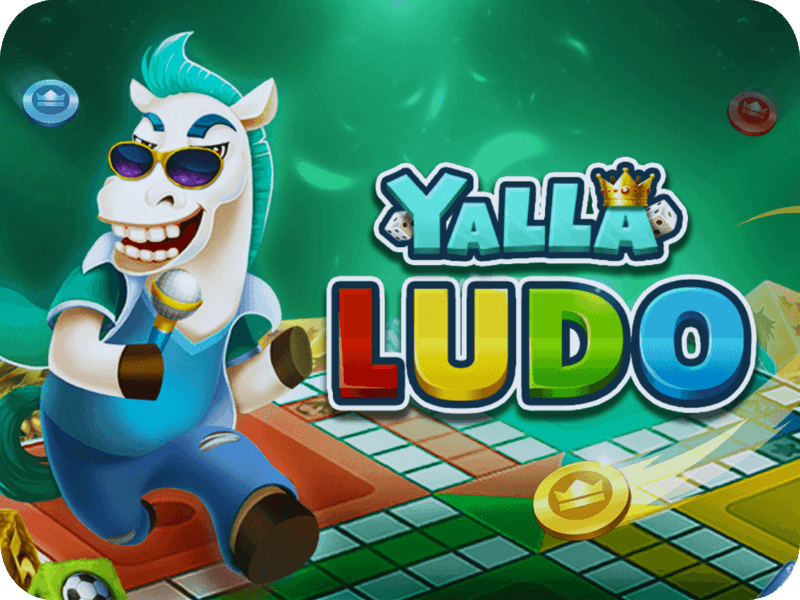
Choose Yalla Ludo Diamonds $50 to fund an existing Yalla Ludo profile with premium in-game currency for eligible purchases.
Yalla Ludo includes a social experience alongside board play, with voice chat, profiles and eligible virtual goods. Diamonds are a way to pay for certain goods in that environment. You may use the balance across multiple selections, such as a profile decoration on one visit and a virtual gift on another, subject to what the app offers to your profile.
The developer's app listing describes public voice rooms where players can talk and send gifts. That is one example of the app's social side, separate from playing a round of Ludo or Domino. Open the feature where you expect to spend the Diamonds, since different features have their own screens and available options. A decoration selected for your own profile and a gift selected for another player are distinct in-game actions.
Some players use Yalla Ludo mainly to play matches, while others spend time in public voice rooms or customise their profile. The app offers both kinds of activity. If you are buying for a mix of uses, look at the specific screens before deciding how much premium credit you need.
Yalla Ludo offers social interaction outside a match through public voice rooms. Players can chat and use the gift options the platform makes available there. Diamonds also support eligible profile items, so premium currency can serve different parts of a player's activity. The purchase itself supplies credit. The player retains the choice of eligible items and recipients within the relevant in-game feature after redemption.
The $50 code adds a premium balance to the chosen account. A specific item is selected later inside the game, where you can see the available choices and their prices. If a listing is the reason for the purchase, check its availability before ordering and revisit it after credit is applied. Gold is a separate in-game currency, so including a Gold-priced activity in your plans requires checking that balance separately.
Before placing an order for several purchases, separate the features that use Diamonds from anything that uses Gold or another payment method. If a virtual item is only available during a promotion, a top-up does not guarantee that you will still see the item when you return. The voucher gives you a balance that you can use for eligible choices displayed in the app.
Diamonds credited to a profile are part of the game's virtual economy. The platform limits how virtual items can be transferred, so make the account choice before redemption. The option to send a gift inside a voice room should not be treated as a way to move a Diamond balance between profiles.
Adding Diamonds does not buy an item automatically. After applying the voucher, return to the appropriate section in the game and check the choices available there. If you are buying because of a particular event or item, verify the relevant conditions before you order. The amount shown in your balance does not by itself establish whether you are eligible for a feature.
Gold is the other currency you may see in Yalla Ludo. Some gameplay requirements are expressed in Gold, while premium virtual items can be priced in Diamonds. Check the currency on each purchase screen. This is particularly important if your spending plan includes both gameplay and cosmetic changes.
You have six months from purchase to use the voucher. If you buy ahead of time, note the purchase date and keep the code private. Avoid relying on an item or promotion deadline to tell you when to redeem, since the two dates serve different purposes.