Fortnite $100 US
United States
$99.47$104.00
Works in United States
Out of stock
Value


+ 2 more
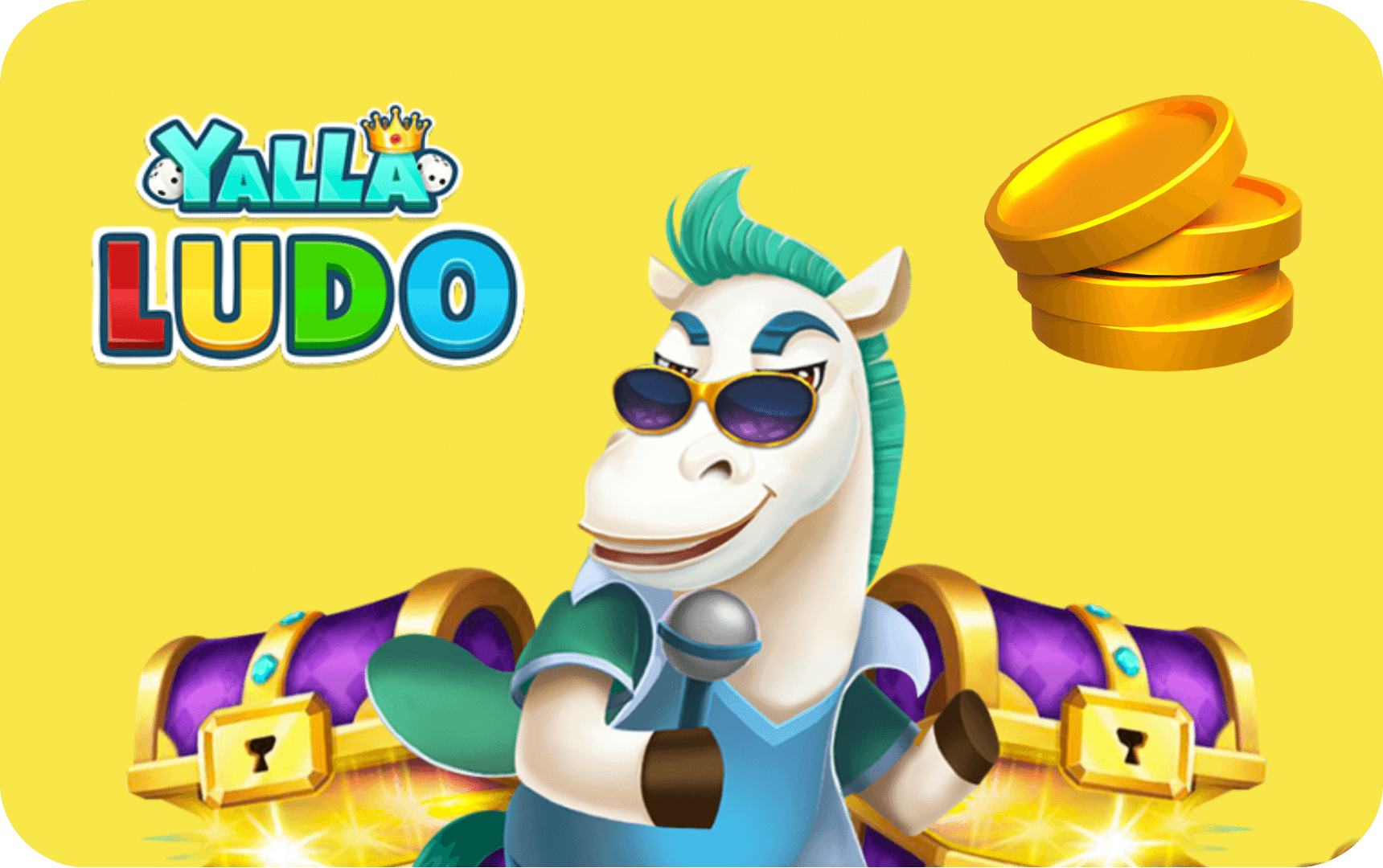
Yalla Ludo Gold $100 is the largest Gold denomination in this range. Redeem the digital code to add gameplay currency to the intended Yalla Ludo account.
Gold is part of the virtual economy in Yalla Ludo, a mobile app that combines board games and social play. Ludo and Domino are among the games available. Where the app displays a Gold requirement for a room, this voucher can add credit to the balance used for that requirement. Features that display a Diamond price use the separate premium balance.
Yalla Ludo offers Ludo in individual and team configurations, plus separate Domino variants. A player who uses multiple modes can read the Gold requirement for each planned activity on its own screen. The app also has voice chat, which can help a group coordinate where to play. A Gold top-up covers the account balance side of that plan while the room and game choices stay within the app.
For a player returning to the app, checking a familiar room is a practical way to start. The publisher lists different Ludo configurations and Domino formats, so a session can involve more than one kind of room. Decide which activity is relevant to the purchase and read the requirement there rather than treating all rooms as interchangeable.
When you verify the credited balance, do it before joining the next game. The amount can change during play, so checking at that point gives you a clearer record of the top-up.
A Gold top-up is a way to supplement the virtual currency already held by a player. The code applies to a selected Yalla Ludo profile, and Gold obtained through regular gameplay belongs to the same kind of balance. Players then choose which eligible rooms or activities to use within the app. The amount consumed during a session depends on the selected activities and play, so the voucher has no fixed duration measured in matches.
The $100 value is the largest in this range and is most relevant to a player who already understands how they use Gold across sessions. Check the amount of Gold credited for that voucher and look at the balance already on your account. Room conditions and your use of Gold during play affect how long the balance lasts. The face value does not specify a fixed number of matches.
Gold can be earned through play, so your balance may already include credit from prior sessions. If you are returning after a break, the live balance is more useful than what you remember spending. Before buying a larger denomination, check which activities are available to your profile and whether their currency label actually calls for Gold.
A Gold voucher applies to the game profile. It does not assign the currency to a particular room in advance. This gives you a chance to review the current conditions when you choose where to play. If you plan to try a room you have not used before, check whether the app lists any conditions in addition to a Gold amount.
If you use two devices, the one that holds the order does not have to be the one you use to check the receiving profile. What matters for the top-up is the account ID you submit. Keep the actual ID visible as you review the details, especially if you copied the number from a message written for a previous purchase.
You can redeem the Gold voucher within 12 months of purchase. Keep the purchase date and the order reference with the code if you do not plan to apply it immediately. Once the balance is credited, choose your activities in the app using the requirements it displays at the time.