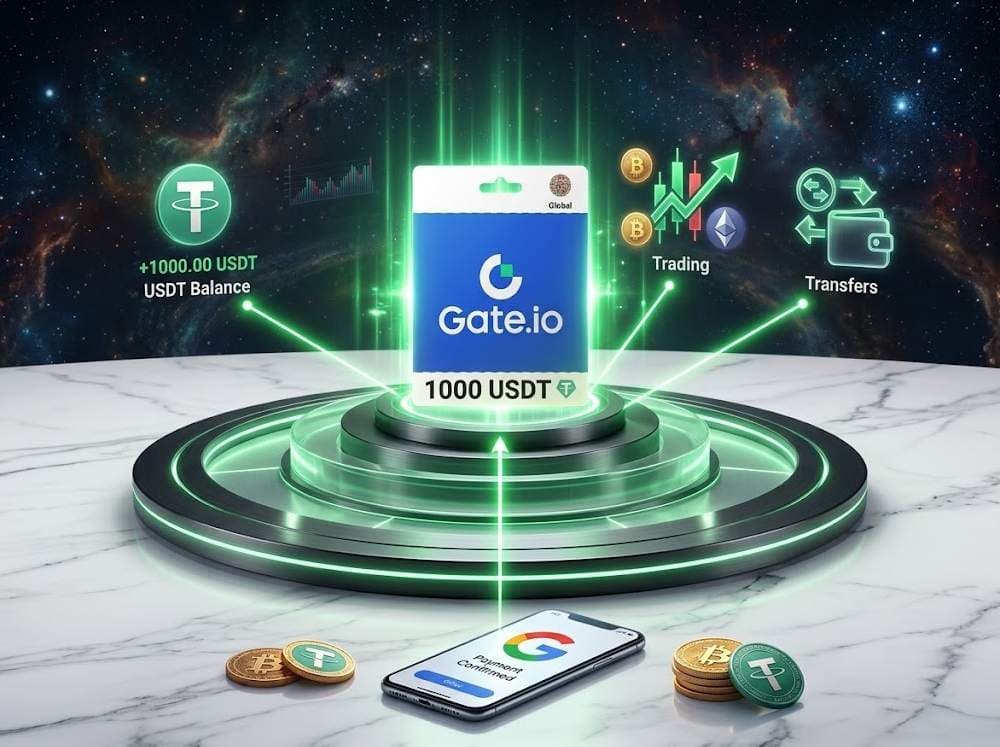
Google Pay has become a familiar way to pay for online purchases. Once card details are saved, entering them again by hand feels unnecessary. The same applies to crypto products: buying a gift card for Gate.io should feel as easy as buying any other digital item.
Buying a gift card for Gate.io with Google Pay is possible, but there is more to this purchase than the familiar “choose and pay” process. A convenient payment method alone does not explain the card’s price, terms of use, or what happens after the code arrives.
Before choosing a Gate Gift Card, it helps to see the full picture. We’ll look at what to check before paying, how the card works, and how to use it after purchase. Once those details are clear, the right denomination can be selected and paid for at Baxity Store.
Gate Io Gift Card
What Is a Gate.io Gift Card and How Does It Work
A Gate.io Gift Card holds a fixed amount of USDT in the form of a digital code. It can be purchased to fund a personal account or as a gift for someone who uses Gate. The format is convenient in either case: the denomination is chosen in advance, and receiving the funds on the platform requires no cryptocurrency transfer from an external wallet.
A Gate io Card is purchased to:
- fund a Gate account without linking a bank card directly to the exchange;
- give a digital gift worth a specific amount of USDT;
- receive USDT on the platform without first buying cryptocurrency elsewhere.
For a personal account, it offers an alternative way to add funds. As a gift, it provides a way to send a specific amount to another Gate user. The format has four practical benefits:
- A fixed top-up amount. A 50 USDT card credits exactly 50 USDT, although its final purchase price may differ from its face value.
- The option to give funds as a gift. Gate supports sending gift cards through its interface, without needing the recipient’s external crypto wallet address.
- A convenient way to obtain USDT. It is possible to pay for a Gate.io Card with Google Pay, then redeem the code on the platform, without a separate crypto transfer or bank card deposit on the exchange.
- Flexibility in using the balance. The full amount does not have to be spent immediately after redemption: the funds remain in the account for supported activities on Gate.
These benefits apply to purchasing a ready-made Gate.io Gift Card from a third-party store. On Gate itself, a Gift Card can be created using cryptocurrency already held in the account — a convenient way to send a gift to another user. Google Pay is not involved in this process: the card’s value is deducted from the account balance rather than paid for through a separate purchase.
For a Gift Card purchased from a store, the process is straightforward: it works as a prepaid voucher, with a fixed USDT value credited to the Gate balance upon redemption. The code can only be redeemed once, while the resulting USDT can be used across multiple transactions.
To buy a virtual Gate.io Card with Google Pay, then, is to purchase a digital code with a fixed value using a convenient payment method. What exactly makes Google Pay convenient? We’ll explore that next.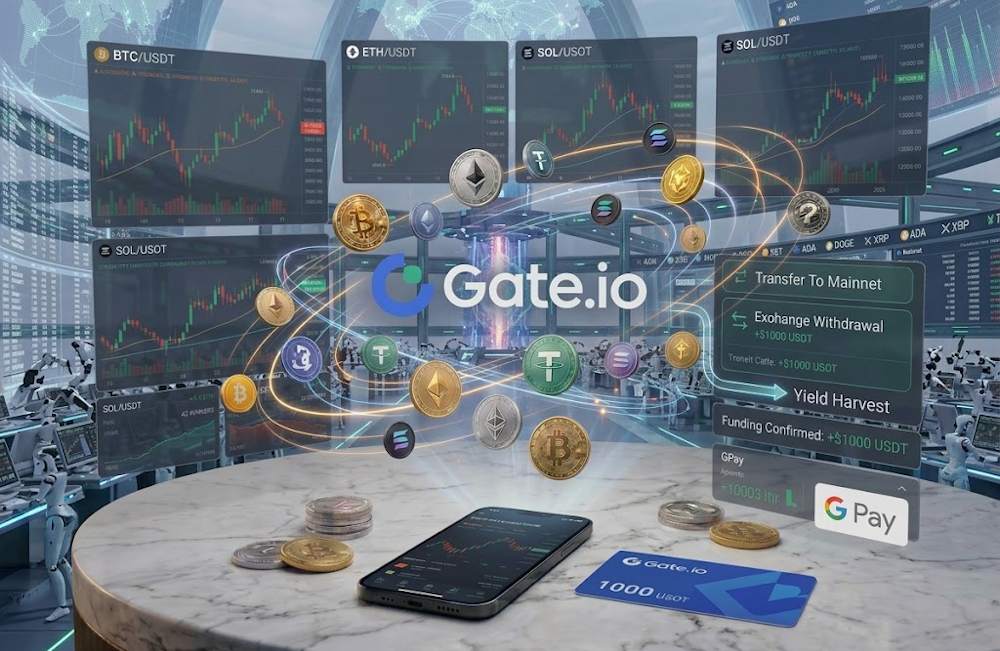
Why Google Pay Is a Popular Payment Method
Google Pay has become one of the most convenient ways to pay for online purchases, and its appeal goes beyond habit. The main advantage is speed. According to Stripe data from December 2025 to February 2026, mobile checkout with a digital wallet took an average of 42 seconds, compared with 85 seconds when card details were entered manually. That is almost twice as fast. This helps explain why buyers want to use Google Pay for Gate.io when purchasing digital products.
The second reason is security. For supported cards, Google Pay uses tokenization: a digital token replaces the actual card number. This helps protect card details during payment and supports secure payments.
The third reason is convenience on mobile devices. Saved cards and payment confirmation on a phone remove the need to copy card details into a payment form. The popularity of this approach is also reflected in the figures: according to WayForPay, Google Pay’s share of payments through its platform rose from 8.31% in 2025 to 10.70% as of May 2026. Together, Apple Pay and Google Pay accounted for more than 31% of payments — almost one in three.
The convenience of using Google Pay for Gate.io comes down to several practical benefits:
- Fast payment confirmation — without filling out a lengthy payment form.
- Less manual entry — card numbers and expiration dates do not have to be entered each time, reducing the chance of mistakes.
- Saved payment information — the preferred card can be selected from those available, including cards already linked to a Google Account.
- Convenience on mobile devices — payment takes just a few taps.
These benefits explain why buyers prefer to pay for Gate.io with Google Pay when purchasing a Gift Card. In this case, payment takes place at the store selling the Gift Card. What happens after the payment button is pressed is explained below.
Gate Io Gift Card
How Google Pay Works for Online Purchases
At checkout, the Google Pay button opens a payment window displaying cards saved in a Google Account or Google Wallet. The buyer selects a card and confirms the payment. Depending on the device and settings, confirmation may use a fingerprint, facial recognition, or a PIN.
Google Pay then passes protected payment data for processing. The payment provider and bank check the transaction, and the bank may request additional verification. Google Pay is not the Gift Card seller; it handles the transfer of payment data.
Purchasing a Gift Card for Gate.io with Google Pay follows the same process: selecting a saved card, confirming the payment, and processing the transaction. The next section covers choosing a denomination, paying for the order, and receiving the code.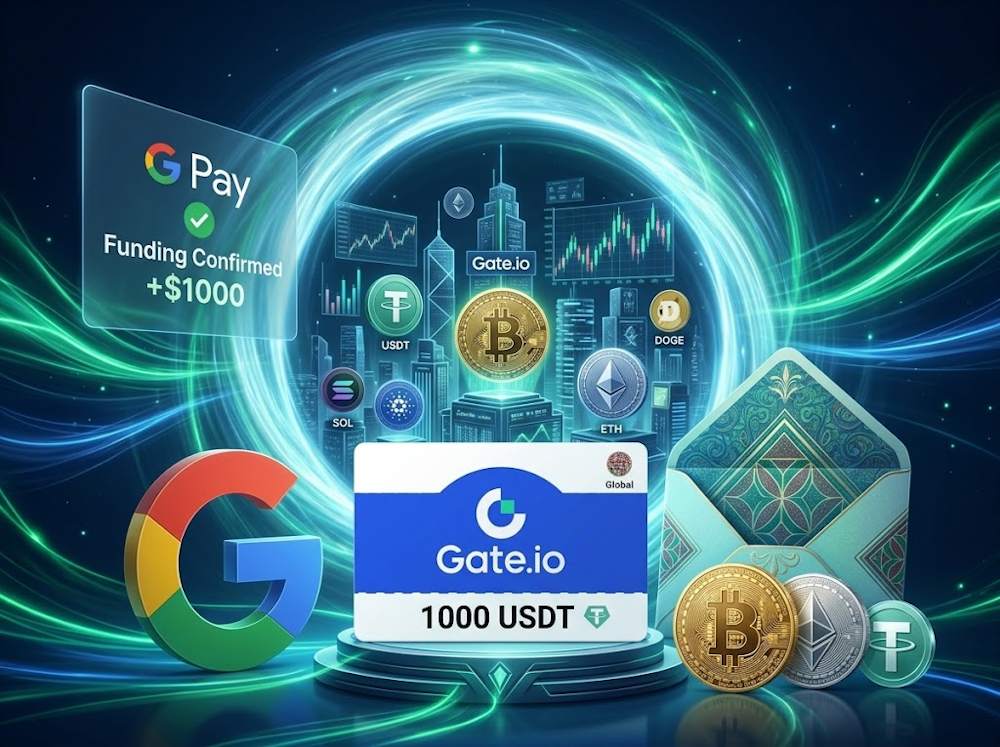
How to Buy a Gate.io Gift Card with Google Pay
Before buying a Gate.io card with Google Pay, it is worth checking that the retailer is reliable. For a digital product, the source of the code, clear delivery terms, and support after purchase all matter. Buying a Gate.io Gift Card with Google Pay therefore starts with choosing a store.
Baxity Store is a verified reseller offering:
- Original codes from official suppliers — with guaranteed authenticity.
- Protected payments — through an encrypted connection.
- Fast digital delivery — codes usually arrive within minutes after payment confirmation.
- Round-the-clock support — for questions about purchases and received codes.
- Wholesale pricing — special prices for orders of 10 or more cards, including purchases intended as gifts for several people.
Before making a payment for Gate.io with Google Pay, the method’s availability should be checked for the specific order. Online payments are supported on mobile devices and computers through compatible browsers, with available options displayed at checkout.
First, though, the amount needs to be chosen: the card’s denomination determines how much USDT will be credited to the balance when the code is redeemed.
Gate Io Gift Card
Choosing a Gate.io Gift Card Value
Baxity Store lists Gate.io Gift Cards in denominations ranging from 1 to 1000 USDT. Options of 10–25 USDT can suit a small balance top-up, 50–100 USDT can cover planned transactions, and 250–500 USDT can suit a larger amount or a gift. The largest listed denomination for a single card is 1000 USDT. These are examples by amount; the choice depends on the budget and purpose of the purchase.
Before choosing to buy a Gate io card, consider the amount needed for its intended use:
- For trading — the budget allocated to planned transactions.
- For balance funding — the amount of USDT needed in the account.
- For a transfer or gift — the amount the recipient should receive.
One card of the required denomination or several cards can be selected, depending on availability in the catalogue.
The denomination is in USDT, while the store’s purchase price may be displayed in US dollars or euros. These amounts should be distinguished: a 50 USDT card credits exactly 50 USDT, even if it costs more or is sold at a discount. When planning a Gate.io top-up with Google Pay, the final order total should be taken into account, including any applicable payment fees.
Once the amount is chosen, the cards can be added to the cart and the order placed.
Gate Io Gift Card
How to Complete the Purchase
A purchase at Baxity Store follows these steps:
- From the homepage, open Gift Cards, then select the Gate.io category.
- Choose the denomination and quantity. Add the required card or cards to the cart.
- Open the cart and sign in to a Baxity Store account. For a first purchase, registration and a brief security verification are required. This step takes place after selecting the products and before proceeding to payment.
- Click Checkout and select Google Pay from the payment methods available for the region and order. Check the final total, tick the box agreeing to Baxity Store’s security policy, and click Place order. Confirm the Google Pay payment on the payment page.
- Check the email inbox. After payment confirmation, the digital code is sent to the address associated with the order.
Once the code arrives, the purchase is complete. To credit the USDT to the Gate account, the code must be redeemed — that step is covered separately below.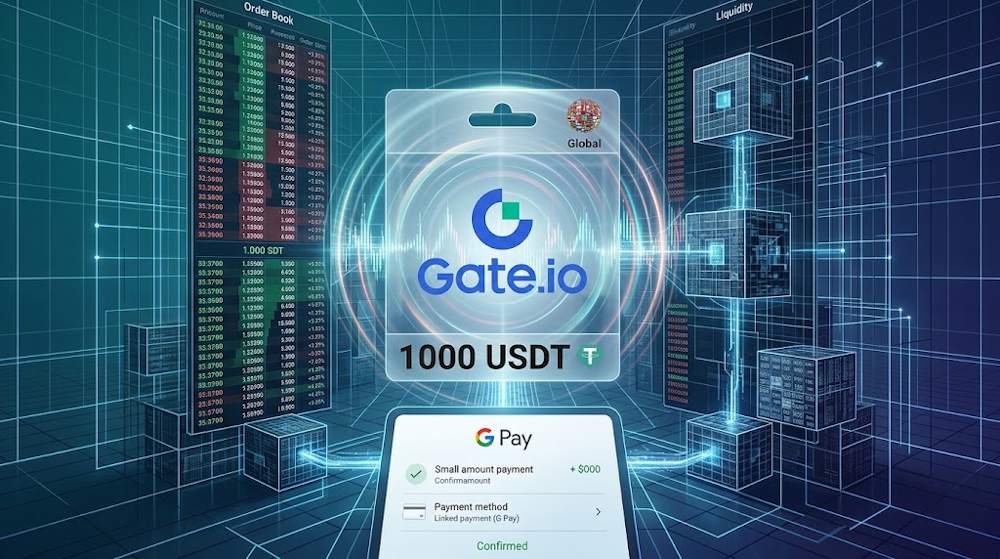
How to Redeem a Gate.io Gift Card
After purchasing a Gift Card for Gate.io with Google Pay or another payment method, the code arrives by email, but the funds are not yet in the account. To credit the funds and top up Gate.io with Google Pay through a Gift Card purchase, a separate step is required: redeeming the code in a Gate account. This can be done in the mobile app or through the platform’s website. The redemption process for Gate.io Cards follows the same principle in both cases.
| Redemption in the App | Redemption on the Website |
|---|---|
| 1. Log in to the Gate account. Make sure the account is verified — without it, redemption isn't available. | 1. Log in to the account on the official Gate website. |
| 2. Open the Pay section, then select "Gift Card". | 2. Scroll to the bottom of the page and select "Gift Card" from the menu. |
| 3. Select "Redeem." Enter the received code in the field and check for extra spaces or characters. | 3. Select "Redeem." Enter the 16-character redemption code in the field. |
| 4. Confirm the redemption and check that USDT has been credited to the balance. | 4. Click "Redeem" — the funds land in the wallet instantly. |
Important Details
A few points are worth keeping in mind:
- Six-month validity. Cards created after April 2024 are valid for six months from their creation date. An expired code cannot be redeemed.
- One redemption per code. Each code can only be used once and must be redeemed in full. Partial redemption is not available. If several cards have been purchased, each code must be redeemed separately.
- No fees. Redeeming and sending Gift Cards is free.
- A verified account is required. Only verified users can redeem Gift Cards.
If a code cannot be redeemed, the most common causes are incorrect entry or an expired card. The card’s status can be checked in the app’s history, or support can be contacted for assistance.
After successful redemption, the code is no longer needed for transactions: the credited USDT is available in the account. All further activities take place within the Gate ecosystem. Next, we’ll look at what can be done with the resulting balance.
What Can You Do with a Gate.io Gift Card
Once a Gift Card is redeemed, its USDT value is credited to the account. The funds can then be kept in the balance, used for trading, or transferred to another user through available Gate services. The full amount does not have to be spent immediately or used for just one purpose.
After buying Gate Gift Cards Online and redeeming the codes, the following options are available:
- Balance funding. The USDT is added to the existing account funds and can remain there until a planned transaction. This is convenient when preparing the balance in advance.
- Cryptocurrency trading. The credited USDT can be used to buy Bitcoin, Ethereum, and other assets through available trading pairs. The amount can be split across several trades.
- Transfers within the Gate ecosystem. Funds can be sent through supported internal services, provided these features are available for the account and region.
The route from Google Pay to Gate.io therefore results in a USDT balance that can be used on the platform. The payment method selected at the store does not determine how the funds are used afterwards.
The distinction between the code and the resulting balance matters. A Gate.io top-up with Google Pay through a Gift Card is an account recharge completed by redeeming the code. The code itself cannot pay for purchases at external stores: after redemption, transactions use the credited USDT under Gate’s rules.
To help this process go smoothly, a few conditions should be checked before purchase.
Things to Check Before Buying a Gate.io Gift Card
Before purchasing, it is important to check both the denomination and whether the code can be redeemed in the intended account. Convenient payment does not override Gate’s regional restrictions or account requirements. A few minutes of checking can save hours of contacting support. Below are the main points to consider when purchasing a card for Gate io with Google Pay.
| What to check | What to look for | Why it matters |
|---|---|---|
| Gate availability in the region | Whether the platform and Gift Card service operate in the account holder’s country. For a gift, check the recipient’s region. | Being able to buy a code from a store does not guarantee that it can be redeemed on Gate. |
| Account requirements | A registered and verified Gate account, with no restrictions preventing redemption. | The code credits funds to an account that meets the platform’s requirements. |
| Google Pay availability | Whether Google Pay appears among the payment methods available for the specific region and order. | A Gift Card purchase for Gate.io with Google Pay is possible when this method is available at checkout. |
| Gate account region | Gate restricts services in several countries, including the United States, Canada, the United Kingdom, Germany, France, Spain, the Netherlands, Austria, and others. | If the account is registered in a restricted region, the code may not be redeemable. |
| Denomination and quantity | The required amount in USDT, the number of cards, and catalogue availability. Baxity Store lists denominations from 1 to 1000 USDT. | The denomination determines the amount credited. Each code must be redeemed separately and in full. |
| Validity period | The expiry date of the specific card. The cards described here are valid for six months from their creation date. | Validity runs from the creation date and should not automatically be calculated from the purchase date. |
| Scope of use | The code is intended for redemption on Gate; access to subsequent activities depends on the account and region. | A Gift Card cannot pay for purchases at external stores or be redeemed on other exchanges. |
| Delivery email | The accuracy of the email address associated with the order and access to the inbox. | The digital code is sent to this address. |
If all conditions are met — the region is supported, the account is verified, and Google Pay is available — the purchase can proceed smoothly.
Conclusion
Google Pay makes buying a Gate.io Gift Card part of a familiar online shopping experience: a saved card is used for payment, and the received code adds USDT to the account balance. Using Google Pay for Gate.io purchases is most convenient when the card’s terms and redemption requirements are clear beforehand.
To buy a card for Gate io with Google Pay, the next step is to open the Baxity Store catalogue, choose a denomination, and place an order using a convenient payment method.
FAQ
1. Where is a Gate.io Gift Card redemption code entered? The code is entered in the Gate app under Gift Card → Redeem, or on the website through the Gift Card section linked in the footer. The 16-character redemption code is different from the 16-digit card number used to check the card’s status.
2. How long is a Gate.io Gift Card valid? Cards created after April 2024 are valid for six months from their creation date. An expired code cannot be redeemed. The expiry date can be checked in the app by entering the 16-digit card number.
3. Can the card be used if Gate is unavailable in the country? No. If the platform is unavailable in the account’s region, the code cannot be redeemed. Purchasing a code from a store may still be technically possible, but this does not guarantee that it can be redeemed. The recipient’s region should be checked beforehand.
4. Can funds be transferred directly from Google Pay to Gate.io? With a Gift Card, the route from Google Pay to Gate.io involves purchasing a code from a store and redeeming it on the platform. Google Pay pays for the order using a saved card; it is not a separate balance for transferring USDT.
5. What happens if payment is confirmed but the code has not arrived? First, check the spam folder, the email address on the order, and the purchase status in the Baxity Store account. If the code is missing, contact support with the order number and payment confirmation. The same order should not be paid for again until its status has been clarified.
6. Can a Gift Card payment made through Google Pay be refunded? Refund requests are handled by the seller under the order’s terms. Google Pay does not set the refund policy for a digital code. Refund eligibility depends, among other things, on whether the code has been delivered and redeemed; a refund should not be assumed once the code has been received.
7. Will the credited amount change if the dollar or euro exchange rate changes after purchase? The denomination remains in USDT: a 50 USDT card credits 50 USDT. Exchange rate changes may affect the purchase cost or the value of the received funds in dollars or euros, but they do not change the amount of USDT assigned to the code.
8. What happens if the app closes during redemption? First, check the balance and redemption history. If the transaction was completed, the funds have already been credited and the code has been used. If redemption was not completed, the process can be repeated with the same code.



Comments
Sign in to join the conversation. Every comment is reviewed before it appears on the page.
Sign in to comment
You need an account to leave a comment. Sign in and your name will be used automatically.
No comments yet. Be the first to write one.