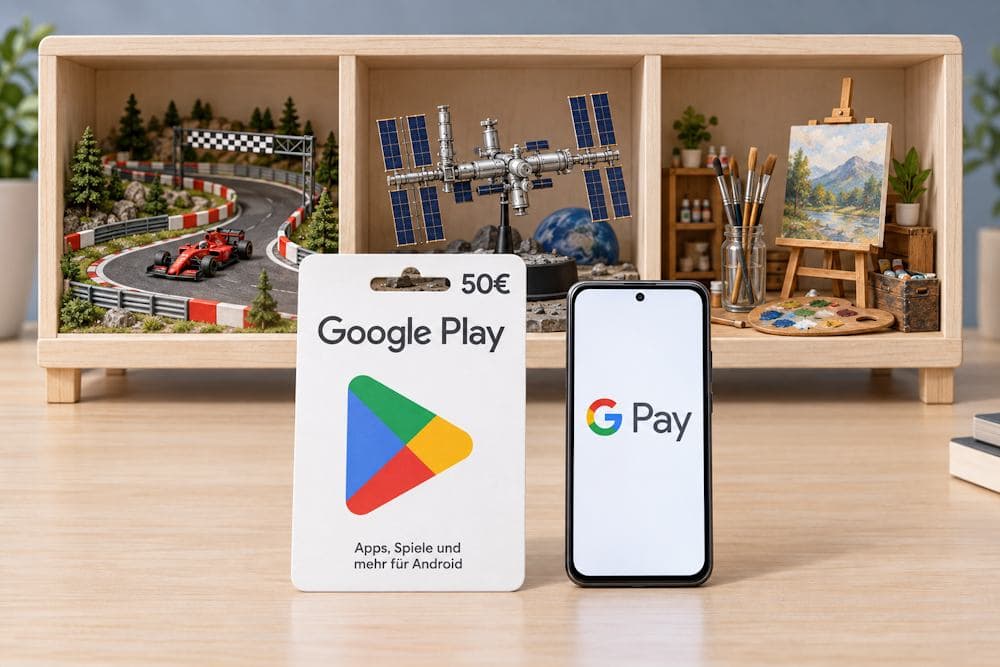
Google Play offers games to unwind with, educational apps, and tools for creative and professional tasks. When a paid feature or new content is needed, a simple payment process provides quicker access. Paying for Google Play with Google Pay feels like a natural pairing: both services are familiar, and a saved card removes the need to enter payment details each time.
A Google Play Gift Card adds the option of purchasing a set amount of credit for digital purchases, either for personal use or as a gift. Paying with Google Pay for a Google Play Gift Card is possible when buying directly from Google or through a third-party seller, wherever this payment method is supported. Once the code is redeemed, the card’s value is added to the account’s balance. This combines convenient payment with the freedom to choose content within the available amount.
Choosing a card and a payment method involves a few details worth checking. The following sections explain why gift cards are popular, where to buy them, and what to check before paying with Google Pay.
Google Play Gift Card
What Is a Google Play Gift Card and What Can You Use It For
A Google Play Gift Card is a digital code with a specified value. Once redeemed, that amount is added to the account’s balance. An online Google Play Card provides prepaid credit for apps, games, and other eligible content. This digital voucher allows purchases without linking a bank card to the account and helps set a budget for digital entertainment and tools in advance.
Each code can be redeemed once, while the credited amount can be spent all at once or across several purchases. For example, part of a €25 card’s value can cover a paid app, with the remainder kept for a future purchase.
The card’s practical value depends on its intended use:
- A gift. The recipient receives the code and chooses the content they want within the card’s value.
- A planned budget. Money for games or apps is allocated in advance, helping keep spending under control.
- Payment without linking a card. Purchases are paid for using the credited balance, without adding a bank card to the account.
- In-app purchases. The balance can cover eligible purchases processed through Google Play billing.
Depending on the country and the terms of the particular product, the balance can be used for:
- paid games and apps for Android;
- purchases within an app, such as in-game items, additional levels, or advanced features, when payment is processed through Google Play;
- subscriptions that accept Google Play balance;
- books and video content in countries and services where this payment method is supported.
Eligible content varies by region. For example, German and Austrian gift cards cannot be used to pay for books. The balance also cannot be used to buy hardware from Google Store or other gift cards within Google Play. Before purchasing, it is therefore worth checking whether the intended content accepts balance payments.
Purchasing Google Play credit with Google Pay through a gift card is possible directly from Google or through third-party online stores where this payment method is available. Retailers’ offers make it possible to compare regions, denominations, and total prices to choose a card for personal purchases or as a gift.
Before buying a card for Google Play with Google Pay, it helps to understand each service’s role in the payment process.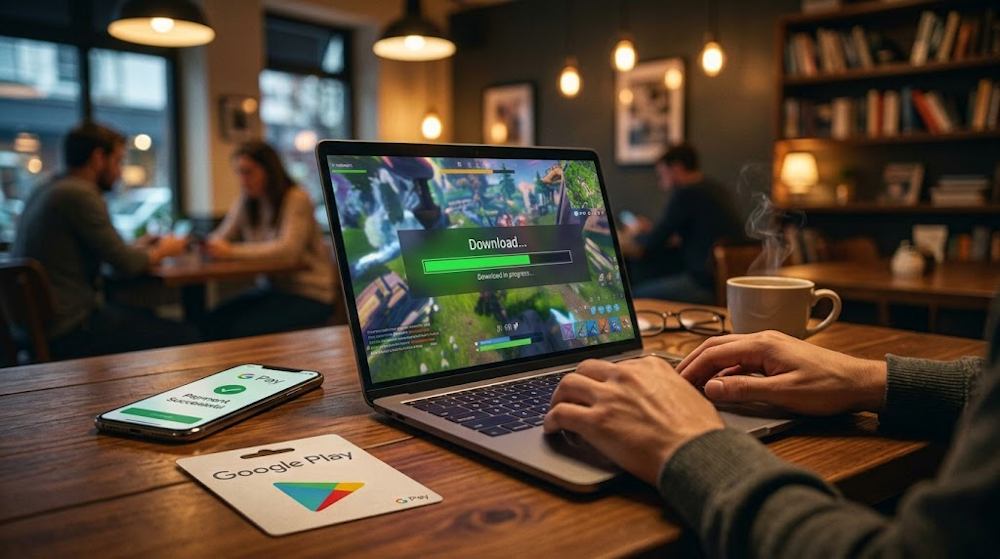
Google Play vs Google Pay: What Is the Difference?
The names of these two services sound similar, but they serve different purposes:
- Google Play is a store for apps, games, movies, subscriptions, and other available digital content.
- Google Pay is a payment tool for online purchases.
In other words, Google Pay and Google Play complement each other: the platform helps users find the content they want, while the payment service makes checkout easier by allowing them to select a saved card and confirm payment without entering its details again.
| Service or tool | What it is used for |
|---|---|
| Google Play | Finding and purchasing available digital content |
| Google Pay | Paying for an order on a website or in an app where this method is supported |
| Google Wallet | Storing supported payment cards and other digital items |
| Google Play balance | Paying for eligible purchases with funds credited to the account’s balance |
To use Google Pay on Google Play, the payment method must be available for the specific purchase. A bank card saved to a Google account does not by itself guarantee a Google Pay button at checkout. However, the ability to use Google Pay on Google Play depends on the payment methods available for the particular purchase.
With a gift card, the process is different: Google Pay is first used to pay for the card itself, either directly from Google or through an online store where this method is available. Once the code is redeemed, the card’s value is credited to the Google Play balance.
This is where confusion between Google Pay and Google Play arises. Some users assume that Google Pay can be “transferred” directly to their Play balance. In reality, payment and balance are two separate parts of the process. In this purchase process, Google Pay charges the selected bank card. Once redeemed, the gift card code adds credit to the Google Play balance. It is a tool that processes a transaction between the buyer and the seller.
It is therefore possible to buy on Google Play with Google Pay using a gift card: the chosen payment method is used to purchase the card, while the credited balance covers subsequent purchases on the platform.
Google Play Gift Card
Why Use Google Pay to Buy a Google Play Gift Card
Google Pay removes extra steps from the payment process. Instead of entering a card number, expiry date and CVV for every purchase, buyers select a saved payment method and confirm the transaction. The difference is particularly noticeable on a smartphone, where filling out payment forms can be frustrating.
This convenience reflects what shoppers value. According to IDC’s Lightning-Speed Checkout study, published in May 2025, the features consumers value in digital checkout include:
- Simplicity — 62%.
- Transaction security — 56%.
- Speed — 47%.
- No need to enter card details manually — 47%.
These findings concern digital checkout in general. They help explain the appeal of paying with saved details, including through Google Pay.
Using Google Pay for Google Play Gift Cards offers several practical benefits:
- Saved payment details. Buyers can select a supported card already saved to their Google account.
- Faster checkout. Fewer details need to be entered manually, making payment easier to complete.
- Convenience across devices. Orders can be paid for through mobile checkout or on a computer through a supported browser.
Availability depends on the seller’s checkout and the region. The bank may also request additional authentication or decline the transaction. Where supported, Google Pay makes paying for a digital gift card simpler.
Where to buy the card is a separate decision. There are two main options:
- Directly from Google. This offers a straightforward purchasing process in supported countries. However, direct gift card purchases are unavailable in some markets, and the available denominations depend on the local offer.
- From a third-party seller. A seller’s catalogue may offer more regional cards, denominations and payment options. The key is to choose a trusted store with an established history and customer reviews.
The differences can be summarised as follows:
| Criterion | Direct purchase from Google | Third-party seller |
|---|---|---|
| Regional cards | Available for supported markets | Selection depends on the seller’s catalogue |
| Denominations | Depend on the local offer | May include more options, depending on the seller |
| Payment methods | Those available at Google’s checkout | Google Pay, bank cards and other methods, where supported |
| Delivery | According to Google’s purchase and delivery process | According to the seller’s delivery terms |
Buying a Google Play Store Gift Card online from a third-party seller can be a better fit when its catalogue includes the required regional card or its purchase terms suit the intended use. For example, Baxity Store offers German and Austrian cards, while Austria is outside Google’s list of countries supporting direct gift card purchases.
A store’s reputation also matters. Clear purchase terms, accessible support and a history of customer feedback help buyers assess the seller before placing an order:
- Baxity Store has operated as a verified gift card seller for more than 10 years.
- It has a public Trustpilot profile with customer ratings and reviews.
Combining Google Pay and Google Play through a gift card offers flexibility: buyers can choose a suitable region and denomination, then pay using a familiar method. The next section explains how this works in practice, using Baxity Store as an example.
How to Buy a Google Play Gift Card with Google Pay
Buying a gift card for Google Play with Google Pay starts with selecting the right product. On Baxity Store, open the Gift Cards category and select Google Play. This section brings together the available regional cards and denominations. To buy a Google Play Gift Card online, start by choosing the appropriate region and value.
Choose the Right Region and Currency
Before adding the product to the cart, check three details:
- Country. The card’s region must match the country of the Google Play account and meet its redemption requirements. Baxity offers gift cards for regions including AE, AT, DE, MX, SA and TR: the UAE, Austria, Germany, Mexico, Saudi Arabia and Türkiye.
- Currency. The gift card’s currency must match the currency of the Google Play balance. Changing the currency used to display prices in the store does not change the code’s region.
- Amount. The denomination can cover a planned purchase, such as a game, subscription or several in-game purchases. A card can also be purchased in advance for later use, subject to its regional terms.
Next, select the quantity and click Add to cart. For orders of 10 or more cards, separate pricing is available on the Wholesale page.
Check Google Pay Availability at Checkout
To complete a Google Play purchase with Google Pay, register with Baxity Store or sign in to an existing account. The account must have a valid email address that the buyer can access, as it is used to deliver order details.
Proceed to checkout, then:
- Select Google Pay from the available payment methods.
- In the Google Pay window, choose the card to charge.
- Confirm the payment by following the on-screen instructions.
- Check the received code in the Orders section or the email containing the order details.
The availability of Google Pay at checkout for Google Play Gift Cards depends on the region and payment provider. This method can work in a browser on Mac or iPhone when supported by the seller’s checkout.
The received code must be redeemed in the Google Play account. Its value is then added to the balance, which can be used for games, apps and other eligible content. This gift card route makes it possible to pay for Google Play with Google Pay: the payment method is used to buy the card, and the redeemed balance covers subsequent purchases.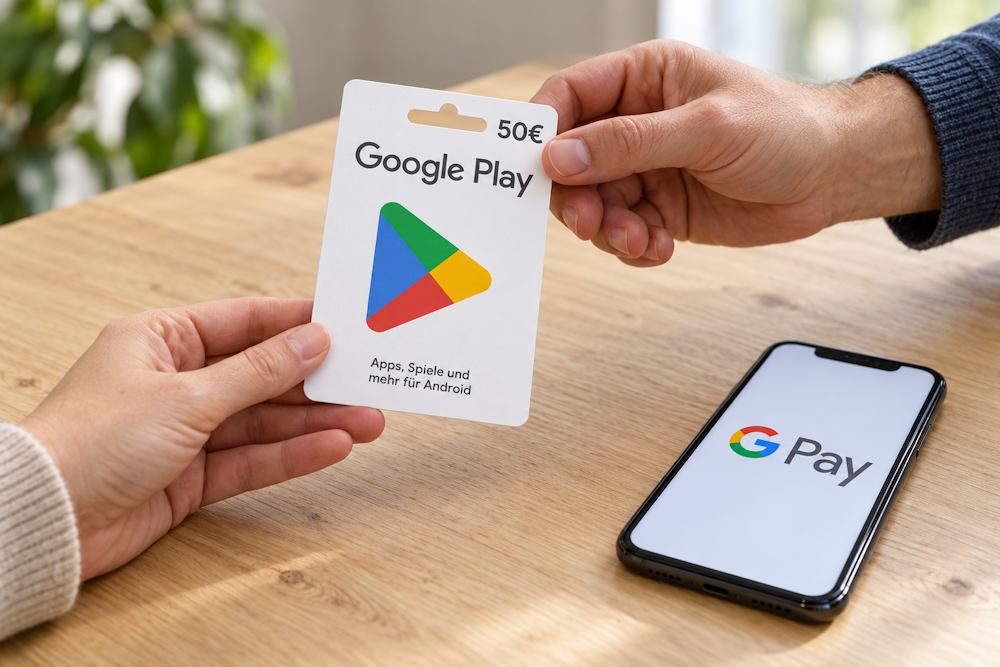
How to Redeem and Use a Google Play Gift Card
After purchasing a Google Play Gift Card online, the code must be redeemed in the account where the funds will be used. If the card is a gift, the code is passed to the recipient.
To top up Google Play with Google Pay using the purchased gift card:
- Open the Google Play app on Android.
- Tap the profile picture and select the correct account.
- Go to Payments & subscriptions → Redeem code or Redeem gift code.
- Enter the code and tap Redeem.
- Check the account in the confirmation window and tap Confirm.
To recharge the balance through a browser, visit play.google.com/redeem, enter the code and confirm its redemption. To check the Google Play balance after a Google Pay purchase, open the app and go to Payments & subscriptions → Payment methods → Google Play balance.
The next section covers country and currency requirements, potential fees and other conditions worth checking before purchase.
Google Play Gift Card
Region, Currency, Fees, and Other Restrictions
Before purchasing a Google Play Gift Card, several essential details need to be checked. Overlooking any of them could prevent the code from being redeemed or the funds from being used. A successful purchase does not guarantee successful redemption. The terms for Google Play and Google Pay apply to different stages: the card’s compatibility with the account and payment for the order.
| What to check | What matters |
|---|---|
| Card country | The code is intended for a specific region. The card’s country must match the Google Play account country and payment profile. Check the region in the product name and description before paying. |
| Currency | The card’s currency must match the balance currency. Cards from different countries are not interchangeable simply because they use the same currency. Switching Baxity’s displayed prices from USD to EUR does not change the code’s region. |
| Physical location | The user must be in the country where the card is intended to be used when redeeming the code and spending the balance. Buying a foreign code or changing profile settings does not remove this requirement. |
| Recipient’s age | For a gift intended for a child, check the minimum age in the regional Google Play Gift Card terms. Having a Google account alone does not establish eligibility to use the card. |
| Expiry | Standard gift cards and promotional codes may follow different rules. Check a promotional code’s expiry in the offer terms and a gift card’s status in the issuing country’s terms, particularly where gift card support has been discontinued. |
| Price and fees | The code’s face value and the amount charged may differ. Before confirming a Google Play payment with Google Pay, check the product price and any processing fee displayed at checkout. The bank may apply currency conversion when the transaction currency differs from the bank card’s currency. |
| Refunds | Choosing the wrong region does not guarantee eligibility for a refund. If the code is not delivered or does not work, contact the seller. Once redeemed, the funds cannot normally be withdrawn to a bank card or transferred to another account. |
For a gift, the appropriate region depends on the recipient’s account and physical location. The buyer can pay for Google Play with Google Pay using their bank card, but that card’s currency does not determine which gift code is suitable for the recipient.
Conclusion
A game from the wishlist, new features in a favourite app or a gift for another gamer — a Google Play Gift Card can cover personal purchases or be given as a gift, letting the recipient choose their own game or app. Paying with Google Pay makes the purchase simple and familiar.
Already have the next game in mind? Choose a Google Play gift card online at Baxity Store and set aside a budget for digital purchases.
FAQ
1. Can a Google Play Gift Card be purchased directly from Google using Google Pay? Google sells digital gift cards directly in supported countries. Available payment methods appear at checkout. Third-party stores also sell these cards, so the purchase options depend on the seller’s support for Google Play and Google Pay.
2. Is an Android smartphone required to pay for the card with Google Pay? No. The purchase can be completed through a supported browser on a computer or smartphone, including a Mac or iPhone. To use Google Pay for a Google Play Gift Card, a supported saved card is required, and the seller must offer Google Pay at checkout.
3. Can Google Play balance be used to buy a gift card through Google Pay? No. Google Play balance and Google Pay are not interchangeable sources of funds. A supported bank card is used to purchase the gift card through Google Pay. Play balance cannot be used to buy another gift card.
4. Can several Google Play Gift Cards be purchased in one payment? On Baxity Store, the required quantity and products can be added to the cart. Google Pay covers the entire order when available for that purchase. For gifts intended for different people, each card’s region must match its recipient’s account and location.
5. What happens if Google Pay shows a charge but no code has arrived? First, check the order status, the Orders section and the email spam folder. The bank transaction may be a temporary authorisation hold, so repeating the purchase immediately could create a duplicate order. If the code is missing, Baxity support can investigate using the order number.
6. Can a card be purchased through Google Pay and its code given to someone else? Yes. The code can be passed to the recipient before redemption. It does not have to be redeemed in the Google account used to make the payment. The card must match the recipient’s Google Play account country and physical location.


Comments
Sign in to join the conversation. Every comment is reviewed before it appears on the page.
Sign in to comment
You need an account to leave a comment. Sign in and your name will be used automatically.
No comments yet. Be the first to write one.