Upgrading your arsenal in PUBG Mobile requires Unknown Cash (UC), while traditional payment methods often come with regional restrictions or are simply inconvenient to use. Paying for PUBG via crypto has become a practical solution for a global audience: transaction speed and privacy clearly explain why crypto for PUBG is chosen more and more often.
There is one important limitation to keep in mind: PUBG Mobile does not accept cryptocurrency directly within the game account. However, this is not a real obstacle. The solution is straightforward — using a PUBG gift card purchased with funds from your crypto wallet. The key point is choosing a reliable gift card aggregator, because only an official brand reseller can guarantee the security of transactions and the validity of delivered codes.
At Baxity Store, official PUBG gift cards are available alongside a streamlined purchase flow. You select the required denomination of Gift Card for PUBG, complete the checkout using cryptocurrency, and after a successful transaction receive a digital code by email. The code is then redeemed in the game menu, and UC are credited according to the selected value.
Below, we explain how this mechanism works in detail, where users most often make mistakes during payment, and how to top up UC without delays — so you spend your time playing, not troubleshooting payment issues.

Buying PUBG Mobile UC with Crypto: How It Works
It might seem like blockchain and an in-game store are two separate worlds. However, the mechanism for using cryptocurrency for PUBG connects them through a simple and reliable scheme. This process is based not on a direct transfer, but on an exchange operation via an authoritative digital goods aggregator. This is where your transaction is finalized, and the crypto payment for PUBG Mobile UC is transformed into a legitimate in-game resource.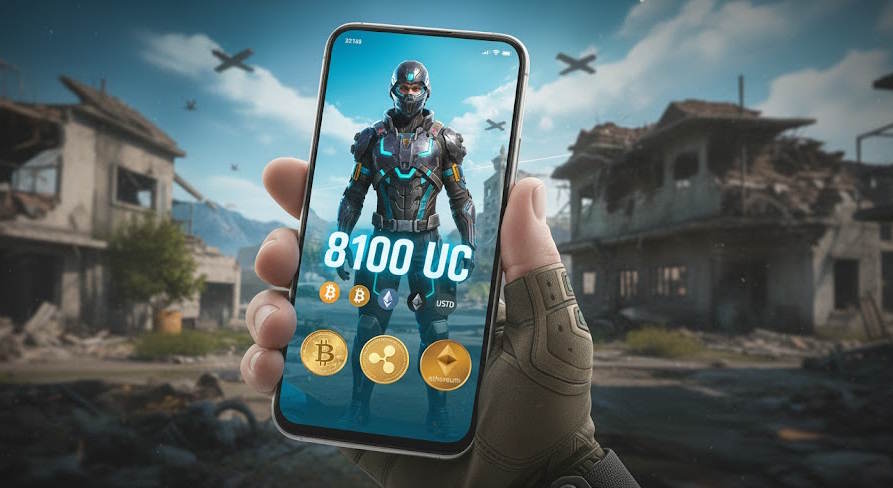
Here’s how it works in practice:
- Choosing a Product on an Aggregator. You visit a platform specializing in selling digital codes (like Baxity Store) and select the desired denomination of an official PUBG UC gift card.
- Completing the Crypto Payment. At checkout, you choose the cryptocurrency payment option and send the funds to the store’s address.
- Receiving a Digital Key. After the transaction is confirmed in the network, the aggregator’s system instantly generates or provides you with a ready-to-use activation code. Your path to obtaining PUBG UC via crypto lies in purchasing this exact key.
- Final Conversion to UC. You copy this code and paste it into the designated field in the PUBG Mobile top-up menu. The game recognizes it as a payment and instantly converts it into the corresponding amount of Unknown Cash.
Thus, UC currency for crypto is credited indirectly, through the intermediary link of an official in-game key. This two-step model is the key to global availability: aggregators ensure the availability of this method for anyone with a crypto wallet by providing a product that the game officially supports.
📚 Related Articles
Why Crypto Is Used for PUBG Mobile UC Purchases
The growing popularity of cryptocurrency for gaming is not a trend without reason. For players around the world, it is a functional tool. The use of cryptocurrency for PUBG offers distinct advantages over traditional payment methods, starting with a faster crypto payment for PUBG process.
- Complete Independence from Banks. Credit cards and e-wallets often block gaming payments or impose additional fees. Paying with crypto for PUBG bypasses these restrictions, giving the player full control over their funds without needing permission from financial institutions.
- Guaranteed Global Availability. The same method is available to a player from Lisbon, Seoul, or São Paulo. This is precisely why topping up PUBG via crypto is a universal path—there’s no need to search for a local payment service that supports PUBG Mobile.
- Enhanced Privacy. Cryptocurrency transactions do not require providing a name, address, or card details to the store, offering a greater degree of anonymity compared to most fiat methods.
- Direct Access to Digital Goods. The convenience of digital services lies in their ability to let you instantly purchase a digital product—a UC gift card. The usage of crypto as a payment method on such platforms is the shortest logical path from your wallet to in-game currency, minimizing intermediate steps.
Thus, a crypto transaction for your PUBG UC is a choice in favor of control, global availability, privacy, and direct interaction with digital assets.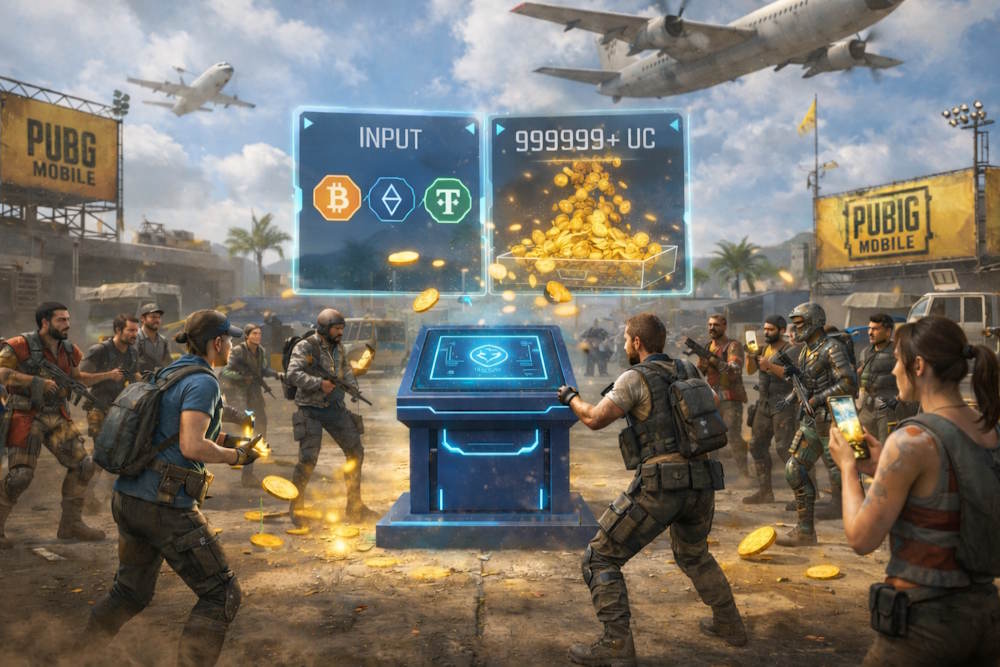
Supported Cryptocurrencies for Buying PUBG Mobile UC
Payment flexibility is a core advantage of our Baxity Store platform. When you want to make a transaction, it’s important to use a service that supports your asset for a crypto payment for PUBG. Our store provides a convenient tool for this: you purchase an official UC gift card. Support for various crypto for PUBG Mobile in our store makes this purchase universal. For example, you can use your Bitcoin for your PUBG UC purchase by paying for the gift card. Or choose stable USDT for your PUBG UC top-up — a popular option due to protection against rate fluctuations.
Here are examples of the most popular assets available for purchasing a gift card at Baxity Store:
| Cryptocurrency | Key Characteristic | Advantage for Buying a UC Card |
| Bitcoin (BTC) | The first and most famous cryptocurrency. | A classic and reliable option if you want to pay for UC with your Bitcoin. |
| Ethereum (ETH) | Smart contract platform. | Widely accepted; fast transactions, but network fees (Gas) can vary. |
| Tether (USDT) | Dollar-pegged stablecoin. | Ideal for precise budgeting due to stability. Using USDT for UC is a safe choice. |
| Litecoin (LTC) | “Digital silver.” | Very low transaction fees and fast confirmations. |
| TRON (TRX) | High-throughput network. | Often used for efficient USDT transfers on the TRC-20 network. |
The full list can always be checked on the payment page. The main thing is to strictly follow the instructions for selecting the network for each currency to ensure your payment is successful.
How to Buy PUBG Mobile UC with Crypto on Baxity Store
PUBG Mobile does not support direct cryptocurrency payments inside the game account, so UC top-ups follow a simple and proven scenario — buying a PUBG UC gift card and then redeeming the code in the game. This is exactly how the process works on Baxity Store: crypto is used only to pay for the order, while UC are credited after the code is entered.
As an aggregator of official gift cards, Baxity Store offers the option to buy PUBG UC online without relying on bank cards or regional restrictions. The user places an order in the store, selects the required denomination, and proceeds to checkout, where the order is paid for with cryptocurrency. This process is secure and lets you make an online purchase of PUBG UC at any time, with a clear understanding of what you’ll receive after payment.
It is also important that Baxity Store uses a reliable payment infrastructure. Payments are processed through a trusted crypto payment gateway, while the store ensures correct order handling and code delivery after the transaction is confirmed. Below, we will look at how exactly the process of buying UC with crypto works — without unnecessary steps and without typical mistakes.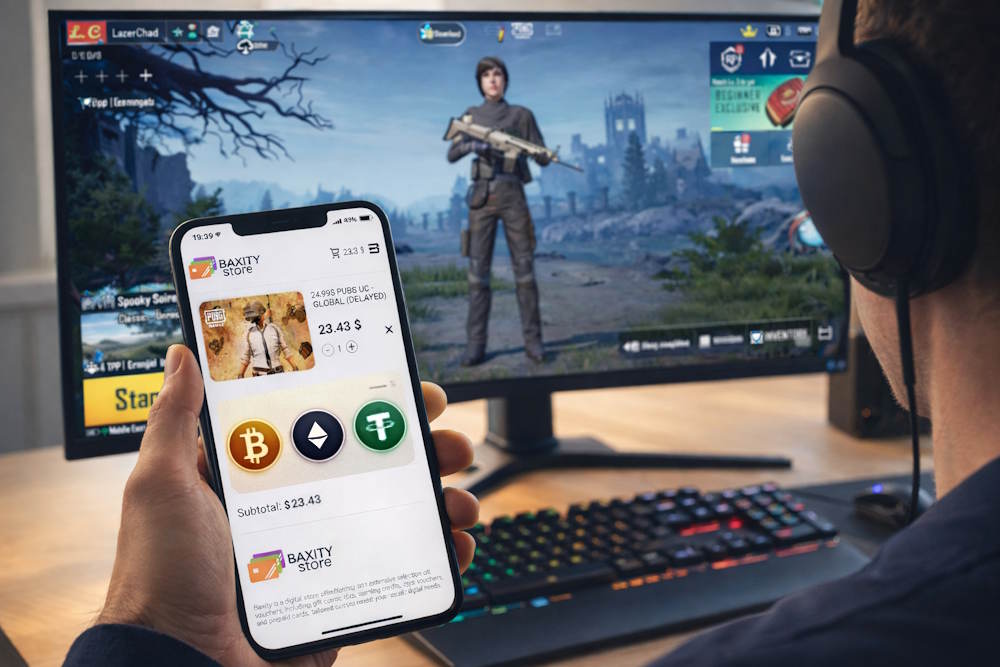
Step-by-step instructions
The process of buying a PUBG UC gift card on Baxity Store is logical and does not require any technical knowledge.
- First, go to the Gaming Credit category and open the PUBG Mobile page.
- Choose the required gift card denomination and add it to your cart.
- To place the order, log in to your account or register if this is your first purchase. New users may need to complete a short verification.
- At the payment stage, choose Pay with crypto. This allows you to pay for PUBG Mobile with crypto. After confirming the order details, you will be redirected to the payment page, where you need to select the cryptocurrency and the appropriate network for the transaction.
- To complete the purchase, send the payment using the provided details and wait for transaction confirmation.
After a successful purchase of PUBG Mobile with crypto, the gift card activation code is instantly delivered to your email. The code is redeemed in the game menu, after which UC are credited according to the selected denomination.
What you need before purchasing
To ensure that your payment for PUBG Mobile with crypto goes through on the first try, it is worth preparing a few things even before checkout. This is not “crypto complexity,” but basic attentiveness: most delays occur due to insufficient funds, the wrong network, or errors in contact details for delivery.
- First — for paying with crypto, you must have a registered and verified crypto wallet for your PUBG UC to have access to sending transactions and the ability to quickly confirm payment.
- Second — you must have a sufficient cryptocurrency balance. For example, you can pay for PUBG UC using Bitcoin, USDT, or other crypto, plus a small reserve for network fees so that the payment does not get “stuck” during confirmation.
- Third — check your email before placing the order. This is where order confirmation, information for verification (if required), and code activation instructions are sent. If the email is incorrect or you do not have access to it, even a perfect payment will not yield a quick result.
What Happens After the Crypto Payment
After your crypto transaction is successfully confirmed in the network, the automatic order processing begins. This is where your journey to buy UC using crypto enters its final phase. You don’t need to do anything manually — the Baxity Store system works according to a clear algorithm.
Here’s what happens next:
- Instant digital code delivery. Once the payment receives enough confirmations, our system generates or reserves a unique activation code for you. It is instantly sent to the email address provided during checkout.
- Receiving redeem instructions. In the same email or a separate notification, you will receive clear redeem instructions. They usually contain the code itself and a direct link to the official PUBG Mobile redemption page.
- The process of topping up your account. This code is the final step to complete your top-up of PUBG Mobile with crypto. You need to follow the link or enter the code in the corresponding section of the game (often “Redeem” or “Activate Code” in the store).
- Instant UC credit. After successful activation, the code is exchanged for in-game currency. UC typically appears in your game account within a few minutes, rarely taking up to an hour.
Important: The activation code is the final product of your crypto purchase. Once you receive it, the interaction with the blockchain is complete, and the subsequent process occurs exclusively between you and the PUBG Mobile servers through their official gift code redemption system.
Common Mistakes When Buying PUBG Mobile UC with Crypto
Purchasing a gift card with cryptocurrency is a logical process, but without knowing the nuances, you may face delays. To ensure a smooth experience when you decide to buy UC for PUBG with crypto, avoid these common pitfalls that can interrupt your transaction.
- Misunderstanding the process. The main mistake is thinking that paying for PUBG Mobile with cryptomeans the UC will be directly credited to your game account. In reality, you are paying for a digital card, which is then activated separately. Therefore, expecting an instant PUBG UC credit after a crypto top-up is a misconception that leads to unnecessary concern. The top-up is not complete until you redeem the code.
- Choosing the wrong blockchain network.This is the most critical technical error. The payment page always specifies in which network the transfer should be made (e.g., TRC-20, ERC-20). Selecting a different network in your wallet settings will result in lost funds, as the transaction will not reach the recipient. Always double-check the network before sending.
- Sending an incorrect amount.Payment systems require sending the exact amount specified in the payment details (often with several decimal places). Sending a rounded or even slightly smaller amount does not lead to cancellation but to a delay while the transaction is manually reviewed.
- Not checking your email.The activation code is sent exclusively to the email address provided during registration. An error in the address or ignoring the “Spam” folder is the most common reason why customers cannot find their code even after a successful payment.
What to Know Before Buying PUBG Mobile UC with Crypto
Let’s summarize. You can buy UC with cryptocurrency only through official gift cards. It’s convenient, fast, and secure. Your crypto payment for PUBG on platforms like Baxity Store is automatically converted into a digital product, such as a Crypto Voucher, which you then redeem in the game for UC.
To ensure the process goes perfectly, remember two rules:
- Buy from trusted sources. Choose services that work with official products, like Baxity Store. This is the only guarantee to get a genuine, working code.
- Be attentive during payment. Follow the instructions precisely, especially regarding the choice of network for the transaction, and check your email.
That’s all there is to it. To buy PUBG Mobile with crypto, you only need a reliable card seller and a few minutes of your time.
Ready for a fast top-up? Go to Baxity Store, choose the desired denomination, and get your UC today.
FAQ: Buying PUBG Mobile UC with Crypto
Can I use cryptocurrency to get UC for PUBG Mobile?
Yes. To get UC for PUBG Mobile using crypto, you need to purchase an official PUBG UC gift card from a trusted online store like Baxity Store.
How does the top-up process with crypto work?
The process for a crypto top-up for PUBG involves three steps: selecting a gift card on a trusted store, completing the cryptocurrency payment, and activating the received code within PUBG Mobile.
Which cryptocurrencies can I use?
On Baxity Store, you can use cryptocurrencies like Bitcoin (BTC) or Tether (USDT) to pay for your PUBG UC. The available options are displayed at checkout.
Why don’t I receive UC immediately after payment?
Because your payment purchases a digital gift card code, not UC directly. The UC is credited to your account only after you redeem that code in the game. This is the final stage of your online UC purchase.
Why is choosing the correct blockchain network important?
The payment gateway generates a deposit address for one specific network (e.g., TRC-20 for USDT). Sending funds from a different network in your wallet will result in a lost transaction. Always use the network specified on the payment page.
What if I don’t receive the code via email?
First, check your Spam and Promotions folders. If it’s not there, verify that the email address in your store account is correct. If the issue persists, contact the store’s support team.
Is it safe to use Baxity Store for this?
Yes. Using a reputable platform like Baxity Store for your crypto payment for PUBG ensures a secure transaction and guarantees the delivery of an official, working code.