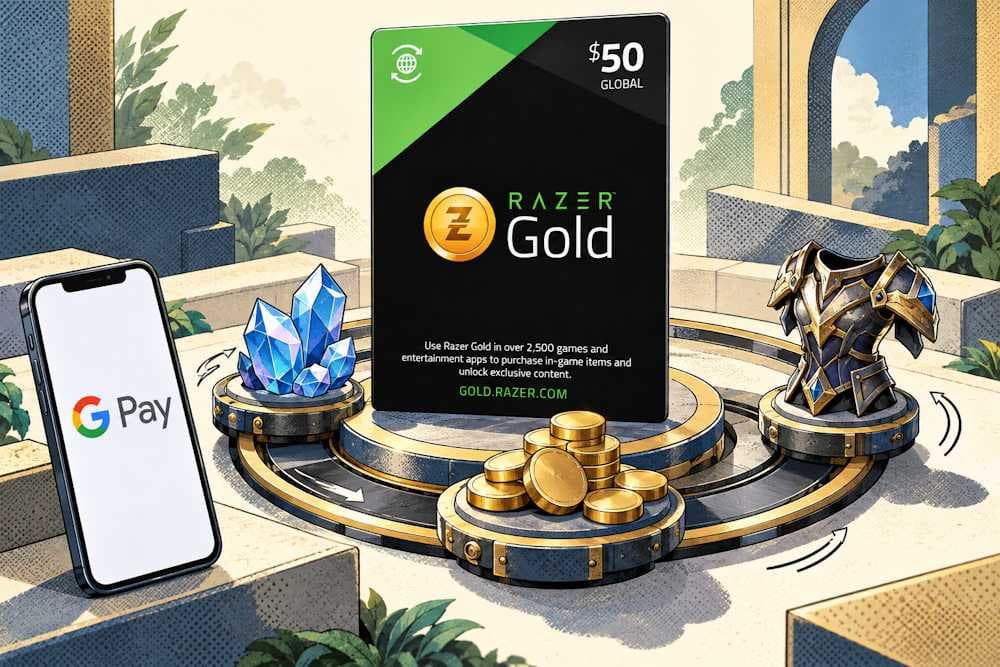
Buying Razer Gold with Google Pay is a handy way to avoid re-entering a card number and other payment details. Confirming the payment and receiving the code — at first glance, it all seems straightforward. But there’s a catch: a successful payment doesn’t necessarily mean the voucher will work for the intended game. And that’s worth checking before making a purchase.
Where can the right voucher be found, how can Google Pay be used for Razer Gold, and what should be done with the code after payment? We’ll go through the whole process — from choosing a voucher and placing an order to spending its value on a gaming platform. Along the way, we’ll cover the details that are easy to miss when the focus is on getting into the game.
Razer Gold Gift Card
What Is Razer Gold and What Can You Use It For
Razer Gold is virtual credit from Razer for gaming and digital entertainment — a unified virtual currency for gamers. It works as a shared payment method across different games and services where Gold is accepted. In July 2025, Razer reported over 68,000 games and entertainment products across its global network.
The convenience comes from being able to use these credits across multiple supported games. A pre-set amount also helps with budgeting for in-game purchases. Here is what Gold can pay for:
- Games and digital keys — offers from the Razer Gold catalog and partner stores.
- In-game purchases — currency, items, and extra content available through the relevant service.
- Exclusive offers — special deals and select in-game bonuses for purchases made through Gold.
- Digital entertainment — products from services that accept Razer Gold.
The range of offers depends on the game and the region. A game being part of the global network does not automatically mean every product is available to every account. Google Pay can be used for Razer Gold when the seller accepts this payment method.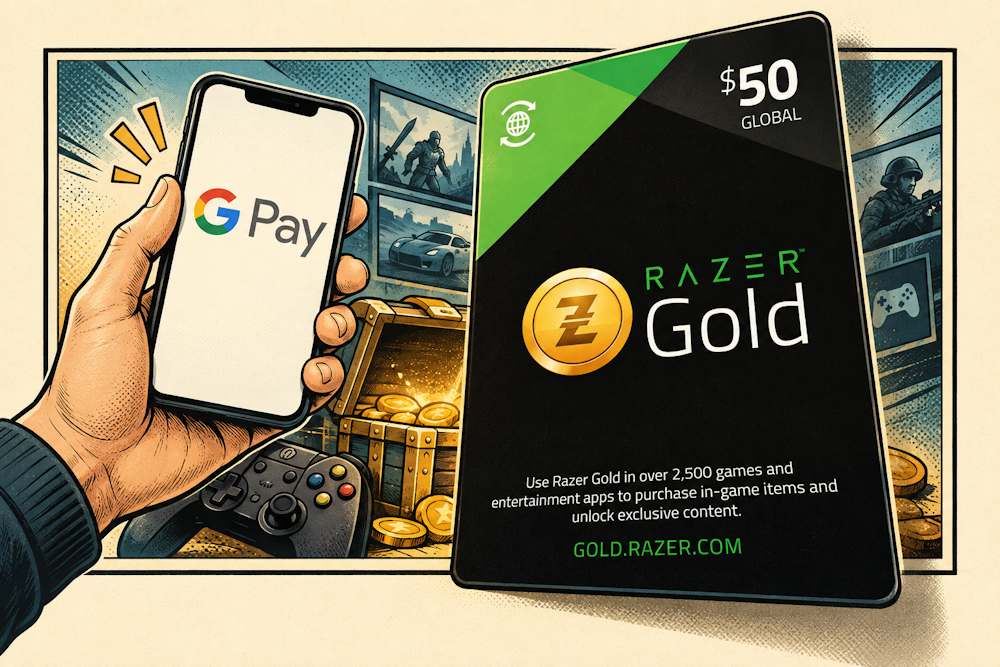
Two Ways to Use Razer Gold: Wallet and PIN
Razer Gold gift cards vary by region. One code tops up a wallet, another works as a voucher with its own balance.
- Wallet model. This is the standard process for most regions. The code is activated on gold.razer.com, and the funds go to the wallet balance. From there, the credits can be spent on supported purchases. The wallet allows flexible denominations and keeps the balance between transactions.
- Voucher model. This is what applies in Europe. Razer has gradually phased out the Razer Gold wallet in Europe and introduced an alternative solution based on PIN codes. This means a European PIN does not top up a “wallet balance” in the usual sense. Instead, the PIN is used for Direct Top Up on participating game websites or other supported purchases, while any remaining voucher balance can be spent later. In Europe, it is also possible to use Google Pay for Razer Gold — simply to pay for the PIN.
Digital Vouchers
Digital Razer Gold gift cards are one way to buy Gold for a specific amount. They provide prepaid credit for game purchases. A certain sum can be set aside for entertainment in advance and spent on the desired content across supported services. In other words, buying Razer Gold gift cards online means receiving a code for a specific amount. Such a voucher can be bought for personal use or given to another player after checking compatibility.
The received code is used to top up a compatible wallet or pay directly on a supported service. For example, a €10 voucher can pay for a €5 purchase. The remaining €5 stays available on the same PIN for the next purchase. The full voucher value does not have to be spent at once. And if the purchase amount exceeds a single voucher’s remaining balance, up to 10 PIN codes can be combined per transaction.
To recharge Razer Gold with Google Pay through a digital voucher, the voucher is purchased first, then the received PIN is used according to the rules of that specific product. The account also lets players store PINs, check balances, and review transaction history.
Gold is available through online sellers and other sales channels — according to Razer, there are 3.4 million online and offline channels. The ability to use Google Pay for Razer Gold depends on the payment methods that seller accepts. But first, let’s look at what Razer Gold and Razer Silver have in common and how they differ.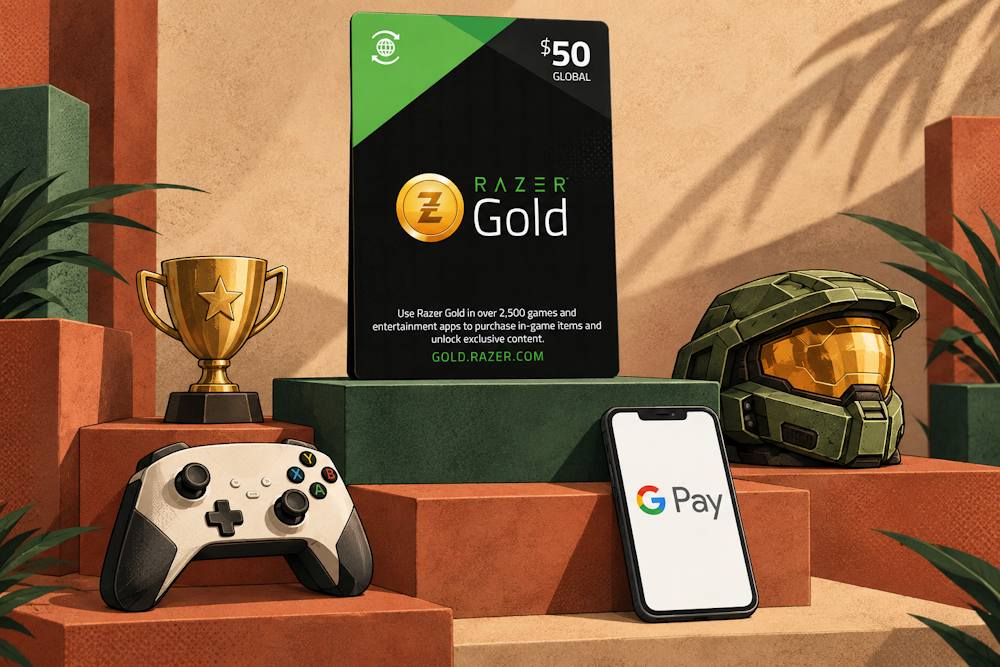
Razer Gold vs Razer Silver: What Is the Difference?
Razer Gold and Razer Silver look similar on paper — both carry the Razer name, both appear in the account, and both belong to the same ecosystem. But each has its own role. The distinction is simple: Gold is credit for purchases, while Silver is bonus points that can be earned.
- Razer Gold is prepaid credit bought with money and spent on games, in-game items, and digital content. In other words, it provides a set amount for entertainment: those credits are available to spend wherever Gold is accepted.
- Razer Silver cannot be bought. These loyalty points are earned through purchases and activities that qualify for the rewards program. These may include spending Gold, shopping on Razer.com, completing selected tasks in Razer Cortex, or taking part in promotional campaigns. Once enough points have accumulated, they can be exchanged for rewards: Razer gear, discount vouchers, game keys, or digital content from the rewards catalog.
That is the appeal for gamers: purchases and activities can gradually bring an extra reward within reach. The choice, however, depends on the region and whether a particular reward is available in the catalog.
There is a direct link between Gold and Silver: spending Gold on qualifying purchases can earn Silver. But the key moment is when the credits are spent. Buying a voucher from a seller does not mean bonus points automatically come with it.
The same applies to Google Pay for Razer Gold. Google Pay helps pay for the code, while Silver rewards depend on subsequent purchases and the program’s rules.
Silver cannot be withdrawn to a bank card. The points are also valid for 12 calendar months, counted from the end of the month in which they were awarded. So when a desired reward becomes available, it is worth checking both whether enough points have accumulated and when they expire.
Razer Gold Gift Card
Why Use Google Pay to Buy Razer Gold
Google Pay solves a specific problem: extra steps at checkout. When buying a digital product — a voucher, PIN code, or gaming credit — the aim is to pay quickly and without mistakes. Buying Razer Gold via Google Pay removes the need to manually enter payment details already saved to a Google Account. This is especially useful for repeat purchases or when completing an order from a phone without unnecessary delays.
Here is what that means in practice:
- Less manual entry. There is no need to type in the card number, expiry date, and CVV every time. Google Pay uses a payment method saved in Google Wallet, so the details do not have to be entered again.
- Convenient smartphone payments. Orders can be paid for on a supported website from a phone — without reaching for a physical card if the payment method is already saved.
- Payment data protection. Google Pay uses encryption and built-in security features for online payments. The convenience of a saved card comes with protection for payment information during checkout.
Buying Razer Gold with Google Pay is appealing because it simplifies the usual payment routine. But Google Pay is not a wallet that holds money. Google does not hold or process the funds for this payment: the transaction takes place between the seller and the financial institution that issued the card. The bank may still request additional confirmation — a faster process does not mean every payment goes through without extra checks.
Why This Matters When Buying Razer Gold
The option to pay for Razer Gold with Google Pay needs to be checked for the specific order. A seller may accept Google Pay in general, while the method may be unavailable for a particular product, region, or amount. This depends on the payment gateway the seller uses and the settings for the specific transaction.
Google Pay does not resolve regional compatibility issues with Razer Gold gift cards online, either. It simply helps pay for the order. The PIN received and where it can be used depend on the chosen product, rather than the payment method.
One more detail: a quickly confirmed payment does not, by itself, guarantee instant voucher delivery. The code is issued according to the seller’s order processing procedures.
How to Buy Razer Gold with Google Pay
Buying Razer Gold online with Google Pay starts with choosing a seller. The seller affects more than payment convenience: it also determines where the code comes from, how quickly it arrives, and what support is available if a question comes up about the order. An attractive price is a good start, but it is worth looking a little closer before buying.
What sets a reliable store apart:
- Clear seller information and verified reseller status — it is clear who sells the code and where it comes from.
- Experience and reviews from real buyers — especially feedback about code delivery and how problems were resolved.
- Accessible support — somewhere to turn with an order number.
- Transparent terms of sale — prices, regional restrictions, delivery procedures, and return conditions are clear before payment.
- Secure payment and fast code delivery — without arranging a PIN handover through private messages.
Baxity Store is a verified reseller and a place to buy Razer Gold. The store guarantees that codes come from official distribution channels, protects payments with encryption, and offers wholesale pricing for orders of 10 cards or more. Baxity Store has operated for over ten years, publishes its terms of sale, and provides support. Razer Gold codes are delivered automatically after payment confirmation.
From there, the purchase follows a clear sequence: choosing a voucher, adding it to the cart, signing in or registering, completing verification, and paying. To use Google Pay for Razer Gold, the first step is to find a compatible code.
Choose the Right Region and Denomination
For a Razer Gold top-up with Google Pay, the code needs to meet the relevant requirements — particularly the correct region and currency. A Razer Gold PIN can be used to reload a wallet in the same region where it was purchased, or for direct top-up on participating game websites. If the code is intended for a different region from the account, the wallet reload will fail.
Before purchase, the following details should be checked:
- Code currency — it needs to match the account’s currency or be supported by the intended game.
- Code region — some PINs cannot be used with particular regional accounts, such as those registered in the USA, Malaysia, or Singapore.
- Denomination — the available values may differ by region.
A region mismatch is one of the most common reasons a PIN cannot be redeemed. That is why these details are worth checking before adding a product to the cart.
The Baxity Store catalog offers Razer Gold cards:
- For the EU, Global, TR — Turkey, PH — the Philippines, IN — India, Brazil, and Mexico.
- In EUR, USD, TRY, PHP, INR, BRL, and MXN.
- With available denominations depending on the card’s region and currency.
Here is how the process begins:
- On the Baxity Store homepage, open Gaming Credits and select Razer Gold.
- Choose the required regional version, denomination, and number of cards, then click Add to cart.
Availability needs to be checked for the specific product.
Check Google Pay Availability at Checkout
After adding the required gift card to the cart, the next step in buying Razer Gold via Google Pay is to sign in to a Baxity Store account. Signing in is required. For a first purchase, registration and the requested verification must be completed. This is an important security step; additional checks may also be needed while the order is being processed. Then:
- Proceed to checkout and check the product, quantity, and total amount. Select Google Pay from the available payment methods.
- Read the terms of sale and privacy policy, tick the box to confirm agreement, and click Place order.
- In the Google Pay payment window, select a saved card, check the amount and the seller’s name — the merchant — and confirm the payment. If the bank requests an additional check, complete it by following the instructions on the screen.
The Razer Gold payment via Google Pay is completed once the payment is confirmed and the store processes the order. The code is then sent to the email address linked to the Baxity Store account; it can also be found in the Orders section. If the message is not in the inbox, check the spam folder.
The purchase is now complete — the next step is to activate the code.
Razer Gold Gift Card
How to Redeem Razer Gold and Use Your Credits
Buying a PIN code is only half the process. The other half is using it correctly to get the intended gaming content. The code received by email from Baxity Store can be redeemed to top up a Razer Gold wallet or entered directly on a participating game’s website. The route depends on the region and the rules of the purchased voucher.
A Razer Gold recharge with Google Pay through a voucher therefore involves one more step after purchase: redeeming the PIN itself. Here are the two routes.
Route 1 — Top up the Razer Gold wallet.
To top up Razer Gold with Google Pay using the purchased voucher in a region where the Razer Gold wallet is available:
- Open gold.razer.com/gold/reload.
- Sign in with a Razer ID or register an account if one has not yet been created.
- Select Razer Gold Gift Card as the top-up method. Depending on the interface, this option may also be called Gold PIN.
- Enter the PIN from the Baxity Store email and confirm the top-up by clicking Proceed, Reload, or Next, depending on the interface.
- Complete the requested two-step authentication and check that the funds have been credited.
Once the code has been successfully redeemed, the credits can be spent on supported purchases. The Razer Gold balance after a Google Pay payment does not change simply because the order has been paid for: the funds are credited when the PIN is redeemed.
Route 2 — Direct Top Up on a game’s website.
This route does not require loading the code’s value into a wallet first:
- Open the official top-up page of a game that supports Gold PIN.
- Select the required product and enter the player ID, server, or any other details requested by the service.
- Select Razer Gold or PIN as the payment method, enter the code, and confirm the purchase.
Check the game itself to confirm that the purchased currency, items, or other content have arrived.
In the European voucher model, the value is stored against the PIN. If the purchased voucher requires separate activation, this is completed in the Razer Gold account before use. The voucher can then pay for supported purchases, while any remaining value can be used later. Available offers may also include a subscription to a digital service, provided the specific product accepts payment with that PIN.
Every route requires the code labelled PIN. The serial number identifies the voucher and cannot be used for redemption. Copying the PIN from the email is the easiest way to avoid mixing up characters when entering it manually.
How to Check Your Razer Gold Balance
After using the code, it is worth checking both the transaction confirmation and the result. Where to check the Razer Gold balance after a Google Pay payment depends on the route used:
- In the wallet — sign in to the account and open View Account Summary. This shows the currency and current balance.
- For a European voucher — check the remaining balance of the relevant PIN in the account and review the transaction history. Any unspent value remains on the voucher.
- After Direct Top Up — check the content received in the game or service where the purchase was made.
A zero wallet balance after a direct payment does not necessarily indicate a problem: the code may have been used for an in-game purchase without loading its value into the wallet. If the expected result is missing, check the transaction status and contact the relevant support team with the purchase confirmation and transaction number.
Regions, Fees, Delivery, and Other Restrictions
Before confirming a Razer Gold payment through Google Pay, it is worth checking a few details. They determine the total cost, when the code will arrive, and whether it can be used for the intended content.
| What to check | Conditions to consider | What this means for the purchase |
|---|---|---|
| Code region and currency | To reload a Razer Gold wallet, the PIN from the purchased Razer Gold voucher must be intended for the same region as the wallet. For direct payment, the specific service must support the code. | The Global label does not replace checking compatibility with the account or game. |
| Denomination and availability | Available values differ by region; some products may be marked Out of stock. | The required denomination needs to be available in a compatible voucher version. |
| Total price | Payment processing fees may be added to the product price and displayed at checkout. | Check the full amount to be charged before confirming, rather than just the code’s face value. |
| Payment currency | Check the currency of the charge and any conversion terms under the card’s fee schedule. | The currency used to pay the store does not change the purchased PIN’s currency. |
| European voucher currency conversion | Under the issuer TWBS’s terms, payments in another currency use an exchange rate with a 1.99% markup. | This is a condition of using the relevant voucher and should not be confused with a Google Pay or store fee. |
| Google Pay availability | The method must be available for the specific order. | A seller’s general acceptance of Google Pay does not guarantee availability for every purchase. |
| Code delivery | Baxity Store sends the PIN automatically after payment confirmation. According to the store, it usually arrives within a few minutes. The code is also available in Orders. | If the email is missing from the inbox, check the spam folder and the order in the account. |
| Refunds | Under the terms of sale for Razer Gold on Baxity Store, refunds and exchanges are not available, except where required by law. | Check the region, currency, and denomination before paying. |
| Incorrect region or an already redeemed PIN | Baxity’s Razer Gold page does not provide refunds for a region mismatch or after the code has been redeemed. | Compatibility needs to be checked before purchase, rather than after attempting to use the code. |
| PIN validity | PINs purchased on Razer.com are valid for one year from the purchase date. European vouchers issued by TWBS have no expiry date under its terms. | Check the validity of the specific product: there is no single rule for all Razer Gold PINs. |
| Unused European voucher balance | After 12 months without use, TWBS applies a monthly fee of €2 or its equivalent, starting in the 13th month. | Having no expiry date does not mean the balance can remain unchanged indefinitely. |
| Supported purchases | PINs and credits can only be used where the relevant Razer Gold product is accepted. | Check the intended game, service, or digital content before buying, rather than relying solely on the general catalog. |
If a question comes up about the order, the payment confirmation, order number, and any error message will help support investigate the issue more quickly.
Conclusion
To pay for Razer Gold with Google Pay, the first step is finding a compatible voucher — with the right region, currency, and denomination. From there, the process follows a clear sequence: choosing Google Pay at checkout, confirming the payment, receiving the PIN, and using it according to the chosen product’s rules. Once those details line up, only a few steps stand between buying the code and getting the desired gaming content.
The Razer Gold catalog at Baxity Store is a good place to start: choose a suitable voucher, add it to the cart, and proceed to checkout. If Google Pay is available for the order, a saved card makes it easier to complete the payment without re-entering card details.
FAQ
1. How does a Razer Gold top-up with Google Pay work? When buying a voucher, a Razer Gold top-up with Google Pay involves two stages: first, Google Pay is used to pay for the code at the store, then the received PIN is used to reload a compatible Razer Gold wallet or make a purchase through a supported service. The payment itself does not add credits to the Razer account.
2. Why is my Google Pay payment for Razer Gold declined? Adding a card to Google Pay does not guarantee a successful payment. Possible reasons include insufficient funds, card restrictions, bank security checks, or mismatched payment details. The bank that issued the card can help identify the exact reason for the decline.
3. The PIN does not work after a purchase through Google Pay. Is this a payment issue? If the order has been paid for and the code received, check how the code is being used: its region and currency, whether the PIN was entered correctly, and whether the selected service supports the voucher. Redemption requires the PIN, rather than the serial number. If the error persists, the error message and order number will help support investigate.
4. Can Razer Gold be purchased with Google Pay and the code given to another player? Yes, an unused PIN can be given to another player. The recipient does not need the card used to pay for the order: they use the code itself. Before purchase, the main thing to check is whether the voucher’s region and currency are compatible with the recipient’s Razer Gold account or intended game.
5. Can a Razer Gold balance be topped up directly with Google Pay? In the voucher purchase process described here, Google Pay pays for the code at the seller’s checkout. The PIN is then used to reload a compatible Razer Gold wallet or make a purchase through a supported service.
6. What happens if I use a PIN in the wrong region? The PIN will not work. A Razer Gold PIN is tied to a region and currency. It can only be used to reload a wallet in the same region where it was purchased, or for Direct Top Up on supported game websites. If the code’s region or currency is incompatible with the account, redemption will fail.
7. Can a Razer Gold PIN be returned? Razer’s official PIN page states that exchanges, returns, and refunds are not available. For purchases at Baxity Store, exceptions required by law still apply. The correct region and denomination should be checked before payment.
8. Can Razer Gold be purchased with Google Pay at Baxity Store? Baxity Store accepts Google Pay as a payment method. However, availability for a specific order depends on the region and payment gateway. If the Google Pay button does not appear at checkout, select another method or contact support. A Razer Gold top-up with Google Pay means paying for the voucher itself rather than topping up a Razer account directly.


Comments
Sign in to join the conversation. Every comment is reviewed before it appears on the page.
Sign in to comment
You need an account to leave a comment. Sign in and your name will be used automatically.
No comments yet. Be the first to write one.