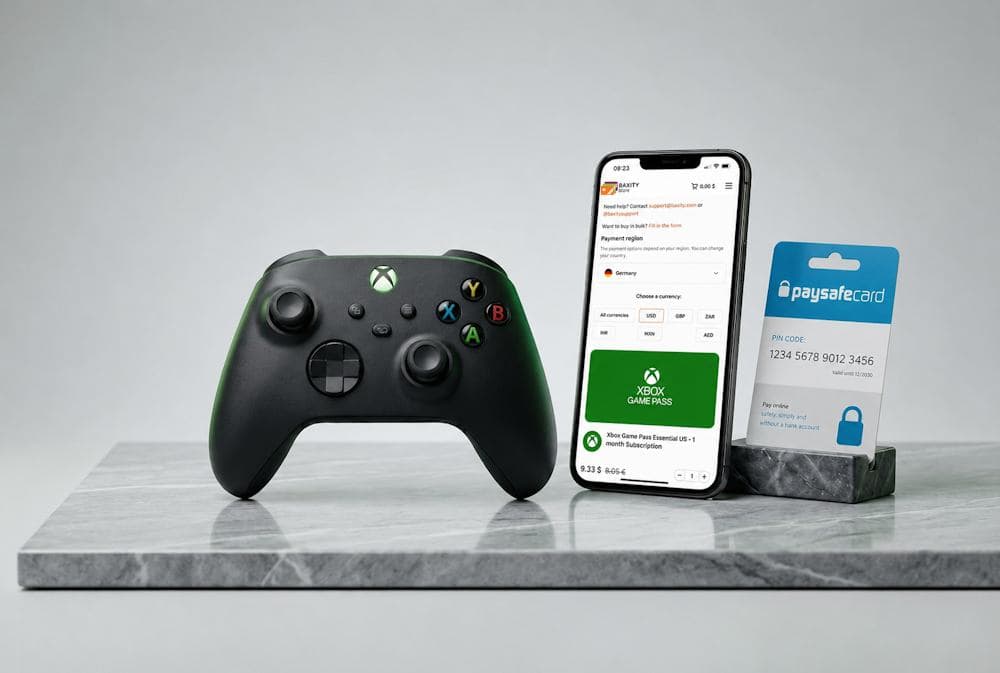
Getting quick access to new games, add-ons, or other Xbox content does not always mean you need to use a bank card. Many gamers are looking for ways to combine Paysafecard with Xbox payments to keep better control over their online spending. However, available payment options may vary depending on the country, service, and Microsoft payment rules. That is why it is important to understand which option works best for your needs and does not add unnecessary steps. In this article, we will explain how these payments work, what details you should consider, and why the option to buy an Xbox gift card at Baxity Store — a verified reseller — has become a popular choice among users of this platform.
Paysafecard for Xbox Purchases
Paysafecard is a prepaid payment method that allows users to make online purchases without using a bank card. You buy a physical or digital voucher with a 16-digit PIN code from a retail location or online. Then, you use this code to pay on thousands of supported platforms worldwide. Less payment information shared, fewer unnecessary steps — just a code and a balance you manage yourself. For many gamers, the ability to use Paysafecard on Xbox is mainly about managing expenses. This approach helps you set a budget for games, add-ons, or subscriptions in advance and avoid unexpected charges.
Xbox Gift Card
Players often look for payment options with Paysafecard for Xbox because not everyone wants to store their payment details in online accounts. For example, the prepaid format is convenient for younger users or families where parents want to set a specific spending limit. The main advantages of this approach are:
- spending control — the balance is limited to the value of the purchased code;
- privacy — there is no need to share bank card details for every purchase;
- easier budgeting for gaming content;
- accessibility — Paysafecard operates in over 50 countries and is supported by many online services.
For those who already use prepaid solutions, the idea to buy Xbox with Paysafecard feels like a natural continuation of this approach. And choosing the right Xbox voucher gives users more flexibility for future digital purchases.
Can You Use Paysafecard in Microsoft Store
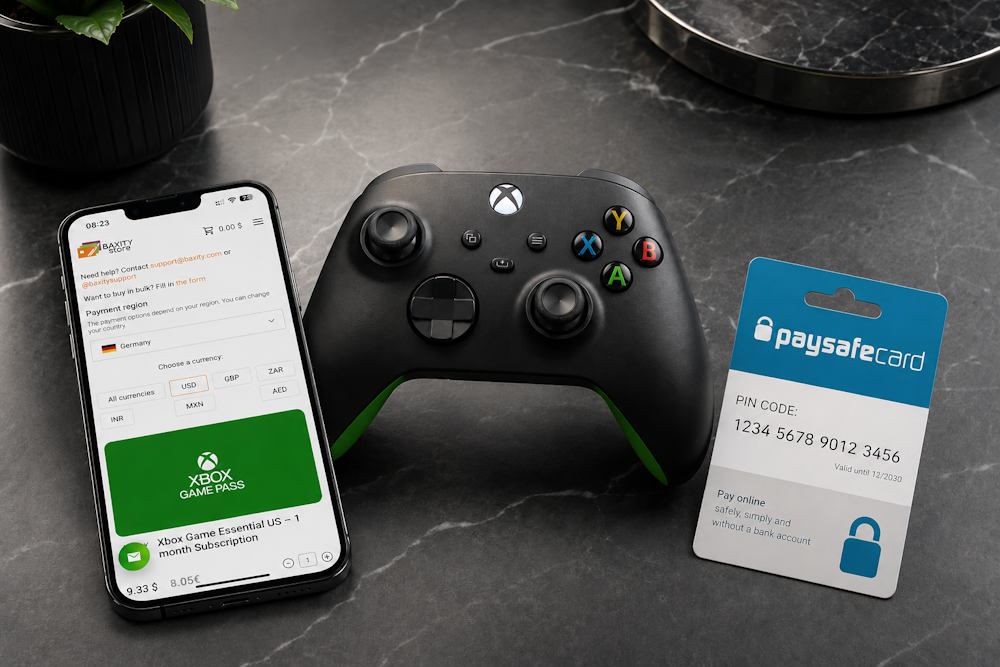
Yes, Microsoft supports payments via Paysafecard, and for many users, it is one of the easiest ways to buy digital content without using a bank card. Many users wonder how to use Paysafecard on Xbox, but the answer mainly depends on your region and the type of purchase you want to make. Direct integration is available in 31 countries on Microsoft.com and Xbox.com, while payments through Xbox consoles are supported in 22 European countries.
- The list of European countries where Paysafecard is available directly on Xbox consoles includes Austria, Belgium, Czech Republic, Denmark, Finland, France, Germany, Greece, Hungary, Ireland, Italy, Luxembourg, the Netherlands, Norway, Poland, Portugal, Romania, Slovakia, Spain, Sweden, Switzerland, and the United Kingdom.
If your account is registered in one of these countries, you can pay in the Xbox Store with Paysafecard without any extra steps. The process is simple: choose a game or add-on, click “Buy,” select Paysafecard as your payment method, and enter your PIN code. However, payments in the Xbox Store with Paysafecard have several important limitations:
- Direct payments work only for games, add-ons, and in-game currency.
- Subscriptions such as Xbox Game Pass cannot be paid this way because they require automatic renewal, which a prepaid method does not support.
- Hardware purchases are also unavailable through Paysafecard.
- Not all regions support this payment option.
That is why direct Xbox payment with Paysafecard is not suitable for every scenario. If you need a more flexible way to manage your Xbox balance or share digital credit with another user, it is worth considering an Xbox gift card.
Xbox Gift Card
Why Xbox Gift Cards Are a Popular Alternative
Although Paysafecard is supported in the Microsoft Store in many countries, direct payments do not always cover every user’s needs. An Xbox gift card remains a popular alternative for those who want more flexibility when managing their balance. The main advantage of gift cards is that they add funds directly to your Microsoft account. In addition:
- you get a fixed balance amount without the risk of overspending;
- there is no need to link a bank card;
- the code can be redeemed and used for eligible Xbox content;
- after activation, you can use your balance for eligible digital content without repeating the payment process every time.
For many users, buying an Xbox gift card with Paysafecard is convenient because it combines the benefits of prepaid solutions: spending control during the purchase and simple use of funds after activation. This flexibility explains why more gamers choose to buy Xbox with Paysafecard. It creates a convenient connection between prepaid payments and the digital Xbox ecosystem. Next, let’s look at the key advantages of this approach in more detail.
Fixed Spending Control
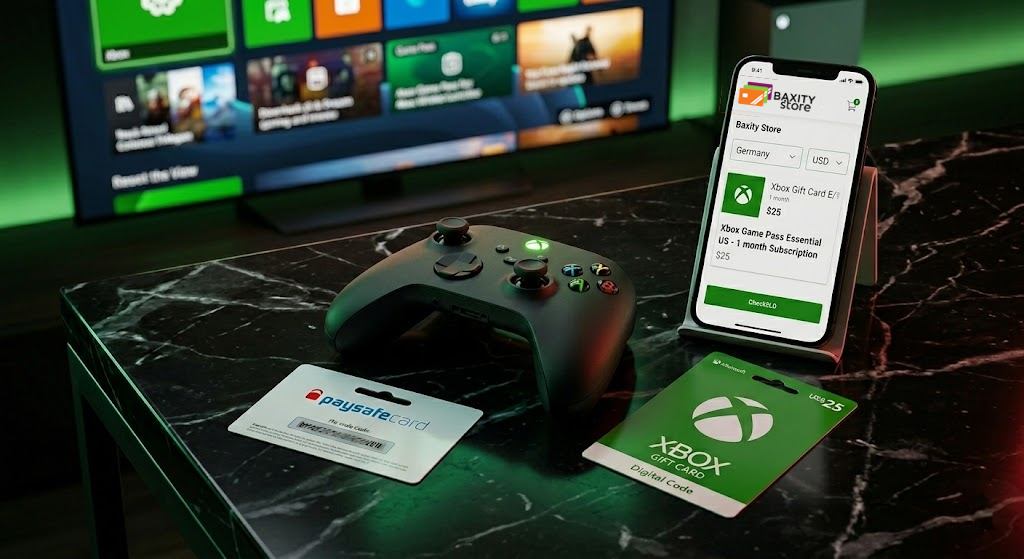
One of the main reasons users choose Xbox gift cards online is the ability to set a budget before making a purchase. You activate a specific denomination and know exactly how much money is available for games, add-ons, or other digital content. Each card comes with a fixed amount, such as €10, €25, €50, or €100, depending on the selected region and currency. You only use the balance added to your account, without accidentally exceeding your budget or making unplanned payments. This is especially convenient for:
- parents who want to control their children’s gaming expenses;
- gamers who plan their budget for new releases or seasonal sales in advance;
- users who prefer to separate gaming expenses from their main bank account.
That is why many users who want to buy Xbox gift card with Paysafecard choose a fixed-balance format with a clear spending limit.
📚 Related Articles
- Get PlayStation Store Credits with Paysafecard
- Buy PUBG Mobile UC with Paysafecard
- Which Xbox Subscription Should You Choose?
- How to get a refund from Steam, Xbox, PS and more?
No Bank Card Needed
Another advantage is the ability to use Xbox digital services without keeping a bank card linked to your account. This is convenient for those who do not want to store payment details in their account or are looking for a simpler way to manage purchases. Xbox gift cards do not require a bank account. This is a key difference from direct card payments, where you need to enter a CVV code, an expiration date, and verify your identity. With a gift card, the process is different: you receive a 25-digit code by email and activate it in your account. No additional payment details. No linked bank card. This opens access to Xbox digital services for a wider range of users:
- users who have limited access to traditional payment methods;
- gamers who do not want to store payment details in online accounts;
- users from regions where banking services are limited or unavailable.
This is why the ability to pay via a prepaid voucher has become a popular solution among those who value spending control and payment privacy.
Xbox Gift Card
Works Across Regions
Xbox is a global ecosystem, so gift cards are available for users in many countries and different currencies. This allows you to choose an option that matches your Microsoft account instead of depending on only one payment method. The main rule is that the gift card region should match your account region. For example, an Xbox card in EUR is usually intended for the European market, while USD cards are intended for accounts in supported regions. Before activation, it is important to check:
- the country of your Microsoft account;
- the currency of the gift card;
- the terms of use for a specific region.
This global format with local options makes Xbox gift cards a convenient solution for users in different countries.
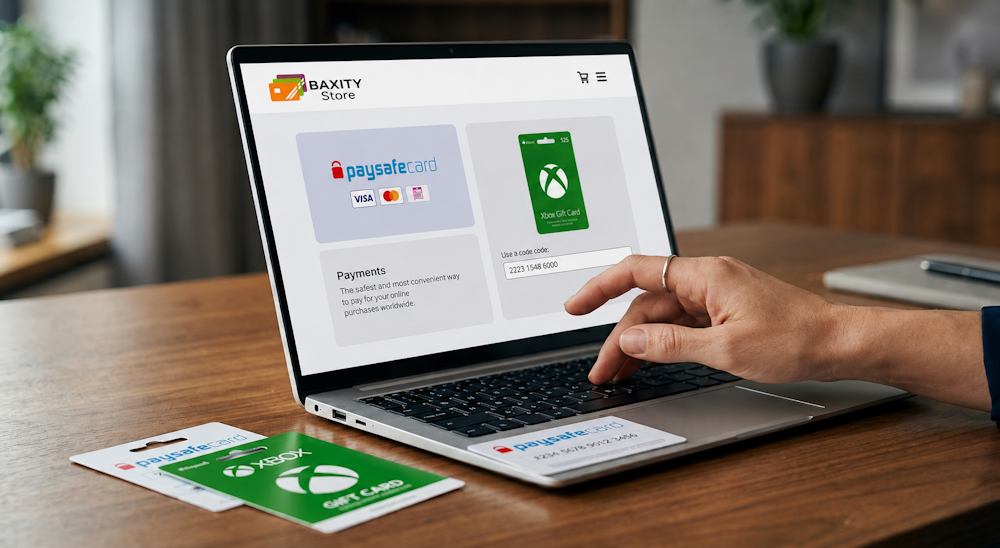
Buying Xbox Gift Cards with Paysafecard on Baxity Store
When choosing a gift card to top up your Xbox balance, it is important to consider not only the denomination but also where you buy your digital code. Choosing a reliable seller helps ensure a secure purchase process and smooth card activation. Baxity Store makes it easy to buy an Xbox gift card with Paysafecard. As a verified reseller, we offer official digital gift cards for users who want to combine the convenience of Paysafecard with Xbox purchases and get fast access to gaming content.
Why Choose Baxity Store
When buying a digital code, you need to be sure that you receive a genuine product that matches your selected region. Baxity Store is a verified reseller, so users can purchase Xbox gift cards with confidence. What does this mean for you?
- Official digital cards. Thanks to its verified reseller status, Baxity Store provides official digital products, reducing the risk of activation issues.
- Bulk discounts. Buying 10 or more cards? You can get a special price. This is convenient for gaming communities, esports teams, or users who regularly top up their balance.
- Regular promotions and discounts. Baxity Store regularly offers promotions on popular denominations, allowing you to get gift cards at a better price.
- 24/7 support. If you have questions about your purchase, delivery, or activation, the support team will help you find a solution.
How to Buy Xbox Gift Cards with Paysafecard on Baxity Store
The purchase process is simple. Here is how it works if you want to buy an Xbox gift card with Paysafecard:
- Go to Baxity Store and open the Gaming Credits category. Select the Xbox section, where you will find all available denominations and card types.
- Choose the denomination. Add the card to your cart. If you need several cards, simply increase the quantity and proceed to the cart.
- Log in or create an account. New users need to complete a short verification process. This required security step helps protect your payments and ensures safe order processing.
- Select Paysafecard as your payment method. Confirm your order, enter the 16-digit PIN of your voucher, and complete the payment.
- Check your email. The code for your Xbox Live gift card is delivered instantly.
- Open the email, copy the 25-digit code, and redeem it in Microsoft Store.
With this process, you can top up your Xbox balance with Paysafecard in just a few steps and manage your gaming expenses without unnecessary complications.
Xbox Gift Card
What You Can Do with Xbox Gift Cards
Received your code and activated it? Now you can use your Microsoft account balance for the content you actually need. Here are the main options:
- Games and add-ons. Buy new releases, season passes, DLCs, or in-game currency. Your balance works as a payment option for digital purchases.
- Game Pass subscription. Where supported, use your balance for Xbox Game Pass Ultimate, Core, or PC Game Pass and enjoy access to hundreds of games for a fixed monthly fee.
- Movies, music, and apps. The Microsoft Store is not only about games. You can rent movies, buy music, or purchase Windows apps.
A useful bonus: after you buy a gift card with Paysafecard for the Xbox Store, you do not have to spend the entire amount immediately. The funds remain in your Microsoft account until you use them. This approach is especially convenient for those who already use Paysafecard for Xbox Store purchases and prefer prepaid payments. You add funds once — and then simply choose games, subscriptions, or other content without repeating the payment process every time. And when the balance runs out, you can always buy an Xbox gift card with Paysafecard again through Baxity Store and continue gaming without interruptions.
Things to Check Before You Buy
Before buying an Xbox gift card, it is worth checking a few details that can affect activation and future use of your balance. It only takes a few minutes but helps avoid situations where the card does not match your account settings or the selected product does not fit your needs. Xbox uses a regional system, so your Microsoft account settings should match the region requirements of the gift card you choose. Just like with a direct Xbox Store payment via Paysafecard, it is important to consider the rules of a specific region.
| What to check | Why it matters | Recommendation |
|---|---|---|
| Region and currency | An Xbox gift card should match your Microsoft account region | Check your account country and card currency before buying |
| Denomination | After activation, the selected amount is added to your balance | Choose the amount based on your plans: a small DLC, a new game, or several purchases |
| Card type | Different digital Xbox codes serve different purposes | Make sure you choose an Xbox gift card if you want to add funds to your Microsoft balance |
Choosing the right gift card helps you activate your code quickly and use your funds without unnecessary steps. That is why checking these details before payment is much easier than fixing a mistake after purchase.
A Simple Way to Pay for Xbox Without a Card
Not every gamer wants to link a bank card to a gaming account or depend on only one payment method. Combining Paysafecard with Xbox gift cards makes it easier to manage spending and access digital content without relying on a traditional card payment. You choose the amount, redeem the code, and use your balance whenever you need it — for a new game, an add-on, or another purchase in the Microsoft Store. It is a simple way to stay in control of your payments without extra setup. Baxity Store makes the process even easier. As a verified reseller, we offer official digital gift cards in different denominations to help you top up your Xbox balance securely. If you are looking for a fast way to get an Xbox gift card online, choose the right card at Baxity Store, pay with a convenient method, and receive your digital code for activation.
FAQ
Can I use Paysafecard on Xbox in Spain?
Yes, Paysafecard is supported for Xbox in Spain and other countries where direct integration of this payment method is available. But instead of searching for “Xbox acepta Paysafecard” or “usar Paysafecard Xbox,” it is easier to buy an Xbox gift card and pay for it with Paysafecard at Baxity Store. After that, simply redeem the code and use your Microsoft balance for games, add-ons, and other digital content.
Is it better to buy an Xbox gift card or pay with Paysafecard directly?
It depends on how you use Xbox. Direct Paysafecard payments are convenient for individual purchases if this method is supported in your region. An Xbox gift card allows you to add funds to your Microsoft balance in advance, manage your spending, and use the funds whenever you need them.
Can I give an Xbox gift card to another user?
Yes, an Xbox gift card is not only for personal use — it can also be a great gift. You can send the digital code to another person, and they can redeem it in their Microsoft account. Before buying, make sure the card region matches the recipient’s account region.
What happens if the Xbox gift card region does not match my account?
Before buying, always check your Microsoft account region and the gift card region. If they do not match, you may experience issues redeeming the code or using the balance.
How fast will I receive my Xbox gift card after buying it at Baxity Store?
After a successful payment, the digital code is sent to your email. For available products, delivery can be instant, so you can quickly redeem the card and top up your Xbox balance.
Why should I buy an Xbox gift card at Baxity Store?
Baxity Store is a verified reseller offering official digital Xbox gift cards in different denominations. You can choose the required region, pay with a convenient method, and receive a code for activation in the Microsoft Store.
Comments
Sign in to join the conversation. Every comment is reviewed before it appears on the page.
Sign in to comment
You need an account to leave a comment. Sign in and your name will be used automatically.
No comments yet. Be the first to write one.