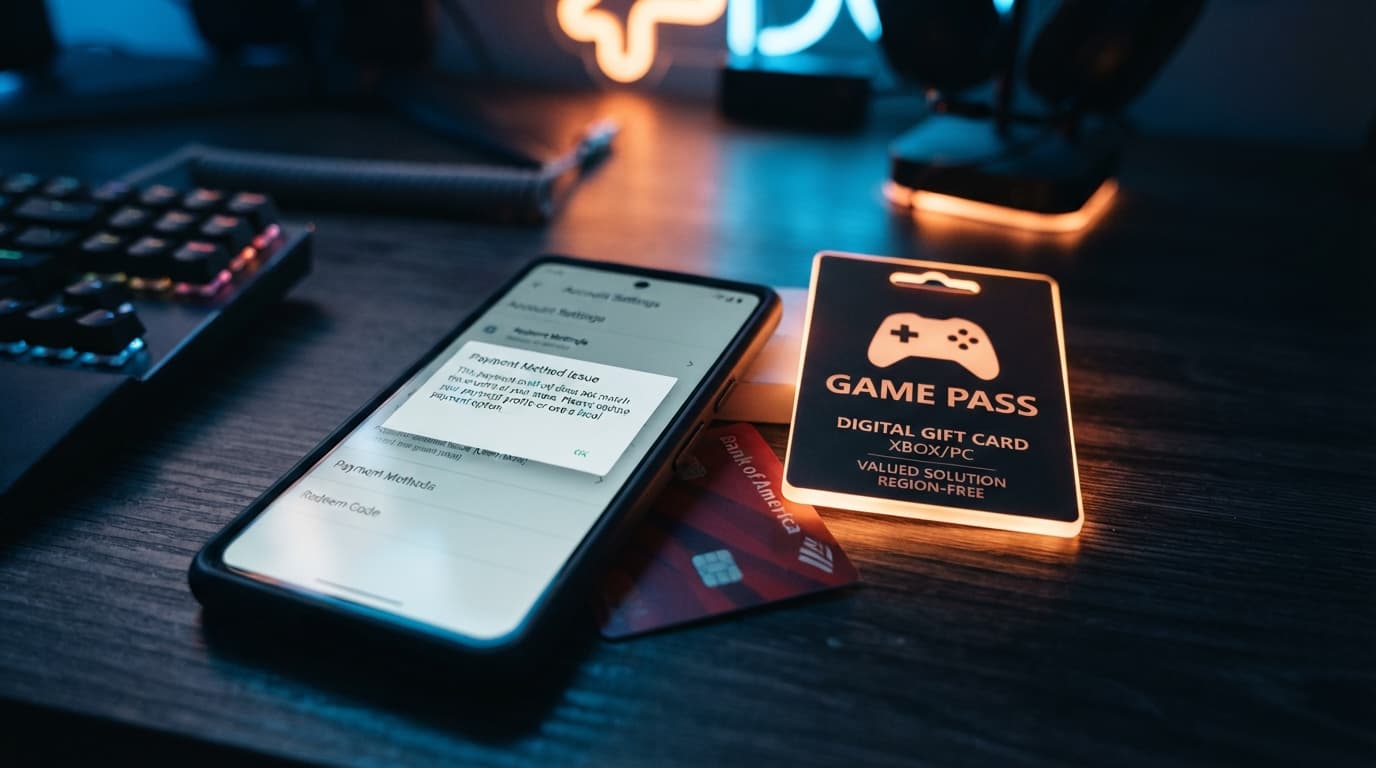
If you've ever tried to buy a game or top up your account balance while traveling, living abroad, or just using a card from a different country than your platform account, you've probably seen one of these two messages:"Your purchase has not been completed. Your credit card information has been declined by your credit card company."or "The current payment method does not match the country of the store." Both errors are frustratingly vague. Your bank tells you nothing is wrong on their end. The platform tells you to contact your bank. You're stuck in the middle, and the game you want is still sitting in your cart. The good news: this isn't a rare glitch, and it isn't something wrong with you specifically. It's a structural feature of how digital storefronts like Steam, the PlayStation Store, Xbox, Riot Games, and Blizzard handle payments across regions. Once you understand why it happens, there's a fix that works every time — and it doesn't involve your bank at all: buying a top-up or gift card directly at Baxity Store. Tired of declined payments and region mismatch errors? Browse gift cards for Steam, PlayStation Store, Xbox, Riot Games, and more at Baxity Store — instant delivery, no bank card required.
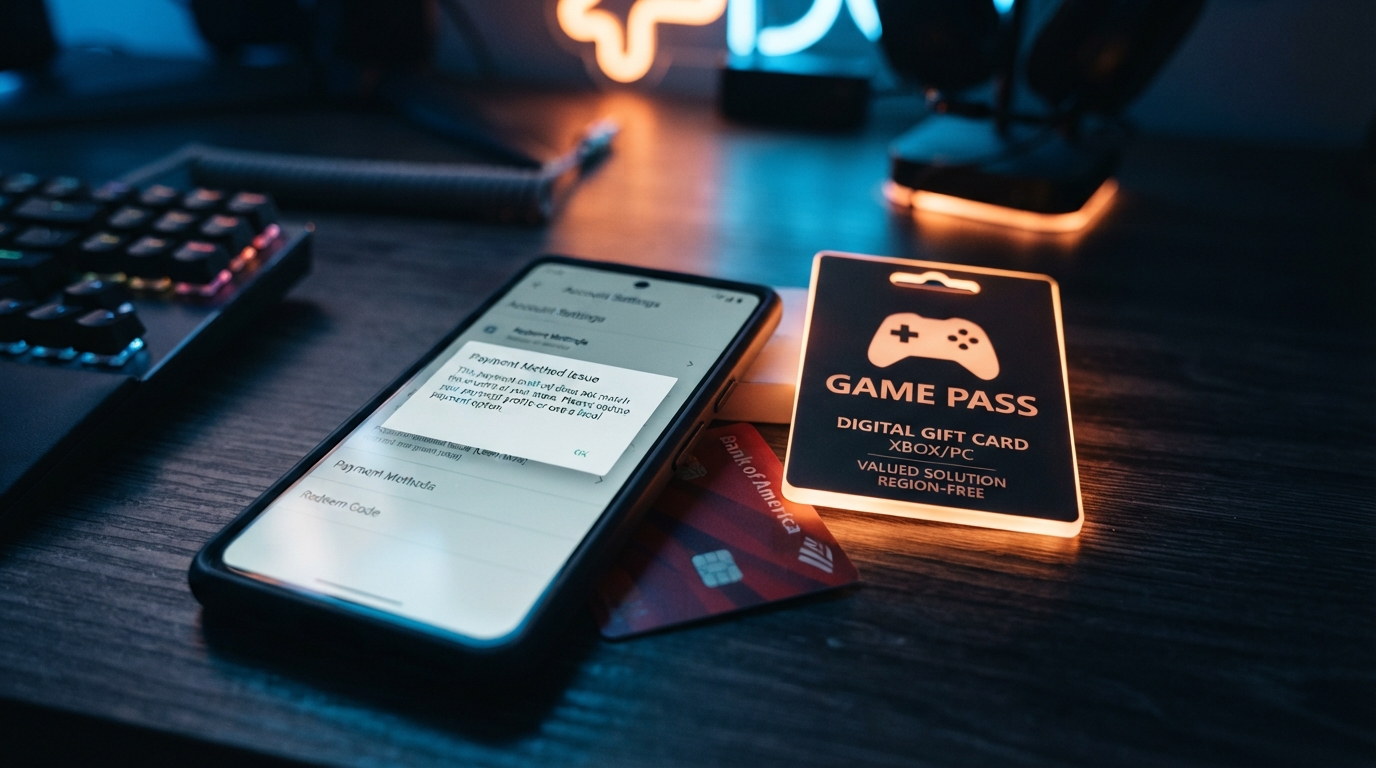
"Your Credit Card Information Has Been Declined" — Why It Happens on Steam
This exact error message is one of the most searched phrases among Steam users, and it shows up constantly across the Steam Community forums. People describe using the same card for years without issue, then suddenly getting blocked with no explanation. Others say their bank confirms there's no problem on their end — the block is happening somewhere between the platform and the card network.
It's usually not your bank's fault
Card networks and issuing banks run automated fraud-detection systems that score every transaction in real time. These systems look at dozens of signals: the merchant category, the transaction amount, how often you've paid this merchant before, whether your device or IP address looks unusual, and whether the merchant has a history of chargeback disputes. Digital game stores sit in a category that fraud systems treat with extra suspicion, because stolen card numbers are frequently tested and used on exactly these kinds of platforms — instant digital delivery, no shipping address to verify, easy resale of stolen goods. That means your card can be declined not because anything is wrong with your account or your bank balance, but because the algorithm decided this specific transaction looked statistically similar to fraud, even if it wasn't.
Common triggers
- New device or new IP address: buying from a new laptop, a different Wi-Fi network, or while using mobile data can trigger a review.
- Geographic mismatch: your card's issuing country doesn't match the location your connection appears to be coming from.
- Chargeback history on the merchant side: if a platform has recently seen a spike in disputed transactions, banks may temporarily tighten approval rules for that merchant across the board — even for legitimate customers.
- VPN or region-switching software: using a VPN to browse a different regional store front is one of the fastest ways to get flagged, since it directly mimics how fraudulent transactions are often routed.
What people usually try (and why it doesn't work)
The most common troubleshooting steps are calling the bank, waiting a few hours and trying again, or switching to a different card. Sometimes these work. Often they don't, because the block isn't really about the card — it's about the transaction pattern. Calling support rarely resolves it quickly, and switching cards just shifts the same underlying risk signals onto a new number. The fastest way around all of this: skip your bank entirely. Buying a Steam Wallet code at Baxity Store adds funds directly to your account with no card authorization step, no fraud review, and no dependency on your bank's risk model. You choose the amount, pay through Baxity, and receive a code that credits your Steam balance in minutes.
"Payment Method Does Not Match the Country of the Store" — What This Error Really Means
This is a different problem from a fraud decline, and it shows up just as often. If you've seen this exact wording, it means the platform has detected that your payment method's country doesn't match the country your storefront account is registered to.
Your account has a fixed store region
Every major platform — Steam, PlayStation Store, Xbox, Nintendo eShop, Riot Games — assigns your account to a specific store region when you create it. That region determines your prices, your currency, and critically, which payment methods you're allowed to use. The system isn't checking whether your card works; it's checking whether the card's issuing country matches the region your account is locked to.
Why using a foreign card doesn't fix it
This is the part that trips people up most. A card can be completely valid, fully funded, and accepted everywhere else online — and still get rejected here, purely because it was issued in a country different from your account's region. No amount of calling your bank will resolve this, because there's nothing wrong with the card. The mismatch is structural.
Can you change your store region?
Sometimes, but it's rarely simple. Steam allows a region change only if you complete a purchase using a payment method registered to the new country while you are physically located there, or by contacting support with proof of residency. PlayStation Network is far stricter: once your account region is set, Sony does not allow it to be changed, ever — your only option is creating an entirely new account. Xbox is the most flexible of the major platforms, permitting a region switch roughly once every three months. Instead of fighting your account's region, match it. Baxity Store sells region-specific gift cards and top-up codes — US, EU, UK, and more — so your payment method always matches your storefront, with zero risk of a mismatch error.
When Your Country Isn't Supported at All
For some players, the problem isn't a declined card or a regional mismatch — it's that their country simply isn't supported by the platform, or their local banking system can't process international payments at all.
PlayStation Network and unsupported regions
PSN is not officially available in a long list of countries, including several across Eastern Europe, the Baltics, the Balkans, and parts of the Middle East and North Africa. Players in these regions who want PS Plus, digital games, or cloud streaming have no official way to pay locally, because there's no local storefront to pay into.
Payment methods that disappear without warning
Even in supported regions, specific payment options can vanish overnight. Prepaid and voucher-based payment methods are sometimes pulled from a country's list of accepted methods when a provider changes its regional agreements, leaving players who relied on that option with no way to pay — and often no clear explanation from the platform.
Sanctions and banking restrictions
For players in countries affected by international banking restrictions, the issue isn't a bug or a fraud flag — it's that Visa, Mastercard, and other networks have suspended processing for cards issued there entirely. No workaround exists on the banking side. This is one of the fastest-growing clusters of search queries around this topic, and it's also the situation where a card-based solution is structurally guaranteed to fail no matter what you try. If your country's banking system is restricted, or your platform isn't officially available where you live, a gift card from Baxity Store is the only reliable workaround. It never touches your bank, your card network, or your country's payment infrastructure — the balance goes straight onto your platform account.
Why Platforms Require a Local Payment Method (The Real Reason)
Fraud prevention at scale
Platforms like Steam, Riot Games, Blizzard, and Nintendo process millions of transactions daily. Tying payment methods to account regions is one of the simplest large-scale checks they can run to filter out stolen card usage, since fraudsters frequently attempt to use cards from one country against accounts registered in another. It's a blunt tool, but an effective one — and legitimate customers occasionally get caught in the same filter.
Regional pricing and licensing agreements
Games are licensed, priced, and sometimes even rated differently by region due to publisher agreements and local regulations. Requiring a local payment method is also how platforms confirm that a purchase is happening within the region its pricing and licensing terms apply to.
The One Fix That Works Every Time: Buy a Top-Up Card at Baxity Store
How it bypasses the entire problem
A gift card or top-up code is, functionally, a regional payment method that's already been pre-approved by the platform itself. There's no card number to run through a fraud model, no country-of-issue to compare against your account region, and no dependency on whether your local bank can process international transactions. You pay Baxity Store using whatever method works for you, and the platform receives a code redemption — a transaction type it never blocks.
Bank Card vs. Baxity Gift Card — Side by Side
| Parameter | Bank Card | Baxity Gift Card |
|---|---|---|
| Fraud/anti-fraud decline risk | High | None |
| Region matching | Manual, frequently fails | Automatic — you pick the region |
| Bank details required | Yes | No |
| Delivery time | Instant if approved, otherwise unresolved | Instant, every time |
| Works despite banking restrictions | No | Yes |
Available on Baxity Store right now
Baxity Store carries region-specific codes for the platforms players run into these issues with most often: Steam Wallet (multiple regions), PlayStation Store, Xbox, Riot Games, Blizzard Battle.net, and Nintendo eShop. Each listing is organized by region and currency, so you select the code that matches your account instead of hoping your card happens to work.
How to Top Up Steam / PS Store / Xbox / Riot at Baxity Store
Steam Wallet
- Choose your account's region on Baxity Store — this must match your Steam store region.
- Pay securely using any supported method — no bank approval step involved.
- Receive your code instantly by email.
- Redeem the code in Steam under Account > Add Funds to Steam Wallet. Your balance updates immediately.
PlayStation Store
- Confirm your PSN account's fixed region before purchasing — remember, this cannot be changed later.
- Select the matching regional PSN code on Baxity Store and complete payment.
- Redeem the code under Account > Wallet > Redeem Codes.
- Your balance is available immediately for purchases in that store.
Xbox
- Check your current Xbox account region (changeable roughly once every three months if needed).
- Buy the matching Xbox gift card on Baxity Store.
- Redeem via Redeem Code on console or through the Microsoft Store app.
- Funds are added to your Microsoft account balance instantly.
Riot Games / Blizzard / Nintendo eShop
- Select the correct regional code for your Riot, Battle.net, or Nintendo account on Baxity Store.
- Complete payment and receive your code by email.
- Redeem it in the platform's official redemption page or client.
- Balance or points appear on your account right away.
Frequently Asked Questions
Why does Steam decline my card even though I have money on it?
In most cases this isn't about your available balance — it's a fraud-detection decision made by the card network or your bank based on transaction risk signals, not your account. A gift card avoids this check entirely.
Can I use a foreign card if I change my VPN location?
This usually makes things worse, not better. VPN usage is itself one of the signals fraud systems flag, and it doesn't change the country your card was issued in, which is what most region-mismatch errors actually check.
Is it safe to buy gift cards instead of using a credit card?
Yes — and in many ways it's safer than entering card details directly on a storefront, since no banking information is shared with the platform at all. Buying through a reputable source like Baxity Store means you get an authentic, unused code with instant delivery.
Can I change my PSN account region?
No. Once a PlayStation Network account is created, its region is permanent. The only way to access a different region's store is to create a new account and use a gift card for that region.
Where can I buy a gift card for Steam, PlayStation, Xbox, or Riot safely?
Baxity Store offers verified, region-specific gift cards and top-up codes for all major gaming platforms, with instant email delivery after purchase.
How fast do I get my code after buying on Baxity Store?
Codes are delivered instantly to your email after payment is confirmed, so you can redeem and start playing within minutes.
The Bottom Line
A declined card or a region-mismatch error isn't a sign that something is broken on your end — it's the predictable result of how fraud prevention and regional licensing work on major gaming platforms. No amount of calling your bank changes that structure. A gift card sidesteps the entire system by giving the platform exactly what it's already built to accept: a pre-verified, region-matched code instead of a card transaction. Skip the bank, skip the errors. Get your Steam, PlayStation Store, Xbox, or Riot Games balance topped up instantly at Baxity Store.


Comments
Sign in to join the conversation. Every comment is reviewed before it appears on the page.
Sign in to comment
You need an account to leave a comment. Sign in and your name will be used automatically.
No comments yet. Be the first to write one.