Every gamer wants to buy games quickly without entering bank card details on a console every time. That is why many users today choose Google Pay for PlayStation Store as a more convenient and fast way to pay for digital content. For mobile users, it makes purchases much easier by allowing payments to be confirmed in just a few taps.
However, direct payment through Google Pay is not supported in every region, and some Sony accounts may have restrictions on available payment methods. In such cases, gift cards become a simpler way to top up a PSN balance without extra verification steps or banking limitations. Baxity Store works as a verified reseller of PlayStation digital products and offers fast delivery of prepaid codes for accounts from different regions.
In this article, we will explain how PlayStation Store via Google Pay works, what advantages this payment method offers, and why PSN gift cards are often the most convenient way to buy digital content.
Google Pay for PlayStation Purchases
Google Pay works as a digital wallet that allows users to pay for digital goods without manually entering bank card details for every purchase. When a user adds a card to Google Wallet, the system creates an encrypted token instead of sharing real card details with the seller. That is why PlayStation with Google Pay has become a more convenient way to pay for digital content, especially for mobile purchases.
When buying a game or topping up a balance, the user goes through a standard authorization process:
- Google Pay confirms the payment through a smartphone,
- a PIN code,
- fingerprint authentication, or Face Unlock.
In most cases, mobile confirmation takes only a few seconds, while entering card details directly on a console usually takes much longer. This is one of the reasons why many Android users prefer PSN via Google Pay for faster checkout and quicker access to digital content.
From a technical perspective, the payment process is fairly simple:
- A linked bank card is stored in Google Wallet,
- the system uses a tokenized transaction instead of transmitting real banking data,
- mobile verification is completed through biometric authentication on the phone.
During checkout, the user simply confirms the payment on a mobile device, and Google Pay completes the authorization without requiring card details to be entered again. In supported regions, Google Pay for PlayStation Store works without requiring users to repeatedly enter card details.
As a result, users get several important elements combined into a single payment flow:
- encrypted transactions for additional data protection,
- fast mobile confirmation without manually entering payment details,
- and quick authorization through already linked cards stored in Google Wallet.
This payment flow is one of the reasons why Google Pay has become so popular for digital purchases and mobile services.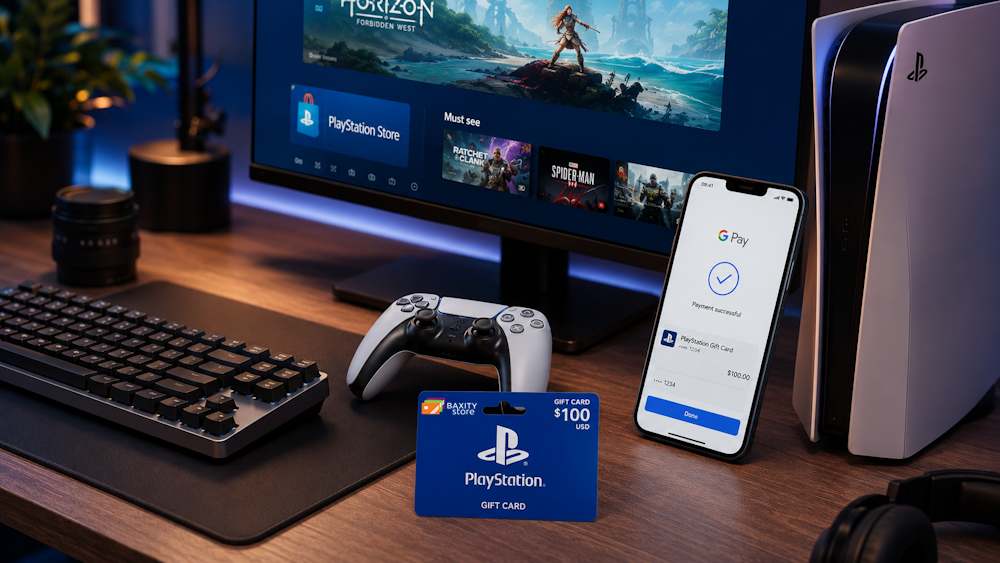
Google Pay Supported on PlayStation Store
Not all users can directly use PS Store with Google Pay to pay for digital content. PlayStation continues to expand support for mobile payment methods, but Google Pay availability still depends on your account region, local payment settings, and Sony’s payment policies. That is why one user may see Google Pay during checkout while another does not, even if both are using Android devices.
It is also important to understand that Google Wallet support within the PlayStation ecosystem does not work the same way on every device. In some countries, Google Pay for PS Store may only be available during mobile checkout or through a web browser, while the payment method may not appear on the console itself at all. Because of this, many users assume that Google Pay does not work with PlayStation in their region.
Several factors can affect whether this payment method is available:
- the country registered on the Sony account,
- the account currency and local billing settings,
- the type of device used during checkout,
- Sony’s current policy regarding supported payment methods in a specific region.
For example, accounts registered in the United States, the United Kingdom, or some EU countries often receive new payment options faster than other regions. At the same time, users in some regions may not see PS Store via Google Pay even if Google Wallet is active on their smartphone.
That is why it is important to check which payment methods are available for your region before completing a purchase. If direct payment is unavailable, users usually switch to alternative ways of topping up a PSN balance that are not affected by regional payment restrictions.
Benefits of Using Google Pay for PSN Purchases
Google Pay has become a popular payment method for digital content not only because of its speed, but also because of how simple the entire payment flow feels. For PlayStation users, this is especially important when buying games, DLC, or subscriptions directly from a smartphone.
- Fast checkout without manually entering card details. One of the main reason’s gamers choose Google Pay is the amount of time it saves. Users do not have to type in bank card details every time they make a purchase, especially during mobile transactions. That is why PS Wallet with Google Pay has become a more convenient option for many Android users who want faster checkout and easier access to digital content.
- Secure encrypted transactions. Google Wallet uses tokenized payments, which means real card details are not shared during every transaction. This reduces the risk of payment data exposure and makes mobile purchases more secure. As a result, users can comfortably top up their PSN balance with Google Pay and quickly access games, DLC, and subscriptions.
- Simple mobile confirmation through a smartphone. In most cases, payments are confirmed using a fingerprint, Face Unlock, or a PIN code on the phone. This is much faster than manually entering payment details on a console or repeating bank verification steps. That is why PlayStation pay with Google Pay has become popular among users who value fast digital purchases without unnecessary extra actions.
Users also frequently mention several additional advantages:
- quick access to games and subscriptions after successful payment;
- easier spending control through prepaid purchases;
- a faster payment process for mobile.
These advantages are some of the reasons why many users prefer PlayStation pay with Google Pay for faster digital purchases. Gamers value the quick checkout process, simple mobile confirmation, stronger payment security, minimal manual data entry, and better spending control through prepaid purchases.
How to Buy PlayStation Store Credits with Google Pay via Baxity Store
When direct payment in the PlayStation Store is unavailable or Google Pay does not appear among the available payment methods, gift cards become one of the most convenient ways to quickly top up a PSN balance. That is why many users today choose to buy PSN with Google Pay through verified resellers instead of linking a bank card directly to a Sony account.
For many users, PSN top up with Google Pay through Baxity Store is simply a more convenient solution. Why do so many players choose Baxity Store?
- First, the platform supports more than 100 payment methods, including Google Pay.
- Second, all transactions are protected, while customer verification adds an extra layer of security for both sides.
- Third, you receive your code by email immediately after payment, without delays or waiting queues.
Here is a step-by-step guide on how to top up PSN with Google Pay through Baxity Store in just a few minutes.
Choose a PlayStation Gift Card
The first step is to choose the right PlayStation gift voucher on the Baxity Store website. Go to the Gaming Credits category or simply use the search bar. There, you will find cheap PlayStation gift cards for different regions and denominations.
Baxity Store offers cards for different budgets — from $1 PSN cards for small purchases to $150 US PSN cards for larger top-ups. Available currencies include USD, TRY, AED, EUR, INR, GBP, PLN, and more. Simply choose the card that matches your PSN account region.
Before making a purchase, it is important to check two key details:
- Account region — the code only works for the region the card was purchased for;
- Denomination — choose an amount you realistically plan to spend in the near future.
PlayStation gift vouchers are available for European, US, and selected Asian PSN accounts. If you are unsure about your PSN account region, you can check it in your console settings or in the PlayStation app.
Once you have selected the correct region, choose the denomination that fits your needs — from smaller amounts to larger top-ups that are more convenient for regular spending. Add the card to your cart and continue to the next step.
Pay with Google Pay
After you have added the card to your cart, it is time to pay. Select Google Pay from the available payment methods at the checkout page. For many users, this is one of the fastest ways to complete a PSN recharge via Google Pay.
Here is what the payment process looks like step by step:
- Click the Checkoutbutton on the cart page;
- Log in to your Baxity Store account or register (this takes 1-2 minutes);
- Select Google Payas your payment method;
- Confirm the payment on your smartphone using fingerprint or Face ID;
- After successful payment, the system will start processing your order immediately.
You do not need to enter your card details manually. Google Pay works directly with your Google Wallet — no need to type 16-digit card numbers or search for your bank card before every purchase. This is one of the reasons why PSN via Google Pay feels so convenient for mobile users.
Mobile confirmation takes just a few seconds. You receive a notification on your phone, confirm the payment, and the transaction is completed within seconds. That is how simple PSN recharge via Google Pay is on Baxity Store.
After the payment is completed, you will see a confirmation message on the screen. All that is left is to receive the code and activate it on your console.
Receive Your Code
After a successful payment, the system automatically starts processing the order. In most cases, digital delivery takes only a few minutes, so users can access their PlayStation balance almost immediately after payment.
After completing the purchase, the user receives:
- a digital activation code;
- an email confirmation with order details;
- instructions on how to redeem the code;
- access to PSN funds after activation.
For many users, fast email delivery is one of the main reasons why buying a PSN code with Google Pay feels faster and more convenient. The code is also stored in your Baxity Store account, so you can access it again at any time.
To activate the gift card, simply sign in to your PlayStation account, open the PlayStation Store, and select Redeem Codes. After entering the code, the funds are automatically added to the account balance, giving the user immediate access to games, DLC, and subscriptions.
That is why many gamers prefer to buy PSN gift cards through Baxity Store — without waiting, physical cards, or a complicated activation process.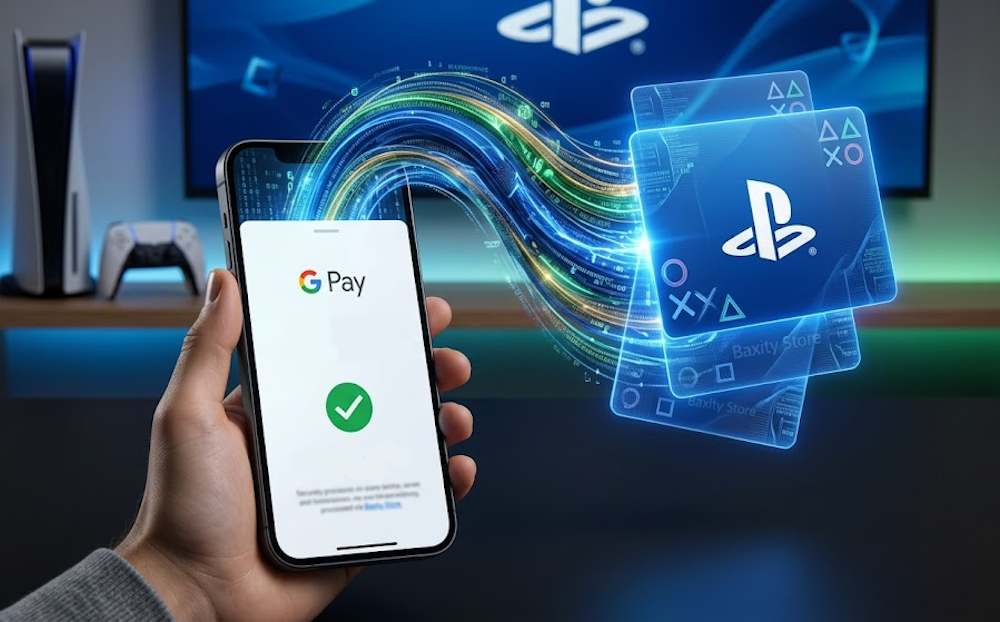
Where PlayStation Store Credits Can Be Used
PlayStation Store credits give users more flexibility when buying digital content. After activating an online PlayStation Network card, the funds are automatically added to the PSN balance and can be used for almost any purchase within the PlayStation ecosystem.
For many users, PSN funds with Google Pay are a convenient way to prepare their balance in advance for upcoming game releases, seasonal sales, or subscription renewals. This is especially useful during major PlayStation sales, where discounts on popular titles can reach up to 70%.
Here is what you can buy using Google Pay for online PSN purchases right after activating your code:
| Category | Examples | What You Should Know |
| Full Games | God of War Ragnarök, Spider-Man 2 | Buy new releases on launch day without linking a bank card |
| DLC & Add-ons | Season passes, extra missions | Expand your favorite games without extra checkout steps |
| Subscriptions | PlayStation Plus Essential, Extra, Premium | PSN balance can be used for subscription purchases and renewals |
| In-game Currency | V-Bucks, Apex Coins, Robux | Easier spending control for children by using a limited balance |
Why do many players prefer topping up their balance in advance? First, you do not need to link a bank card directly to a Sony account, which adds an extra layer of payment security. Second, you reduce the risk of unwanted subscription charges at the wrong moment. And most importantly, when a PlayStation Store sale starts, you can buy games instantly before discounts expire. That is one of the reasons why PSN online with Google Pay has become popular among mobile users who want faster access to digital content without repeating the checkout process every time.
Common Issues When Paying with Google Pay
Even if you use pay PlayStation with Google Wallet, technical issues can sometimes appear during checkout. A payment may be declined, the payment method may become unavailable, or the device itself may not be supported. Here are the most common problems and how to solve them.
| Problem | Why It Happens | What to Do |
| Payment declined | The bank blocks the transaction or there are insufficient funds on the card | Check your card balance or contact your bank |
| Google Pay is unavailable in your region | Sony does not support this payment method for your PSN account | Use PS Network cards as an alternative |
| Device restriction | Older Android version or missing Google Wallet | Update Google Wallet or use another smartphone |
| Verification error | Fingerprint or Face ID is not working correctly | Reconfigure biometric authentication or enter your PIN code |
If none of these solutions help, try the following:
- update the Google Wallet app to the latest version;
- switch to another payment card inside Google Pay;
- use a PSN gift card instead of direct payment through Google Pay.
PS Network cards remain one of the most reliable alternatives when direct payment methods are unavailable. They work independently from banks, do not rely on smartphone verification, and are often easier to use across different account regions. If you cannot pay PlayStation with Google Wallet, a PSN gift card is often the quickest alternative.
Final Thoughts on Using Google Pay for PSN
Google Pay has already made digital purchases much faster and more convenient for PlayStation users, especially on mobile devices. However, direct payment is still not available in every region, and some users continue to face verification issues, device restrictions, or declined transactions. That is why many gamers eventually choose PSN gift card with Google Pay as a more flexible and reliable way to top up their balance.
Why do so many players prefer this approach? You receive your code instantly by email, there is no need to link a bank card directly to a Sony account, and you keep full control over your spending without the risk of unwanted subscription charges. For mobile users, Google Pay makes the entire payment process faster and easier.
Baxity Store helps simplify the process even further with fast delivery, secure purchases, and favorable conditions for wholesale purchases. If you regularly buy games or manage multiple accounts, wholesale pricing can help you save money over time.
Choose the denomination you need, pay for a PSN gift card via Google Pay in seconds, and start playing without unnecessary delays.
FAQ
Can I use Google Pay to buy games on PS Store if I live in Europe?
Yes, but not always. Google Pay as a direct payment method in the PlayStation Store is only available in selected countries. Even if you are in Europe, your PSN account might be registered in a region where this method is not supported. In that case, the simplest solution is to buy a gift card through Baxity Store and pay for it with Google Pay.
What should I do if Google Pay declines my payment when buying a PSN card?
First, check if you have enough funds on your linked card. Sometimes banks block Google Pay transactions for security reasons — give your bank a call or confirm the payment through their mobile app. Also, make sure your Google Wallet is updated to the latest version.
Is it safe to buy PlayStation gift cards from Baxity Store?
Yes, Baxity Store is a verified reseller with 10 years of experience in the market. The platform uses secure payment gateways, verifies every customer, and delivers the code instantly after payment. No cards are ever linked to your PSN account — just a clean balance.
Can I activate a PSN code bought in one region on an account from a different region?
No, PlayStation Store codes are tied to a specific region. For example, a card for the US will not work on a European account. Always check your PSN account region before buying — you can find this information in your console settings or the PlayStation app.
Which is better: linking my card directly to Sony or buying gift cards with Google Pay?
Gift cards give you more control and security. You avoid the risk of accidental subscriptions, you do not leave your card details in your Sony account, and you can buy games instantly during sales. Plus, gift cards work even in regions where direct Google Pay is not available. It is a universal solution.