You want to top up your Binance account right now, and pulling out a bank Card or waiting for a transfer to clear feels like the wrong amount of friction for something that should take two minutes. Google Pay is already sitting on your phone, cards saved, fingerprint ready. The question is whether you can use it to fund Binance directly.
The short answer is no. Binance does not accept Google Pay as a direct funding method on every route, and that gap catches a lot of people off guard. A lot of people search for Binance google pay support expecting a native option, only to find the exchange simply does not offer it, and moving funds google pay to Binance still requires a bridge of some kind. There is, however, a simple workaround that gets you the same result without the wait: buying a Gift Card Binance with Google Pay through a verified reseller like Baxity Store. In practice, this is faster than a bank transfer and just as secure, and this guide walks you through the whole process — from choosing a denomination to redeeming your code in your Funding Wallet.
Whether you are recharging your own account, sending crypto to a friend without asking for a wallet address, or working around a region where direct Card payments to exchanges are blocked, the logic is the same: buy the code, redeem it, done.
Why Buy Binance Gift Cards with Google Pay
Google Pay has become one of the preferred payment methods for digital products, and crypto-related purchases are no exception. You are not typing Card numbers into a checkout form, you are not waiting for 3D-secure pop-ups to load, and you are not risking a typo on your expiry date. One tap, one confirmation, and the transaction is done.
That is exactly why Binance google pay purchases through a reseller make sense for anyone who values speed over ceremony. Here is what you actually gain when you choose this route:
- Fast authorisation. Google Pay uses tokenized payments, so approval happens almost instantly instead of going through manual bank verification.
- No repeated data entry. Your Card details are already stored, so you are not re-entering the same 16 digits every time you want to recharge.
- Mobile-first convenience. The entire purchase, from cart to confirmation, can be completed on your phone in the browser or app.
- Use Cards you already trust. You are paying with a bank Card you added once, not a new payment address you have to verify from scratch.
- A simplified checkout. Fewer steps between “add to cart” and “order confirmed” means fewer chances for something to go wrong.
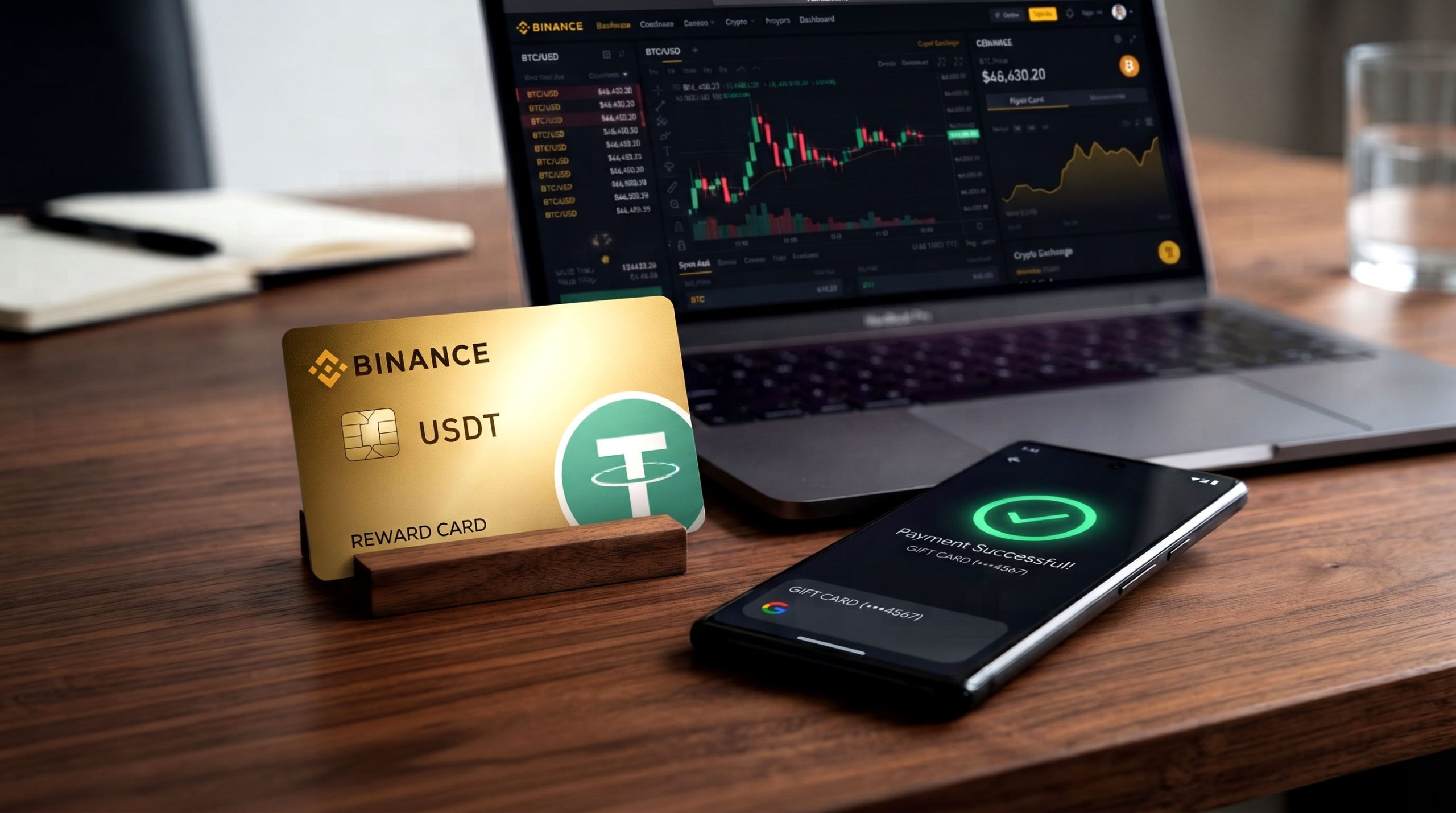 For anyone comparing a google pay Binance Card top-up against a standard bank transfer, the difference in friction is significant enough that most buyers do not go back once they have tried it.
There is also a practical trust element at play. Google Pay does not expose your Card number to the merchant, it works across most Android devices and browsers, and it is backed by the same fraud protections you already rely on for everyday purchases. When you buy crypto with google pay Binance-adjacent products like a Gift Card, you are combining a payment method you already trust with a delivery mechanism — the code — that settles instantly rather than sitting in a pending state.
Some buyers specifically search for a Binance virtual Card google pay setup, expecting a direct Card-to-Card link between the two services. What actually happens behind the scenes is simpler: your Google Pay balance covers the Gift Card purchase, and the Gift Card itself delivers the funds to Binance. The result functions the same way a Binance Card google pay integration would, without requiring Binance to support Google Pay natively.
Moving funds google pay to Binance this way also takes minutes rather than the hours a bank transfer might need, since the only step between checkout and a funded wallet is entering a single code.
The table below breaks down how Google Pay compares to a few other common funding routes for a Binance top-up.
| Payment Method | Speed | Setup Required | Typical Friction |
| Google Pay (via Gift Card) | Instant | Minimal, Card already saved | Low |
| Bank transfer | 1–3 business days | Bank details entry | High |
| Card payment (manual entry) | Minutes | Full Card details each time | Medium |
| E-wallets (Skrill, Neteller, etc.) | Minutes to hours | Wallet account setup | Medium |
What Is a Binance Gift Card and How Does It Work
Binance Gift Cards are digital vouchers, delivered as a unique alphanumeric code, that carry a fixed amount of USDT. Instead of moving funds through a blockchain address or a bank rail, you buy the Card, receive the code by email, and redeem it inside your Binance account. The balance lands in your Funding Wallet, ready to trade, hold, or move elsewhere on the platform.
The mechanism is deliberately simple. Each Card is generated with one unlockable code tied to a specific denomination. Once that code is entered and confirmed on Binance, the cryptocurrency is credited automatically, and the code itself becomes inactive. There is no manual approval step on Binance’s side and no waiting period once the code is valid — the transaction settles as soon as you confirm it.
People use these vouchers for several practical reasons: gifting crypto to someone without asking for their wallet address, funding an account in a region where direct Card payments to exchanges are restricted, or simply avoiding a bank transfer that takes a day to clear. It is also a clean way to top up an account you manage for someone else, since the code can be shared without exposing any personal payment information.
Binance Gift Card as a Crypto Payment Alternative
Because the Card is denominated in USDT rather than a local currency, it sidesteps a lot of the friction that comes with cross-border payments. A Binance voucher google pay purchase converts a familiar checkout flow into a crypto balance without you ever having to manually buy USDT on an exchange first. For anyone who finds direct crypto purchases confusing, this is often the more approachable entry point.
It also solves a practical problem for people who are not comfortable sharing a blockchain address out loud or over text. Instead of double-checking a long string of characters for typos, you are handing over — or receiving — a short code that either works or does not, with no risk of funds landing at the wrong address. For anyone who already understands how Binance google pay purchases route through a Gift Card, the redemption step on Binance’s side stays exactly the same regardless of how the code was originally funded.
How to Buy Binance Gift Card with Google Pay on Baxity Store
A Binance Gift Card buy through Baxity follows the same logic as any online purchase, with one difference: the product you are buying is a code, not a physical item, so delivery is instant. Here is the full process from start to finish.
Before you start, it helps to know roughly which denomination you are aiming for and whether you already have Google Pay set up with a valid Card. Having both ready means the checkout itself takes less than a minute once you reach the payment step.
- Create or log in to your Baxity account. A Baxity account is required to complete your purchase and to track your orders afterward from your account dashboard.
- Open the product category for Binance vouchers and select the denomination you want in USDT.
- Add the Card to your cart and review the order summary, including any transparently displayed processing fee.
- Proceed to checkout and choose Google Pay as your payment method.
- Confirm the payment through the Google Pay prompt on your device using your saved Card or bank account.
- Receive your code instantly by email and inside your Baxity account order history, ready to redeem on Binance.
The entire flow, from selecting the product to holding a usable code, typically takes less than five minutes. If you have ever bought a Gift Card for a streaming service, the checkout will feel familiar — the platform and the funding wallet are the only real differences. The Binance google pay experience on Baxity is really a checkout experience — the crypto side only happens once you redeem the code — and a Binance top up google pay purchase follows the same five steps regardless of which denomination you choose.
Available Binance Gift Card Options
Baxity stocks a range of denominations so you are not forced to overpay for more balance than you need or split a purchase across multiple Cards. The table below gives a general sense of how the options compare.
| Denomination | Typical Use Case | Delivery Time |
| Small (10–25 USDT) | Testing the platform, small gifts | Instant |
| Mid-range (50–150 USDT) | Regular top-ups, active trading | Instant |
| High-value (up to 500 USDT) | Larger recharges, business use | Instant |
Payment is not limited to Google Pay either. Visa and Mastercard are accepted through supported processors, and alternative methods including Skrill, Neteller, AstroPay, Paysafecard, Binance Pay, and ZEN are available for buyers in regions where standard Card payments are restricted.
How to Redeem a Binance Gift Card and Receive Cryptocurrency
Once your Baxity order confirms and the code lands in your inbox, activating it takes a couple of minutes inside Binance. It is worth redeeming the code soon after purchase rather than letting it sit unused, both to avoid misplacing it and to make sure you are working within its validity window. Once the code is redeemed, your Binance top up google pay purchase is complete, and the balance is yours to trade, hold, or move elsewhere on the platform.
A Binance Gift Card only pays off once it is actually redeemed, so treat the code the same way you would treat cash. Keep it private, avoid sharing screenshots of it, and enter it only on the official Binance app or website.
- Log in to your Binance account and go to the Gift Card section, usually found under Wallet or Rewards Hub.
- Select Redeem and enter the unique code exactly as it appears in your order confirmation.
- Confirm the operation when prompted.
- Check your Funding Wallet — the balance should appear immediately after confirmation.
You can check the redemption status from the same Gift Card section at any time, which is useful if you are managing several codes or want a record for accounting purposes. This same flow applies whether the Card was purchased for yourself or received as a Gift from someone else.
Important Things to Know Before Buying Binance Gift Cards
Before you buy crypto with google pay Binance-style through a Gift Card, a few practical limits are worth knowing so there are no surprises later.
- Cards have an expiry period, and unredeemed codes stop working once that window closes.
- The maximum denomination per Card is capped at 500 USDT.
- Cards cannot be reloaded or topped up once issued — each one is a single-use product.
- Every code is valid for one redemption only; once it is used, it cannot be reused or transferred.
- Binance does not charge a fee for sending or receiving Gift Card funds once redeemed.
- The Card is designed to work exclusively within the Binance platform and cannot be redeemed elsewhere.
Keeping these limits in mind before you buy Binance Gift Card google pay routes offer saves you from ordering a denomination that does not match what you actually need, or from letting a code expire unused.
None of these limits are unusual for the category — most digital vouchers, whether for gaming platforms or streaming services, follow the same one-time, non-reloadable structure. The difference with a Binance Card is simply that the balance lands as USDT in a crypto wallet instead of store credit, which is exactly the point for anyone using it as a top-up method. A Binance Card google pay purchase does not change any of these rules — they apply the same way no matter which payment method funded the original code.
Why Buy Binance Gift Cards from Baxity Store
Baxity Store has spent more than ten years in fintech, operating across 100+ countries, and the voucher catalogue reflects that experience. Whether you complete a Binance Card google pay checkout or pay through a bank Card directly, the delivery and redemption process stays identical, and every Binance Gift Card google pay order goes through the same secure checkout regardless of the amount.
- Payment flexibility through Google Pay, Visa, Mastercard, and e-wallets like Skrill, Neteller, AstroPay, Paysafecard, Binance Pay, and ZEN.
- A wide selection of USDT denominations to match different budgets and use cases.
- Instant digital code delivery straight to your email and account dashboard.
- Secure order processing with no hidden fees — the price on the product page is the price you pay, and any processing fee is shown clearly before you confirm.
- 24/7 service availability with responsive customer support if anything about your order needs clarification.
- Wholesale purchase options for buyers who need multiple Cards or higher volumes.
- A broader catalogue beyond Binance, including other Gift Cards, gaming credits, cryptocurrency vouchers, and prepaid solutions.
If a Binance account top up google pay purchase is what brought you here, the same account and checkout you use for a Binance Card also gets you access to the rest of Baxity’s inventory, so it is worth creating your account once and keeping it for future recharges.
FAQs
Can I pay Binance directly with Google Pay? Not on every route. Binance does not universally accept direct Google Pay funding, which is why a Gift Card purchased through a reseller like Baxity is the practical workaround.
Is a google pay Binance Gift Card purchase safe? Yes. Google Pay uses tokenized transactions, meaning your Card number is never shared directly with the merchant, and Baxity processes orders through secure, verified checkout systems.
How fast will I receive my code? Delivery is instant. Once payment is confirmed, the code appears in your email and your Baxity account dashboard.
What is the maximum Binance Gift Card value? 500 USDT per Card is the current maximum denomination.
Can I use the balance for anything other than Binance? No. The Card is built to work exclusively within the Binance platform and cannot be redeemed on another exchange or service.
Do I need a Baxity account to buy a Card? Yes, registration is required before checkout, and it also lets you track every past order from your dashboard.
What happens if I lose my code after purchase? Your order history in your Baxity account keeps a record of every code you have purchased, so you can retrieve it from your dashboard even if the original email is misplaced.
Once you have redeemed your first code, the whole process — from checkout to a funded wallet — becomes a five-minute routine rather than something you have to think through each time.
📚 Related Articles
- Binance Gift Card USDC – a Guide How to Buy and Redeem
- Understanding Binance Gift Cards and Benefits of Buying
- Buy Nintendo eShop Cards with Google Pay
- Instant Crypto Vouchers for 100+ Countries
- How to Gift Cryptocurrency with a Binance Gift Card
- Bulk Binance Gift Cards: The Ultimate Guide
- Binance Gift Cards – Where to Buy and How to Use?
- Binance Gift Card vs. Crypto Transfers: Full Comparison Guide