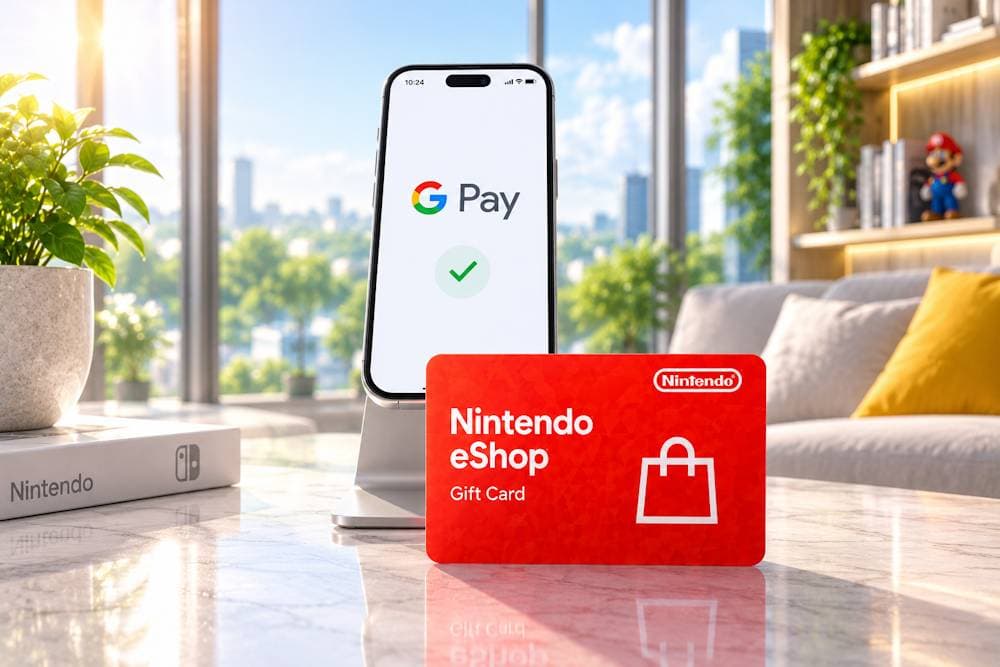
Paying with your phone has become second nature. A few seconds are all it takes, and everything is paid for. It's only natural that many players want Google Pay for Nintendo eShop as the fastest and most convenient way to pay for games and other digital content. In practice, though, things are not always that simple. Even with Google Pay, payments can sometimes run into problems. A bank may block transactions made through gaming stores, or regional restrictions may prevent a payment from going through. Some players simply prefer not to link their payment details to a Nintendo Account. These situations are more common than you might think, even among experienced Nintendo users. Fortunately, there's an easier option. Instead of trying to work out why a payment failed, you can buy a Nintendo Gift Card with Google Pay. In many cases, it's faster, more convenient, and avoids unnecessary payment issues. Throughout this guide, we'll look at when Google Pay works for Nintendo purchases, when Nintendo Gift Cards are the better choice, and what to check before buying.
Nintendo eShop Cards
Why Nintendo Players Choose Google Pay
Google Pay has grown far beyond a contactless payment app. According to PYMNTS Intelligence, its popularity has been rising rapidly, with the share of consumers using Google Pay for in-store purchases increasing by 324%, from 2.1% to 8.9% between 2020 and 2025. For many people, it's already a familiar way to pay every day, so choosing Google Pay for Nintendo eShop feels like a natural next step. There are several reasons why players prefer it.
- Google Pay is already part of everyday life. Millions of people use Google Pay to pay for groceries, public transport, subscriptions, and digital services. When one payment method is already part of your daily routine, it makes sense to use it for games or to add funds to Nintendo as well.
- Payments usually take just a few seconds. Google Pay lets you store multiple payment cards and choose the right one at checkout. Once everything is set up, you simply confirm the payment with your fingerprint, Face Unlock, or PIN. Google also uses tokenization, so merchants never receive your full card number.
- One Google Account for all your digital services. Most Android users already rely on a single Google Account for Google Play, YouTube, Gmail, and other Google services. As a result, paying for Nintendo with Google Pay feels just as simple and familiar, without the need to set up a separate payment method.
With Nintendo, however, things depend on more than just your preferred payment option. Whether Google Pay is available depends on the country linked to your Nintendo Account, your selected account region, and the payment options supported in that market. Although many players would like to use Google Pay for Nintendo eShop, that option isn't available everywhere. That's why it's worth understanding where Google Pay works and when an alternative payment method makes more sense.
Where Google Pay Can Be Used for Nintendo Purchases
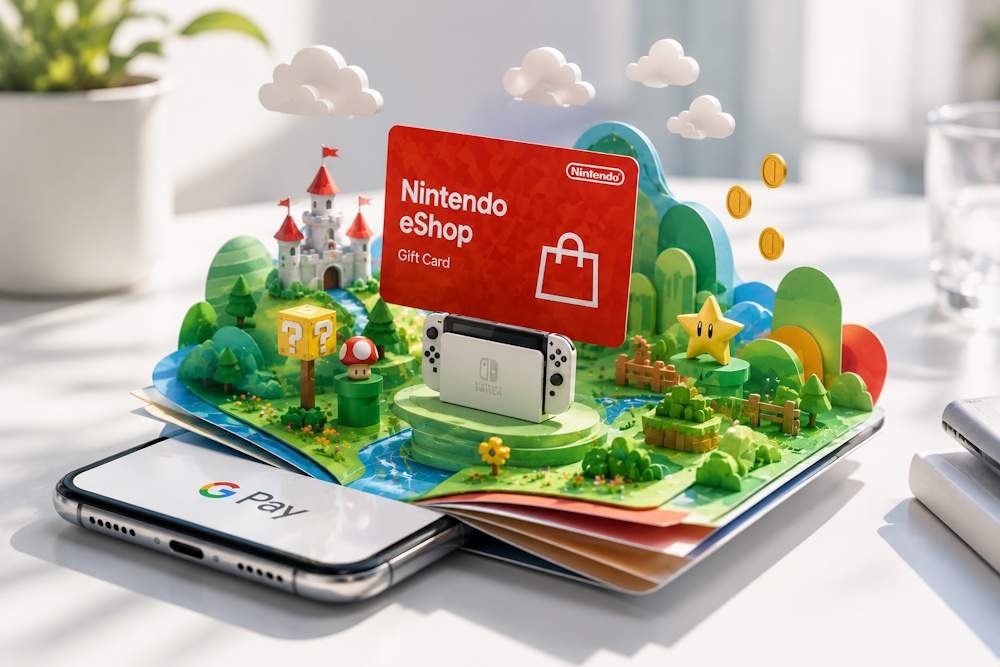
Google Pay is supported by Nintendo, but it isn't available for every type of purchase. Whether you can use it depends on where you're shopping, the region of your Nintendo Account, and the payment methods supported in that country. For that reason, it's worth knowing a few important details before using Google Pay to pay for Nintendo eShop purchases.
Nintendo eShop Cards
- Google Pay is available in My Nintendo Store. Google Pay is listed as a supported payment method on the official My Nintendo Store website for Nintendo Account holders and guest customers in supported regions. Most European My Nintendo Store websites, including Germany, France, Spain, Italy, and the Netherlands, accept Google Pay. You can use it to purchase digital games, Nintendo Switch Online memberships, and physical merchandise.
- Google Pay doesn't work in the Nintendo eShop on the console. If you're buying content directly from a Nintendo Switch, there's one important limitation to keep in mind: Google Pay isn't supported as a payment method in the Nintendo eShop on the console. Official Nintendo support pages for Japan, the United Kingdom, and other European regions confirm that Google Pay is available only through the web-based My Nintendo Store. This is one of the key differences between My Nintendo Store and the Nintendo eShop that many players don't realize.
- Your account region must match your payment method. Even if Google Pay is available in your country, a payment may still be declined if your account region doesn't match your payment method. When adding funds to your Nintendo Account with Google Pay, the account region should match the country where your bank card was issued. Japan has even stricter rules. As of March 25, 2025, Nintendo no longer allows credit cards or PayPal accounts issued outside Japan to be used in the Japanese My Nintendo Store or Nintendo eShop. The restriction was introduced as part of the company's efforts to reduce fraudulent purchases.
Even if Google Pay can't be used for your purchase, you still have other convenient options. A Nintendo Gift Card lets you add funds to your account first, so you can complete your purchase without depending on the payment methods available in your region. That's why many players choose this option instead.
Nintendo eShop Cards as a Flexible Payment Solution
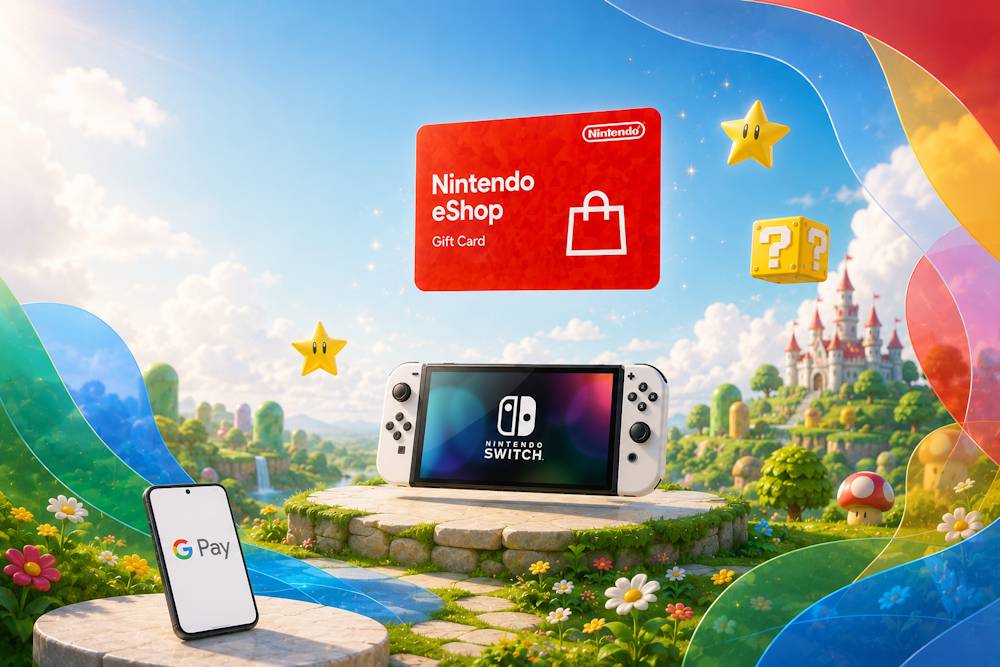
Nintendo Cards have long been more than just a way to give someone a game. For many players, they are a more practical alternative to paying for Nintendo eShop using Google Pay, offering better spending control, eliminating the need to link a bank card to a Nintendo Account, and giving players greater flexibility when making purchases. Why do so many players choose eShop Cards?
- Better control over spending. A Nintendo Gift Card has a fixed value, so your gaming budget is set before you add funds to your account. This makes it easier to manage family accounts, control children's spending, and stick to a planned budget during seasonal sales.
- More privacy and security. Redeeming a card only requires entering the digital code, so there's no need to add a bank card to your Nintendo Account. Your bank statement also shows the purchase of a gift card rather than the name of a specific game or other digital content.
- A great gift for any Nintendo player. A Nintendo eShop Gift Card isn't tied to a particular game. The recipient decides how to use the balance, whether it's for a new release, DLC, a Nintendo Switch Online membership, or any other digital content. That way, the recipient gets exactly what they want.
- A practical solution to regional payment restrictions. If you can't buy Nintendo with Google Pay because of regional payment restrictions, you can purchase a Nintendo Gift Card using Google Pay and then redeem the code on your account. For many players, this is a much simpler option when direct payment methods vary from one country or region to another.
- Buy it now and redeem it whenever you're ready. There's no need to redeem the code immediately after purchase. You can buy it in advance, save it for the next big sale, or wait until the game you want is released. This flexibility makes eShop Cards especially convenient for anyone planning future purchases.
The benefits of eShop Cards become even more obvious when you can buy the right region quickly and pay using your preferred payment method. Next, we'll look at where and how to buy a Nintendo code with Google Pay.
Nintendo eShop Cards
Purchasing Nintendo eShop Cards with Google Pay on Baxity Store
Today, you can buy an eShop Card from dozens of websites. The difference between a "cheap deal" and a reliable purchase, however, can be significant. If a code turns out to be invalid or the seller offers no support after payment, the money you saved may end up costing you more. That's why, before you buy Nintendo with Google Pay, it's worth checking a few key signs that a seller can be trusted.
How to Choose a Reliable Nintendo eShop Card Seller
| Criterion | What to Look For | How Baxity Store Meets This Requirement |
|---|---|---|
| Seller status and reputation | Choose stores that work with official suppliers, have genuine customer reviews, and have been operating for years. This greatly reduces the risk of receiving an invalid or already redeemed code. | Baxity Store is a verified reseller working with trusted digital product suppliers and has built a strong reputation as a reliable seller. |
| Order security | A trustworthy provider uses SSL encryption, protects payment data, and verifies suspicious orders to help prevent fraud. | Every order is processed through a secure SSL-encrypted connection. New customers complete a short verification process to help protect both their accounts and purchases. |
| Region and denomination selection | A good gaming store should offer cards for multiple regions and in different denominations, making it easy to choose the right option for your Nintendo Account. | Baxity Store offers Nintendo eShop Cards for multiple regions and in a wide range of denominations, including the most popular options. |
| Transparent delivery | A reliable seller clearly states delivery times and explains if additional verification may occasionally be required. | Most digital codes are delivered almost instantly. If additional verification is necessary, Baxity Store clearly informs customers that delivery may take up to 72 hours. |
| Secure payment methods | Choose stores that support trusted payment options such as Google Pay, PayPal, or major bank cards with secure checkout. | Baxity Store supports Google Pay, bank cards, and other trusted payment methods through a secure checkout process. |
| Fair pricing | Be cautious of prices that are dramatically lower than the card's face value. Extremely large discounts often indicate fraud or illegally obtained codes. | Baxity Store follows transparent pricing, offers wholesale rates for orders of 10 cards or more, and regularly runs promotions with discounts of 5–15%. |
These six criteria will help you choose a trustworthy seller and avoid unpleasant surprises. Now let's walk through the process of buying a Nintendo code with Google Pay from Baxity Store.
How to Buy a Nintendo eShop Card with Google Pay from Baxity Store
- From the Baxity Store homepage, open the Gaming Credits category and go to Nintendo Gift Card Online.
- Select the region and denomination that match your Nintendo Account, then add the card to your cart. Multiple cards can be purchased in a single order, and wholesale pricing is available when buying 10 or more cards. Nintendo eShop Cards are available in USD and GBP denominations starting from $10. Baxity Store also offers dedicated Nintendo Switch Online membership cards for 3 and 12 months, so make sure to choose the product that matches your needs.
- Open your shopping cart and sign in to your Baxity Store account. If this is your first purchase, create a new account and complete the short verification process. This is an important security measure designed to protect both customers and transactions.
- Click Checkout, accept the security policy, and select Google Pay as your preferred payment method.
- Once your payment has been confirmed, your digital Nintendo code with Google Pay will be sent to the email address associated with your order. Most orders are delivered within minutes, although some may require additional verification before the code is issued.
With Baxity Store, topping up Nintendo eShop with Google Pay is fast, simple, and secure. The entire purchase usually takes no more than a couple of minutes, and you'll receive a guaranteed valid code that can be redeemed whenever you're ready.
What Can You Buy with Nintendo eShop Balance?
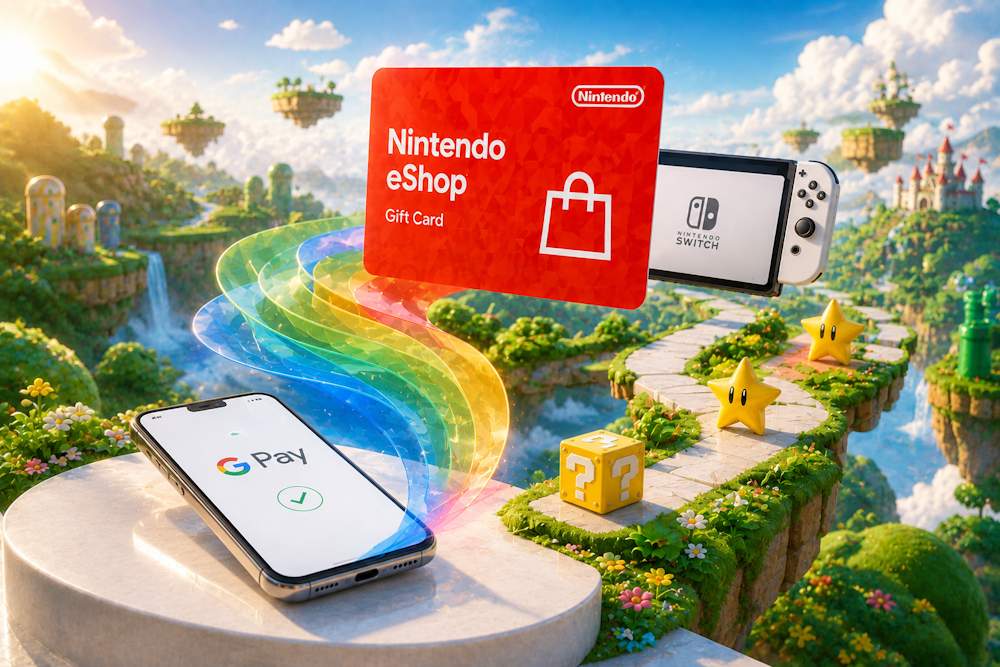
Once you redeem an eShop Card, the funds are added to your Nintendo Account balance almost instantly. In other words, buying a gift card is a fast and convenient way to top up your Nintendo balance with Google Pay, giving you access to the entire Nintendo eShop catalog, including games, downloadable content, memberships, and much more. Here's everything you can purchase after adding Nintendo credits with Google Pay to your account balance.
📚 Related Articles
- Buy Gift Cards with Neteller
- Buy Nintendo eShop cards with Neteller
- Buy Xbox Gift Cards with Neteller
- Buy Steam Wallet Credits with Neteller
- Get PlayStation Store Credits with Neteller
- Buy PUBG Mobile UC with Neteller
- How to Top Up Your Apple or Google Play Accounts with Skrill or Neteller
Games and Downloadable Content
Your Nintendo eShop balance can be used to purchase almost any type of digital content available in the marketplace. That includes much more than full games, giving you access to additional content that expands and enhances titles you already own.
- Full digital games. Nintendo eShop offers thousands of titles, from Nintendo exclusives to popular indie releases. Alongside physical editions, most games are also available as digital downloads. Once purchased, the game is ready for download immediately and becomes a permanent part of your digital library.
- DLC and Season Passes. If you already own the base game, your balance can be used to purchase additional story chapters, new characters, maps, cosmetic items, and other downloadable content. You can also buy Season Passes, which include multiple DLC packs released over time and often cost less than purchasing each expansion separately.
- In-game digital content. Many games also let players purchase additional items, characters, virtual currency, skins, and other digital content directly through Nintendo eShop using the available account balance.
Nintendo Switch Online Memberships
Your Nintendo balance with Google Pay can be used for much more than buying games. Once you've added funds to your account, the balance can also be used to start or renew a Nintendo Switch Online membership, giving you access to online multiplayer, cloud save backups, a growing collection of classic Nintendo games, and other platform features. Nintendo currently offers two membership options:
- Nintendo Switch Online — $19.99 per year for an Individual Membership or $34.99 per year for a Family Membership covering up to eight Nintendo Accounts.
- Nintendo Switch Online + Expansion Pack — $49.99 per year for an Individual Membership or $79.99 per year for a Family Membership.
Whether you complete a Nintendo top up with Google Pay or use another payment method, the choice of how to spend your balance is entirely yours. You can purchase the latest game releases, subscribe to Nintendo Switch Online, buy DLC, or pay for other forms of digital entertainment available through Nintendo's ecosystem. That's why many players see Nintendo credits with Google Pay as a flexible way to pay for digital content without linking a bank card directly to their Nintendo Account. Next, let's look at a few important things to know before paying Nintendo with Google Pay, helping you avoid common mistakes when choosing a region, denomination, or payment method.
Nintendo eShop Cards
Important Things to Know Before Buying
Before buying a Nintendo eShop Card—especially if you're planning to buy Nintendo Switch money with Google Pay—it's worth taking a couple of minutes to check a few important details. A quick review can help you avoid the most common mistakes and save time later. In most cases, issues with Google Pay for Nintendo eShop aren't caused by the payment itself but by selecting the wrong region, currency, or card type.
| What to Check | Why It Matters | Recommendation |
|---|---|---|
| Card region | Every Nintendo eShop Card is locked to a specific region. For example, a U.S. card cannot be redeemed on a European Nintendo Account. | Always choose a card that matches your Nintendo Account region. You can check your current country in your account settings. |
| Card currency | The card's currency is tied to its region. | Choose a card in the correct currency for your account, such as USD, GBP, or another supported currency. |
| Redemption code | A Nintendo eShop code contains 16 characters. Some letters and numbers look very similar, and the code must be redeemed in the correct section of Nintendo eShop. | Enter the code carefully. If you're unsure about a character, try the most likely alternative. Make sure you redeem it through the Add Funds section rather than the download code page. |
| Card type | Nintendo offers both standard Nintendo eShop Cards and Nintendo Switch Online membership cards. | Double-check the product name and description before placing your order to make sure you're buying the correct card. |
| Delivery email | Your digital code will be sent by email. | Verify that your email address is correct and that you have access to the mailbox before completing your purchase. |
| Nintendo Account requirements | You must be signed in to your Nintendo Account before redeeming a code. | Make sure you've completed authorization and authentication for your Nintendo Account before redeeming your card. |
| Store selection and usability | Not every seller offers the same range of products or an equally smooth buying experience. | Choose a store with a wide assortment of regions and denominations. Good usability, a straightforward checkout process, and responsive customer support are also worth considering. |
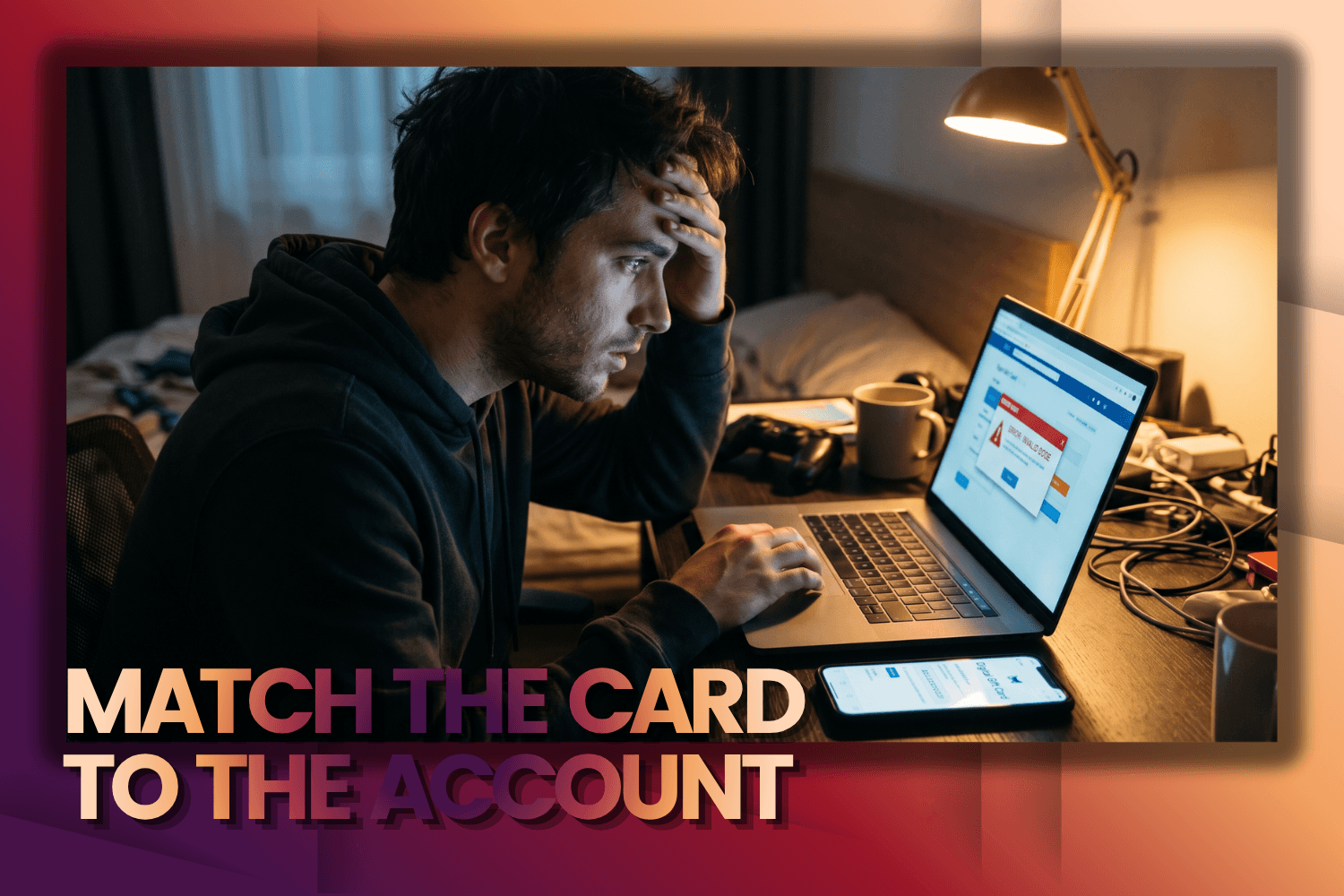
The most important rule: A Nintendo eShop Card only works with a Nintendo Account registered in the same region as the card. If you're planning to buy a Nintendo Gift Card, always check your account country first. It's the single most important factor in determining whether the code will work. Also remember that if you change the country in your Nintendo Account settings, your existing account balance will not transfer to the new region. Spending a few minutes checking these details before placing your order can help you avoid most activation issues. Once everything matches, completing a Nintendo top up with Google Pay and redeeming the correct gift card becomes one of the easiest and most reliable ways to add funds to your Nintendo Account.
Conclusion
Using Google Pay for Nintendo purchases is easier than many players expect. Even if direct payments aren't available, an eShop Card offers a quick and convenient way to add funds to your account and purchase games, DLC, memberships, and other digital content without unnecessary hassle. When you choose Baxity Store, you're buying from a verified reseller that provides guaranteed valid codes, a wide selection of regions and denominations, secure checkout, fast digital delivery, and professional customer support. Regular promotions, wholesale pricing, and additional savings make your purchases even more rewarding. Choose the right Nintendo Gift Card at Baxity Store, top up your balance with Google Pay, and enjoy the games you want—whenever you want.
FAQ
Do I need to link a bank card to my Nintendo Account when using eShop Cards?
No. Redeeming an eShop Card only requires entering the digital code. There's no need to link a bank card to your Nintendo Account.
Can I pay directly in Nintendo eShop with Google Pay?
Not always. Google Pay for Nintendo eShop is supported through the My Nintendo Store website in eligible regions. However, Google Pay isn't available as a direct payment method in Nintendo eShop on Nintendo Switch consoles. In those cases, an eShop Card is the easiest alternative.
Can I buy a Nintendo eShop Card with Google Pay for another country?
Yes, but the card must match the region of the Nintendo Account where it will be redeemed. For example, a U.S. eShop Card can't be activated on a European Nintendo Account.
Is it safe to buy eShop Cards with Google Pay?
Yes, as long as you buy from a trusted seller. When you purchase from Baxity Store, a verified reseller, you receive a guaranteed valid code, secure checkout, and professional customer support if you need assistance.


Comments
Sign in to join the conversation. Every comment is reviewed before it appears on the page.
Sign in to comment
You need an account to leave a comment. Sign in and your name will be used automatically.
No comments yet. Be the first to write one.