For Xbox console owners, having a secure and convenient way to pay for digital content remains important. Many users prefer e-wallets over traditional bank cards, and NETELLER is one of the most widely used payment services thanks to its fast transactions and greater control over spending.
At the same time, Microsoft Store does not support direct payments through NETELLER. That is why many users look for a way to pay for Xbox Live with NETELLER without linking a bank card. The good news is that there is a simple and officially supported solution — Xbox gift cards. In this article, we will show you how to use NETELLER for Xbox by purchasing a gift card and quickly add funds for games, subscriptions, and other digital content.
Using NETELLER for Xbox Purchases
NETELLER has long been used to pay for digital services, online subscriptions, and a wide range of online purchases. For many users, it serves as their primary e-wallet, already holding funds that can be used for various digital transactions. As a result, many users want to spend their existing NETELLER balance on Xbox purchases as well.
This is especially relevant for players who regularly buy new games, in-game content, or subscription services. In such cases, the ability to make an Xbox payment with NETELLER would be a convenient solution, eliminating the need to move funds to another payment method before every purchase.
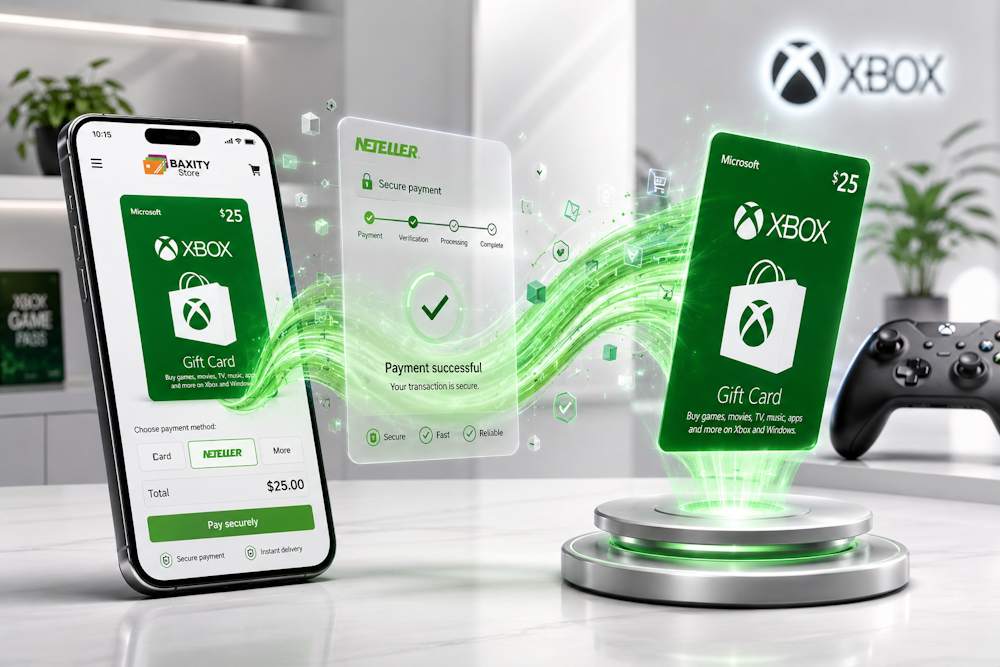 For many customers, NETELLER is more than just a payment tool. It is a platform used to manage online spending, receive transfers from other users, and work with multiple currencies through a single account. That is why the possibility of using NETELLER for Microsoft Store purchases frequently comes up among Xbox owners looking for flexible payment options.
Benefits of using NETELLER for digital purchases:
- one e-wallet for storing and managing funds;
- support for multiple currencies;
- the ability to send and receive transfers between NETELLER users;
- convenient management of online spending through a single account.
If you plan to add funds to your Xbox balance or purchase digital content, an Xbox store card can be one of the most practical solutions available. In the next section, we will look at whether NETELLER can be used directly as a payment method in Microsoft Store.
Is NETELLER Available in Microsoft Store
The short answer is no. Microsoft Store does not currently support NETELLER as a direct payment method. If you try to use NETELLER in the Xbox Store, you will not see it among the available payment options. This is not caused by an account issue or incorrect user settings.
Microsoft decides which payment methods can be used across its ecosystem. Depending on the country or region, users may have access to bank cards, PayPal, or other local payment options. However, NETELLER, like most e-wallets, is not included in that list. As a result, users who want to buy Xbox with NETELLER usually cannot add their wallet as a payment method to their Microsoft account.
For many users, this comes as a surprise because NETELLER is widely used for digital payments, online services, and international transfers. However, the popularity of a payment platform does not guarantee support from a specific merchant or ecosystem.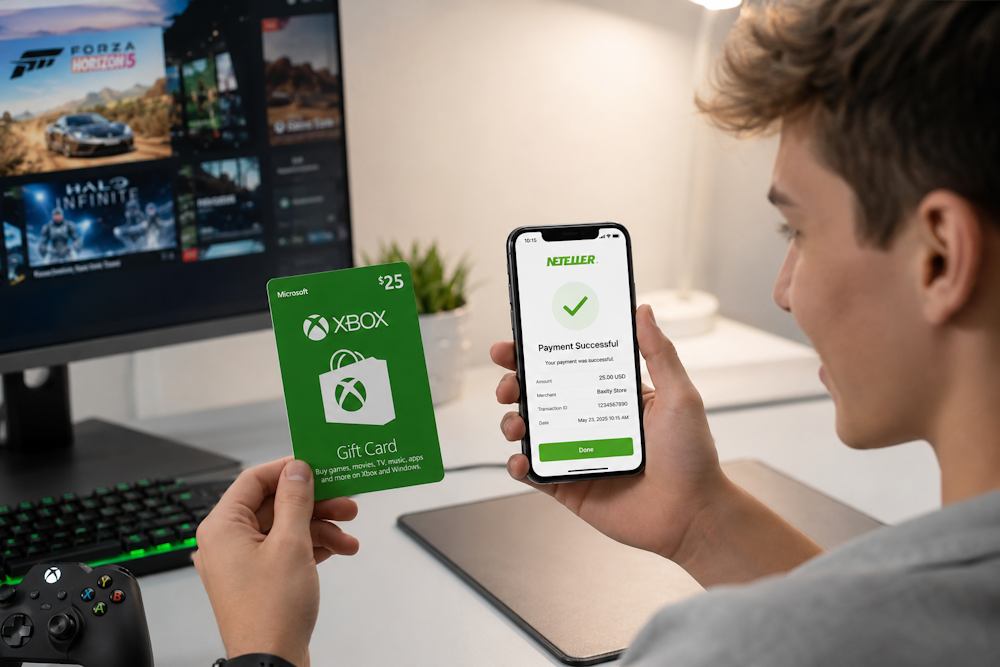
What should you keep in mind before making Xbox purchases?
- available payment methods are determined by Microsoft;
- supported payment options may vary by country or region;
- the absence of NETELLER does not indicate a problem with your account;
- a direct Xbox purchase with NETELLER is currently not available.
This does not mean that you cannot use funds from your NETELLER wallet for Xbox-related purchases. It simply means that a different approach is required, which we will discuss in the next section.
📚 Related Articles
Alternative Way to Pay for Xbox Without a Bank Card
If Microsoft Store does not allow you to add NETELLER as a direct payment method, it does not mean that you cannot use the funds in your e-wallet for Xbox-related purchases. That is why many users look for alternative ways to add funds to their account balance without linking a bank card.
One of the most practical solutions is to buy an Xbox Gift Card with NETELLER. In this case, the funds are converted into Xbox balance through gift card redemption and can then be used to purchase games, subscriptions, and other digital content.
Many gamers choose this option not only because direct NETELLER payments are unavailable. A gift card allows you to add a fixed amount of funds to your account, making it easier to manage spending on digital purchases. In addition, the code can be redeemed immediately after purchase or saved for future use.
Why Xbox Gift Cards remain a popular solution:
- a predefined amount is added to your account balance;
- funds can be used for games, subscriptions, and additional content;
- there is no need to link a bank card to your account;
- the digital code can be redeemed immediately or used later.
At the same time, it is important to pay attention to the seller. Not every webstore offers the same level of reliability. In some cases, users receive codes intended for a different region or purchase from sellers who cannot verify the source of their digital products. That is why experienced buyers usually choose a verified reseller that can guarantee valid codes and transparent purchasing conditions.
If you plan to buy Xbox with NETELLER, choosing a trusted seller is often just as important as selecting the payment method itself. In the next section, we will look at how the process of purchasing Xbox vouchers works in practice.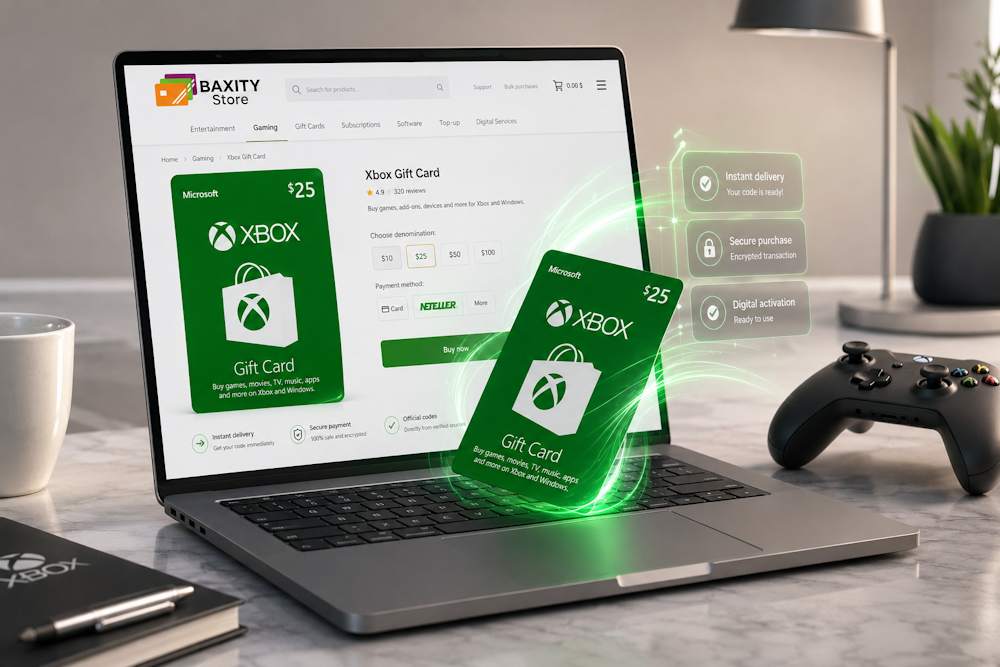
Buying Xbox Gift Cards with NETELLER on Baxity Store
Baxity Store is a verified reseller of digital products, offering Xbox Gift Cards for multiple regions and currencies. The catalog includes cards in USD, GBP, MXN, ZAR, AED, and other currencies, making it easy to choose the right option for your Xbox account region. The purchase process takes only a few minutes, and all you need is a sufficient balance in your NETELLER account.
The service is designed for both occasional buyers and regular users of digital content. That is why many customers choose to buy Xbox gift with NETELLER through Baxity Store instead of relying on unverified marketplaces.
Why gamers choose Baxity Store:
- Region-specific vouchers for the United States, the United Kingdom, several European countries, Mexico, South Africa, the UAE, and many other markets, so you can purchase a code that matches your account region.
- A wide range of denominations, from $3 to $100, allowing you to choose the amount that best fits your needs.
- Wholesale pricing for customers purchasing 10 or more cards at once, making it a cost-effective option for teams, esports players, and frequent buyers.
- Regular promotions and discounts on selected products. For example, some Xbox Gift Cards may be available at prices below their face value.
- Fast digital delivery, with codes sent by email after payment and order processing.
- Guaranteed valid codes from a verified reseller, reducing the risk of receiving invalid or previously redeemed products.
Thanks to these advantages, you can safely buy a gift card for Xbox via NETELLER without worrying about reliability or product quality.
The catalog features Xbox Gift Cards for different regions and denominations, allowing users to easily select the most suitable option based on their account region and planned purchases. Below, we will walk through the entire ordering process step by step, from choosing the right card to receiving your digital code by email.
Choose the Right Xbox Card
Go to the Baxity Store website, open the Gaming Credits category, and select Xbox. You will see a list of available cards. Each product includes information about its region, currency, and denomination, making it easy to find the right option for your Microsoft account.
The most important rule is to check the card’s region. An Xbox voucher intended for the United States cannot be redeemed on an account registered in the United Kingdom. That is why, when you buy an Xbox Live gift card, you should always pay attention to the region and currency specified in the product description (USD, GBP, ZAR, INR, MXN, AED, and others).
Choosing the right denomination is just as important. The Baxity Store catalog includes cards with different values, ranging from smaller amounts for occasional purchases to larger denominations for adding more funds to your balance at once. This allows you to select an amount that matches your planned spending.
Before adding a card to your cart, make sure that:
- the card region matches your Microsoft account region;
- you have selected the correct currency;
- the denomination fits your planned budget;
- the product is in stock and available for purchase.
Once you have chosen the right card, you can proceed to checkout and pay with NETELLER.
Pay with NETELLER
- After choosing the Xbox card you need in the Gaming Credits category on Baxity Store, click “Add to Cart” and proceed to your shopping
- If this is your first purchase on Baxity Store, you will be asked to sign in or create an account. After registration, you will need to complete a short verification This is a standard security measure designed to protect customers and help prevent fraudulent transactions. Once completed, you will not need to repeat registration or verification for future purchases, making the process even faster next time.
- After signing in, open your cart and click Checkout. On the order page, select NETELLER as your payment provider, confirm your agreement with the Baxity Store security policy, and proceed to payment.
- You will then be redirected to a secure NETELLER payment page. Sign in to your e-wallet account, review the payment details, and confirm the transaction. Once the payment is successful, your order will be processed.
That is why many users who want to pay for Xbox Live with NETELLER choose gift cards as a convenient alternative to direct payments.
Receive Your Gift Card
After a successful payment, Baxity Store processes the order automatically. Your gift card code will be sent to the email address provided during checkout. You can also find it in your personal account under the “Orders” section.
Once you receive the email, check the code and keep it safe until you are ready to redeem it. If the message does not appear in your inbox, make sure to check your Spam or Promotions folders as well.
Please note that customers who buy an Xbox gift with NETELLER receive a digital code rather than a physical card. In the next section, we will take a closer look at how Xbox Gift Cards work after redemption and what happens to the funds once they are added to your balance.
How Xbox Gift Cards Work After Purchase
After receiving your digital code, you need to redeem it on your Microsoft account using the Redeem Code feature. Once confirmed, the funds are automatically added to your account balance and become available for future purchases across the Xbox ecosystem.
Unlike a direct bank card payment, a gift card adds funds to your account balance first. After that, you decide when and how to spend them. That is why many users consider this method a convenient option for Xbox recharge with NETELLER.
After redeeming an Xbox Gift Card, you get:
- a balance ready for future purchases of games and digital entertainment;
- the ability to pay for items in the Xbox ecosystem without a bank card;
- a simple way to top up Xbox with NETELLER through gift cards;
- the option to use the funds immediately or save them for future releases;
- access to purchases regardless of whether you have an active Game Pass;
- the ability to buy a code for yourself or as a gift for another user.
What if you redeem the code but decide not to buy a game right away? The funds remain on your balance. They do not disappear, and there are no inactivity fees. You can use them whenever you want, whether that is next month or much later.
For many users, the ability to buy an Xbox gift online remains one of the most convenient ways to add funds to their account while maintaining greater financial flexibility.
What to Consider Before Buying Xbox Cards
Before you buy Xbox online, make sure to check three important things:
- The website where you plan to make your purchase. Choose only a verified reseller. Baxity Store is one of them. This helps ensure that the code is genuine and has not been used before.
- The product description. The publisher, region, denomination, and compatibility should all be clearly stated. If the card is marked for the United States but your account is registered in the United Kingdom, the code will not work.
- Compatibility with your account. Check your Microsoft account settings. The “Country/Region” setting should match the region of the gift card you plan to purchase.
For users who use NETELLER to buy Xbox products online, choosing the correct region and currency is far more important than saving a few dollars. A cheaper card from a different region may seem attractive, but it can become unusable if it cannot be redeemed on your account.
What to check before buying
| What to Check | How to Check | Why It Matters |
| Seller | Verify that the store is a verified reseller | Helps ensure you receive a valid code |
| Gift Card Region | Label on the card (USD, GBP, EUR, etc.) | The code can only be redeemed in the specified region |
| Your Account Region | Microsoft Settings → Country/Region | Must match the gift card region |
Also keep in mind that direct Xbox Store payments with NETELLER are currently unavailable. This is why Xbox Store Cards remain the most convenient way to top up your balance and access purchases in the Xbox ecosystem.
NETELLER and Xbox: Final Thoughts
Although direct Xbox Store with NETELLER payments remain unavailable, this does not create any serious limitations in practice. Xbox Store Cards allow you to quickly add funds to your account balance, purchase games and digital content, and enjoy the full Xbox ecosystem without linking a bank card.
That is why more and more users choose to buy Xbox with NETELLER through gift cards. This approach combines:
- the convenience of an e-wallet;
- better control over spending;
- instant access to funds after redeeming the code.
At Baxity Store, you can choose Xbox Gift Cards for different regions and currencies, pay securely, and receive your code by email after your order is processed. As a verified reseller, Baxity Store also gives you confidence that your code is genuine, valid, and ready to use.
So, if you are looking for a reliable alternative to Xbox Store with NETELLER, simply choose the right Gift Card at Baxity Store and top up your Xbox balance in just a few clicks.
FAQ
Can I pay directly in Microsoft Store with NETELLER?
No, Microsoft Store does not support NETELLER as a direct payment method. You need to buy an Xbox gift card with NETELLER on a verified reseller like Baxity Store and then redeem the code.
Is Baxity Store a safe place to buy Xbox gift cards?
Yes, Baxity Store is a verified reseller. This means all codes come directly from official distributors. You get a genuine, unused code with instant delivery.
What happens if I buy a gift card for the wrong region?
The code will not redeem on your account. You cannot transfer the funds to another region. Always check that the card region matches your Microsoft account’s country/region before buying.
Can I use the same NETELLER account to buy multiple gift cards?
Yes. You can buy as many cards as you need. Baxity Store even offers wholesale pricing for 10+ cards.
Can I use the code later, or does it expire?
Yes, you can redeem the code a day, a month, or six months later. The exact expiration date depends on the specific card and region. It is usually between 6 and 12 months. Always check this information in the product description on the Baxity Store page before purchasing.