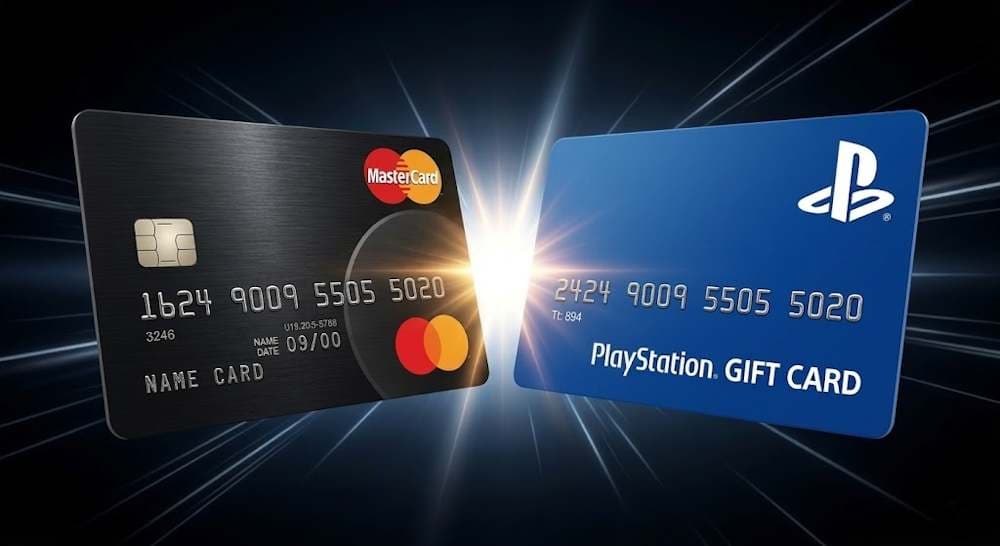
Mastercard remains one of the most widely used bank cards for digital payments alongside Visa, so topping up the PlayStation with Mastercard is a natural choice for users who regularly purchase games, additional content, or subscriptions within the gaming ecosystem. This payment method allows you to manage your spending quickly without using third-party services or additional tools. However, in practice, buying PlayStation credits with Mastercard does not always work successfully.
- Sometimes the bank blocks the transaction due to regional settings or security policies.
- In other cases, the user simply prefers not to store payment details in their PlayStation account, which is a reasonable precaution.
PlayStation Gift Card
Buy Now and Pay with Mastercard
These difficulties are not a reason to give up the convenience of Mastercard. Fortunately, there is a faster and more reliable solution. It is enough to purchase a PlayStation gift card and pay for it with Mastercard. The card is activated directly in the account and works regardless of direct payment restrictions and regional checks. In addition, you do not need to link your card to the account. Most importantly, you finally get access to games without unnecessary barriers. Next, we will look at why this approach is being used more and more often and how to apply it correctly to top up your PlayStation Store balance.
Why Mastercard Is a Popular Choice for PlayStation Store
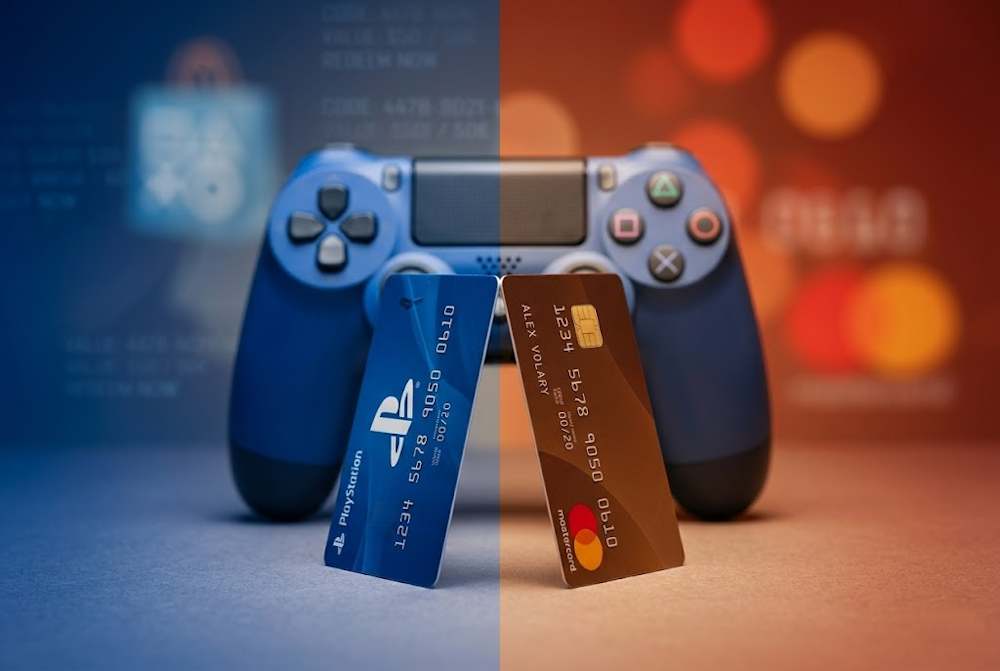
Mastercard today serves more than 3.1 billion cards in over 210 countries (Nilson Report, 2025), and its share of the global card payments market is about 25%. That is why payment in the PlayStation Store with Mastercard remains one of the most common payment methods for users who regularly purchase digital content within the PlayStation platform. What specific advantages does a player get:
- Speed of checkout. Completing a payment in the PlayStation Store with Mastercard usually takes about 10–15 seconds, without switching to third-party payment services or creating additional accounts.
- No registration required. Unlike PayPal, Skrill, or Apple Pay, there is no need to create a separate account or complete additional verification — the bank card is already ready for digital purchases.
- Support for recurring payments. For example, a PS Plus Essential subscription costs about $80 per year, so the ability to pay PlayStation Store with Mastercard allows users to maintain uninterrupted access to services without interruptions to the subscription.
- Flexible spending control tools. Through the bank’s mobile app, users can set daily or monthly limits on digital content purchases, which is especially important for family accounts. It is also possible to use PlayStation Network gift cards online both for gifts and for spending control.
The popularity of card payments is also confirmed by industry research. According to Newzoo (2025), global spending on digital games exceeded $160 billion, of which 42% came specifically from credit and debit card payments (Statista, 2025). Mastercard ranks second after Visa in the number of transactions in the PlayStation Store, which explains the stable demand for payments on PlayStation with Mastercard among users in different regions.
PlayStation Gift Card
Buy Now and Pay with Mastercard
To understand the scale: according to PlayTime (2025),
- the average player spends about $287 per year on digital content,
- and about 38% of card payments are made specifically with Mastercard.
Such payments are especially actively used in North America and Western Europe, where bank card penetration exceeds 70% of the adult population (World Bank, 2025). Now let’s look at what opportunities PlayStation credits provide after funds are added to the PlayStation wallet.
What PlayStation Store Credits Allow You to Do
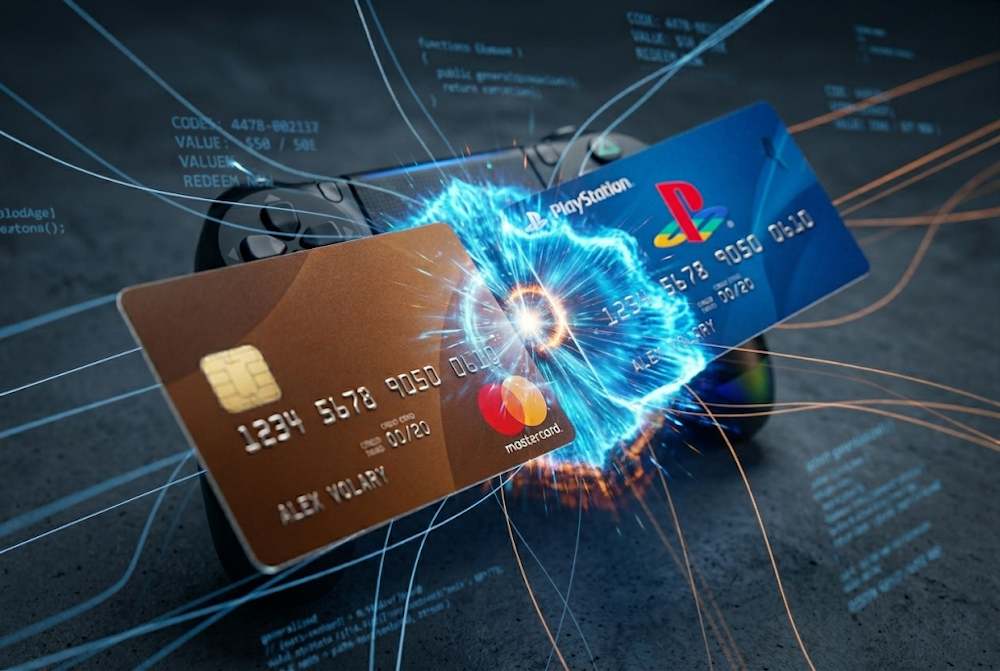
PlayStation Store credits are a universal currency within the Sony ecosystem. They are not tied to a specific game or subscription. After adding funds to the PlayStation Store balance, the user receives a flexible digital resource that can be spent on any content within the PlayStation ecosystem, from a major AAA release to a small in-game cosmetic item. There are no restrictions on content categories. Credits work equally well for games, add-ons, and subscriptions.
📚 Related Articles
- How to Activate Your PlayStation Gift Card and Stay Safe
- Get PlayStation Store credits with Visa Card
- Get PlayStation Store credits with Crypto
- Get PlayStation Store credits with Neteller
- Get PlayStation Store Credits with Paysafecard
- Where to Buy Playstation and Xbox Gift Cards for Turkey
- How to pay on PlayStation Store with Skrill?
- All PlayStation Subscriptions in 2025 – Choose the Plan
- PlayStation Gift Cards – Overview from Baxity and FAQs
According to a Sony report (2025), the average active PlayStation user spends about $320 per year on digital content. Of this amount, nearly 45% comes from purchases made through the account balance rather than direct card payments. This means that credits are not just an alternative payment option, but a full-scale tool for everyday spending.
PlayStation Gift Card
Buy Now and Pay with Mastercard
There are two main ways to make purchases:
- either completing a purchase in the PlayStation Store with Mastercard or another payment method directly for a specific item, such as a game or other content;
- or choosing to get PlayStation credits with Mastercard or another payment method in advance and then using them gradually depending on your needs, distributing the budget across different types of content — from new releases to subscriptions or in-game purchases.
Now let's look at the three main categories of purchases.
Buying Games and Bundles
In practice, PlayStation Store credits are most often used to purchase full game releases. The standard price of a new AAA release today is about $69.99, while Deluxe or Ultimate editions can cost up to $90–120 depending on the amount of additional content included. That is why users usually plan their balance top-ups in advance before major releases.
- Let’s consider an example from 2025. According to VGChartz, NBA 2K26 ($69.99) sold 3 million digital copies in the PlayStation Store during its first week.
In addition, credits are convenient for purchasing indie titles and themed bundles, where the price of individual games often falls within the $10–30 range. In such cases, many players choose to use PlayStation Store with Mastercard before making a series of purchases, allowing them to add funds to their account balance quickly and use them without re-entering payment details each time.
- Bundles can provide significant savings. The Capcom Summer Bundle 2025 offered 5 games for $89.99, while their combined individual price was $180. The savings reached 50%.
Unlocking Extra Content
PlayStation Store credits are often used to purchase additional digital content. This includes story expansions (DLC), as well as in-game items such as skins, weapons, and virtual currency, which typically cost between $5 and $25, while larger expansions can cost up to $30–40 depending on the amount of new content included. In such cases, users often choose PlayStation gift vouchers to quickly add the required amount to their balance without re-entering payment details before each purchase. This is especially convenient for parents who want to control their children’s spending. Let’s look at several examples from 2025:
- Cyberpunk 2077: Phantom Liberty 2 cost $39.99. According to CD Projekt (2025 Q3), more than 2 million copies of this DLC were purchased through account balance payments.
- Elden Ring: Nightreign Expansion ($49.99) had 65% of purchases made through PSN credits during its first month.
- In-game currency also deserves special attention. In 2025, players spent more than $450 million on Fortnite V-Bucks through PSN (SuperData, 2025).
As a result, additional content represents a large market segment where account credits remain one of the safest payment methods, with no risk of exposing payment details.
PlayStation Gift Card
Buy Now and Pay with Mastercard
Using Credits for Memberships
Another common way to use PlayStation Store credits is to pay for PlayStation Plus memberships. They provide access to online multiplayer, monthly free games, and additional discounts in the PlayStation Store. For example,
- the PS Plus Essential tier costs about $80 per year,
- while Extra and Premium can reach approximately $135–160 depending on the region and feature set.
That is why users often plan to add funds to PlayStation Store with Mastercard before renewing a subscription, helping them avoid interruptions in service access or the loss of active benefits. This approach makes it easier to manage subscription expenses in advance and maintain continuous access to PlayStation online features without re-entering payment details for each renewal.
When Mastercard May Not Work Directly
Even a convenient Mastercard card sometimes fails to go through on the PlayStation Store. You enter your details, click pay, but the transaction is rejected. Why?
- First reason – mismatch between the card's country of issue and the PlayStation Store region.Your card must be issued in the same country as your PSN account. If not, the system automatically blocks the payment on the PlayStation Store with Mastercard.
- Second reason – your bank'sSome banks consider gaming stores "high-risk" and block transactions by default. As a result, even a standard attempt to recharge the PlayStation Store with Mastercard without a detailed explanation.
- Third reason – technical failures.After several failed attempts, PlayStation temporarily blocks the ability to add a card for 24 hours.
In such cases, users switch to an alternative method of topping up their balance — PlayStation online vouchers, since they allow you to add funds regardless of the card's region and work without linking payment details to your account. Experience shows that PlayStation gift vouchers are often even more convenient than direct card payment:
- You do not store payment details in your PlayStation account;
- The code is activated instantly after entering it into your account;
- Standard denominations from €1 to €120 in various currencies allow you to plan your budget precisely;
- Vouchers can be used as a gift without access to a bank card;
- They work even when a direct card payment is rejected.
That is why many users choose to purchase PlayStation through a gift card as a more stable way to top up their balance, especially for international accounts. At the same time, it is important to consider that the security and speed of activation directly depend on the platform where the code is purchased — the correct region of the voucher and instant delivery play a key role in digital purchases.
How to Get PlayStation Store Credits with Mastercard via Baxity Store
The speed and security of topping up directly depend on the platform where you purchase the PSN gift card. In such situations, the optimal solution is Baxity Store — a verified reseller of digital gift cards. This means that all codes come directly from official distributors. The user receives a code for the correct region without the risk of being blocked after activation. In practice, this allows you to consistently pay PlayStation Store with Mastercard even in cases where standard card payment within your account is unavailable.
PlayStation Gift Card
Buy Now and Pay with Mastercard
Why Baxity Store is beneficial for purchasing PlayStation gift vouchers with Mastercard:
- Controllability:a wide selection of denominations in various currencies allows you to choose exactly the amount you need.
- Security and convenience:a short verification before payment as a standard transaction protection measure.
- Instant delivery.The code arrives by email within 2-3 minutes after payment.
- Wholesale discounts.When ordering 10 cards or more, the price is reduced.
- Regular promotions.Discounts of up to 15% on selected denominations.
- 24/7 technical support.
The process of purchasing PlayStation gift vouchers on Baxity Store takes just a few minutes:
- Go to the Baxity Store website.Open baxity.com. On the main page, select the "Gaming Credits" category.
- Choose a PlayStation gift card.In the category, select the desired denomination. Available amounts range from €1 to €120. Pay attention to the currency — it should match your PSN account region.
- Add the card to your cart.Click "Add to cart". If you need multiple cards, change the quantity.
- Proceed to checkout.Click on the cart icon, then "Proceed to checkout". Log in to your account or register. Important: complete a short verification. This is a mandatory step for transaction security.
- Pay with Mastercard.Select Mastercard as the payment method. Agree to the security terms. Click "Place order". Enter your card details and confirm the payment.
- Check your email.After payment, the code will be sent to your email address.
- Redeem the code.Go to the PlayStation Store on your console or via a browser. Select "Redeem Codes" from the menu. Enter the 12-character code. The funds will appear in your balance within seconds.
In this way, users can safely use Mastercard on PlayStation Store even when the direct method on PlayStation Store with Mastercard is unavailable due to regional restrictions.
Choosing the Best Credit Amount for Your Usage
The choice of a PlayStation Store credit amount depends on whether you are planning a one-time purchase or regular spending throughout the month or season. For example, a single new release usually requires about $70–100, while during seasonal sales users often plan a larger balance top-up in advance to take advantage of several offers at once. If the balance is used for DLC, in-game currency, or subscriptions, it is more convenient to top up PlayStation Store with Mastercard in a larger amount and then spend the funds gradually without re-entering card details before each purchase. The most common usage scenarios look like this:
- €10–25 — in-game purchases or small add-ons;
- €50–75 — standard new releases;
- €100+ — multiple games or renewing PlayStation Plus.
That is why many users choose to get PlayStation credits with Mastercard online in advance to build a balance for future purchases. During promotional periods, it is especially beneficial to select cheap PlayStation gift cards, which helps reduce the total spending amount without affecting the voucher value.
Tips for Smooth Payments with Mastercard
To reliably use Mastercard on PlayStation Store, it is important to check a few basic payment settings in advance. In most cases, declined transactions are not related to the card itself but to account configuration or bank restrictions. A few simple checks before checkout can help avoid repeated payment attempts and save time when purchasing digital content. Before making a purchase on PlayStation with Mastercard, make sure that international online payments are enabled in your banking settings and that secure payment authorization by the provider is available. This additional verification step is often required for digital transactions, especially if you plan to get PlayStation credits with Mastercard online during seasonal promotions or major game releases. The most common payment issues and how to resolve them quickly are summarized below:
| Problem | Cause | Solution |
|---|---|---|
| Payment declined immediately after confirmation | International digital payments are blocked by the bank | Enable online payments in your banking app |
| Card cannot be added to the account | Account region does not match the card’s issuing country | Check your PSN region or use account balance credits instead |
| Error during payment confirmation | Missing provider authorization | Confirm the transaction via 3-D Secure |
| Payment freezes during checkout | Unstable internet connection | Retry the payment using a stable network |
| Temporary transaction block | Multiple failed attempts | Wait up to 24 hours before trying again |
In practice, most payment issues occur during the first attempt. After confirming the correct account region and banking permissions, users can usually complete purchases on PlayStation with Mastercard without further interruptions.
PlayStation Gift Card
Buy Now and Pay with Mastercard
Final Thoughts on Using Mastercard for PlayStation Store Credits
Recharging the PlayStation Store with Mastercard is always a lottery:
- Today your card works, but tomorrow the bank decides to block the transaction because the store is flagged as suspicious.
- Or you move to another country, and your PSN account no longer matches the card's region.
- Or you simply don't want to store your payment details in an account that your child also uses.
- Or you want to control your spending or give a gift.
Each of these situations can be resolved in just five minutes through Baxity Store. You buy a PlayStation gift card, by paying with your regular Mastercard. No extra fees, and the code comes directly from an official distributor. And that's not all. Buying PlayStation online vouchers through Baxity is even more convenient than paying directly. Wholesale discounts start from 10 cards. Regular promotions offer up to 15% off popular denominations. And instant code delivery means you don't wait — you play. Choose the right PlayStation gift card denomination at Baxity Store right now — and top up your balance in minutes without any bank restrictions or regional blocks.
FAQ
Why doesn't my payment go through when I try to use Mastercard on the PlayStation Store?
The most common reason is a region mismatch. Your card must be issued in the same country as your PSN account. Also, your bank may block transactions in gaming stores. The solution is to buy PlayStation online vouchers with Mastercard on Baxity Store — quickly and reliably.
Can I top up my PlayStation Store balance if my Mastercard doesn't match the region?
Yes. You buy PlayStation online vouchers on Baxity Store, paying with your Mastercard. The code has no regional link to your card. The main thing is to choose the currency that matches your PSN account.
What should I do if my bank blocks payments to gaming stores?
Use an alternative: buy a PlayStation gift voucher with Mastercard on Baxity Store. This method works even if your bank blocks direct payments on the PlayStation Store.
How quickly does the code arrive after paying with Mastercard on Baxity Store?
The code usually arrives in your email within 2-3 minutes after payment, provided you entered your email address correctly.
Is it safe to store my Mastercard details on the Baxity Store website?
Baxity Store is a verified reseller. All payments go through secure channels. However, you are not required to store your card. You can enter your details each time you make a payment.
Comments
Sign in to join the conversation. Every comment is reviewed before it appears on the page.
Sign in to comment
You need an account to leave a comment. Sign in and your name will be used automatically.
No comments yet. Be the first to write one.