Buying a game from Nintendo eShop with a Visa card may seem straightforward. You enter your card details, confirm the payment, and your game is ready to download. In most cases, that's exactly how it works — but not always. That's why more and more players choose Nintendo eShop Gift Cards as a simple way to top up their balance. A gift card lets you pay for your top-up once, then purchase digital content using your account balance. It's a convenient way to buy games on Nintendo eShop with your Visa card without using your primary bank card all the time. In this article, we'll explore all the available ways to top up Nintendo eShop, explain what you can buy on Nintendo with a Visa card, and help you understand when paying directly with Visa is the best option and when a Nintendo eShop Gift Card is a more practical choice.
Why Visa Cards Remain Popular for Nintendo eShop Payments
Visa remains one of the most popular ways to pay on Nintendo eShop. For most users, it's a convenient way to buy digital content: simply enter your card details, confirm the payment, and your game or add-on will appear in your library within seconds. That's why many users use Visa for Nintendo eShop purchases.
Nintendo eShop Cards
The popularity of this payment method is supported by data
According to Visa (March 2025):
- European gamers increased their spending on video games by 7% in 2024 compared to the previous year.
- Gamers spend nearly twice as much as the average Visa cardholder and make almost twice as many transactions.
These figures show that card payments continue to play a key role in digital gaming purchases.
Official data also confirms the reliability of the Visa payment network
According to Visa (2026):
- the global average transaction approval rate is 3%;
- network uptime reaches 999%;
- Visa Advanced Authorization evaluates every transaction using more than 400 risk attributes in less than a millisecond, helping approve legitimate payments while detecting suspicious activity.
As a result, Visa payment for Nintendo eShop is usually processed quickly without unnecessary delays or additional verification.
Security is another key advantage
According to Visa:
- over the past 20 years, the global fraud rate across the Visa network has fallen by nearly two-thirds and now accounts for less than 1% of all transactions;
- tokenization replaces sensitive bank card details with unique digital tokens, making them much harder for fraudsters to intercept;
- geolocation verification helps banks confirm that the payment is being made by the actual cardholder.
For users, this means better protection without any extra security setup. However, even a reliable bank card payment isn't always the most practical option. If you're buying a game as a gift, want to control your spending, don't want to link a debit or credit card to your account, or encounter regional restrictions, there are more convenient ways to add funds. That's why, even if you usually pay Nintendo with Visa, it's worth knowing about the alternative ways to top up Nintendo eShop.
Different Ways to Add Money to Nintendo eShop
There are several ways to top up your Nintendo eShop balance with a Visa card. Your choice depends on your region, the available banking methods, and how quickly you need to top up your account. Below, we'll look at the main ways to make a Nintendo payment with Visa, explain how they differ, and help you choose the option that best suits your needs.
Nintendo eShop Cards
Direct Card Payments
Using Visa on Nintendo eShop is one of the easiest and fastest ways to buy games or top up your account balance. Simply add your Visa card, confirm the payment, and the funds are usually charged within seconds. However, there are a few important things to keep in mind before paying:
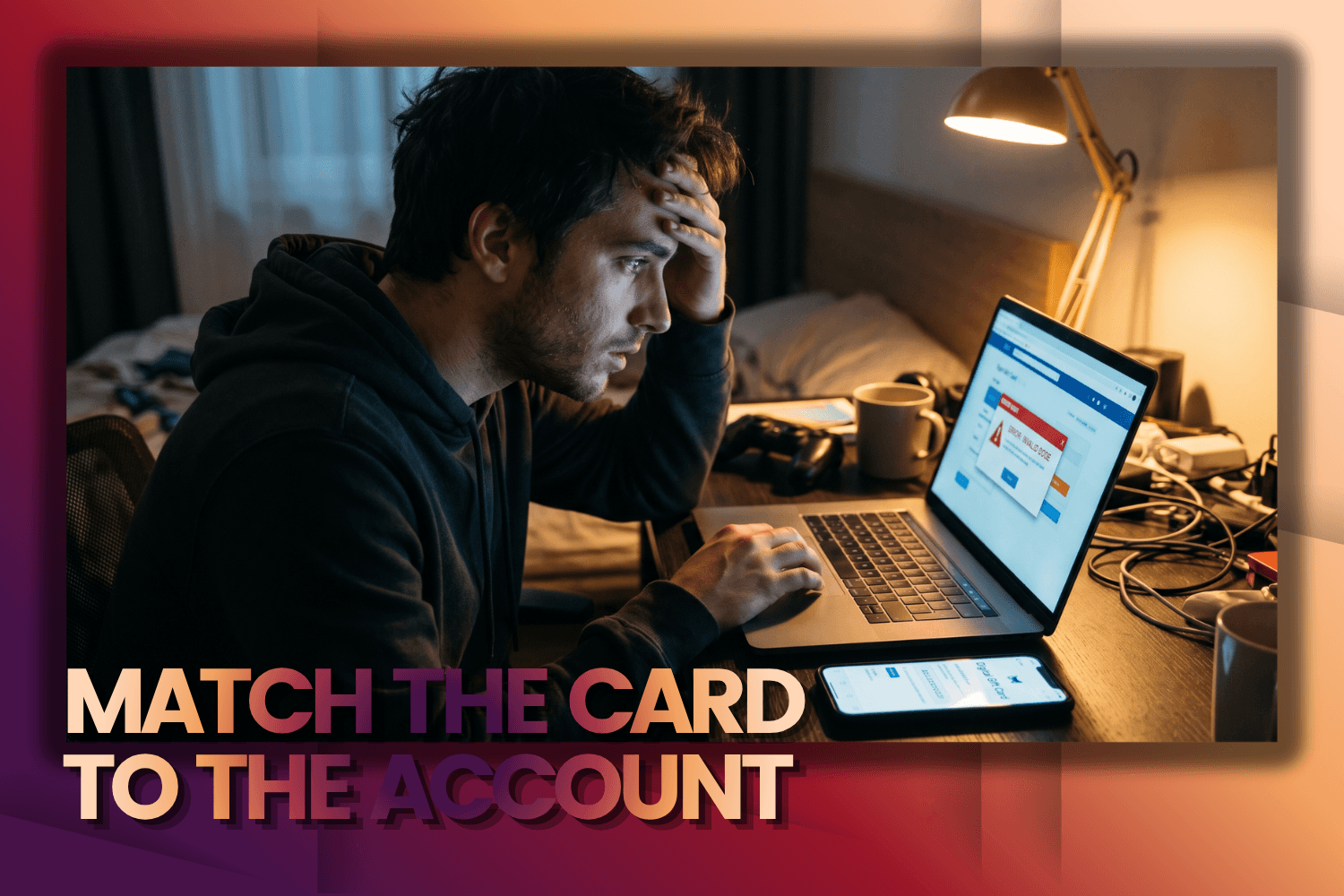
- Account region. Your Visa card should match the region of your Nintendo Account. For example, if your account is registered in the European eShop but your card was issued in the United States, the payment may be declined.
- Bank restrictions. Some banks block transactions in digital stores by default as a security measure. In this case, you may need to verify the payment or contact your bank's customer support.
- Payment security. Always make sure you're using the official Nintendo website and a secure internet connection before entering your card details.
If direct card payments are unavailable or your transaction is declined, Nintendo eShop Gift Cards offer a simple alternative without relying on your bank's payment restrictions.
Nintendo eShop Gift Cards
A Nintendo eShop Gift Card is a one-time digital voucher that you can purchase in advance and then redeem to your account. It isn't linked to your bank card and doesn't require you to enter your payment details every time you make a purchase. This payment method is especially popular when buying a gift or managing your gaming budget. Instead of entering your card details for every transaction, you simply purchase a code with the desired value and redeem it whenever it's convenient. Once activated, the funds are instantly added to your Nintendo eShop balance and can be used to buy games, DLC, subscriptions, and other digital content.
Third-Party Digital Stores
Third-party digital stores are another convenient way to buy a Nintendo Gift Card. They often offer a wide range of denominations, multiple payment methods, and instant code delivery by email. This option is especially useful if the denomination you need isn't available in the official Nintendo store or if you're looking for additional payment options. The most important thing is to choose a trusted seller that guarantees genuine codes, the correct voucher region, and fast delivery after purchase.
Prepaid Visa Gift Cards
Another option is to use prepaid Visa gift cards. These are fixed-value cards that can be purchased in stores or ordered online. They work like a regular bank card but aren't linked to your primary bank account. This allows you to pay for purchases within Nintendo with a prepaid Visa card without risking your main savings. You simply use it like a regular card: enter the details, confirm the payment, and the balance is topped up. This method is especially convenient if you want to use Visa on Nintendo but don't want to expose your primary bank card details. In addition, prepaid Visa gift cards are often used to manage spending and as an alternative to direct Nintendo payments with Visa without regional restrictions. Now let's move on to the main question: what are the advantages of Nintendo eShop Gift Cards.
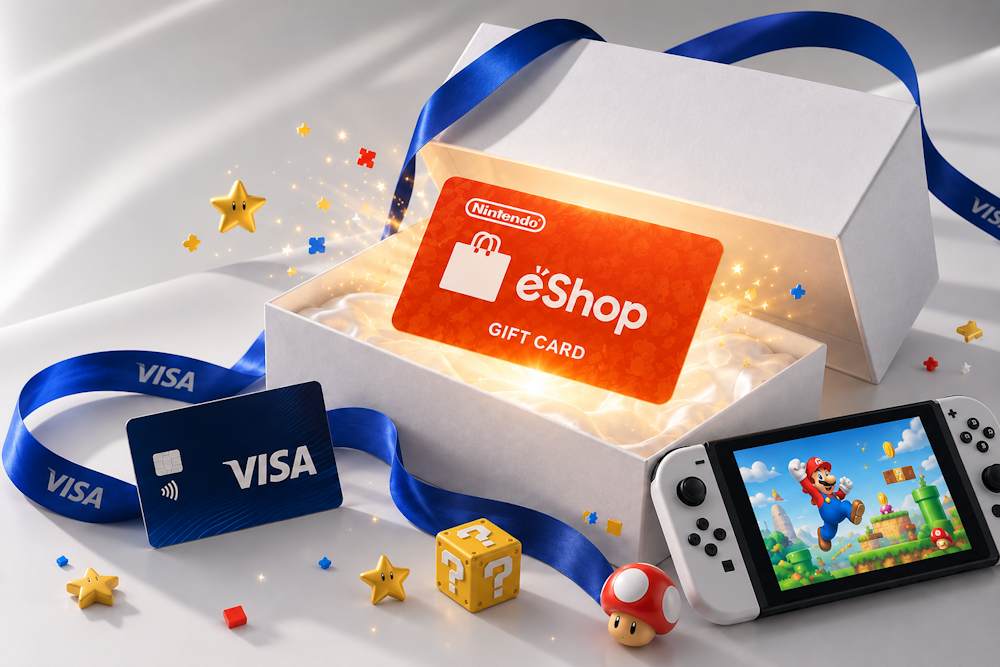
Why Nintendo eShop Gift Cards Are Convenient for Visa Users
Nintendo Gift Card Online is more than just a convenient alternative to a bank card. For many gamers, it has become the primary way to top up their balance, especially if they do not want to link a bank card to their gaming account. The biggest advantage is better control over your spending. You buy a code with a fixed value and use only what you have budgeted. There are no unexpected charges or overspending. This is especially important if you are buying a game for a child or simply want to keep your gaming budget under control. Here are the main advantages of buying a Nintendo eShop Gift Card with Visa:
- Safer online purchases. After redeeming a gift card, the funds are instantly added to your Nintendo eShop balance. From then on, you no longer need to enter your bank card details every time you buy games or other digital content. In addition, this isn't a direct payment to Nintendo eShop with Visa, so the transaction isn't processed as a direct gaming purchase and does not block it.
- Better spending control. Each gift card has a fixed denomination, so you decide the limit of your spending. This helps prevent accidental purchases and makes it easier to plan your budget for games, DLC, and subscriptions.
- Buy codes in advance. You can buy Nintendo Gift Card in advance, in any quantity and for any amount. The code can be redeemed within 12 months whenever you need it. For example, before a new game release, during a major sale, or simply to top up your balance ahead of time.
- A practical gift for any gamer. It is an ideal gift for any gamer. You do not have to worry about choosing the wrong game because the recipient can decide how to spend the balance.
In this way, a Gift Card Nintendo eShop purchased with a Visa card combines the familiarity of Visa payments with the convenience of digital vouchers. You pay with Visa as you normally would, but receive a code that can be redeemed whenever it is most convenient for you. But what exactly can you buy after topping up your balance? In the next section, we will look at all the available purchases.
Nintendo eShop Cards
What Can Be Purchased After Redeeming Nintendo eShop Cards
After redeeming the code, the funds are instantly added to your Nintendo eShop balance and can be used for any digital purchases within the available balance. That is why many users choose Nintendo Cards: they allow you to top up your balance once and then use it for any purchases in Nintendo eShop, from new games to subscriptions and DLC.
📚 Related Articles
- Buy Nintendo eShop Cards with Crypto
- Buy Nintendo eShop Cards with NETELLER
- Buy Nintendo eShop Cards with Paysafecard
- How to Top Up Nintendo eShop with Skrill
Gift cards are most commonly used for the following purchases:
- Full Nintendo Switch Games. The main purpose of gift cards is to buy digital games for Nintendo Switch. These can be major releases such as The Legend of Zelda or Super Mario, as well as indie titles that are often available at lower prices. After topping up your balance, you can purchase new releases, classic hits, or take advantage of seasonal discounts in Nintendo eShop.
- DLC and In-Game Content. Many games offer additional paid content that can be purchased after topping up your Nintendo eShop balance. This may include new story campaigns, levels, characters, season passes, as well as in-game currency, skins, emotes, and other digital items. For example, in games such as Mario Kart 8 or Animal Crossing, DLC unlocks new content and makes the game even more enjoyable.
- Nintendo Switch Online Subscription. Your Nintendo eShop balance can also be used to purchase or renew a Nintendo Switch Online subscription. The subscription gives you access to multiplayer mode in supported games, cloud save backups, a library of classic NES, SNES, and Game Boy games, and other service benefits. You can either use the funds added after redeeming an eShop Gift Card or purchase a dedicated Switch Online gift card for the subscription period you need. Keep in mind that a regular Nintendo eShop Gift Card only adds funds to your balance, while the subscription itself is activated separately.
- Pre-orders of Upcoming Games. Your Nintendo eShop balance can also be used to place pre-orders for upcoming releases. This is convenient because the game will become available automatically on its official release date, and you will not have to worry about making the payment at the last minute.
If you usually buy Nintendo with Visa Card, gift cards work differently. You pay for the code with your Visa card only once, and after redeeming it, you use your Nintendo eShop balance for any digital purchases. In practice, it works the same way as topping up Nintendo with Visa, but without the need to link your bank card to your account and with full control over your spending.
Buying Nintendo eShop Cards with Visa on Baxity Store
If you plan to buy Nintendo with Visa Card, you should pay attention not only to the price of the gift card. A reliable seller guarantees a genuine digital code, secure payment, instant delivery, and customer support if you have any questions. These factors help make your purchase safe and avoid unpleasant situations. Here are the key criteria to look for and how they are implemented at Baxity Store.
| Criterion | What to Check | How It Is Implemented at Baxity Store |
|---|---|---|
| Seller Status | Verified Reseller or official partner status. | ✅ Verified Reseller |
| Payment Security | SSL encryption, payment data protection, and no CVV storage. | ✅ 256-bit SSL encryption, protected payment data, and CVV is not stored. |
| Code Delivery | How quickly the code is delivered after successful payment. | ✅ Instant delivery by email. |
| Selection | Different denominations, currencies, and card types. | ✅ Denominations of $10, $20, $35, $50, $100 and more, USD and GBP currencies, and Nintendo Switch Online cards for 3- and 12-month subscriptions. |
| Customer Support | Fast assistance if you have questions or problems. | ✅ Responsive customer support. |
| Bulk Purchases | Special terms for ordering multiple cards. | ✅ Individual offers for orders of 10 cards or more. |
How to Buy Nintendo eShop Cards with Visa
Ordering an eShop Gift Card at Baxity Store takes only a few minutes. Follow the steps below to complete checkout and make your Visa payment for Nintendo eShop.
- Open the Gaming Credits category. On the Baxity Store homepage, go to the Gaming Credits category, open the Nintendo eShop Cards section, and choose a gift card for your region.
- Choose the card denomination. Select the gift card denomination you need or add multiple cards to your cart if you want to top up a larger amount or buy them as a gift.
- Proceed to Checkout and sign in to your account. After adding the product to your cart, click Checkout. Sign in to your Baxity Store account or create a new one. If this is your first purchase, you will need to complete a short verification. This is an important step that helps protect customer accounts and prevent fraudulent transactions.
- Pay with your Visa card. Accept the Baxity Store Security Policy, click Place Order, then choose your Visa card on the secure payment page, enter your payment details, and complete the payment by following the instructions.
- Receive your code. After successful payment, the digital code is instantly sent to the email address associated with your order. If you do not see the email in your inbox within a few minutes, check your Spam or Junk
In the next section, we'll show you how to redeem your eShop Gift Card and add the funds to your Nintendo account balance.
Activating Nintendo eShop Vouchers and Avoiding Common Mistakes
After purchasing your gift card, the only remaining step is to redeem it. You can do this through your Nintendo Switch console or on the official Nintendo website. Once the code is redeemed, the funds are instantly added to your account balance, so you don't need to use Visa on Nintendo eShop for every new purchase.
How to Redeem a Nintendo eShop Gift Card on Nintendo Switch
- Launch Nintendo eShop on your console.
- Select your profile in the top-right corner.
- Find the Redeem Code
- Enter the 16-digit code from your email or your account dashboard.
Confirm the redemption. The funds will immediately appear in your account balance.
How to Redeem a Nintendo eShop Gift Card on the Nintendo Website
- Go to the official Nintendo website and sign in to your account.
- Open the Shop or Store
- Find the code redemption option (usually located in the account menu).
- Enter the code and confirm the redemption.
Both methods take only a few minutes. The most important thing is to enter the code carefully and make sure it matches your Nintendo account region. Once your balance has been topped up, all purchases are paid from your Nintendo account balance instead of your bank card. This means you don't need to use Visa for Nintendo eShop every time you make a purchase.
Nintendo eShop Cards
Common Problems When Buying and Redeeming Nintendo eShop Cards
Most problems when purchasing or redeeming eShop Gift Cards are easy to solve if you know what causes them. Before contacting customer support, check the most common situations below.
| Problem | Cause | Solution |
|---|---|---|
| Card region doesn't match the account | The gift card is intended for a different Nintendo eShop region. | Before purchasing, check your account region and choose a card for the same region. |
| Card currency doesn't match the account | The gift card currency is different from your Nintendo account currency. | Buy a card in the same currency used by your account. |
| Payment couldn't be completed | The bank declined the transaction due to card limits, a security check, or restrictions on online payments. | Check your card limits, confirm the payment in your banking app, or try Mastercard if you couldn't pay for Nintendo with Visa. |
| The code isn't accepted | The code was entered incorrectly or one of the characters was missed. | Carefully check all 16 characters or copy the code directly from the email. |
| The email with the code didn't arrive | The message was filtered into the Spam folder or the delivery was delayed. | Check your Spam/Junk folders. If the email is still missing, contact Baxity Store customer support and provide your order number. |
If the problem isn't related to the region, currency, or payment method, don't try to enter the code repeatedly. Contact Baxity Store customer support — this will help identify the cause more quickly and avoid a temporary block due to multiple unsuccessful attempts.
Conclusion
So, you have a choice. Paying directly with Visa in Nintendo eShop is fast and reliable, but it doesn't suit every situation. If you want to control your budget, buy a game as a gift, or avoid linking your card to your account, eShop Gift Cards are a more practical solution. The code instantly tops up your balance, and you can spend the funds on any digital content, from games to subscriptions. If you're looking for a reliable store to top up Nintendo through Visa, consider Baxity Store: verified codes, instant delivery, and secure payments. Choose the denomination you need and top up your balance without unnecessary hassle.
FAQ
Do I need a bank card to redeem a gift card code?
No. You don't need a bank card to redeem the code. Simply enter the code in Nintendo eShop, and the funds will be added to your balance. No additional payments or verification are required.
Can I redeem a Nintendo eShop Gift Card on any account?
Yes, but only if the region of the gift card matches the region of your Nintendo account. If the regions don't match, the code can't be redeemed.
Can I use my remaining balance for multiple purchases?
Yes. After the code is redeemed, the funds remain in your account balance, and purchases are deducted gradually. If a game costs less than your available balance, you can use the remaining funds for future purchases.
Do Nintendo eShop Gift Cards expire?
Most gift cards don't have a fixed expiration date, but some regional editions may have limitations. We recommend redeeming your code within 12 months of purchase to avoid any unexpected issues.
What should I do if the code has already been used?
First, make sure you're signed in to the correct Nintendo account and that you haven't redeemed the code before. If the problem persists, contact the customer support team of the store where you purchased the gift card and provide your order number.
Can I get a refund for a gift card after it has been redeemed?
No. Once the code has been redeemed, the funds are added to your Nintendo eShop balance, and refunds or exchanges are not available. If you're unsure, check the region and denomination before making your purchase.


Comments
Sign in to join the conversation. Every comment is reviewed before it appears on the page.
Sign in to comment
You need an account to leave a comment. Sign in and your name will be used automatically.
No comments yet. Be the first to write one.