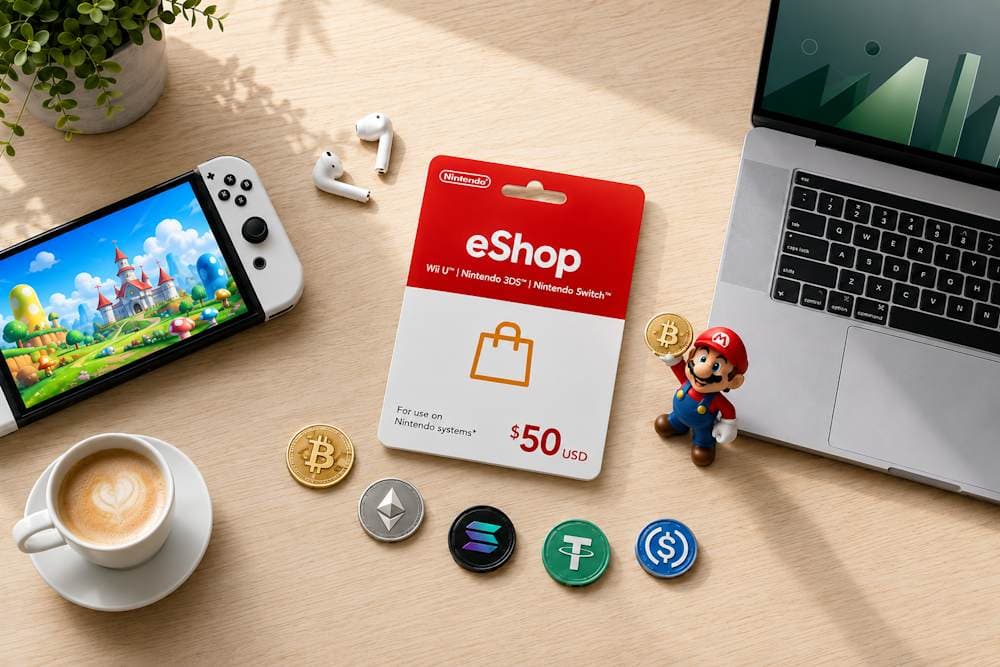
As cryptocurrency becomes more popular, more people are using it not only for investing but also for everyday online purchases. Digital services, subscriptions, gift cards, and games have all become part of this trend. It's no surprise that more gamers want to use crypto for Nintendo games without converting their digital assets into fiat currency. There is just one catch: Nintendo eShop does not support direct cryptocurrency payments. However, that does not mean Bitcoin, USDT, or Ethereum cannot be used for these purchases. In fact, there is a simple way to use Bitcoin for Nintendo eShop through digital gift cards. In this article, we'll explain how it works, why this method has become so popular, and how to quickly buy the right voucher from Baxity Store, a verified reseller of digital vouchers.
Why Crypto Payments are Becoming Popular for Nintendo Purchases
The growing popularity of cryptocurrency payments is no coincidence. According to Statista, the number of cryptocurrency owners worldwide exceeded 560 million in 2024, while more digital services than ever now accept Bitcoin, Ethereum, USDT, and other digital assets. As a result, people increasingly want to use their crypto not only for investments but also for everyday online purchases. This is one of the reasons interest in crypto for Nintendo continues to grow.
Several factors explain why more gamers are choosing cryptocurrency for purchases.
- Cryptocurrency has evolved from an investment asset into an everyday payment method. A few years ago, digital assets were mainly viewed as investment tools. Today, they are widely used to pay for software, subscriptions, cloud services, and other digital products. For many users, Bitcoin, Ethereum, and USDT have become part of their everyday spending. Using crypto for gaming purchases is simply the next logical step.
- There is no need to convert your crypto into fiat before making a purchase. Selling cryptocurrency, transferring the funds to a bank account, and then paying with a bank card takes time and may involve additional conversion costs. It is much more convenient to pay for Nintendo purchases directly with cryptocurrency when your funds are already stored in a crypto wallet.
- International payment restrictions become easier to overcome. Available payment methods for Nintendo purchases vary by country, and some banks may decline or require additional verification for international digital payments. That is why many users are looking for a crypto payment for Nintendo, as cryptocurrency helps overcome these limitations through services that accept digital assets.
- Choose the cryptocurrency that best fits your needs. Bitcoin remains the world's most widely recognized cryptocurrency. Ethereum is often preferred by users involved in the Web3 ecosystem, while USDT is valued for its stable price and fast transfers. The ability to choose the asset and network that best fits your needs makes cryptocurrency payments a flexible option for different types of buyers.
There is one important thing to keep in mind. Although interest in crypto for Nintendo continues to grow, Nintendo eShop still does not support direct cryptocurrency payments. That is why many users choose an alternative solution that allows them to use digital assets safely when purchasing Nintendo content. We'll explain how it works in the next section.
Why Nintendo Users Often Choose Gift Cards Instead of Direct Crypto Payments
There is only one obstacle: Nintendo eShop does not officially accept Bitcoin, USDT, Ethereum, or any other cryptocurrency. That means making a crypto payment for Nintendo directly through the store is not possible. This is exactly why gift cards have become the simplest way to use crypto assets for purchases in the Nintendo eShop. Why do so many users choose this option? There are several practical reasons.
- More Privacy. Paying with cryptocurrency through gift cards is a completely different experience. You do not share your bank card number or payment details with the seller. In most cases, all you need is an email address to receive your digital code. No card details, no billing information, and no unnecessary personal data.
- Better Spending Control. A gift card has a fixed value, so you always know exactly how much you are spending. Unlike a linked bank card, you cannot accidentally spend more than planned. For that reason, many users prefer buying prepaid Nintendo Gift Cards with crypto when they want to keep their gaming budget under control.
- A Convenient Prepaid Model. Once redeemed, the funds are added directly to your Nintendo eShop balance. There is no need to link a bank card, add another payment method, or worry about unexpected charges. As a result, many gamers prefer buying prepaid Nintendo Gift Cards with crypto because the process is simple, secure, and predictable.
- Use Your Crypto Without Selling It First. Although Nintendo does not support direct cryptocurrency payments, you can still enjoy Nintendo with cryptocurrency by purchasing official digital vouchers from trusted resellers. It is a simple solution that has already become a common choice for many crypto holders.
In short, gift cards solve the biggest limitation: Nintendo eShop does not support direct cryptocurrency payments. They offer greater privacy, better spending control, and allow you to make a crypto payment for Nintendo through digital vouchers. Now let's take a look at what you can actually buy once the funds have been added to your Nintendo eShop balance.
What You Can Buy with Nintendo eShop Cards
Topping up your Nintendo eShop balance gives you access to a huge library of digital content. It is much more than just games — it is an entire entertainment ecosystem for players of all ages and interests. Once you redeem a Nintendo eShop Gift Card, the funds are added to your Nintendo eShop balance and can be used to purchase any digital products available in your region. That is why users who buy Nintendo vouchers with cryptocurrency enjoy exactly the same shopping experience as those who top up their balance using traditional payment methods.
Nintendo eShop Cards
Here's what your Nintendo eShop balance can be used for:
- Full Nintendo Switch games. Your balance can be used to purchase thousands of digital games. The Nintendo eShop catalog includes Nintendo exclusives, popular multi-platform titles, and indie games. In addition to new releases, regular sales make it possible to pick up many games at significant discounts.
- Nintendo Switch Online membership. Nintendo Switch Online is a separate digital product that can be purchased using your Nintendo eShop balance or with dedicated membership cards. The service provides access to online multiplayer, cloud saves, and a growing library of classic NES, SNES, Game Boy, and other retro titles.
- DLC and additional content. Many games offer downloadable content after release, including story expansions, new characters, season passes, in-game currency, and other premium content. Your Nintendo eShop balance can be used to purchase any of these without adding another payment method.
- In-game purchases. Many modern games include optional purchases such as cosmetic items, battle passes, virtual currency, and other digital content. If the game supports Nintendo eShop balance payments, you can complete these purchases without entering your payment details again.
- Pre-orders. Nintendo eShop allows you to pre-order upcoming games and access them as soon as they are officially released. Some titles may also include pre-order bonuses, depending on the publisher's offer.
Remember that each Nintendo Gift Card is single-use. After activation, the code becomes invalid, while the funds remain on your Nintendo eShop balance until you spend them. Keeping an eye on your remaining balance makes it easier to plan future purchases, especially if you are saving for a new game or a larger DLC. In short, your Nintendo eShop balance gives you access to almost the entire Nintendo digital ecosystem. The next step is learning how to buy a Nintendo Gift Card with cryptocurrency. In the next section, we'll show you how to do it quickly and securely.
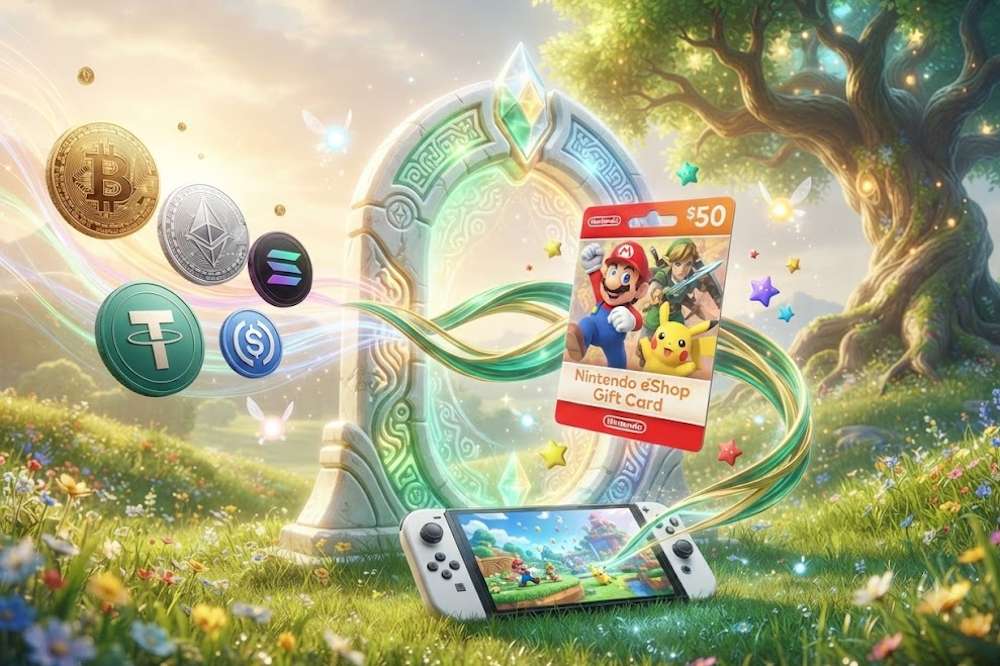
How to Buy Nintendo eShop Cards with Crypto on Baxity Store
Buying a Nintendo eShop gift card with cryptocurrency only takes a few minutes. If you want to use crypto for Nintendo purchases online, choosing a trusted seller is just as important as selecting the right payment method. Before placing your order, make sure the store works with official suppliers, guarantees valid digital codes, protects your data with SSL encryption, and provides responsive customer support whenever you need assistance. That is why many users who want to buy Nintendo with cryptocurrency choose Baxity Store, a verified reseller of digital vouchers with instant delivery available for most orders.
📚 Related Articles
- Buy Gift Cards with Crypto
- Buy Xbox Gift Cards with Crypto
- Buy Steam Wallet Credits with Crypto
- Get PlayStation Store Credits with Crypto
- Buy PUBG Mobile UC with Crypto
- How to Pay on eBay with Crypto
- How to Pay on Amazon with Crypto: A Complete Guide
- How to Pay for Temu with Crypto in 2026: The Complete Guide
- How to Buy Vouchers, Prepaid or Gift Cards and Pay with Crypto
- Making Crypto Transactions Anonymous
The whole process takes only a few minutes.
- Choose the correct region and card value. From the Gaming Credits category on the Baxity Store website, open the Nintendo section. Before you buy a Nintendo Gift Card, make sure the voucher region matches your Nintendo Account region. Nintendo gift cards are region-locked, so, for example, a US voucher cannot be redeemed on a European account. Once you have selected the correct region, choose the card value and add it to your cart.
- Sign in or create an account. After opening your cart, sign in to your Baxity Store account or create a new one if this is your first purchase. New customers complete a short verification process before placing an order. This important security step helps protect users and ensures the safe operation of our ecommerce marketplace.
- Proceed to checkout and choose Crypto as your payment method. Proceed to Checkout, select Pay with Crypto, accept the Security Policy, and click Place Order. On the payment page, choose your preferred cryptocurrency and blockchain network from the drop-down list. If you are paying with USDT, the TRC-20 network is often the most convenient option thanks to its low fees and fast confirmations. If you are paying with Bitcoin, select the standard BTC Before sending your payment, always make sure the network selected in your crypto wallet matches the one shown on the payment page. This simple check helps prevent failed transactions.
- Complete the payment. Copy the payment address or scan the QR code with your crypto wallet and follow the payment instructions. Once your payment has been confirmed, the order will be processed automatically.
- Retrieve your code. After your order has been processed, your Nintendo eShop gift card code will be sent to the email address associated with your Baxity Store account. Thanks to instant delivery, most customers receive their code within just a few minutes.
Your purchase is now complete. The only thing left is to redeem your gift card in Nintendo eShop. In the next section, we'll walk you through the activation process step by step.
Nintendo eShop Cards
How to Redeem Nintendo eShop Cards
Once you receive your code, all that's left is to redeem it in Nintendo eShop. Whether you top up Nintendo eShop with Bitcoin, USDT, Ethereum, or any other cryptocurrency, the redemption process is exactly the same. You can redeem your code either directly on your Nintendo Switch console or through the official Redeem Code page in your browser. In both cases, the funds are added to your Nintendo eShop balance instantly and are ready to use for future purchases.
| Step | Redeem on Nintendo Switch | Redeem via Nintendo Account (Browser) |
|---|---|---|
| 1 | Open Nintendo eShop on your Nintendo Switch and sign in to your account. | Sign in to your Nintendo Account and open the official Redeem Code page. |
| 2 | Select Redeem Code and enter the 16-digit code you received by email after your purchase. | Enter the same 16-digit code and confirm the redemption. |
| 3 | Confirm the redemption. The funds will be added to your Nintendo eShop balance immediately. | Confirm the redemption. Your Nintendo eShop balance will be updated automatically. |
Once the funds have been added to your balance, you can use it to purchase full games, DLC, in-game content, pre-orders, and other digital products available in Nintendo eShop. It is important to remember that Nintendo Cards are single-use game cards. After the code has been redeemed, it becomes invalid, while the funds remain safely in your Nintendo eShop balance until you spend them. We recommend keeping the email with your code until you confirm that the balance has been added successfully.
Important Things to Check Before Paying with Crypto
Even if you already know how to buy and redeem Nintendo eShop gift cards, it is worth taking a minute to check a few important details before making your payment. These simple checks can save you time, money, and unnecessary frustration. Before you pay for Nintendo with crypto, we recommend going through this quick checklist.
Check Nintendo Account Region
Nintendo eShop gift cards are region-locked. If you purchase a voucher for the United States, your Nintendo Account must also be registered in the US region. Otherwise, the code cannot be redeemed. Before placing your order, open your account settings and make sure your account region matches the region of the voucher you plan to buy.
Verify Cryptocurrency Network
Always double-check the blockchain network before sending your payment. For example, USDT is available on several networks, including TRC-20, ERC-20, and others. If the network selected in your crypto wallet does not match the one shown on the payment page, the transaction may be permanently lost. That is why it is important to verify every detail before making a crypto payment for Nintendo.
Prepare Enough Crypto for Network Fees
Besides the cost of the voucher itself, your wallet must also contain enough cryptocurrency to cover the network fee. The fee depends on the blockchain you are using and current network activity. If you first purchase cryptocurrency through an exchange, remember to take any withdrawal fees into account as well. Spending a few extra seconds checking your balance can prevent your payment from failing because of an insufficient amount.
Double-Check Your Email Address
Your gift card code will be sent to the email address you provide during checkout. Even a single typo can delay delivery. Before confirming your order, verify your email address carefully. If you do not receive your code within a few minutes after payment, remember to check your Spam folder as well. Following these simple recommendations helps avoid the most common mistakes. Whether you top up Nintendo eShop with Bitcoin or use another cryptocurrency, spending a minute checking the details will make the entire purchase faster, safer, and stress-free.
Conclusion
Now you know that buying a Nintendo eShop gift card with cryptocurrency is much easier than it may seem. Simply choose a voucher for the correct region, pay with Bitcoin, USDT, Ethereum, or another cryptocurrency, redeem the code, and your Nintendo eShop balance will be ready to use. There is no need to link a bank card, deal with unnecessary fees, or go through complicated payment procedures. That is why gift cards have become the most convenient way to use cryptocurrency for Nintendo purchases. They combine the speed of crypto transactions with the simplicity of a regular Nintendo eShop balance, allowing you to skip the payment hassle and get straight to what really matters — choosing your next game. Choose a Nintendo Gift Card Online from Baxity Store, pay for your prepaid Nintendo Gift Card with crypto, and receive your code within minutes. As a verified reseller of digital vouchers, Baxity Store provides genuine codes, secure payments, and fast delivery, so you can top up your Nintendo eShop balance and start shopping without delay.
Nintendo eShop Cards
FAQ
Can I buy games in Nintendo eShop directly with cryptocurrency?
No. Nintendo eShop does not officially accept Bitcoin, USDT, Ethereum, or any other digital assets. The easiest way to use cryptocurrency is to buy a prepaid Nintendo Gift Card with crypto from a trusted reseller such as Baxity Store, then redeem the code in Nintendo eShop.
How long does it take to receive my code after paying with cryptocurrency?
In most cases, your code is delivered by email within a few minutes after the blockchain transaction is confirmed. Baxity Store provides instant delivery. If you do not receive your email within 5–10 minutes, check your Spam folder or contact our customer support team.
Which cryptocurrency is the best choice for buying Nintendo eShop Gift Cards?
It depends on your preferences. Bitcoin remains the most widely used option. USDT on the TRC-20 network is usually the fastest and most cost-effective thanks to its low transaction fees. Ethereum is a popular choice for users already active in the Web3 ecosystem. Since Baxity Store supports multiple cryptocurrencies, you can simply choose the one that works best for you.
Is it safe to buy Nintendo eShop Gift Cards with cryptocurrency?
Yes, provided you purchase from a trusted reseller. Baxity Store uses SSL encryption to protect customer data, offers transparent payment terms, and provides responsive customer support. Since you never need to share your bank card details, paying with cryptocurrency also reduces the risk of payment fraud.
Can I buy multiple Nintendo eShop Gift Cards in a single cryptocurrency transaction?
Yes. At Baxity Store, you can add multiple Nintendo eShop Gift Cards with the same or different denominations to your cart and pay for the entire order with a single cryptocurrency transaction. This is convenient if you want to top up your balance with a larger amount, purchase cards for multiple accounts, or buy gifts. If you need 10 or more gift cards, visit our Wholesale page. We offer special terms and personalized offers for bulk purchases.


Comments
Sign in to join the conversation. Every comment is reviewed before it appears on the page.
Sign in to comment
You need an account to leave a comment. Sign in and your name will be used automatically.
No comments yet. Be the first to write one.