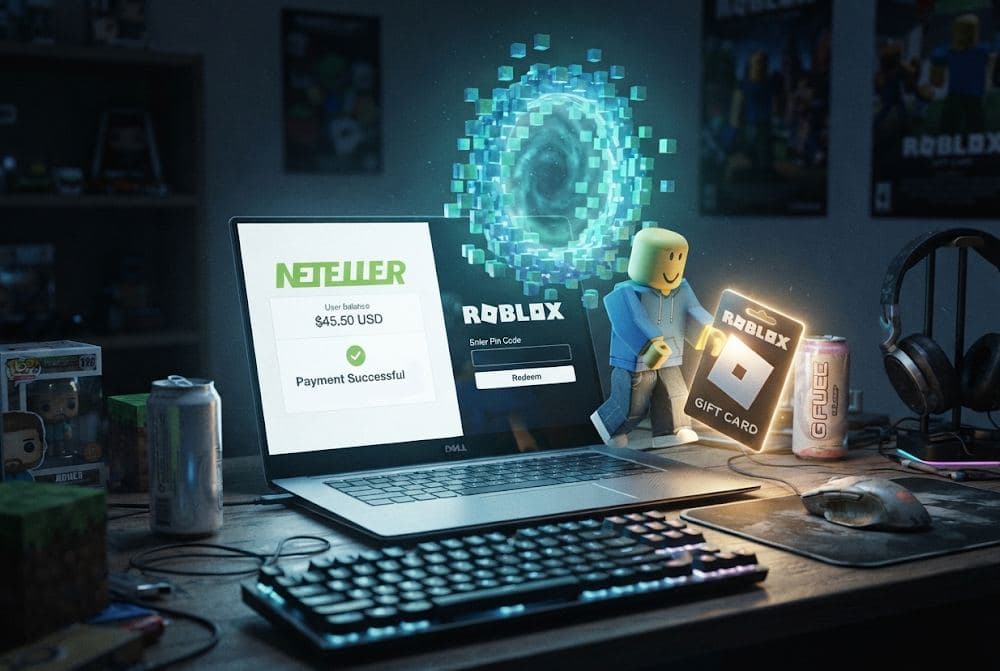
Want to use your NETELLER balance to top up Roblox and get Robux? At first glance, it may seem like a straightforward online purchase, but there’s a catch: Roblox does not support NETELLER as a direct payment method. Still, there is a way to buy Roblox with NETELLER. As with any payment option, though, there are a few details worth knowing. This article explains how to use NETELLER for Roblox when you already have funds in your account. We will also cover what to check before buying so you can choose the right option and add funds to your Roblox account without unnecessary hassle.
Roblox Gift Cards
Robux Gift Cards
Why Roblox Players Use NETELLER for Online Purchases
NETELLER has been on the market since 1999 and has grown into one of the most established digital wallets for online purchases, trading, and gaming payments. According to the Precedence Research 2024 report, the global digital wallet market is valued at around $12.6 billion, with NETELLER among the established players in the market. According to information from Paysafe's official website as of 2024, NETELLER has around 2.5 million active users across more than 200 countries, with annual transaction volume reaching approximately $7 billion. More than 3,400 merchants accept NETELLER as a payment method. It is not the largest player in the market, but in digital services and gaming, it remains a serious competitor.
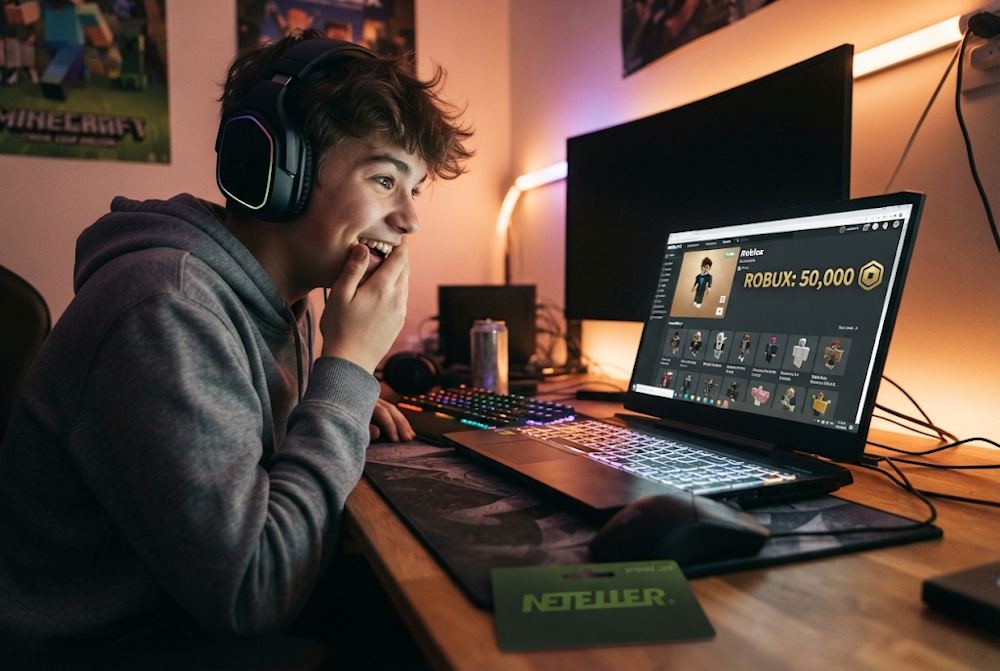
When choosing NETELLER for Roblox, players tend to value several practical benefits:
- Fast transactions. Gamers value fast payments. When you want to pay for Robux with NETELLER, fast payment processing matters, especially for digital purchases that need to be completed without delays. NETELLER supports instant transfers between wallets and fast payments to platforms that accept the method. According to a 2024 Paysafe study, 37% of gamers worldwide consider digital wallets the most convenient payment method because of speed. For Roblox players, that makes NETELLER a practical option when it is available for the purchase.
- Security and privacy. One of the reasons players choose NETELLER for Roblox is the additional separation between their gaming purchases and their primary payment details. Instead of entering card information on different websites every time, you can fund your wallet once and then use it for supported payments. NETELLER uses two-factor authentication, 128-bit encryption, and fraud detection systems. This gives users an additional layer of protection when making online payments. This can be particularly useful for parents buying Robux for their children or anyone who prefers not to expose their primary card details across multiple online services.
- Spending control. When you use NETELLER as a payment method for Roblox, you spend money that has already been added to your wallet rather than paying directly from a bank account or using a credit line. This makes it easier to track how much you are actually spending on gaming items, subscriptions, and other digital purchases. For younger players or anyone working with a set budget, separating gaming money from everyday funds can make spending easier to manage. You know how much is available before making a purchase and can keep your gaming budget within that limit.
- Years of experience with gaming payments. NETELLER began processing online payments for the gaming industry back in 2000. At one point, the company processed 85% of payments for gambling merchants worldwide. That background has given NETELLER extensive experience with the needs of digital users: fast deposits, convenient withdrawals, support for more than 28 currencies, and availability in more than 200 countries. The service is designed for people who regularly manage money online, whether they are using gaming, trading, or other digital services.
- A good fit for the Roblox audience. NETELLER's audience largely consists of tech-savvy younger users who value privacy and speed. That makes the wallet a natural fit for many Roblox players. Although Roblox does not directly accept NETELLER, players already use the wallet for other online transactions. Using it as a source of funds for a Roblox purchase therefore does not require learning an entirely new payment system or setting up an unfamiliar account.
So NETELLER offers several features that make it well-suited for digital purchases — from transaction speed and spending control to security and experience in online gaming. But one practical question remains: can you make a Roblox payment with NETELLER by simply selecting it at checkout? The answer is no, and the next step is to look at how NETELLER funds can still be used for Roblox.
Roblox Gift Cards
Robux Gift Cards
Does Roblox Accept NETELLER as a Direct Payment Method?
As of today, Roblox does not accept NETELLER as a direct payment method, regardless of the region or platform version. Digital wallets such as NETELLER are simply not included in Roblox's official list of supported payment methods. In other words, you cannot top up Roblox directly from NETELLER — and this isn't a technical glitch but a deliberate platform decision. According to Roblox's official support documentation, the following payment methods are available for the web version:
- Credit and debit cards,
- PayPal,
- Prepaid cards and Roblox Gift Cards.
For mobile apps, payments are processed through the relevant app stores' payment systems — Google Play, iTunes, Amazon, and Samsung. As you can see, NETELLER and other digital wallets are not mentioned in this list.
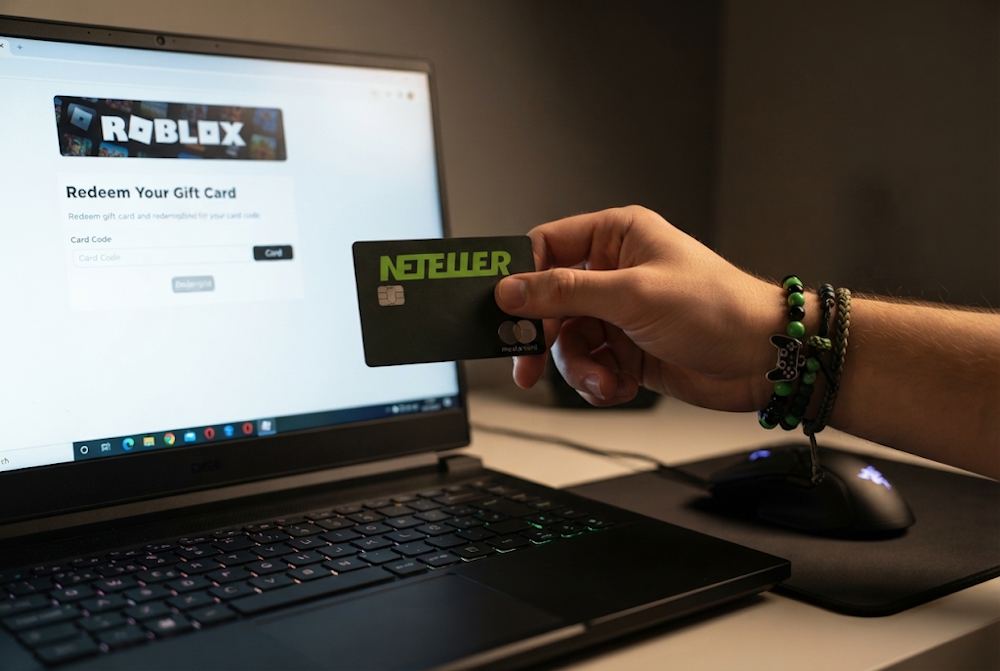
The main reason is that Roblox uses third-party payment providers, including Stripe and Xsolla, to process transactions. These companies are technically capable of supporting a wide range of payment methods, but Roblox itself determines which options are made available to users. At present, digital wallets are not among them. This approach helps Roblox maintain a consistent payment experience, simplify transaction management, and reduce potential risks associated with supporting a large number of different payment methods. What matters here:
- The payment methods available on the Roblox website are the same across countries — cards, PayPal, and Gift Cards.
- Regional differences may affect whether a particular card works because of local banking restrictions or whether PayPal is available in a given region.
The set of payment tools offered by Roblox itself remains the same. So even if you are in a country where NETELLER is a widely used payment method, making an online payment for Roblox with NETELLER directly on the website is not possible. Likewise, you cannot buy Robux online with NETELLER directly through Roblox. That does not mean you cannot use funds from NETELLER to top up Roblox. There is simply another route — through Roblox Gift Cards. Gift Cards provide a way around Roblox's lack of direct support for digital wallets, but it is important to understand how the process works to get the amount of Robux you want without unnecessary complications.
Roblox Gift Cards
Robux Gift Cards
Why Roblox Gift Cards Are Popular Among NETELLER Users
Roblox Gift Cards are more than just an alternative payment option — they offer a practical way to use funds from a digital wallet. They solve several issues at once: they work around the platform's payment restrictions, make spending easier to track, and may give you more Robux for the same price. For players looking for a practical way to use NETELLER for Roblox, a Gift Card is a convenient option.
- A fixed denomination gives you full budget control. You know exactly how much you are going to spend and cannot go over the set amount. Unlike linking a payment method to an account, where accidental or impulse purchases can come as an unpleasant surprise, a Gift Card sets clear spending limits. This is particularly useful for parents: you can add a fixed amount to a child's account, and they cannot spend more than you have allowed.
- The code can be redeemed when you need it. You can buy a Roblox Gift Card online today and redeem the code later when you need Robux. This is useful if you want to buy a card during a promotion, save it for a future purchase, or give it to someone and let them decide when to redeem it.
- You may get up to 25% more Robux for the same amount. A lesser-known benefit is that buying through a Gift Card may give you up to 25% more Robux than purchasing the same amount through a mobile app or console. If you want to use NETELLER to get Robux, this can make a Gift Card a more cost-effective option for the same amount of money.
- An easy gift for friends and family. Roblox Gift Cards are a simple way to give someone a gift without having to guess what they want. You can buy a card for a friend or child, while the recipient decides how to spend the balance — on Robux, accessories, game passes, or a Roblox Premium subscription. The card gives them access to purchases on the platform without requiring you to share payment details or set up NETELLER on Roblox.
Overall, Robux Gift Vouchers are a practical solution for anyone who wants to use funds from NETELLER to top up Robux. They combine budget control, flexibility, and the potential to get more Robux for the same amount of money. The next step is to look at how to choose the right Gift Card seller and what to check before making a purchase.
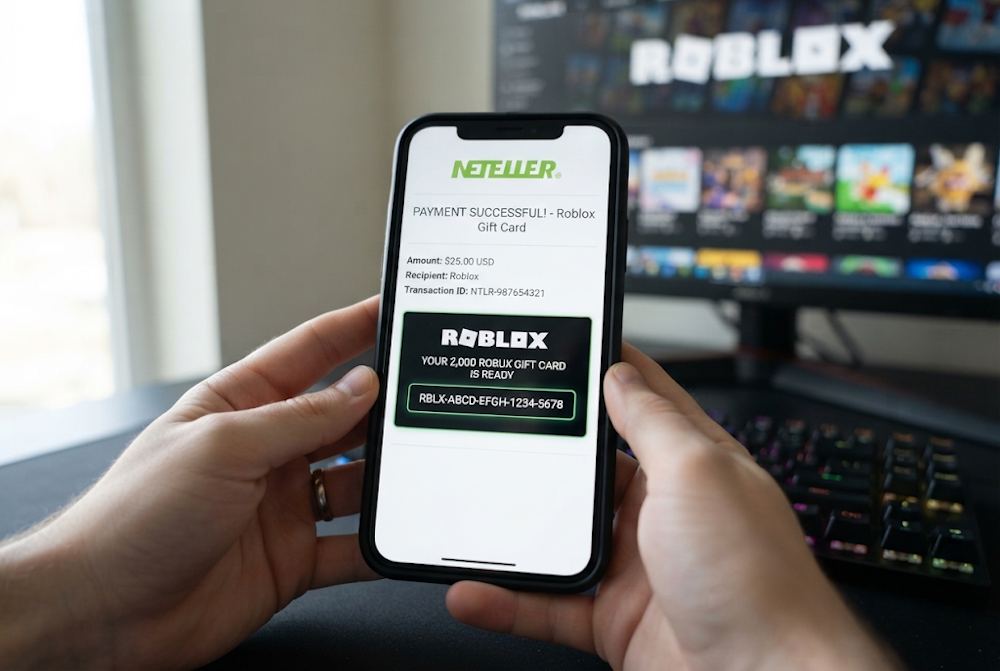
How to Buy Roblox Gift Cards with NETELLER on Baxity Store
When you plan to purchase Robux with NETELLER — or more precisely, buy a Roblox Gift Card — the most important decision you'll make before paying is choosing the right seller. The seller determines whether you receive a genuine, working code and whether the transaction itself is secure. The digital gift card market includes plenty of unverified sellers, so it is worth checking a few specific criteria.
- Official status and reputation. The seller should be a verified reseller or an official partner of the brands offered in the store. It is also worth checking reviews on independent platforms to get a better idea of actual customer experiences.
- Code authenticity guarantee. A reliable seller should source digital products from official suppliers and guarantee their authenticity.
- Fast delivery. With a digital product, it is important to know when you will receive the code, especially if you plan to use it right after purchase.
- Secure payment. The seller should offer a payment method that works for you, while the payment system should keep your transaction data protected.
- Customer support. Even with a digital product, questions can come up about payment, delivery, or redemption, so having a way to contact the seller quickly matters.
Baxity Store meets these criteria: the store operates as a verified reseller of digital vouchers, gift cards, and prepaid products and offers digital delivery. Roblox Gift Cards are available in different denominations and currencies, while wholesale terms apply to orders of 10 cards or more. NETELLER is also available as a payment method at Baxity Store, so funds from your e-wallet can be used to purchase the card you need. Once you have selected the right option, you can buy a Roblox Gift Card online through Baxity Store and complete the standard checkout process. Next, we will walk through the purchase process, from selecting a Roblox Gift Card to paying with NETELLER and receiving the code.
Select the Right Roblox Gift Card
To start your purchase, open the Gaming Credits category on the Baxity Store homepage and go to the Roblox page. Here you will find available Roblox Gift Cards in different currencies and denominations, so there is no need to search through dozens of separate products. Depending on the region, you can choose cards in USD, EUR, BRL, SAR, AED, IDR, MXN, or PLN, while the available amounts vary by currency.
- For example, the catalog includes USD cards from $10 to $200, EUR cards from €10 to €200, and PLN cards from 50 to 500 PLN. Other currencies also come with several denominations, making it easier to choose an amount that fits your budget instead of buying a card worth more than you need. Some cards offer a fixed number of Robux, such as 800 Robux Global, while others provide a fixed amount in a specific currency, such as $10. Choose whichever option suits your needs.
If you plan to buy Robux with NETELLER, select a card that matches your Roblox account region and currency, then check its redemption terms. Also pay attention to the username if one is required for a particular product or later redemption. You can choose one card or add several to your order. For wholesale purchases of 10 cards or more, Baxity Store also offers special terms. Before adding a card to your cart, check:
- Currency — USD, EUR, BRL, SAR, AED, IDR, MXN, or PLN.
- Denomination — available amounts depend on the selected currency.
- Region — make sure the selected option is compatible with your Roblox account.
- Card type — choose a card with a fixed number of Robux or a fixed cash value, depending on which option is more convenient for you.
- Quantity — one card for personal use or several cards for a larger amount or wholesale purchase.
Once you have made your choice, click Add to cart and move on to the next step: placing your order and paying with NETELLER.
📚 Related Articles
- Buy Nintendo eShop Cards with NETELLER
- Buy Xbox Gift Cards with NETELLER
- Get PlayStation Store Credits with Neteller
- Buy Steam Wallet Credits with Neteller – Complete Guide
- Buying PUBG Mobile UC with NETELLER Explained
- How to Buy Crypto with Skrill and Neteller Payment Systems
Complete the Payment with NETELLER
Once you have added the Roblox Gift Card to your cart, you can proceed to checkout. Make sure to log in to your Baxity Store account or create a new one before making the payment. This links the order to your profile and makes it easier to find all your purchased codes in one place later.
- Log in or register. Open checkout from the cart, log in to Baxity Store, or create an account if this is your first purchase. During registration, complete the short verification This is a standard security procedure for your order and only takes a few minutes.
- Choose NETELLER. Click Checkout, select NETELLER from the available payment methods, and agree to the Baxity Store security policy. If you have used NETELLER for purchases on other platforms before, the process will feel familiar. For anyone using NETELLER for Roblox for the first time, no additional setup is required — simply confirm the payment.
- Confirm the payment. Click Place order, and a secure payment page will open. Go to your NETELLER wallet, sign in, and confirm the transaction by following the instructions provided.
- Check the order status. Once the payment has been completed successfully, wait for the confirmation. The Roblox Gift Card code will be sent to the email address provided during checkout.
After payment, check the inbox you used for the order. If the code does not appear immediately, check your Spam or Junk folder first and then contact Baxity Store support. The code usually arrives instantly, but emails can occasionally be delayed by mail servers.
Roblox Gift Cards
Robux Gift Cards
Receive and Redeem Your Roblox Code
Once your payment has been completed, the Roblox Gift Card code will be sent to the email address you provided at checkout. Check the email and make sure you received the correct card type and denomination. If you decide to buy Robux vouchers, each voucher you purchase will have its own code.
- Receive the code. Open the email from Baxity Store and keep the code safe until you are ready to redeem it.
- Sign in to Roblox. Open the Roblox Redeem page in a web browser and sign in to the correct profile. On most devices, Gift Card redemption is not available through the standard Roblox mobile app or console.
- Redeem the code. Enter the code in the relevant field and click Redeem. The card will be credited to your account according to its type.
- Check your balance. If the card adds Roblox Credit, you can use it to buy Robux or other eligible purchases. For cards with a fixed amount of Robux, check that your Robux balance has been updated.
If the code doesn't work, double-check that you entered it correctly, that the card matches your region, and that you're using the right Roblox account. If the issue persists, contact support. Once the code has been redeemed, you can get Robux with NETELLER through the Gift Card route rather than paying NETELLER directly on Roblox. The next question is what you can actually spend the credited funds or Robux on.
What Roblox Gift Card Funds Can Be Used For
After activating a Roblox Gift Card, the funds are added to your account as Roblox Credit. Depending on your region and the terms of the specific card, this balance can be used for Robux, Roblox Premium, and other digital services available on Roblox. The main ways to use the funds include:
- Buying Robux. If you want to buy Robux with NETELLER, the Gift Card lets you add the funds to your Roblox account first and then choose the Robux package you need. You can spend Robux on avatar items, accessories, Game Passes, private servers, and other purchases within experiences.
- Roblox Premium. You can use Roblox Credit to subscribe to Premium if the subscription is available for your account and region. Depending on the plan you choose, it may include a monthly Robux allowance and other benefits.
- Other digital purchases. Depending on your region, Roblox may allow you to spend Credit on other available digital services and virtual This means you don't necessarily have to spend the balance right away — you can save it for a future recharge or use it later when you need it.
In short, a Gift Card lets you buy Robux with NETELLER by adding funds to Roblox Credit rather than making a direct NETELLER payment on Roblox. Before buying, it is worth checking a few important details, including the region, currency, and terms of the specific card.
Things to Check Before Buying Roblox Gift Cards
Before making a Roblox payment with NETELLER, it's worth checking a few key points. Doing so helps you avoid delays, activation errors, and unnecessary costs. Here's what to look at before placing your order:
| What to check | Why it matters | How to check |
|---|---|---|
| Card region and currency | The card must match the region of your Roblox account. If you buy a card in dollars for an account registered in Europe, the amount may convert at an unfavorable rate — or the card might not be redeemable at all. | Before buying, make sure the card currency matches the currency available for your account. The Baxity Store product page specifies the region the card is intended for. |
| Correct email address | The Gift Card code is sent to the email address provided when registering with Baxity Store. If the email address is inactive or you cannot access it, you will not receive the code. | Use a valid email address that you can access at all times. Check the spelling carefully during registration. |
| Sufficient NETELLER balance | If your NETELLER balance is insufficient, the payment will not go through and the order cannot be completed. | Before paying, check your NETELLER wallet and make sure the balance covers the card price, including any applicable fees. |
| Seller reliability | The digital gift card market includes fraudulent sellers. Buying from an unverified seller can result in losing your money or receiving an invalid code. | Choose a verified reseller. Baxity Store is a verified reseller that works with official Roblox suppliers and guarantees the authenticity of its codes. |
Checking these four points takes only a few minutes but can make the purchase much smoother. Once you have confirmed the region, email address, NETELLER balance, and seller, you can buy Robux with NETELLER without unnecessary risks.
Conclusion
Now you know that NETELLER can be used to top up Roblox — simply through a Gift Card. It is a convenient and fast option that lets you keep control of your spending without linking payment details to your account. After your purchase, you receive a code that you can redeem and use for the purchases you need. If you want to buy Roblox with NETELLER right now, choose the right card at Baxity Store, pay for your order, and receive the code by email. There is no need to look for complicated solutions or take risks with unverified sellers — simply choose the right option and place your order. Choose a Roblox Gift Card at Baxity Store and use your NETELLER funds for purchases in the game.
FAQ
Can you top up Roblox directly with NETELLER?
No. Roblox does not support NETELLER as a direct payment method. If you want to use your wallet balance, a practical option is to purchase a Roblox Gift Card through Baxity Store and then redeem the code in your account.
How can you buy Robux with NETELLER?
To buy Robux with NETELLER, choose the right Roblox Gift Card at Baxity Store, add it to your cart, and select NETELLER as your payment method at checkout. Once the transaction is completed successfully, the code will be sent to the email address associated with your Baxity Store account.
Can you use NETELLER to buy a Roblox Gift Card?
Yes. If the card you need is available for your region and currency, you can pay for it using your NETELLER balance. This lets you use funds from your e-wallet without linking it directly to Roblox.
Can you buy a Roblox Gift Card for a friend?
Yes. You can purchase a card for yourself or give it to someone else. The recipient can redeem the code in their account and use the balance for eligible purchases within the Roblox community.
Is it safe to buy a Roblox Gift Card with NETELLER?
Yes, provided that you choose a reliable seller. Baxity Store is a verified reseller that uses SSL encryption to protect your data and works directly with official Roblox suppliers. Buying from a verified source helps ensure you receive a valid code and reduces the risk of losing your money. This means you can confidently buy Roblox with NETELLER and join the large community of players using this convenient way to fund their Roblox purchases.
How long does it take to receive the code after paying with NETELLER?
On verified platforms such as Baxity Store, code delivery is instant. You should receive it by email as soon as your payment has been successfully confirmed. If the message does not appear in your inbox, check your Spam or Junk folder.
Where is the best place to buy a Roblox Gift Card with NETELLER?
The safest option is to buy Roblox Gift Cards from verified resellers that guarantee code authenticity and fast delivery. Baxity Store is a verified partner that works with official Roblox suppliers and has a strong rating on independent platforms such as Trustpilot. This gives you a convenient way to buy Robux with NETELLER without relying on unverified sellers.


Comments
Sign in to join the conversation. Every comment is reviewed before it appears on the page.
Sign in to comment
You need an account to leave a comment. Sign in and your name will be used automatically.
No comments yet. Be the first to write one.