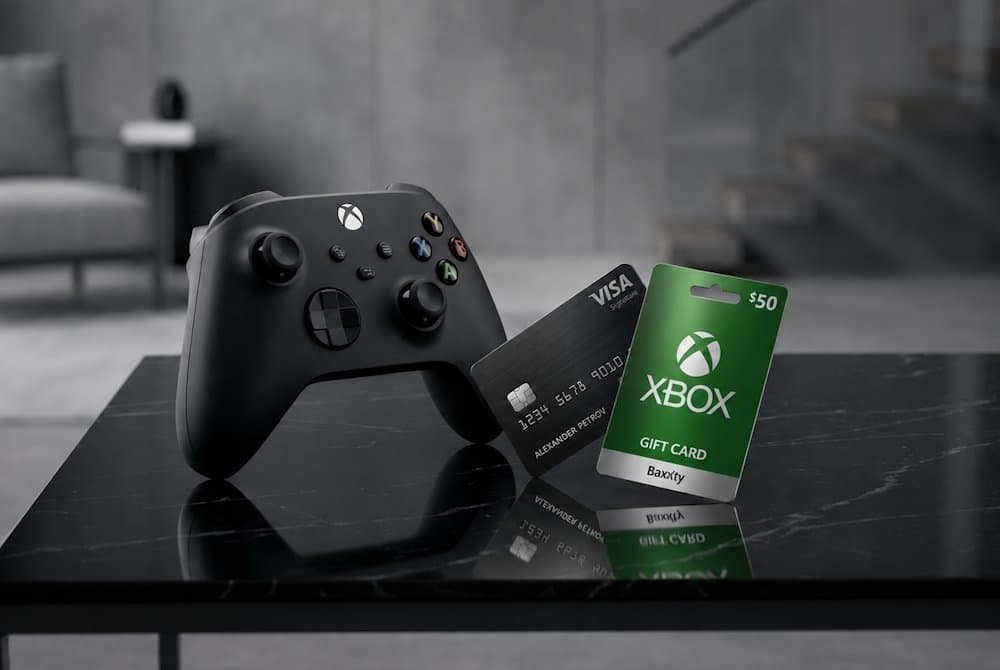
At first glance, paying for purchases within the Xbox ecosystem may seem like a routine process that causes little difficulty for most users. However, not all players want to use bank cards for gaming, not everyone has access to one, such as teenagers, and in some cases payments may be declined due to regional or technical restrictions. That is why users are increasingly looking for ways to buy on Xbox with Visa or use alternative methods to fund their accounts and purchase digital products without unnecessary limitations. In this article, we will look at how Visa payment for Xbox works, what features different payment methods offer, and why more Xbox owners are choosing gift cards for their digital purchases.
Xbox Gift Card
Buying Xbox Content Online Today
Today, Xbox is more than just a console. It has evolved into a digital ecosystem where users can purchase games, subscriptions, add-ons, and other content within minutes. Instead of visiting physical stores, players can simply open the Xbox Store, choose the product they need, and complete their purchase online. That is why digital sales have become the primary way most gamers access content. This trend can be seen across the entire gaming industry. According to Video Games Europe, around 90% of European video game market revenue in 2024 came from digital content. For users, this means instant access to new releases, immediate downloads, and the freedom to make purchases whenever they want. As a result, many players prefer to make an Xbox purchase online with Visa rather than look for more complicated payment solutions.
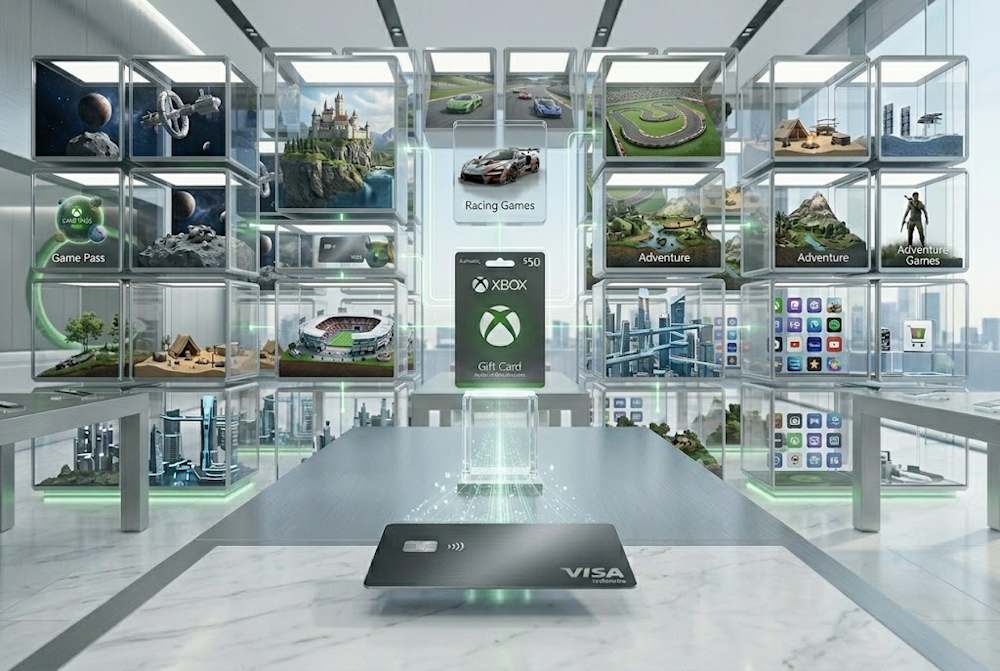
Among the most popular digital purchases on Xbox are:
- new games,
- Xbox Game Pass subscriptions,
- and in-game currency for multiplayer titles.
Users also regularly purchase add-ons for games they already own to expand their gaming experience. For many of them, being able to make an Xbox purchase with Visa quickly and conveniently is an important part of the overall experience. At the same time, as the number of digital purchases continues to grow, so do expectations for payment flexibility. Some users want to use Xbox online with Visa, but do not want to link their bank card directly to their account or prefer alternative ways to manage their spending. That is why choosing the right payment method remains an important part of any digital purchase within the Xbox ecosystem.
Xbox Gift Card
Common Payment Methods for Xbox
Xbox Store offers several standard payment methods for digital content. The availability of specific options depends on your country, account settings, and local regulations. As a result, users in different regions may have access to different payment options. Bank cards remain the most common payment option. Xbox supports Visa, Mastercard, and other international payment systems. To use Visa payment for Xbox, the card must first be added to a Microsoft account. Once configured, digital purchases can be completed without re-entering payment details every time. In addition to bank cards, some regions support PayPal, carrier billing, and other payment methods approved by Microsoft. The list of available options may vary depending on the country and account type. Standard payment methods include:
- Visa and Mastercard bank cards;
- PayPal;
- Apple Pay and Google Pay (in supported regions);
- local payment methods available in specific countries;
- Xbox Gift Cards for funding an account balance.
At the same time, many users continue to prefer Xbox Store payment with Visa, as it remains one of the most convenient ways to complete digital purchases quickly. Regardless of the payment method you choose, it is worth checking which options are available in your region before placing an order. This helps avoid unexpected issues during checkout and allows you to select the most convenient option, whether you want to pay for Xbox with Visa or use another available payment method.
Limitations of Direct Payments
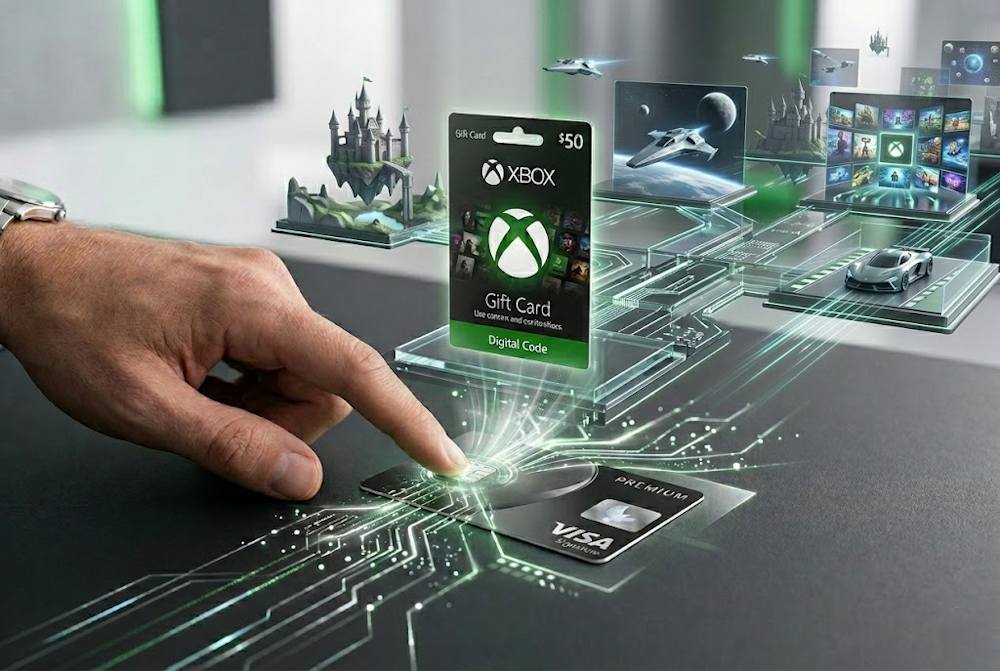
Using a bank card directly in the Xbox Store may seem like the simplest option. All you need to do is add your card to your Microsoft account, confirm the payment, and complete the purchase. In practice, however, many users encounter situations where the payment process is not as straightforward as expected. One of the most common reasons is regional restrictions. For certain payment methods, the Microsoft account region, purchase currency, and country where the bank card was issued all play an important role. That is why paying on Xbox with Visa works smoothly for some users, while others face additional verification checks or declined transactions. The most common payment issues are related to:
- a mismatch between the account region and the payment method;
- bank restrictions on certain online transactions;
- exceeded spending limits;
- additional security verification requirements;
- temporary technical issues.
Bank policies can also affect the payment process. Some financial institutions place restrictions on international transactions, digital purchases, or payments within specific merchant categories. As a result, even a regular Xbox purchase with Visa may require additional verification or be temporarily declined by the bank. The decision is not always driven by technical limitations. Some users simply do not want to link a bank card to their Xbox account. For many players, security and spending control are just as important as convenience.
📚 Related Articles
- Buy Xbox gift cards with NETELLER
- Buy Xbox gift cards with Paysafecard
- Buy PUBG Mobile UC with Paysafecard
- Which Xbox Subscription Should You Choose?
- How to get a refund from Steam, Xbox, PS and more?
This is why many Xbox users look for alternative payment solutions, most commonly for the following reasons:
- not wanting to store card details in an account;
- controlling spending on games, subscriptions, and additional content;
- avoiding automatic recurring charges;
- making purchases for children or family accounts;
- using separate payment methods for online purchases.
As a result, even users who regularly pay for Xbox with Visa often look for more flexible ways to purchase digital content. When a payment method depends on regional settings, banking policies, and additional verification checks, alternative solutions can often provide a more convenient experience. One of the most convenient options will be discussed in the next section.
Alternative Way to Pay for Xbox
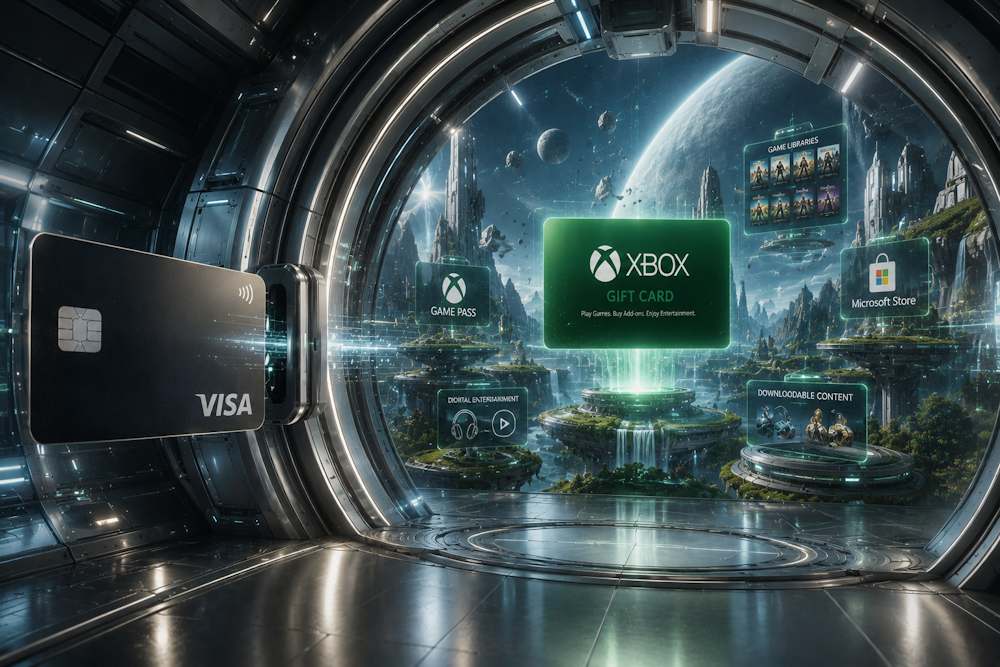
When direct payments are unavailable or create unnecessary complications, many users choose a different approach to purchasing digital content. One of the most popular options is to buy an Xbox gift card with Visa. Once the gift card is redeemed, the funds are added to the Xbox account balance and can be used to purchase games, subscriptions, add-ons, and other content without having to use a bank card for every transaction. For many players, this is a convenient way to complete an Xbox recharge with Visa while setting a clear budget for future purchases.
Xbox Gift Card
The main advantages of buying an Xbox gift card with Visa include:
- the bank does not see the payment as a direct purchase in Xbox Store, which may reduce the risk of a gaming transaction being declined;
- there is no need to link a bank card to an Xbox account;
- it is easier to control spending on games and subscriptions;
- there are no automatic recurring charges;
- it is convenient for children's and family accounts;
- the account balance can be funded within minutes using a digital code.
For most users, there is little practical difference between paying directly and using an Xbox Gift Card with Visa. Once the code is redeemed, the balance can be used in exactly the same way as funds paid directly by card. However, choosing the right seller is just as important as choosing the card itself. When selecting an Xbox Store Gift Card, factors such as the card region, delivery speed, and activation reliability can significantly affect the overall experience. A wrong-region card or activation issue can quickly turn a simple purchase into an unnecessary hassle. That is why it is important to choose a verified reseller that works with official digital code suppliers and guarantees genuine products. A reliable platform provides secure payment processing, fast delivery, and confidence that the code will be successfully redeemed on your account.
Buying Xbox Content via Baxity Store
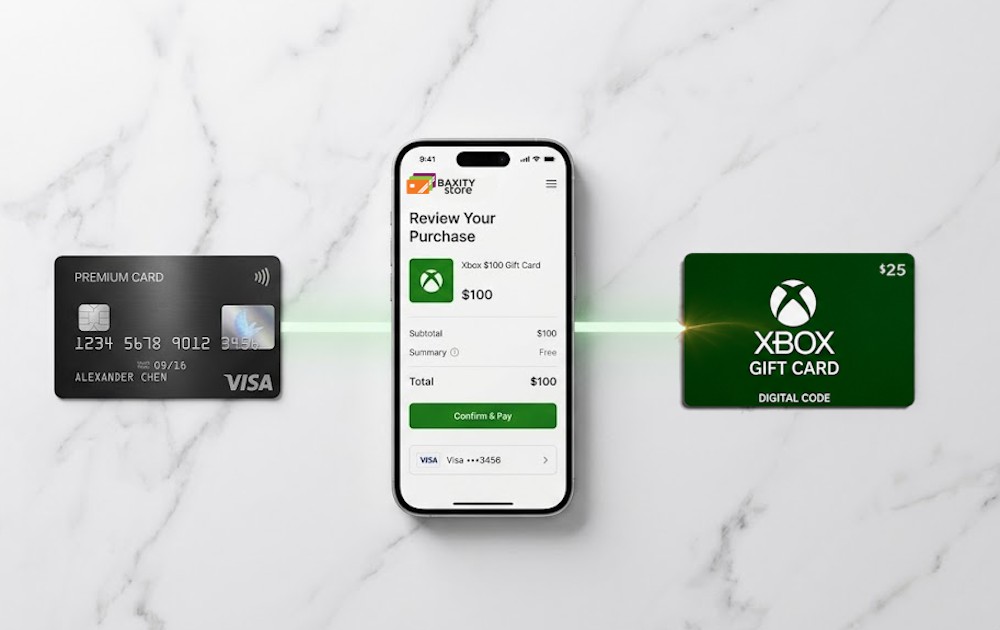
When standard payment methods do not work or become inconvenient, players start looking for a reliable alternative. Baxity Store is exactly that solution. As a verified reseller, the store offers genuine Xbox Gift Card online codes with fast delivery and secure payment processing. Unlike ordinary sellers, Baxity Store guarantees the authenticity of every code. The platform uses encryption to protect transactions and supports more than 100 payment methods, including Visa. Special wholesale pricing is available for purchases of 10 cards or more, making the service a cost-effective option for regular top-ups. The purchasing process in Baxity Store is simple and takes only a few minutes. There is no need to use third-party websites or deal with complicated procedures. Everything happens on a single platform, from selecting a card to receiving the code by email. Key advantages of Baxity Store as a verified reseller:
- genuine digital codes from official suppliers;
- fast email delivery after payment;
- secure payments through protected payment gateways;
- 24/7 customer support;
- wholesale pricing for orders of 10 cards or more.
To pay for Xbox with Visa through Baxity Store, simply choose the card you need from the catalog. An Xbox gift card online is available in different denominations for various regions. Bulk discounts are available for orders of 10 cards or more.
Xbox Gift Card
Selecting the Right Product
The Xbox Gift Card catalog at Baxity Store includes cards in various denominations and currencies. Available options include USD, GBP, EUR, ZAR, INR, MXN, AED, and others, allowing you to choose the one that matches your Microsoft account region. In addition to standard Xbox Gift Cards online, the catalog also includes Xbox Game Pass subscriptions, so the right choice depends on how you plan to use the funds. Xbox Gift Cards are available in a wide range of denominations, from $3 to $100 and above.
- smaller denominations are suitable for purchasing individual digital items or in-game currency;
- $25–50 cards are often chosen for buying one or several games;
- $100 and higher denominations are ideal for larger purchases or adding a substantial balance to your account.
The price of an Xbox Gift Card varies depending on the denomination, currency, and region selected. When comparing different options, it is important to choose a card that matches both your budget and your Microsoft account settings. When choosing a currency, it is important to consider your Microsoft account region:
- Choose a card in the currency that matches your Microsoft account region (for example, USD for the United States, GBP for the United Kingdom, or EUR for Eurozone countries).
Using the correct currency helps avoid redemption issues and ensures that the funds are added to your account without complications. After redeeming an Xbox Gift Card online, the balance can be used to purchase games, Game Pass subscriptions, in-game currency, and addons. This is why Xbox Gift Cards remain one of the most versatile payment solutions within the Xbox ecosystem.
Completing the Payment
The payment process in Baxity Store is straightforward:
- Go to the Gaming Credits category on the Baxity Store website and select the Xbox
- Choose the denomination you need. If you want to purchase multiple cards, add them to the cart and adjust the quantity.
- An important step: before placing an order, sign in to your Baxity Store account or create one if you are a new customer. New users complete a short verification process to help ensure payment security and account protection.
- Click Checkout, select your preferred payment method (ZEN), and confirm your agreement with the Baxity Store Security Policy.
- On the payment page, choose Visa, enter your card number, expiration date, and CVV code, then confirm the transaction according to your bank's instructions.
The checkout process at Baxity Store takes only a few minutes. After the payment is confirmed, you will receive a digital code for activation on your Microsoft account. If you purchase an Xbox Gift Card with Visa, the code will be delivered instantly to your email address and will also be available in your personal Baxity Store account. In most cases, delivery is instant. This allows you to top up your Xbox balance and start making purchases almost immediately after completing your order.
Xbox Gift Card
Using Your Purchase on Xbox
After receiving your code, the next step is to redeem it on your Microsoft account. Simply open the Redeem Code section on your Xbox console or on the official Microsoft website and enter the 25-character code you received. The process takes only a few minutes. Once the code is successfully redeemed, the funds are instantly added to your account balance. Regardless of the denomination or type of gift card, the balance can be used for any purchase within the Xbox ecosystem, not just for a specific service or subscription. After topping up your balance, you can use it for:
- new games;
- Xbox Game Pass;
- in-game currency;
- addons and season passes;
- other Microsoft digital content.
If you plan to buy Xbox via Visa for future purchases, you can redeem the code immediately or keep it for later use. This is especially convenient for users who prepare in advance for upcoming game releases, plan their gaming budget, or purchase an Xbox Live Gift Card as a digital gift for a friend or child. Such a voucher gives the recipient complete flexibility: they can decide when to redeem the code and what content to spend the balance on.
Tips for Choosing the Best Option
Choosing the right Xbox card depends on your needs. To avoid mistakes, pay attention to your account region, the card denomination, and the purpose of your purchase. Here are the key tips that will help you buy Xbox Gift Card with Visa as easily as possible and without unnecessary complications.
| Tip | Details |
|---|---|
| Check your account region | The card must match the region of your Microsoft account. Choose USD for U.S. accounts, GBP for UK accounts, and EUR for most European countries. Using the wrong currency is one of the most common causes of redemption issues. |
| Define your purchase goal | A $10–30 card is often enough for a single game purchase. If you plan to buy a new release, several games, or add more funds to your balance, consider denominations of $50–100. Separate Game Pass subscriptions are also available for different durations. |
| Choose the right denomination | Always select a denomination that covers the cost of your purchase with a small margin. For example, if a game costs $29.99, a $30 card is a more practical choice than a $25 card. |
| Buy from a trusted seller | Only verified resellers can guarantee genuine codes. Make sure the seller works with official digital code suppliers. |
| Review activation requirements | Some products may have regional restrictions. Always read the product description carefully before completing your purchase. |
| Keep your code secure | Do not share your code with third parties after receiving it. Redeem it immediately or store it safely until you are ready to use it. |
By following these simple recommendations, you can avoid most common purchasing and activation mistakes.
- Before you buy Xbox Gift Card with Visa, make sure that the card's currency and region match your Microsoft account settings.
- If you plan to buy Xbox via Visa for a child or a family account, consider smaller denominations to maintain better control over spending.
Remember: the right selection helps prevent activation issues, saves time, and gives you immediate access to the content you want. And hassle-free entertainment is exactly why many users choose Xbox Gift Cards.
Conclusion
For many gamers, buying an Xbox Gift Card with Visa has become one of the most convenient ways to purchase digital content without linking a bank card to a Microsoft account. Gift cards help avoid many of the issues associated with direct payments, provide better spending control, and let users add exactly the amount they need to their balance. If you want to buy Xbox Gift Card with Visa, it is important to choose a reliable seller that guarantees genuine codes and secure payments. That is why thousands of users choose Baxity Store — a verified reseller of digital codes for Xbox, Game Pass, and other popular platforms. Do not risk your purchases — choose a trusted partner. Buy Xbox Gift Card from Baxity Store today and enjoy your favorite games without limitations.
FAQ
Can I buy a game in the Xbox Store using a gift card?
Yes. After you activate the code, the funds are added to your account balance. You can spend them on any games, subscriptions, add-ons, and other digital content in the Xbox Store just like you would with a bank card.
Do I need to link my card to my Xbox account when using a gift card?
No. A gift card doesn't require linking a bank card. Once you activate the code, the funds stay in your account balance, and you can spend them without additional confirmations or storing payment details.
Can I use an Xbox Gift Card in any region?
The card must match the region of your Microsoft account. For example, a card in USD can only be redeemed on a US account, while one in EUR works for a European account. Always check the card currency before purchasing.
What should I do if the code doesn't redeem?
First, make sure you entered the code correctly and that it matches your account region. If the issue persists, contact the seller's support. Baxity Store provides 24/7 assistance to resolve any redemption issues.
Can I buy an Xbox Gift Card as a gift and share the code with someone else?
Yes. You can share the code with anyone. The recipient redeems it on their own account. This makes a great gift for gamers of any age, giving them the freedom to choose content without sharing any banking details.
How quickly will I receive the code after paying at Baxity Store?
The code is delivered instantly to your email after payment confirmation. To pay Xbox with Visa at Baxity Store, simply select this payment method during checkout — the code will arrive within minutes.
Comments
Sign in to join the conversation. Every comment is reviewed before it appears on the page.
Sign in to comment
You need an account to leave a comment. Sign in and your name will be used automatically.
No comments yet. Be the first to write one.