What if you hold funds in cryptocurrency but want to buy Nintendo games, DLC, or other digital content without converting your assets into fiat first? That is why more and more people are looking for ways to use Binance Pay for Nintendo purchases, allowing them to pay quickly and securely without unnecessary steps
The good news is that there is a solution, even though Nintendo eShop does not accept Binance Pay directly. In this article, we’ll show you how to buy Nintendo with Binance Pay using digital gift cards, why this method remains one of the most convenient options for cryptocurrency holders, and what you should check before completing your payment. We’ll also explain how to receive your code quickly from Baxity Store, a verified reseller of digital vouchers, so you can add funds to your Nintendo Account without unnecessary delays.
Using Binance Pay for Nintendo Transactions
Before explaining how to use Binance Pay for Nintendo Switch, it’s worth understanding why cryptocurrency in general—and Binance Pay in particular—have become such popular payment options for digital products. Over the past few years, cryptocurrency has evolved beyond being just an investment asset and is now increasingly used for everyday online payments.
Binance Pay is a cryptocurrency payment service integrated into the Binance ecosystem. It allows payments to be made directly from a Binance account balance, with transactions confirmed in just a few seconds. That is why it has become an increasingly popular option for digital purchases, where speed and simplicity are just as important as convenience. Thanks to blockchain technology, transactions can be processed without traditional payment intermediaries, while the underlying network provides security and transaction integrity. As a result, many people look for ways to use Binance Pay for Nintendo purchases without first converting the cryptocurrency they already hold.
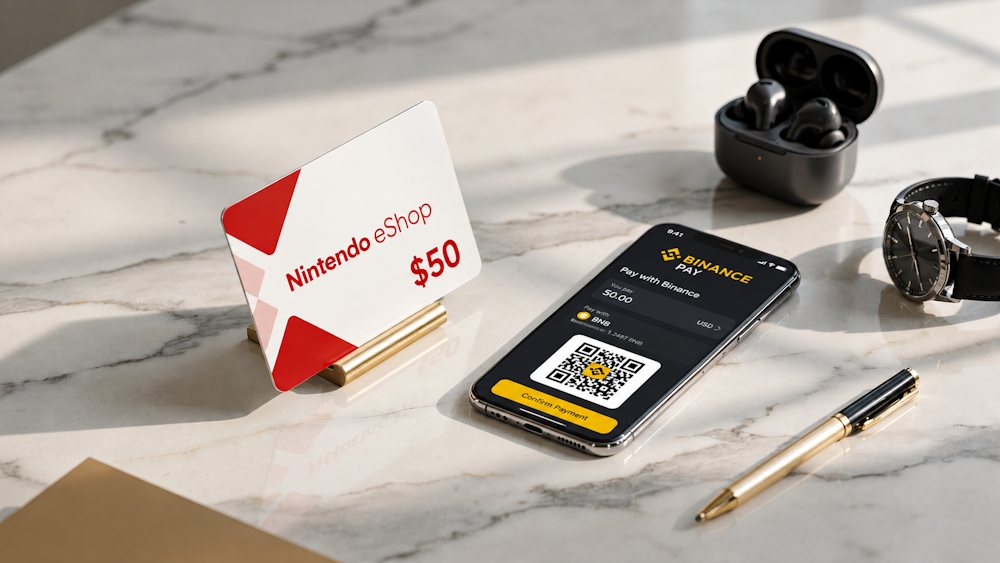 Market research also points to the growing adoption of cryptocurrency payments.
- According to Statista Market Insights, the number of cryptocurrency users worldwide exceeded 560 million in 2025.
- At the same time, Chainalysis’s Global Crypto Adoption Report 2025 shows that digital assets are increasingly being used not only for investment but also for everyday payments.
This trend shows that more people expect cryptocurrency payment options to be available in the digital services they use every day. For digital purchases, Binance Pay offers several practical advantages:
- Accessibility — payments can be confirmed in seconds using the Binance app.
- There’s no need to transfer funds to a bank card before every purchase.
- All transactions and payment history remain in one account.
- A high level of security helps protect against unauthorized access.
- Real-time processing allows transactions to be completed without unnecessary delays.
As more gamers look for ways to fund their Nintendo accounts with Binance Pay, interest in this payment method continues to grow. This also helps explain why Binance Pay for Nintendo is becoming an increasingly popular search term among players looking for a faster way to pay for digital content. But does Nintendo eShop actually accept Binance Pay directly? Let’s find out in the next section.
Does Nintendo eShop Accept Binance Pay?
The short answer is no. At the moment, there is no direct integration between Nintendo eShop and Binance Pay. If you’re looking for ways to use Nintendo eShop with Binance Pay, it’s important to know that this payment option is not officially supported. Instead, Nintendo eShop currently accepts traditional payment methods, including:
- Credit and debit cards (Visa, Mastercard, and American Express)
- PayPal (in most supported regions)
- Nintendo eShop Gift Cards (physical or digital codes)
- Local payment methods available in specific countries, such as Japan and South Korea
Cryptocurrency payments are not among the supported payment options. This is not an oversight but part of Nintendo’s current approach to payment infrastructure.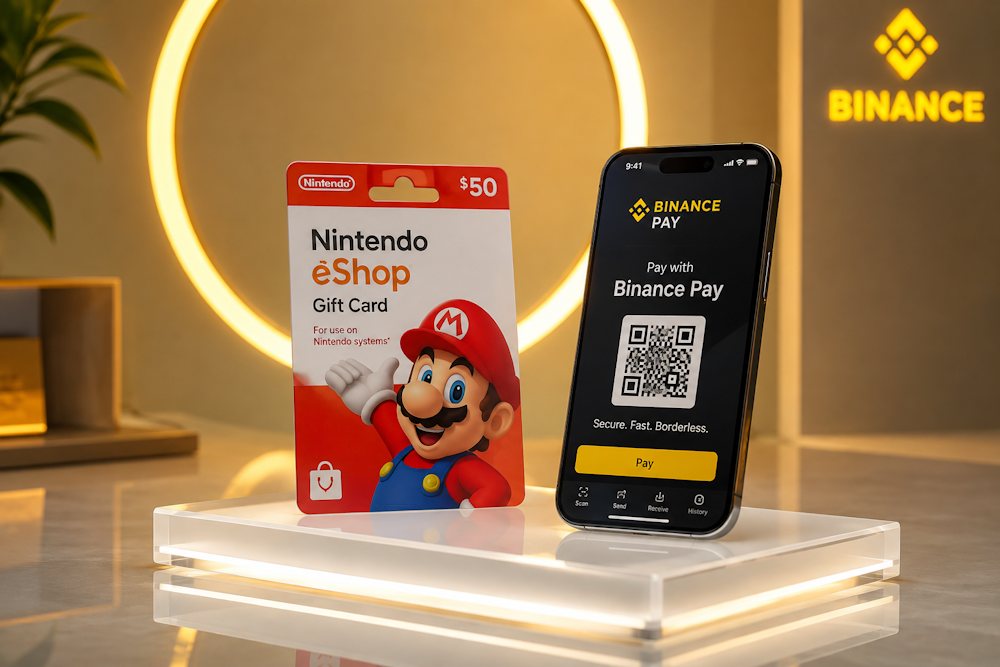
Why doesn’t Nintendo support Binance Pay?
- Regulatory requirements. Cryptocurrencies are still regulated differently around the world. A payment method that is permitted in one country may face restrictions or require additional compliance measures in another. For a global platform like Nintendo eShop, supporting cryptocurrency payments means meeting a wide range of financial and regulatory requirements across multiple jurisdictions.
- Cryptocurrency price volatility. The value of most cryptocurrencies can change significantly within a short period of time. For a digital store with fixed product prices, this creates additional challenges for payment processing, refunds, and accounting. As a result, many international companies, including Nintendo, have not yet adopted direct cryptocurrency payments.
- Technical integration. Adding a new payment method involves much more than enabling another checkout option. It requires integration with existing payment infrastructure, extensive testing, ongoing maintenance, security compliance, and long-term support across every region where Nintendo eShop operates.
For this reason, it is currently not possible to buy Nintendo with Binance Pay directly through Nintendo eShop. Even so, growing interest in Nintendo with Binance Pay shows that many cryptocurrency holders are looking for a convenient way to pay for digital content without converting their crypto into traditional currency first.
In the next section, we’ll look at a practical solution that makes this possible, even without direct Binance Pay support in Nintendo eShop.
Buying Nintendo eShop Codes with Cryptocurrency
Since Nintendo eShop does not accept cryptocurrency directly, gift cards have become one of the most convenient ways to use digital assets for purchases. They work as digital vouchers with unique codes that add funds to a Nintendo Account balance when redeemed. This gives cryptocurrency holders a simple way to pay for games, DLCs, subscriptions, and other digital content. For those holding cryptocurrency, this means being able to buy a Nintendo Gift Card with Binance Pay without going through unnecessary conversion steps.
That is why a Nintendo eShop Gift Card has long been a practical option for those who regularly buy digital content. It allows cryptocurrency to be used when it is convenient, rather than only when a platform supports a particular payment method. This is especially useful for anyone who prefers paying with digital assets and wants better control over their spending.
Why has this method become so popular?
- Spending control. You can add only the amount you plan to spend. This helps avoid accidental or impulsive purchases.
- Buying at a favorable rate. If the cryptocurrency exchange rate is favorable, you can purchase a card in advance and use the funds later. This lets you lock in a more favorable effective price.
- Being ready for sales. During seasonal promotions, discounts on individual games in Nintendo eShop can reach 70%. With the balance already funded, there is no need to spend time arranging payment when a sale starts.
- A practical gift. A Nintendo Gift Card gives the recipient freedom of choice. Instead of guessing which game to buy, you let the account holder choose the content they actually want.
In practice, this is more than an alternative to direct cryptocurrency payments. It is a convenient way to plan purchases, control a gaming budget, and add funds when the timing is right. This is also why many people use Binance Pay to top up their Nintendo accounts without unnecessary steps.
However, the result depends not only on the payment method but also on where the digital code is purchased. In the next section, we will look at how to choose a reliable seller and what to check before using Binance Pay for a Nintendo eShop Gift Card.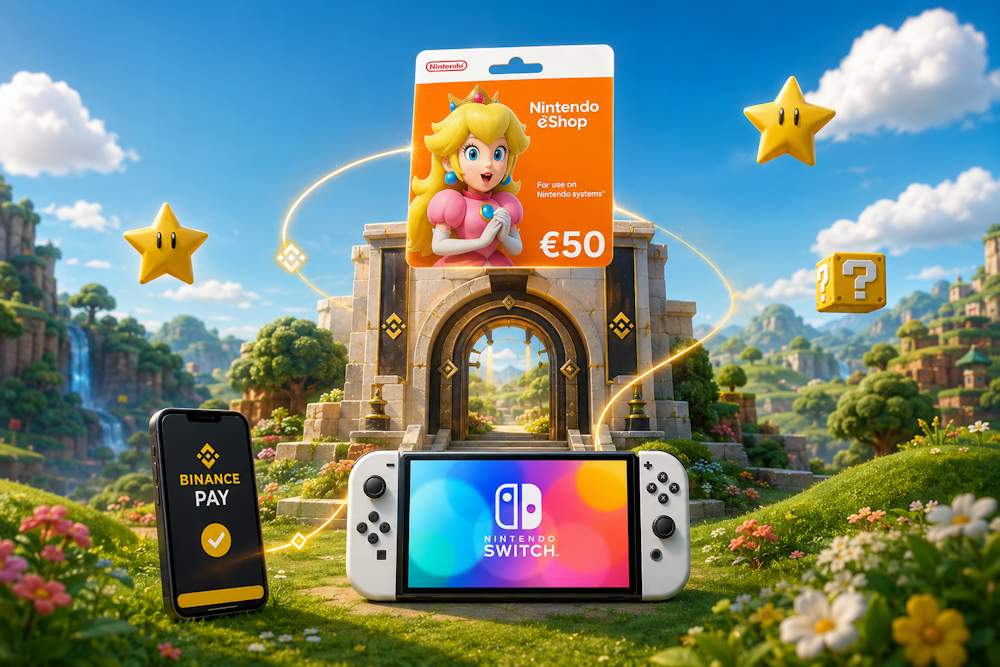
How to Buy Nintendo eShop Cards with Binance Pay on Baxity Store
Before you buy Nintendo with Binance Pay, it is worth knowing how to distinguish a reliable seller from a scammer. Unfortunately, the digital card market is not always transparent. There are several criteria that can help avoid potential risks:
- Licenses and verified reseller status. A legitimate seller will typically have confirmation from payment providers or partnerships with major distributors. This helps demonstrate that the cards come from legitimate sources rather than questionable channels.
- Reputation and reviews. A trusted seller has an established track record and positive reviews from real customers. It is worth checking independent sources rather than relying only on reviews published on the seller’s own website.
- Transparent terms. Clearly stated card regions, denominations, delivery times, and refund policies are signs of a responsible business.
- Delivery speed. A reliable seller should send the code promptly after payment is confirmed. Unexpected delays can be a red flag.
- Customer support. If something goes wrong, there should be a way to contact support and receive a timely response.
Baxity Store meets all these criteria. It is a verified reseller with a positive reputation, SSL encryption, instant delivery, and 24/7 customer support. In addition, Baxity Store offers a wide selection of Nintendo cards for different regions at competitive prices. All of this makes it a secure and convenient choice.
📚 Related Articles
- Buy Gift Cards with Neteller
- Buy Nintendo eShop cards with Google Pay
- Buy Nintendo eShop cards with Neteller
- Buy Xbox Gift Cards with Neteller
- Buy Steam Wallet Credits with Neteller
- Get PlayStation Store Credits with Neteller
- Buy PUBG Mobile UC with Neteller
- How to Top Up Your Apple or Google Play Accounts with Skrill or Neteller
Now let’s look at how to buy a Nintendo Gift Card through Baxity Store.
- Open the Nintendo eShop category. On the Baxity Store homepage, go to Gaming Credits and then select Nintendo eShop.
- Choose a currency. The catalog offers All currencies, USD, and GBP Select the required option or leave all currencies displayed.
- Find the required card. The catalog displays specific Nintendo cards with their denominations and prices. Make sure to select the required denomination and the correct region. If you need a subscription rather than a balance top-up, you can select a Nintendo Switch Online membership from the same Nintendo category.
- Add the card to your cart. Click Add to Cart. If you need several identical codes, you can adjust the quantity using the + and − buttons next to the product.
- Go to the cart and log in. This is the stage where you should sign in to your Baxity Store account. If you do not have an account yet, register and complete the required verification. This is an important step for order security.
- Proceed to Checkout. Select Pay with crypto, agree to the Baxity Store security policy, and click Place order.
- Choose the currency and network. On the cryptocurrency payment page, select the required currency from the dropdown list and then choose the appropriate network. The selected network must match the network supported by the wallet or payment method you are using.
- Complete the payment through Binance Pay. On the payment page, you can copy the payment details or scan the QR code. Open Binance Pay, check the amount, and confirm the transaction according to the instructions.
- Check your email. After the order has been processed, the digital code will be sent to the email address provided during checkout. You can also check the order information in your Baxity Store account.
This process allows you to add funds to your Nintendo Account with Binance Pay instead of using a bank card. In the next section, we’ll show you how to redeem the code and start using the funds.
Redeeming Your Nintendo eShop Code
Once the code arrives by email, it needs to be redeemed in Nintendo eShop. This is the final step that turns the digital voucher purchased through Binance Pay for Nintendo into funds available for future purchases. The code can be redeemed directly on Nintendo Switch or through the Nintendo website. In both cases, the card’s value is added to the selected Nintendo Account.
Redeem on Nintendo Switch
If you bought a Nintendo Gift Card online, the quickest way to redeem it is directly on the console:
- Turn on your Nintendo Switch and open the HOME Menu.
- Select the Nintendo eShop icon from the HOME screen.
- Choose the user profile linked to your Nintendo Account.
- Find Enter Code in the left-hand menu.
- Enter the 16-digit code you received by email.
- Select Confirm and wait for the redemption to complete.
The card’s value is then added to the account balance. A notification confirms that the balance has been successfully updated. When you purchase Nintendo subscriptions with Binance Pay, you receive a single-use membership code rather than funds added to your account balance. It is important to note that both standard gift cards and membership codes are single-use codes.
Redeem Through Nintendo Account
If you prefer using a browser, the code can also be redeemed through the Nintendo website. Sign in to the Nintendo Account whose balance you want to increase, then enter the code.
- Go to accounts.nintendo.com.
- Sign in to your Nintendo Account.
- Open Shop menu and select Redeem Code.
- Enter the code and confirm the redemption.
After the code is successfully redeemed, the system sends a notification to the email address associated with the account. The balance is updated, and you can top up your Nintendo Account and use the funds for eligible digital purchases in Nintendo eShop. This also makes it possible to make online Nintendo purchases with Binance Pay and manage your spending from a computer without unnecessary steps or additional apps.
If you regularly buy games through eShop, keeping your balance funded in advance can also be convenient. This allows you to use Binance Pay for Nintendo purchases when you need to add funds, rather than arranging a separate payment method for each purchase.
Tips Before Paying with Binance Pay
Before paying for Nintendo through Binance Pay, it is worth checking a few things. This will help you avoid delays and mistakes. Most issues arise from small details that are easy to overlook. So it is better to spend a couple of minutes on verification than to deal with code activation problems later.
- First, make sure the card’s region matches the region of your Nintendo Account. If they do not match, the code cannot be redeemed. Also check the currency, as it should correspond to the account region.
- The second important point is your email address. During registration at Baxity Store, you provide the address where the code will be sent. It must be active and accessible. A single incorrect letter can prevent you from receiving the code.
- Also check your balance. The cryptocurrency available in your account should cover not only the card price but also any applicable network fee. If this is your first time using Binance Pay for Nintendo, it is better to keep a small additional amount available in your wallet.
- Finally, check the selected network. It must match the network supported by your wallet. BSC (BEP-20) and TRC-20 can offer relatively low transaction costs and fast processing, depending on network conditions.
Here is a quick checklist to review before payment:
| What to check | Why it matters |
| Nintendo Account region and card currency | The code can only be redeemed in the corresponding region. If the regions do not match, redemption is not possible. The currency should also correspond to the account region. |
| Working email address | The code is sent to this address. If the email is inactive or entered incorrectly, you may not receive the code. |
| Cryptocurrency balance | The available funds should cover the card price and any applicable network fee. |
| Network | The selected network must match the one supported by your wallet. |
These simple checks take only a minute and can help you avoid unnecessary hassle.
Conclusion
A gift card lets you use cryptocurrency for purchases in Nintendo eShop without direct Binance Pay integration. That is why using Nintendo with Binance Pay remains a practical option for those who already hold funds in cryptocurrency.
At Baxity Store, you can choose from a wide range of cards for different regions. Fast delivery, SSL encryption, and 24/7 customer support help make the purchasing process secure and reliable. Choose the denomination you need, pay with Binance Pay, and receive the code instantly.
Top up your Nintendo balance with Binance Pay without unnecessary steps, and enjoy your favorite games.
FAQ
Does Nintendo eShop accept Binance Pay?
Nintendo eShop does not support Binance Pay as a direct payment method. However, you can use Binance Pay for Nintendo purchases by buying digital codes with cryptocurrency. The code is then redeemed in Nintendo eShop.
Can I top up my Nintendo Account via Binance Pay?
Yes, by using a Nintendo eShop Gift Card. This type of Nintendo top-up lets you add funds to your balance without direct cryptocurrency payment integration in Nintendo eShop.
How do I check my Nintendo balance after redeeming a card?
After you redeem the Nintendo Gift Card code, the funds are credited to your Nintendo Account. You can check your balance directly in Nintendo eShop or through the account section of the Nintendo website. The amount you added via Binance Pay will appear there.
Is this method suitable for paying for a Nintendo Switch Online subscription?
Yes. You can purchase a card for the desired amount, redeem it, and then use the funds to pay for the subscription or other digital purchases. This is a convenient way to pay for a Nintendo subscription with Binance Pay.
How do I pay for Nintendo through Binance Pay at Baxity Store?
Choose the card with the right denomination and region, add it to your cart, proceed to checkout, select crypto payment, and confirm the payment in the Binance app. After that, you will receive the code for activation.
What key details should I check before topping up my Nintendo balance via Binance Pay?
Make sure the card region matches your Nintendo Account region, the email address is correct, your crypto balance covers the card value and any applicable network fee, and the selected network is supported by your wallet. This will help you avoid mistakes during payment.