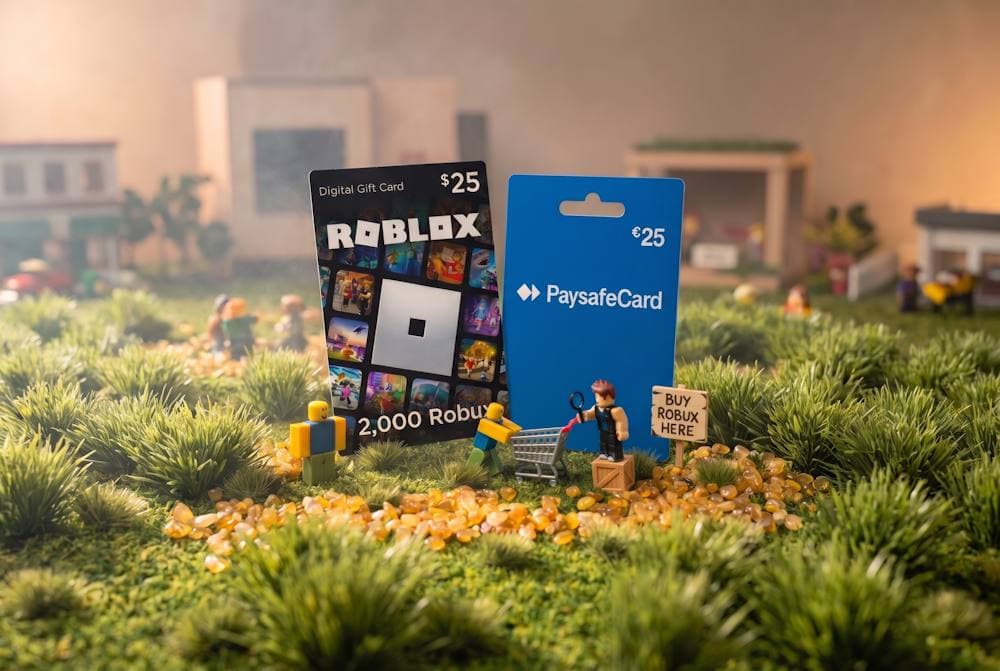
Every Roblox player knows how important Robux are. Skins, accessories, emotes, and other digital purchases require in-game currency. But not everyone wants to use a bank card for such expenses. Prepaid payments offer a simple alternative for gaming purchases. Paysafecard lets you set a spending limit in advance without linking a bank card. In some cases, you can buy Robux with Paysafecard directly, but availability depends on your region. That's why it's worth understanding how to pay for purchases in Roblox through Paysafecard — and what alternatives remain if direct payment isn't an option. One such alternative is buying a Roblox Gift Card with Paysafecard. Next, we'll break down when direct payment makes sense, when a gift card is a better choice, where to buy it, and what nuances to keep in mind when topping up Roblox.
Roblox Gift Cards
Robux Gift Cards
Why Gamers Buy Robux with Paysafecard
Paysafecard is available in more than 50 countries and has over 650,000 points of sale. The service is widely used for digital and gaming payments. For players, it offers a prepaid format with several practical advantages.
- Paying without a bank card. You buy a voucher with a fixed amount and use its PIN to make a payment. You do not need to enter your bank card details for the transaction. That's why purchases in Roblox through Paysafecardare a convenient choice for those who prefer not to use a card for gaming expenses.
- Better spending control. You decide the amount in advance and spend the available balance within that limit. In the UK, the transaction limit is £40 for unregistered users and up to £1,000 for registered users. These limits are listed on the official Paysafecard website and depend on how the service is used. If you want to use Paysafecard for Robux, this format makes it easier to set a budget for Roblox in advance.
- Easy access. Paysafecard is available through a large network of physical retailers and online channels. Depending on the country, the service can be purchased at supermarkets, kiosks, and other retail locations. For users, this means getting a prepaid balance without using a bank card.
- Fewer payment details to share. You do not need to provide your main bank card details during the payment. For users who value privacy, this is one practical reason to choose prepaid payment methods. That makes paying for Roblox through Paysafe an option for players who want to keep gaming purchases separate from their main payment method.
Overall, Paysafecard's popularity comes from its prepaid model, accessibility, and spending control. For gamers, it offers a straightforward way to set aside a separate budget for digital purchases. The next question is whether Paysafecard can be used directly on Roblox and under what conditions.
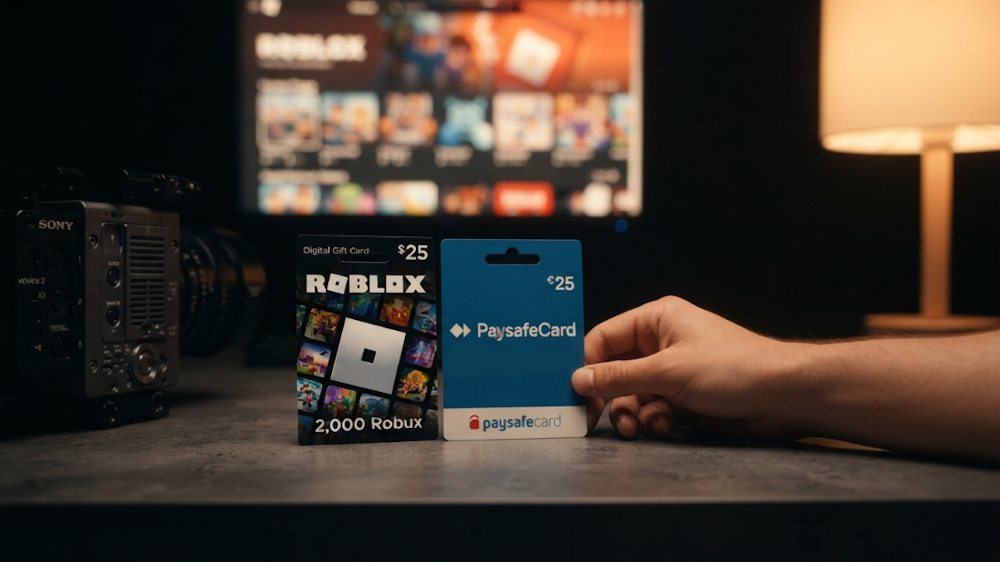
Can You Use Paysafecard Directly on Roblox?
Many players assume that if Paysafecard works in their country, it will automatically work on Roblox. That is not the case. The availability of direct Paysafecard payments on Roblox depends on the region, and in many cases, users simply will not see this payment method among the available options.
| Availability of direct Paysafe payments on Roblox | Countries |
|---|---|
| 🟢 Available | Germany, Austria, Switzerland, Poland, Czech Republic, Slovakia, United Kingdom, Spain, France, Italy |
| 🔴 Unavailable | Most countries in Eastern Europe and Asia |
Even in countries where direct payment is available, there are restrictions worth knowing in advance:
- Paysafecard to Roblox works only for one-time Robux purchases and is not supported for Roblox Premium subscriptions.
- Transaction limits apply: in the United Kingdom, the limit is £40 for unregistered users and up to £1,000 for registered users.
If your country is in a region where direct payment is unavailable, you will not be able to pay for Roblox directly with Paysafecard. For example, in many Eastern European countries, Paysafecard vouchers are sold locally, but Roblox does not accept them as a direct payment method for accounts from those regions. Before making a purchase, check whether this payment method is available in your country. If it isn't, there is still an alternative. An alternative way to get Robux through Paysafecard is available even where direct payment is not supported.
Roblox Gift Cards as a Practical Alternative
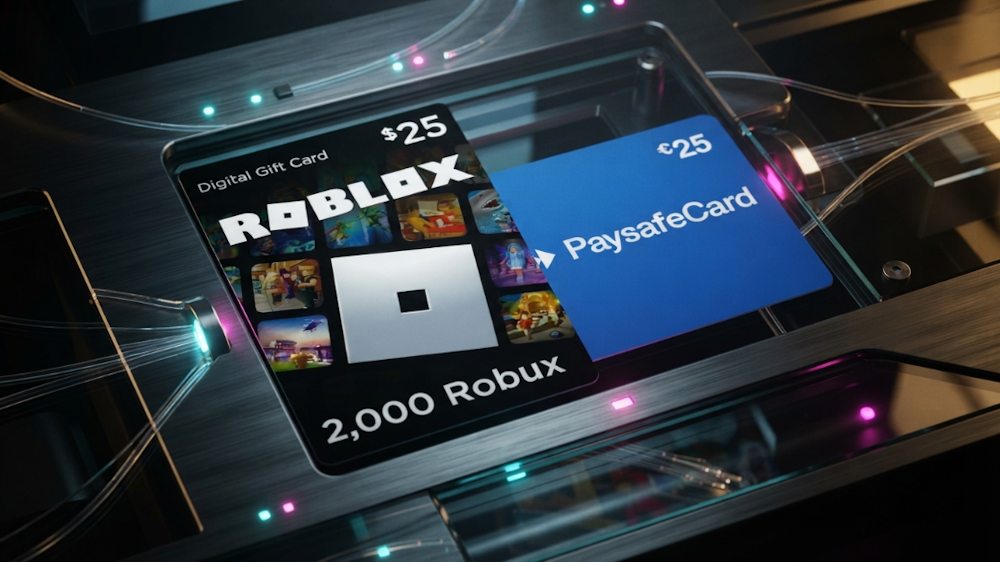
If direct Paysafecard payments on Roblox are not available in your region, you do not have to give up the convenience of prepaid payments. A practical solution is to purchase a Roblox Gift Card and pay for it with Paysafecard. This option is particularly convenient for users who prefer prepaid payments because the amount you spend is determined in advance.
Roblox Gift Cards
Robux Gift Cards
What Is a Roblox Gift Card
A Roblox Gift Card is a digital or physical voucher with a unique code that can be redeemed on the Roblox website. Depending on the type of card, the code can be converted into Robux or used for a Premium subscription. You do not need to enter bank details or even save a payment method in Roblox. Enter the code, and the corresponding value is added to your account. That makes Roblox vouchers convenient not only for your own account but also as a gift for another player.
📚 Related Articles
- How to Use Paysafecard: The Complete 2025 Guide
- Paysafecard Review: What Is Paysafecard and How It Works
- What Sites Accept Paysafecard? Full Guide
- Buy Gift Cards with Paysafecard
- Buy Steam Wallet Credits with Paysafecard – Full Guide
- Paysafecard Alternatives 2022: Apps Similar to Paysafecard
- What is Robux? How to Buy and Use Roblox Gift Cards
- Roblox Skrill Payment: Easy Top-Up Guide
Why Is It Convenient for Paysafecard Users
There are several reasons why this option works well for everyday gaming.
- The main advantage is flexibility. You can buy Roblox vouchers with Paysafecard even in a country where direct Paysafecard payments are unavailable.
- The second advantage is budget control. You buy a card with a fixed value, such as £10, £25, or £50, and redeem it whenever convenient. There are no automatic renewals or unexpected purchases. This is particularly useful for parents who want to keep track of their children's gaming expenses. Instead of giving a child access to a bank card, you can simply give them a Gift Card.
- The third advantage is gifting. You can buy a card for a friend or child, and it remains useful without requiring access to your payment details. The card must still be compatible with the recipient's region. If you want to redeem a Roblox Card through Paysafecard, the process takes only a few minutes once you have the right voucher.
How Does It Work with Paysafecard?
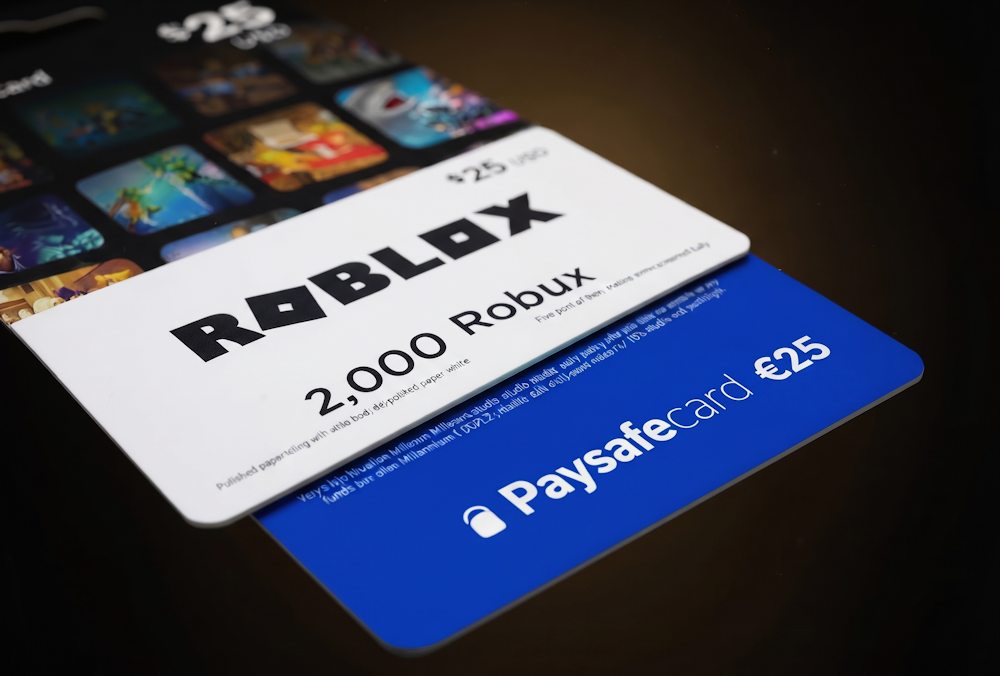
The idea is simple: when you want to buy Robux with Paysafecard, you first purchase a Roblox Card using your Paysafecard funds and then redeem the code in Roblox. You do not enter your Paysafecard PIN on the Roblox website or need to worry about whether direct Paysafecard payments are available in your region. The Paysafecard payment is handled by the seller. For the user, the process is straightforward: pay for the card, receive the code, and redeem it on Roblox. If you are looking for a way to buy Robux through Paysafe, even when direct payment is unavailable, this option provides a practical alternative. The next practical question is where to buy the right card, how to choose the denomination, and how to pay with Paysafecard. The next section covers the purchase process and digital code delivery.
Buying Roblox Gift Cards with Paysafecard on Baxity Store
After choosing a Roblox Card, the next important step is finding a reliable seller. This affects whether you receive a valid code, how quickly it arrives, and how well your payment details are protected. Before buying, it is worth checking a few specific criteria.
- The main criterion is verified reseller status. This indicates that the seller works with official sources for digital products.
- The second criterion is delivery speed. After payment, the code should arrive without unnecessary delays.
- The third is payment data protection, including SSL encryption during the transaction.
Baxity Store meets these criteria. It is a verified reseller that works with official sources of digital products. Codes are delivered instantly, and the payment gateway is protected with SSL encryption. Special pricing is available for wholesale purchases of 10 or more cards.
How to Buy a Card on Baxity Store
The process of buying a Roblox Card with Paysafecard takes only a few minutes:
- On the Baxity Store homepage, go to the Gaming Credits category and select the Roblox page.
- Choose the denomination you need. Available amounts range from $10 to $200 in different currencies, including USD, EUR, GBP, SAR, AED, MXN, PLN, BRL, IDR, and others. Add the selected product to your cart.
- If this is your first time using the site, register and complete the short verification process. This is a standard security procedure that protects both the seller and the buyer.
- On the Checkout page, select Paysafecard if this payment method is available for your order. Then agree to the Baxity Store security policy and click Place Order. Complete the Paysafecard payment according to the instructions provided.
- After the payment is successfully processed, the digital code will be sent to the email address provided with your order. Check your inbox and spam folder if the email does not arrive immediately.
Activating the Code
The code you receive must be redeemed on the Roblox website. Open the Gift Card Redemption section, enter the code, and confirm it. The card value will then be added to your Robux balance. The funds become available immediately after redemption. This makes it possible to buy Roblox Gift Cards with Paysafecard and use them to get Robux even where direct payment is unavailable. The process is straightforward: choose the card, complete the payment, receive the digital code, and redeem it on Roblox.
Roblox Gift Cards
Robux Gift Cards
What Can You Do with Robux
After you purchase a Roblox Gift Card and redeem it, your balance is credited with Robux. Just like after any other top-up, you can spend Robux in different ways. Some players buy clothes and accessories for their avatars, others purchase in-game items or features, while some choose a Premium membership. That is why, once you have figured out how to buy Robux with Paysafecard, it is important to understand what you can spend your Robux on. Let’s look at the main categories.
Avatar Customization
One of the most popular ways to use Robux is to make your character stand out. In the Marketplace and Catalog, players can find clothing, accessories, skins, and other digital items that change their avatar’s appearance. Another category includes emotes — special animations that your character can perform. Some items are available in limited quantities or only for a limited time, making them particularly appealing to collectors. Purchased items remain in your inventory, so you can combine and change them to create different looks. If you want to stand out from other players, regularly updating your avatar’s wardrobe is an easy way to stand out. You can also top up your balance for these purchases without linking a bank card — simply buy Robux with Paysafecard.
Game Passes and Special Items
Robux are not only useful for changing your appearance. They can also give you access to in-game content that affects gameplay. Roblox developers create paid features that players can purchase with Robux. These purchases can provide a different gaming experience while also supporting the creators behind the games. These purchases include:
- Game Passes — one-time purchases that can unlock exclusive areas, characters, features, or game mechanics.
- Special items — such as weapons, vehicles, equipment, or additional abilities available within a particular game.
- Private servers — an option that lets you play with friends without other players joining the session.
Each Roblox experience has its own selection of paid features. These can expand the gameplay or help you progress faster, depending on the game. If you want to use Paysafecard for Robux, you can spend the resulting balance on these purchases according to the rules of the particular experience. This approach is convenient when you already know how much you want to spend on gaming and do not want to use a bank card for these purchases. Ultimately, Robux are more than just an in-game currency. They give players more ways to personalize their Roblox experience, access additional content, and make individual games more engaging. And if you choose to pay for Robux with Paysafecard, you can use that balance for customization and special items without linking a bank card.
Roblox Gift Cards
Robux Gift Cards
Important Things to Check Before Buying
Before you buy a Roblox Card with Paysafe, there are a few details worth checking that directly affect whether you will be able to use the code. The denomination, region, currency, account details, and email address may seem like minor details, but getting any of them wrong can turn a quick digital purchase into an unnecessary hassle.
| What to Check | What You Need to Know |
|---|---|
| Denomination | Choose an amount based on more than just your current purchase. If you know you will need Robux later, a higher denomination lets you set aside a balance for future spending in advance. |
| Region and Currency | Make sure the card’s region and currency match your Roblox account. For digital Gift Cards, this is one of the key details to check before making a purchase. |
| Use an active email address that you can access. The digital code will be sent there, so make sure the address is correct before completing the payment. | |
| Price | Check the final price of the card and the terms of the offer. It is important to know how much you will actually pay rather than looking only at the card’s denomination. |
| Seller | Choose a reputable digital goods seller with clear purchase terms and secure payment processing. |
If you regularly buy Robux with Paysafecard, it is also worth looking for ways to save money. Baxity Store regularly offers discounts, while wholesale pricing is available for orders of 10 cards or more. So if you are buying for future purchases or for multiple players, purchasing several cards at once can be more cost-effective than buying them one at a time. Checking these details takes only a few minutes and can help you avoid unnecessary problems later. If you want to buy Roblox Gift Cards without unnecessary hassle, simply run through this checklist before paying, and the rest should be straightforward.
Conclusion
Paysafecard lets you conveniently control your gaming spending without directly linking a bank card to Roblox. If direct Paysafecard payment isn't available in your region, Roblox Gift Cards for Robux become a practical alternative. You pay for the card with Paysafecard, redeem the code you receive, and use the balance for purchases in Roblox. If you're looking for a reliable way to pay for Roblox with Paysafecard, you can pick the right Roblox Gift Card at Baxity Store and receive your digital code quickly. Choose the denomination, complete your purchase, redeem the code in your Roblox account — and use the balance for your planned in-game purchases today.
Roblox Gift Cards
Robux Gift Cards
FAQ
Can I buy Robux with Paysafecard if direct payment is unavailable?
Yes. If you cannot buy Robux with Paysafecard directly in your region, you can purchase a Roblox Gift Card and pay for it using your Paysafecard balance. This allows you to use your Paysafecard funds without making a direct payment on Roblox.
How can I purchase a Roblox Gift Card with Paysafecard?
You purchase the Gift Card from a verified reseller, such as Baxity Store. During checkout, select Paysafecard as your payment method. Once the payment is confirmed, you will receive the digital code by email.
Can I buy a Roblox Gift Card with Paysafecard for someone else?
Yes. You can purchase a Gift Card as a gift for another player. The recipient can redeem the code on their own Roblox account, provided that the card is compatible with their region.
Can I use a Roblox Gift Card purchased with Paysafecard in another country?
It depends on the card’s region and currency. Before purchasing, check that the Gift Card is compatible with your Roblox account, as regional restrictions may apply to digital cards.
Do I need to enter my Paysafecard PIN in Roblox?
No. If you purchase a Gift Card with Paysafecard, the PIN is used when paying the retailer for the card. In Roblox, you enter the Gift Card code you receive instead.
Can I buy a Roblox Gift Card with Paysafecard in advance?
Yes. If you know you will need Robux for future purchases, you can purchase a Gift Card with the appropriate denomination in advance. This allows you to plan your gaming spending ahead of time.
How can I make sure I am buying a genuine Roblox Gift Card?
The most important thing is to choose a reputable digital goods seller. Check the seller’s status, purchase terms, delivery method, and payment security. This is safer than buying a Gift Card from an unverified marketplace.
What should I do if I do not receive my Roblox Gift Card code after paying with Paysafecard?
First, check the email address you provided when placing the order, including your spam or junk folder. If you still haven't received the email, contact the seller’s customer support and provide your order details. Do not purchase another card until you have confirmed the status of the original payment.
Can I redeem a Roblox Gift Card immediately after receiving it?
Yes. Once you receive the digital code, you can redeem it on the official Roblox website. Enter the code in the Gift Card redemption section and follow the instructions. What you receive after redemption depends on the type and region of the card.


Comments
Sign in to join the conversation. Every comment is reviewed before it appears on the page.
Sign in to comment
You need an account to leave a comment. Sign in and your name will be used automatically.
No comments yet. Be the first to write one.