Many Xbox users rely on Mastercard for everyday purchases, but when it comes to games, subscriptions, and in-game content, not everyone wants to link a bank card directly to their gaming account. For some, it is a matter of security. Others prefer to keep better control over their spending or avoid automatic subscription charges. There are also situations where direct payments do not work as expected because of regional settings, additional verification requirements, or the specifics of digital transactions.
As a result, more players are looking for alternative ways to use Mastercard for Xbox purchases. Some want to avoid linking their card to an account, while others are looking for a simpler payment process or more control over their gaming budget. In this article, we will explore the options available today, the challenges users commonly face, and what you should consider before you buy an Xbox gift card with Mastercard, helping you choose the most convenient way to pay for Xbox content.
How People Pay for Xbox Without Bank Restrictions
When people buy digital content, they usually expect the payment process to take only a few minutes. However, international payments are much more complex than they may seem at first glance. Banks, payment providers, security verification systems, and regional regulations are all involved in the process, and these factors can vary from country to country.
Banking restrictions remain one of the most common reasons why users encounter difficulties when using Mastercard for Xbox purchases:
- Financial institutions may require additional payment verification through a mobile banking app, SMS confirmation, or other security tools. If such checks occur regularly, the payment process becomes less convenient.
- Regional differences also play an important role. A payment method that works without issues in one region may be subject to additional restrictions in another. This is why some users look for ways to buy Xbox with Mastercard without depending on the policies of a specific bank or region.
- Automated anti-fraud systems add another layer of complexity. They react to unusual activity and may block even a legitimate purchase if it appears suspicious.
As a result, more and more gamers seek ways to make online purchases for Xbox with Mastercard as predictable as possible, without unnecessary delays.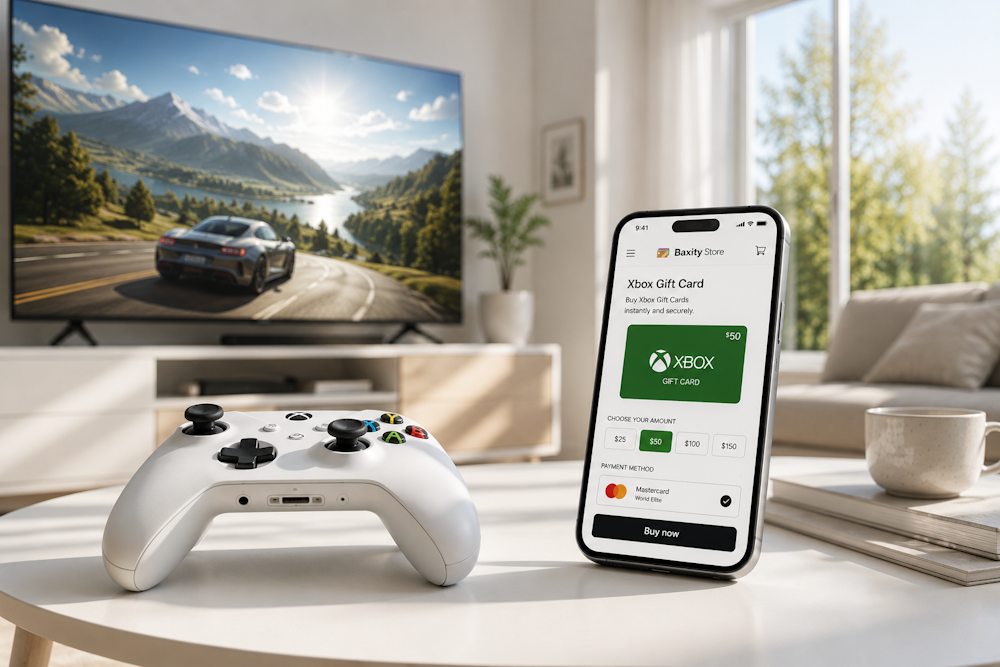
Mastercard as a Standard Online Payment Tool
Despite banking restrictions, additional verification checks, and regional differences, Mastercard remains one of the most widely used payment tools in the world. Most of the difficulties discussed earlier are not related to the payment network itself but rather to the policies of individual banks and the way international transactions are processed.
Today, Mastercard is used to pay for goods, digital content, subscriptions, and online services in dozens of countries. This is why many users view Mastercard payment for Xbox as a completely familiar way to purchase games and other digital products. For most people, it is the same payment method they use for everyday online purchases.
Its broad international coverage also makes Mastercard a convenient solution for different types of digital services. Regardless of where they live, users are already familiar with using Mastercard for online payments, so there is no need to learn new financial tools or create additional payment accounts.
The main reasons why Mastercard remains popular for online payments include:
- a global payment acceptance network;
- compatibility with a wide range of services;
- a familiar payment process;
- the ability to use a single card across multiple digital platforms.
However, even when making an Xbox payment with Mastercard, users may encounter certain issues related not to their bank but to the platform itself. These are the situations we will examine in the next section. For now, it is worth noting that paying for Xbox with Mastercard remains a reliable option, especially when used through trusted intermediaries.
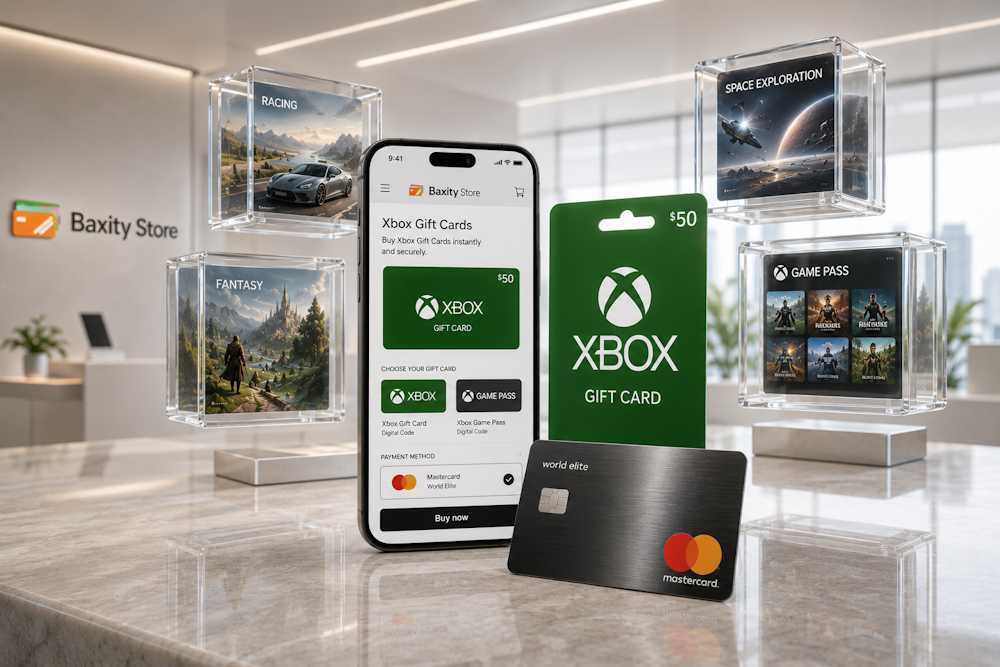
Common Issues When Paying Xbox with Cards
Even if your Mastercard works flawlessly with other services, it does not guarantee that a payment on Xbox will go through without issues. The Microsoft ecosystem has its own rules, which can sometimes become an unexpected obstacle for gamers.
- One of the most common situations is a mismatch between the account region and the card region. For example, you may be located in one country, have a card issued in another, and use an Xbox account registered in a third. Microsoft checks this information, and if it does not match, the transaction may be declined.
- Currency settings can create additional complications. If the currency of your account differs from the currency of your card, Xbox Store may reject the payment or require additional verification of your payment details. In some cases, the system may simply block the transaction without providing a clear explanation.
- Another common issue involves restrictions on certain card types. Some virtual or prepaid cards may not pass Microsoft’s verification process, even if they are issued under the Mastercard brand. In some cases, the system may not support specific card types for certain transactions or may require additional verification.
As a result, even a fully functional card often prevents you from completing a purchase on Xbox with Mastercard. Gamers spend time trying different solutions, contact support, and still find themselves facing the same issue. This is why more and more users are looking for alternative ways to pay for Xbox with Mastercard without dealing with these complications.
If you have encountered a similar situation, do not rush to blame your bank. In many cases, the root of the problem lies in the rules of the Xbox Store with Mastercard payments rather than in the card itself. One of the most practical ways to avoid these limitations is to use Mastercard through a trusted intermediary, which we will discuss in more detail in the next section.
Indirect Ways to Use Mastercard for Xbox
If paying directly by card on Xbox constantly creates problems, it makes sense to look for a different approach. Fortunately, there is one. Instead of dealing with banking checks and regional restrictions, users can choose an indirect method that helps bypass some of these obstacles.
The concept is simple: instead of charging your Mastercard directly on Xbox, you purchase an intermediate product — an Xbox gift card. This digital code acts as a bridge between your Mastercard and the Xbox platform:
- you use funds from your Mastercard to purchase an Xbox gift card;
- then you redeem the code to add funds to your account balance.
There is no direct interaction between your payment card and the gaming platform. This approach solves several common problems at once.
- First, dependence on payment card requirements becomes significantly lower.
- Second, you no longer depend on whether Xbox Store accepts your card.
- Third, you gain full control over your spending since you decide exactly how much money to add to your balance.
- In addition, gift cards are a convenient option when buying a present for another gamer or adding funds to a child’s account without linking a bank card directly to the profile.
The most important thing is choosing a reliable source for purchasing such codes. When selecting an Xbox gift card store, it is worth paying attention to the seller’s reputation, delivery speed, and guarantees of receiving a valid code. As a result, purchasing an Xbox gift card with Mastercard becomes a practical alternative to direct payments.
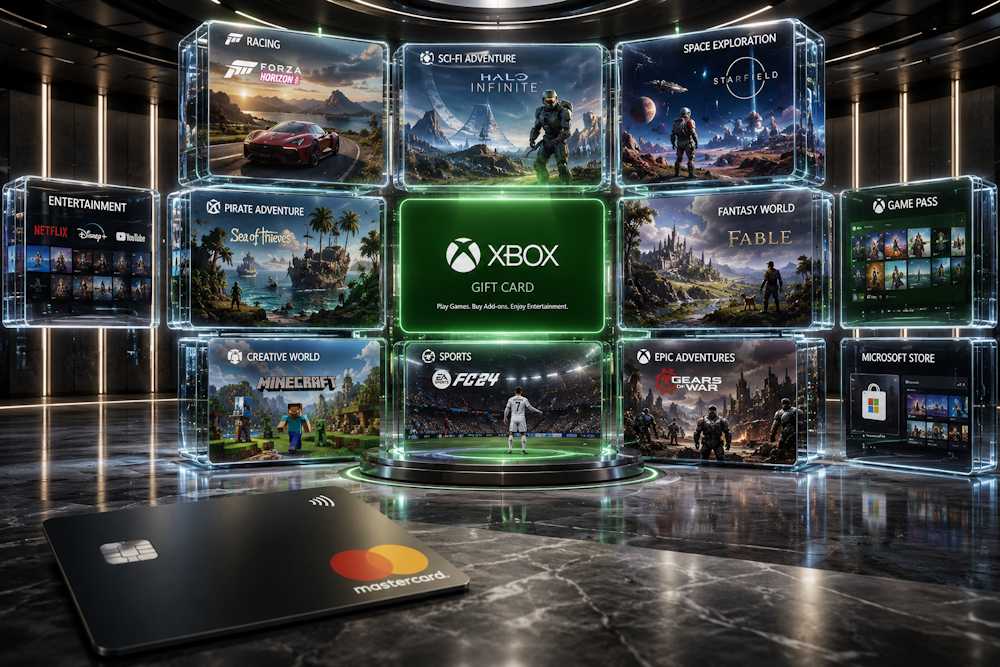
Using Baxity Store for Xbox Purchases
Understanding how Xbox gift cards online work is only half the battle. It is equally important to know where to buy a code, how quickly you can receive it, and what to look for when making a purchase. With that in mind, let’s move from theory to practice and see how to buy Xbox gift card with Mastercard through Baxity Store.
All digital products available at Baxity Store are sourced through official distribution channels, ensuring that you receive a valid and working code after purchase. In addition, the platform uses modern encryption technologies to protect payments and personal information, making the entire purchasing process as secure as possible.
📚 Related Articles
Some of the key advantages of Baxity Store include:
- Verified codes. As a verified reseller, Baxity Store guarantees the authenticity of every voucher, so you receive only valid codes that can be activated in Xbox Store without issues.
- Instant delivery. After payment is completed, the code is delivered to your email within minutes. No delays or waiting periods — access to your balance is available almost immediately.
- Convenient payments. Baxity Store accepts Mastercard for Xbox gift cards, allowing you to use a familiar payment method without any additional setup.
- All transactions are processed through protected payment gateways, while your payment details are never stored on the website.
- Flexible denominations. You can choose a card value that fits your needs, from small balance top-ups to larger purchases.
- Wholesale discounts. If you need 10 or more cards, Baxity Store offers special bulk pricing, making larger purchases even more cost-effective.
This is why many users choose to buy Xbox gift card through Baxity Store when looking for a simple way to use Mastercard for Xbox purchases without unnecessary complications. Next, let’s look at how to choose the right card and complete your order.
Selecting Xbox Products
The first step is choosing the product that best fits your needs. Baxity Store offers both traditional Xbox gift cards online in various denominations and currencies, as well as Xbox Game Pass subscriptions for different regions. This allows you to choose a solution whether you want to top up your account balance or gain access to the Game Pass library and its additional benefits.
On the Xbox gift card online page, products are conveniently organized by currency. Currently, gift cards are available in USD, GBP, ZAR, INR, MXN, and AED. This makes it easier to find the right product and quickly select a card that matches your Xbox account region.
It is also important to pay attention to the card denomination. For example, Xbox Gift Cards online in USD are available in values ranging from $3 to $100. This flexibility allows you to choose a smaller amount for a specific game or add-on, or a larger balance for multiple games, subscriptions, and other digital content.
Before adding a product to your cart, make sure to check the following:
- whether the product region matches your Xbox account;
- whether the denomination fits your planned purchase;
- whether you need an Xbox Gift Card online or an Xbox Game Pass subscription;
- whether a single code is enough or if purchasing multiple cards would be more convenient.
Once you have made your selection, click Add to Cart and proceed to the shopping cart. This is where you will be able to complete your Xbox card online order and move on to the payment stage.
Paying with Mastercard
To buy an Xbox gift card through Mastercard, go to the Gaming Credits category on the Baxity Store website and open the Xbox Gift Cards page.
Next, choose the desired denomination, make sure the currency is correct, and click Add to Cart. After that, open your cart and review the selected items to ensure that the denomination, region, and quantity match your needs. Now proceed to checkout.
- Log in to your Baxity Store account. If you’re a first-time user, complete a quick registration and verification process. This is an important step that helps protect users and ensures secure payment processing.
- Click Checkout. On the order page, select Mastercard as your payment method. At this stage, you complete the checkout for Xbox with Mastercard through Baxity Store’s secure payment gateway.
- Before confirming your order, review the Baxity Store Security Policy and tick the box to agree to the terms. Then proceed to payment.
- You will be redirected to a secure payment gateway page. Enter your Mastercard details, including the card number, expiration date, and CVV code. The system will process the payment, and once the transaction is confirmed, your Xbox gift card code will be sent to the email address provided during checkout.
The process is straightforward and no different from regular online purchases. Your payment details are never stored on the website, and every transaction is protected by modern security protocols. This makes the entire Xbox checkout with Mastercard process at Baxity Store not only convenient but also completely secure.
What You Get After Completing the Payment
After a successful payment at Baxity Store, you will receive a 25-character Xbox gift card code by email. This code gives you access to Microsoft’s digital content and services, from games and subscriptions to additional content.
How to Redeem the Code
The activation process takes only a few minutes. Visit the official redemption page at redeem.microsoft.com, sign in to your Microsoft account (the same one you use on Xbox), and enter the code.
You can also redeem it directly through your console. Press the Xbox button, open Store, select Redeem, and enter the code.
What You Can Buy with Your Xbox Balance
Once redeemed, the card value is added to your Microsoft account balance. You can then use these funds to purchase:
| Category | Examples |
| Games | Digital games for Xbox, PC, and mobile devices |
| Add-ons and In-Game Content | DLCs, season passes, and in-game currency |
| Subscriptions | Xbox Game Pass Ultimate, Xbox Game Pass Core, and other Xbox services |
| Movies and TV Shows | Movies, TV series, and other video content in Microsoft Store |
| Accessories and Devices | Selected physical products available through Microsoft Store |
As a result, purchasing an Xbox card with Mastercard allows you to top up your account balance with any amount and gain full access to the Xbox ecosystem without unnecessary complications. Once redeemed, the funds can be used to purchase games, add-ons, subscriptions, and services, including access to Xbox Live with Mastercard through the gift card system.
For many users, this approach has become one of the easiest ways to fund Xbox with Mastercard without linking a bank card directly to their account.
Smart Tips for Paying with Mastercard
To ensure that purchasing a gift card and funding Xbox with Mastercard goes as smoothly as possible, it is worth checking a few important details in advance. This can help avoid unnecessary delays or misunderstandings.
Before confirming your payment at Baxity Store, we recommend reviewing the following:
| What to Check | Why It Matters |
| Purchase Currency | Make sure the selected denomination matches the region and currency of your Xbox account. |
| Mastercard Spending Limits | Some banks apply limits to online purchases or international transactions. |
| Support for International Digital Payments | If your bank restricts international online payments, it is better to verify this in advance. |
| Card Details | Before completing the payment, double-check the card number, expiration date, and CVV code. |
A specific tip when using Mastercard as your payment method for Xbox: make sure your card is enabled for international purchases and that you’re entering the correct CVV code. If you’re using Mastercard for Xbox online payments, it’s also worth checking that your bank has 3D-Secure enabled — an additional layer of security often required for international transactions.
Don’t forget about spending control either. Using gift cards through Baxity Store is also a convenient way to manage your wallet — you buy exactly the amount you plan to spend, with no risk of accidental charges or unwanted subscriptions. Plus, since all transactions are processed through secure gateways, the transfer of funds happens without unnecessary delays or complications.
If all parameters are verified in advance, the purchase process typically goes through without any extra steps on your side. That’s why many buyers consider Mastercard payment online for Xbox one of the easiest ways to purchase gift cards through Baxity Store.
Conclusion
Direct card payments in the Xbox Store often turn into a challenge due to banking restrictions, regional mismatches, and security checks. Gift cards solve these problems in one step: you purchase a code, redeem it, and get full access to content without any links to your account.
Baxity Store, as a verified reseller, makes this process as simple and secure as possible. Instant delivery, protected payments, and support for Mastercard for Xbox — everything you need for a quick balance top-up. This is especially convenient if you want to control your spending or give a gift without any extra hassle.
So if you’re tired of bank declines and complicated verifications — just buy Xbox with Mastercard at Baxity Store. Choose the right denomination in the Xbox gift cards shop, get your code via email within minutes, and enjoy games and subscriptions without limitations.
FAQ
Do I need to link my Mastercard to my Xbox account?
No, this is one of the key advantages of using gift cards. You purchase a code at Baxity Store through Mastercard, receive it via email, and redeem it in your Xbox account. No direct connection between your card and account is ever established.
How long does it take to receive the code after payment?
Typically, the code is sent to your email within minutes after payment confirmation. Baxity Store ensures instant digital delivery, so you can top up your balance almost immediately.
Can I buy an Xbox gift card as a gift?
Yes, this is one of the most convenient ways to give a present. You receive the code in your email and can forward it to anyone. The recipient simply redeems the code in their own account and uses the balance as they wish.
What should I do if my code doesn’t redeem?
Most often, the issue is related to a region mismatch between your account and the card. Make sure you purchased a card for the same region where your Xbox account is registered. If everything is correct and the code still doesn’t work — contact Baxity Store support.
Can I use my Xbox balance to buy subscriptions?
Yes, Xbox balance can be used for subscriptions like Xbox Game Pass Ultimate, Xbox Game Pass Core, and Xbox Live Gold. You can also purchase games, add-ons, movies, and other digital content in the Microsoft Store.
Is it safe to buy gift cards through Baxity Store?
Yes, Baxity Store is a verified reseller that works with official supply channels. All payments are protected with modern encryption, and payment data is never stored on the site. This makes your purchase completely secure.