Many Sony console owners would like to use Zen Wallet for PlayStation purchases. The logic is simple: a good expense management tool should work everywhere. And although you cannot directly top up PlayStation through Zen Wallet, that does not mean users are limited when buying games, subscriptions, or prepaid credits.
In practice, gift cards are the easiest solution for those who want digital content for PSN using Zen Wallet. This method lets users quickly add funds for purchases in the PlayStation Store. Below, we will explain how to get Zen for PlayStation credits, what to watch out for, and how to buy gift cards safely.
Why Users Look for PlayStation Store Credits with Zen Wallet
Modern gaming has become increasingly digital. Games, DLCs, in-game content, and seasonal sales in the PlayStation Store are now a standard part of the PlayStation ecosystem. At the same time, more users are looking for ways to use PlayStation Store with Zen Wallet for digital purchases without linking their primary bank card directly to their PSN account.
For many users, Zen Wallet has already become a familiar app for everyday online payments and digital services. Because of this, many PlayStation owners also want to use the same payment tool for buying games, adding funds, and making other digital purchases in the PS Store.
- Better control over gaming expenses. One of the main reasons behind this interest is the ability to manage gaming expenses separately. When a bank card is permanently linked to an account, purchases can be completed in just a few clicks. As a result, it becomes harder to keep track of spending, especially during major sales or frequent purchases in the PlayStation Store.
- Safer online payments. Security is another important factor. Some users simply do not want to use their primary bank card for international digital services or store their payment details inside gaming platforms. That is why interest in Zen Wallet for PlayStation purchases and prepaid solutions continues to grow among users looking for more flexibility in online payments.
- More convenient digital purchases. Convenience also plays a major role. If users already rely on Zen Wallet for online services, marketplaces, or digital subscriptions, using the same payment method for gaming purchases feels much more practical than switching between different payment options or entering bank card details every time.
However, because there is no direct integration with PlayStation Network, PlayStation gift card with Zen remains one of the most practical ways to add funds to a gaming balance.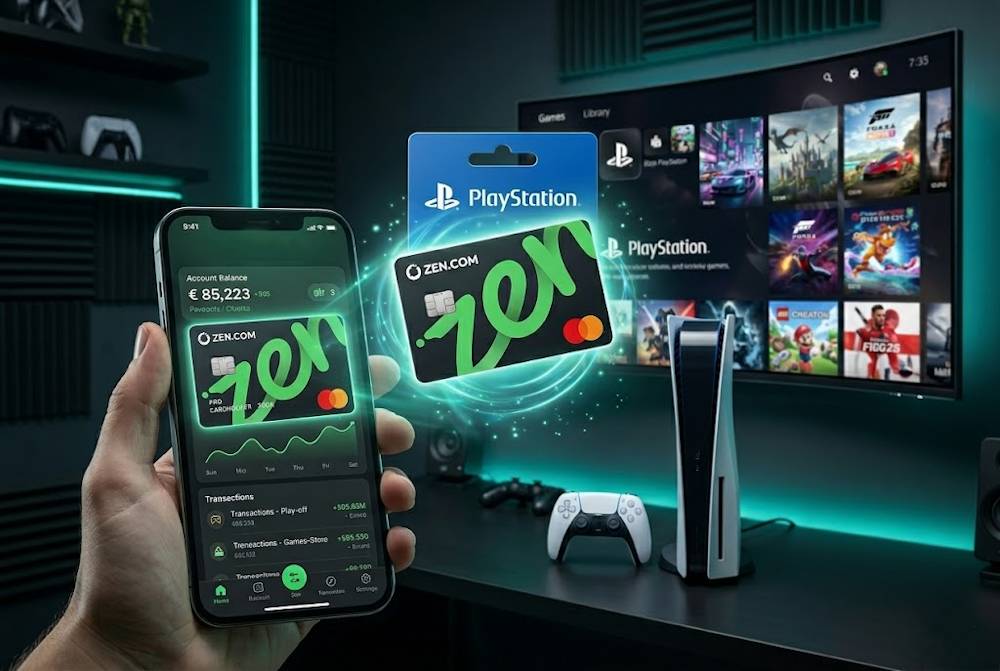
What PlayStation Store Credits Are Used For
PlayStation Store credits are the digital balance of your account, used for purchases in the PS Store. Once you add funds, the money goes to your internal user balance, and you can spend it on any available digital content: games, DLC, in-game items, or subscription services. No additional restrictions or extra steps.
For many users, this approach feels much more convenient than paying directly with a bank card. You top up your balance separately, and purchases happen faster without having to go through checkout or re-enter your payment details each time. That’s why users often make a payment in the PlayStation Store with Zen in advance, using gift cards.
But what exactly can you buy? Let’s break down the main categories.
Full Games and New Releases
Buying a game is the most obvious use of store credits. You pay once, and the game stays in your library permanently. This works for everything from indie titles to major Sony exclusives. When you plan a payment in PlayStation through Zen or any other method, you simply buy credits in advance, add them to your balance, and then spend them on the game. This is also a smart way to prepare your balance for pre-orders or big discounts in the PS Store.
📚 Related Articles
- How to Activate Your PlayStation Gift Card and Stay Safe
- Get PlayStation Store Credits with Astropay Wallet
- Get PlayStation Store credits with Apple Pay
- Get PlayStation Store credits with Google Pay
- Get PlayStation Store credits with Binance Pay
- Get PlayStation Store credits with Crypto
- Get PlayStation Store credits with Neteller
- Get PlayStation Store Credits with Paysafecard
- Where to Buy Playstation and Xbox Gift Cards for Turkey
- How to pay on PlayStation Store with Skrill?
- All PlayStation Subscriptions in 2025 – Choose the Plan
- PlayStation Gift Cards – Overview from Baxity and FAQs
Add-Ons and In-Game Content
Modern games often continue receiving updates and expansions for years after release. New story campaigns, weapons, skins, in-game currency — all of this is purchased separately. These smaller purchases can quickly add up. That’s why it’s convenient to buy PSN through Zen Wallet for an amount you plan to spend in a month, and then simply use credits for any DLC without entering your card details again.
PlayStation Subscriptions
PlayStation Store credits are also used to pay for PlayStation Plus and other subscription services within the Sony ecosystem. This lets you manage spending on online features, monthly games, and cloud gaming separately, without automatic charges to your main card.
For users looking for PSN top up with Zen Wallet options, prepaid credits remain one of the most convenient ways to keep an active balance for subscription services and digital purchases.
Does PlayStation Store Accept Zen Wallet Directly
Many users expect to use Zen Wallet for PlayStation Store directly, especially if they already pay for other digital services or online subscriptions through Zen. It would be convenient: pick a game, click “pay,” confirm the transaction in a familiar app — and that’s it. But in reality, a direct payment in the PlayStation Store through Zen Wallet is not available.
Why? Sony has its own list of payment partners. It includes:
- Visa/Mastercard cards;
- PayPal;
- and some regional services.
There’s no way to pay for PSN content using your Zen Wallet directly — Sony simply doesn’t support it. Because of this, interest in prepaid solutions and gift cards continues to grow. For many users, payment in PSN Store with Zen remains a practical option for digital purchases, even if the actual payment works through topping up the balance with gift cards. PSN vouchers online are a proven alternative used by thousands of players. It takes two minutes longer but delivers the same results — games, add-ons, and subscriptions on your account.
We’ll explain how to buy PlayStation through Zen in detail in the next section.
Buying PlayStation Gift Cards via Baxity Store
If there’s no direct way to pay through Zen Wallet, the simplest solution is to buy a PlayStation gift card from a trusted seller. Baxity Store is a verified reseller specializing in digital vouchers for gaming platforms. Here you can purchase PSN Gift vouchers in any denomination within minutes.
Why Choose Baxity Store
Baxity Store isn’t just another online shop — it’s an official partner for selling PlayStation gift cards. Here are the key advantages:
- Official partnership: Baxity Store is an authorized reseller of PlayStation Gift Cards. You get 100% authentic codes.
- Instant delivery: The code is sent to your email right after payment confirmation.
- Absolute security: All transactions are protected with strong encryption.
- Wide range of denominations and currencies: The catalog includes cards in USD, EUR, GBP, TRY, AED, INR, PLN, ARS, and other currencies. Denominations start as low as $1, so you can choose an amount that fits any budget.
- Wholesale pricing: Orders of 10 cards or more qualify for wholesale pricing with a discount on each card.
- Regular sales and promotions: The store frequently updates its offers, allowing users to buy cards at even better prices.
- Convenient payment methods: Credit/debit cards, e-wallets, and cryptocurrencies are all supported.
- Customer support: If any issues come up, the support team is quick to help.
Step-by-Step Purchase Guide
The process is simple and secure. Here’s how to buy a PlayStation gift card through Zen on Baxity Store step by step.
- Find the right category. On the Baxity Store homepage, go to “Gaming Credits.” Then select the PlayStation Gift Cards category.
- Pick the denomination and currency. Choose the card you need — denominations range from $1 to $200, with equivalents in other currencies. If you’re planning a large purchase, check out the wholesale offers for 10+ cards.
- Log in or sign up. Go to your cart and log into your Baxity Store account. If this is your first time, sign up. For security reasons, Baxity Store may ask users to complete a quick verification. This is an important step that protects both the seller and the buyer.
- Place your order. Click “Checkout,” pick a payment method (Visa, Mastercard, Zen Wallet, crypto, etc.), and agree to Baxity Store’s security policy. On the payment page, fill in the required details. You can use Zen Wallet for PSNas your payment tool at this stage.
- Receive your code. Once your payment is successful, the voucher code will be sent to your email. Digital delivery usually takes just a few minutes after payment confirmation. Save the email with the code so you’re ready to activate it.
Now that you have the code, it’s time to add it to your PlayStation account.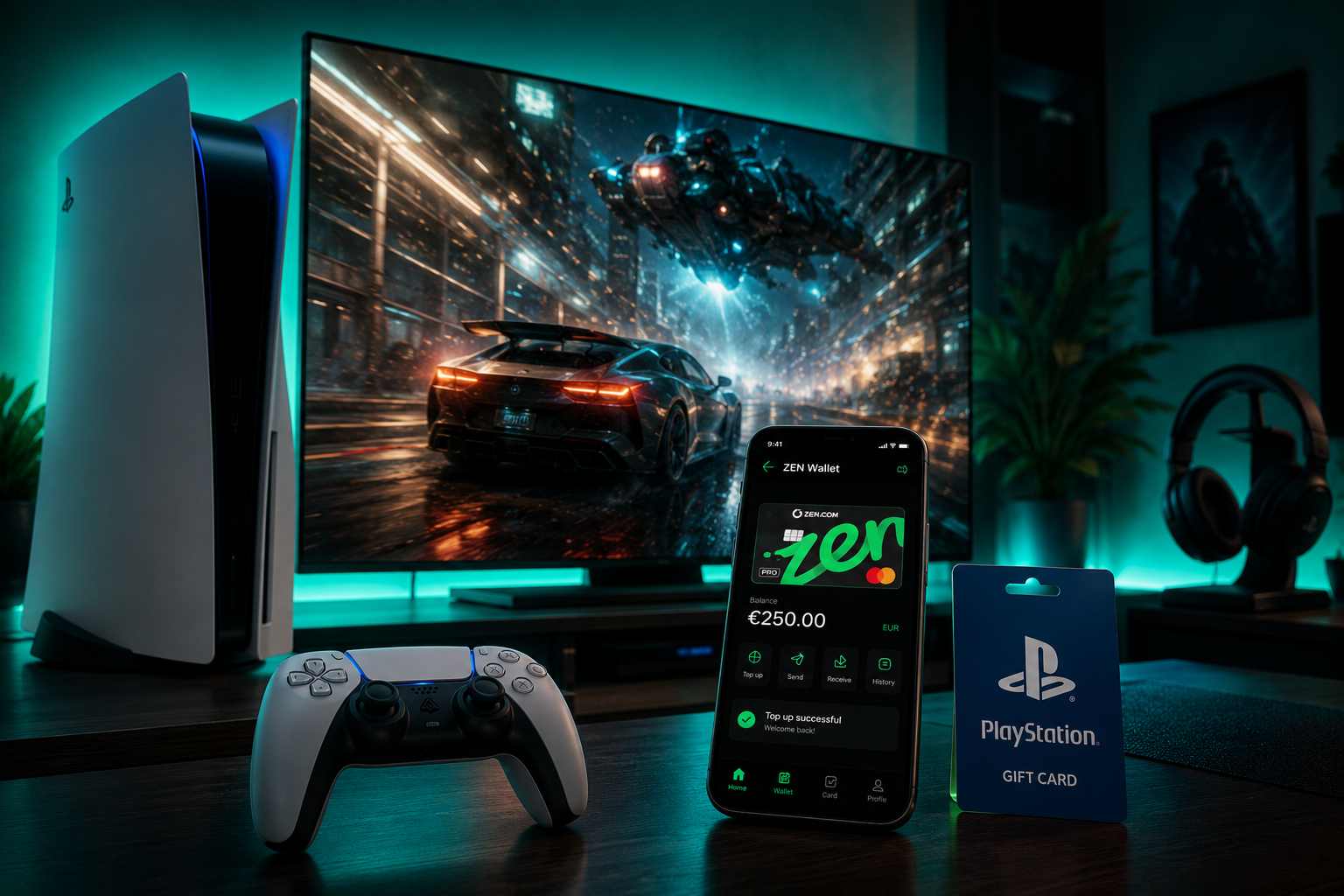
How to Add the Purchased Credits to Your PlayStation Account
After purchasing a gift card, users receive a top-up code that adds funds to their PlayStation Store balance. Once the code is redeemed, the funds are added to your PlayStation Store balance that can be used for any purchases in the PS Store, including games, DLCs, and subscription services.
For users looking to buy PSN with Zen Wallet, the redeem process usually takes only a few minutes and does not require any complicated setup or additional verification steps.
How to Redeem PlayStation Store Credits
- After completing the purchase, check the email address used during checkout. This is where the gift card code or electronic PlayStation gift card will be delivered for activation.
- Sign in to your PlayStation account through your console or the official PlayStation Store website.
- Open the Redeem Codes section in your account settings.
- Enter the received top-up code and confirm the redeem process.
- After successful activation, the funds will automatically appear in your account balance and become available for digital purchases.
For many users, using PlayStation gift cards with Zen remains one of the easiest ways to add funds without linking a primary bank card directly to PlayStation Network.
What to Check Before Choosing a PlayStation Card
Before purchasing a PlayStation gift card with Zen Wallet, it is important to check a few key details. This helps avoid problems related to account regions, code activation, or selecting the wrong card value. Checking these details before purchase helps avoid activation and region issues later.
What to Check Before Buying
- Gift card region. PlayStation gift cards only work with accounts from the matching region. For example, a US PlayStation card can only be redeemed on a US PSN account. Baxity Store offers PlayStation cards for multiple regions, including the US, UK, EU, and other popular countries, so checking your account region before purchase is essential.
- Card value. Baxity Store offers different PlayStation gift card values, from smaller amounts for DLCs or battle passes to larger balances for new AAA releases. Before purchasing, it is worth estimating your upcoming gaming expenses to avoid buying several separate codes.
- Gift card validity period. Most PlayStation gift cards remain valid for up to 12 months, but it is still better not to postpone activation for too long. Redeeming the code shortly after receiving it ensures the balance becomes available immediately for purchases in the PlayStation Store.
| What to Check | Why It Matters |
| Gift card region | The PlayStation gift card must match the region of your PSN account. |
| Card value | The balance should cover the cost of the game, DLC, or subscription you plan to purchase. |
| Code activation | After activation, the funds become instantly available for purchases in the PS Store. |
| Delivery | Digital codes are usually delivered within minutes after payment confirmation. |
For users planning to recharge their PlayStation balance through Zen Wallet, picking the right gift card helps avoid redemption problems and gets your balance ready for digital purchases right away. That’s why many users prefer to buy PlayStation gift cards from verified reseller platforms with clear information about region, denomination, and the activation process.
A Simple Way to Use Zen Wallet for PlayStation Purchases
There’s no direct way to pay with Zen Wallet in the PlayStation Store. But that’s not a problem. You simply buy PlayStation vouchers online from a trusted seller, receive the code by email, and activate it in your PSN account. The whole process takes just a few minutes.
This is the simplest and most reliable way to buy PSN through Zen Wallet. You don’t link your card to your Sony account. You don’t risk accidental charges. You just top up your balance when you need to and spend exactly as much as you planned.
Here’s what you get with this approach:
- Full control over your gaming budget;
- No saved payment details in PSN;
- The ability to buy games, DLC, and subscriptions without a bank card;
- Instant code delivery after payment.
So if you’re ready to buy PSN through Zen Wallet, you can place your order in just a few minutes. No unnecessary complications. No hidden fees. Just pick a card, pay the way you like, and enjoy the games on your PlayStation.
FAQ
Can I top up PlayStation Store directly with Zen Wallet?
No, there’s no direct way to pay with Zen Wallet in the PlayStation Store. Sony hasn’t integrated this payment system into PSN. However, you can easily work around this by buying a PlayStation gift card from a trusted reseller like Baxity Store and paying for it with Zen Wallet.
Why won’t my PlayStation card activate?
The most common issue is region mismatch. Every PSN card is tied to a specific country or currency. If you bought a card for the US but your account is registered in Europe, the code won’t work. Always check your PSN account region before making a purchase.
How long is the code valid after purchase?
All PlayStation gift cards are valid for 12 months from the purchase date. After that, the code expires. So don’t put off activation — as soon as you receive the code, redeem it in the PlayStation Store.
Can I use Zen Wallet for regular subscriptions like PlayStation Plus?
Yes, but through the same mechanism: when you buy PSN through Zen Wallet, you’re buying a gift card. Activate the code, and the funds appear in your PSN balance. After that, Sony automatically deducts subscription fees from that balance. No need to link a bank card at all.
What if the code doesn’t arrive by email?
First, check your Spam or Junk folder. Sometimes code emails end up there automatically. If the code hasn’t arrived within 15–30 minutes after payment, contact Baxity Store customer support. Also make sure you entered the correct email address when placing your order.