AstroPay Wallet has become a convenient way to pay for digital purchases without unnecessary steps. It lets you manage your spending without entering your bank card details every time. Using AstroPay Wallet for Nintendo purchases is a natural choice. Users who already rely on AstroPay may prefer to keep using the same payment method when adding funds to their Nintendo Account.
Direct payment via AstroPay Wallet in the Nintendo eShop is often unavailable because it depends on the country of the Nintendo Account. That doesn’t mean you have to give up on AstroPay. There is a practical way to use AstroPay for Nintendo purchases: buy a Nintendo Gift Card and redeem the code. We’ll look at why thousands of players choose this method, how it works, and where to do it safely and quickly.
Using AstroPay Wallet for Nintendo Payments
Before looking at Nintendo payment options, it’s worth understanding why AstroPay appeals to gamers. In December 2024, the service launched its Multicurrency Wallet for storing, exchanging, and managing multiple currencies in a single app. AstroPay also reported a 4.8 rating on Google Play from 179,000 reviews and 4.7 on the App Store from 11,000 reviews. This format is particularly useful for digital purchases involving different currencies and international services. That’s why interest in using AstroPay with Nintendo eShop is understandable.
Here are three key reasons why AstroPay Wallet suits gaming expenses:
- Multicurrency format for digital spending. AstroPay built its Multicurrency Wallet specifically for handling funds in different currencies. Users can store multiple currencies in one app and exchange them right there. The service also claims competitive exchange rates and the ability to make cross-border transfers. This makes an AstroPay balance a useful option for anyone who buys digital goods or services across different regions.
- A dedicated focus on gaming. Gaming is an established use case for AstroPay. In its own gaming solution, the service emphasizes instant deposits and withdrawals, fast onboarding, and KYC and fraud monitoring. AstroPay also specifically mentions support for global players and working with multiple currencies. This makes using AstroPay for Nintendo Switch purchases consistent with the wallet’s broader gaming use cases.
- Account-based security. AstroPay doesn’t rely on a single universal security tool but uses multiple verification layers. In 2025, the company described KYC/KYB, AI-based identity verification, and behavioral monitoring to detect suspicious activity. Instead of relying only on a traditional password, AstroPay’s Trusted Device feature uses biometrics or a PIN for account access. AstroPay also states compliance with GDPR and PCI/DSS, and user data is protected by encryption.
In short, AstroPay Wallet lets you manage funds in multiple currencies, make digital payments, and keep control of your spending without repeatedly entering your card details. Its features are well suited to gaming: fast transactions, multi-currency support, and multiple layers of account protection. Can you use AstroPay Wallet directly in Nintendo eShop? The answer is no. We’ll look into that next.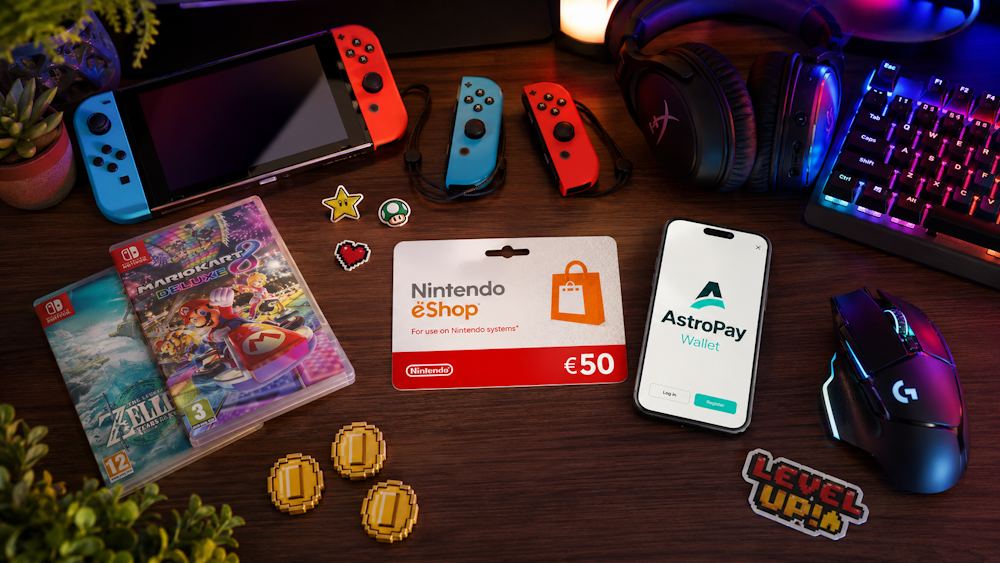
Is AstroPay Wallet Supported by Nintendo eShop?
The short answer is no. AstroPay Wallet is not among the official payment methods available in Nintendo eShop. Nintendo supports credit and debit cards, PayPal, as well as regional payment methods such as iDEAL in the Netherlands or Alipay in some Asian countries. AstroPay is not among them.
Why is that? Nintendo operates through regional accounts, and the available payment methods depend on the country selected for the Nintendo Account. For example:
- users in some European countries can use PayPal;
- in the United States, Canada, and Mexico, PayPal is also available alongside bank cards.
However, AstroPay Wallet is not available as a direct payment method in Nintendo eShop in any region. That is why players look for alternative ways to use AstroPay for Nintendo eShop purchases. They are already familiar with the wallet’s convenience, including fast transactions, security features, and control over their balance. They do not want to change their usual payment approach simply because Nintendo does not support their preferred payment method.
- Making Nintendo purchases with AstroPay is therefore possible through an alternative route rather than direct payment. This means purchasing a Nintendo eShop Gift Card and using AstroPay to pay for it instead of paying directly in Nintendo eShop.
It is also worth noting that AstroPay continues to expand its partnerships. In 2025, the company launched the AstroPay Platform, enabling businesses to integrate its multi-currency wallets, payments, cards, FX, and other financial services into their own products. This shows that AstroPay is actively expanding its payment infrastructure and partnerships. This could eventually lead to integrations with more gaming platforms, although no Nintendo integration is currently available. For now, however, Nintendo eShop is not among the services offering direct AstroPay payments. For users who want to buy Nintendo eShop with AstroPay, an alternative route through gift cards remains the most practical option.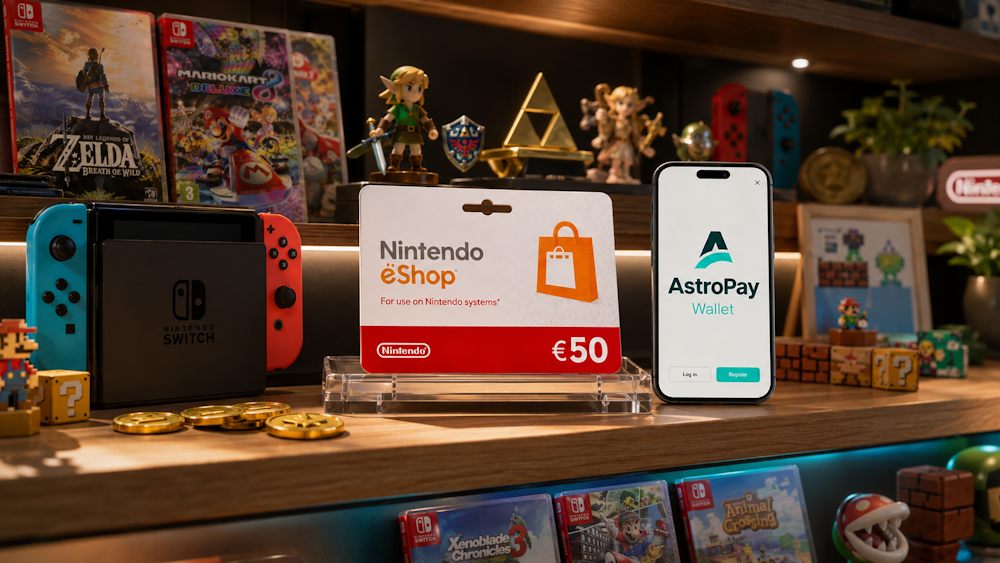
Nintendo eShop Codes as an Alternative Payment Route
A Nintendo eShop Gift Card is more than an alternative to direct payment. For players, it’s a separate way to add funds that gives more control over the amount and doesn’t require using a bank card directly in the Nintendo eShop. Nintendo itself describes eShop Cards as a fast, simple, and secure alternative to credit cards. Once redeemed, the funds can be used for future purchases in the Nintendo eShop.
Why Do Players Choose Nintendo eShop Gift Cards
- Fixed spending amount. The card’s denomination determines how much is added to the Nintendo Account. This helps when you want to set a specific budget for games or digital content in advance. The approach can also be useful for parents who want to give a child a fixed amount to spend.
- No bank card required. Using a Nintendo Gift Card doesn’t require adding a credit or debit card to your Nintendo Account. You do not need to enter bank card details to spend an existing eShop balance. Nintendo specifically offers eShop Cards as an alternative to using a credit card to add funds.
- A convenient gift option. Nintendo eShop doesn’t let you send a game directly to another user as a gift through the store. Instead, Nintendo recommends gifting a prepaid eShop Card or a download code. The recipient can decide what to spend the funds on, so the giver doesn’t need to guess which game, DLC, or other content they would prefer.
- Funds can be spent on different digital content. An eShop Card doesn’t tie the amount to any specific game. The funds in the Nintendo Account balance can be used for eligible purchases in the store, including games and DLC. This gives the recipient more flexibility than a gift intended for one specific title.
- Digital format with no physical delivery. A digital card doesn’t require waiting for a physical card or its delivery. The user receives a digital code that can be redeemed to add funds to the Nintendo Account. This is useful when you want a digital gift without waiting for physical delivery.
- Region-specific compatibility. Nintendo Cards are tied to a specific country or region and must match the country or region set on the Nintendo Account. Before buying, users need to make sure the card is intended for their account’s region.
For AstroPay users, this format creates a practical alternative when direct payment is unavailable. Players can use AstroPay to pay for a Nintendo code, without adding AstroPay to Nintendo eShop’s list of direct payment methods. This gives users a way to keep using AstroPay Wallet for Nintendo purchases even when the wallet itself is not supported at checkout.
The platform you choose to buy the digital voucher from also matters. The region, denomination, and terms of use should match the Nintendo Account, while the seller should clearly provide these details. Nintendo recommends obtaining codes from trusted sources, so choosing a reliable platform is part of using this top-up method safely.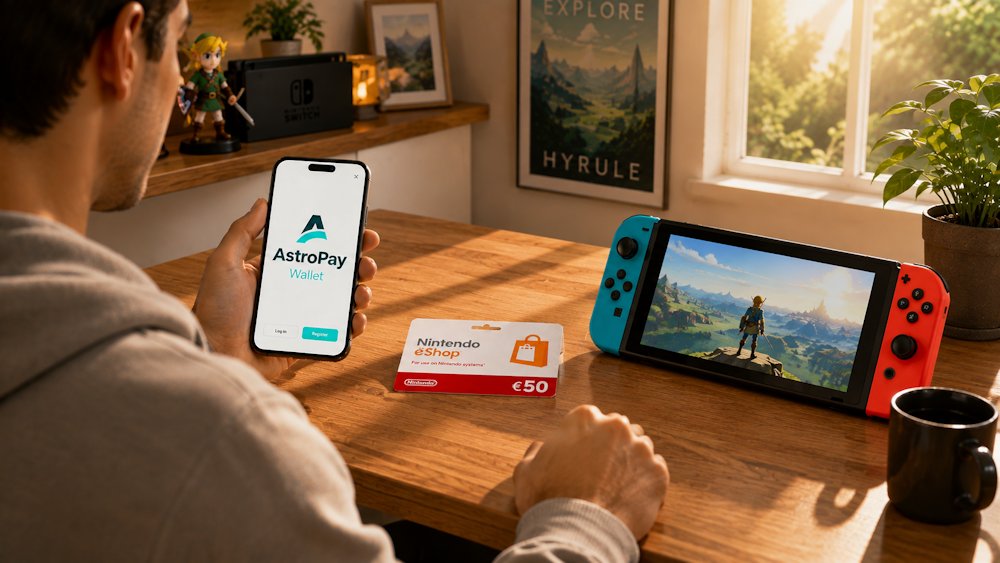
How to Purchase Nintendo eShop Cards with AstroPay Wallet on Baxity Store
When it comes to buying digital codes, the key factor is not just the price but the seller’s reliability. This can determine whether you receive a valid code or run into a fraudulent seller. Baxity Store is a verified reseller that works with official suppliers. This means the Nintendo cards are checked before sale, helping ensure that customers receive valid codes.
Here are the criteria that make Baxity Store a reliable seller:
- Code validity guarantee. All cards come directly from official distributors. This helps protect customers from counterfeit or previously used codes.
- Instant delivery. After payment is confirmed, the code is delivered to your email, usually within a few minutes. There is no need to wait for hours or days.
- Transaction security. The website uses SSL encryption, and all payments are processed through secure channels.
- Wholesale pricing. Special terms apply to purchases of 10 cards or more, making Baxity Store a practical option for larger orders.
To buy a Nintendo Gift Card from Baxity Store, follow these steps. Baxity Store offers Nintendo cards for different regions, currencies, and denominations. This is a straightforward way to complete a Nintendo Account top-up with AstroPay without direct wallet integration in Nintendo eShop.
📚 Related Articles
- Nintendo Switch Players’ Challenges
- Nintendo eShop Apple Pay: Buy Cards Instantly
- Nintendo eShop Visa Card Payments Explained
- How to Top Up Nintendo eShop with Skrill: Complete 2025 Guide
- Buy Nintendo eShop cards with Binance Pay
- Buy Nintendo eShop cards with Google Pay
- Buy Nintendo eShop cards with Zen Wallet
Check Region and Currency
Before adding a Nintendo Online Gift Card to your cart, check its region and currency. Nintendo Cards are not universal across all Nintendo Accounts, so the card must match your account’s country or region. For example, a card intended for the US cannot be redeemed on a European Nintendo Account. Start on the Baxity Store homepage by opening the Gaming Credits category, then go to the Nintendo eShop page. Baxity Store offers cards:
- with different denominations, starting from $10;
- in different currencies, including USD and GBP;
- for different countries and regions;
- for different needs, including standard Nintendo eShop Gift Cards and separate Nintendo Switch Online US products for 3 or 12 months.
First, check the country linked to your Nintendo Account, then choose a card intended for that market. This helps prevent a situation where you have already used AstroPay funds to pay for a Nintendo card but cannot redeem it because the regions do not match.
Also remember that a Nintendo Gift Card is a one-time top-up for a fixed amount. If you are buying a Nintendo Switch Online product, check not only the region but also the subscription period and plan type. Once these details are confirmed, you can move on to choosing AstroPay as your payment method.
Pay with AstroPay Wallet
Add the selected card to your cart, then proceed to checkout. At this stage, log in to Baxity Store or create an account if you are buying for the first time. You need an account to track your order and receive the code. Registration also adds an extra layer of account security. Registration takes less than a minute. Baxity Store may also request a brief verification to improve security.
- After logging in, review your order and select AstroPay from the available payment methods.
- Confirm that you agree to the Baxity Store security policy, then click Place Order.
- On the payment page, enter the required AstroPay details and complete the payment as instructed.
- Check the details carefully before confirming. Then confirm the payment. The entire process takes only a few minutes.
This payment method lets you complete a Nintendo top up with AstroPay without direct AstroPay integration in Nintendo eShop. If you plan to buy Nintendo with AstroPay regularly or want to purchase more than 10 cards, we recommend visiting the wholesale payment page and requesting a separate quote for your order.
Get Your Digital Code
After the payment is successfully completed, the code is sent to the email address provided during registration. This usually takes no more than a few minutes. The code must then be redeemed in Nintendo eShop. There are two ways to do this:
- Directly on the console. Open Nintendo eShop on your Switch or Switch 2, select Enter Code from the menu, and enter the code you received.
- Online through the Nintendo website. Sign in to your Nintendo Account on the official Nintendo website and redeem the code there.
Once the code is redeemed, the funds are added to your Nintendo Account balance and are ready to spend. This makes it possible to top up Nintendo eShop with AstroPay quickly and securely, for any available amount.
Using Your Nintendo Balance After Redemption
After you redeem the card, the funds are already in your Nintendo Account balance. You can use them not just to buy a new game, but for various digital content in the Nintendo eShop. So topping up your Nintendo Account through AstroPay gives you access to a broad range of digital content available in Nintendo eShop.
Here are the main ways to use the balance:
- Games for your collection. The balance can be used for digital games available in Nintendo eShop on Switch 2, from exclusives such as The Legend of Zelda and Super Mario to popular titles from third-party studios. The catalog covers different genres, from adventure games to multiplayer titles. Eligible games can be purchased directly from the Nintendo game store without using a separate payment method at checkout.
- DLC and additional content. The balance can also cover DLC, expansions, and other add-ons for games you already own. Depending on the product, this can include new characters, locations, items, or other content. For games with regular updates, you can purchase the additions you want separately without replacing the base game.
- Nintendo Switch Online and other subscriptions. A Nintendo top up with AstroPay can also be used to fund eligible Nintendo Switch Online subscriptions., including individual or family plans for 3 or 12 months. These provide access to online gaming, cloud saves, classic NES and SNES games, and other benefits. If you want to pay for Nintendo subscriptions with AstroPay, you can purchase a corresponding subscription card with a fixed validity period. Unlike a standard eShop Gift Card, which adds funds to your balance, a Switch Online membership code provides access for a specific subscription period.
- In-game content. Your balance can also cover skins, emotes, and other in-game content in supported games. This is particularly relevant for multiplayer titles, where additional in-game content may be purchased after the main game has been downloaded. The available options depend on the specific game and region.
As a result, Nintendo purchases with AstroPay can include much more than a new game. Before adding funds, make sure you’ve selected the right card and considered the key details of your order. What exactly to check before purchasing — we’ll cover next.
Key Checks Before Completing the Order
Before finalizing your Nintendo Gift Card order, there are a few key details to check. They help you avoid redemption problems and payment errors. Here are the main points to pay attention to:
| What to check | Why it matters | What to do |
| Nintendo Account region | The card must match the region of your Nintendo Account. A US code cannot be redeemed on a European account. | Before buying, make sure the card region matches your Nintendo Account. |
| Card currency | The currency should correspond to the intended market. For example, US cards use USD, while many European cards use EUR. | Choose a card in the currency used by your Nintendo eShop. |
| Denomination | The card amount should match your budget and planned purchases. | Choose the denomination that best fits your needs. |
| Product compatibility | Some products are intended for specific uses, such as Nintendo Switch Online memberships. | Read the product description carefully before adding the card to your cart. |
| Working email address | The code is sent to the email address associated with your Baxity Store account. Without access to this inbox, you cannot receive the code. | Use an active email address that you can access. |
| Product availability | Some denominations may be temporarily unavailable. | Check that the selected product is available before paying. |
| AstroPay Wallet balance | You need enough funds to cover the full order amount. | Check your AstroPay Wallet balance before completing the order. |
These checks can help prevent common problems with code redemption and use. Pay special attention to the region and currency — that’s the most common reason a code doesn’t work. Also make sure your email is active, since that’s where the code will be sent after payment.
If you are ready to buy Nintendo with AstroPay, check the selected product one more time before confirming the payment. When using your AstroPay Wallet for Nintendo purchases, the available balance should also cover the full order amount. Baxity Store provides digital delivery and clear order information, so the final step is choosing the card that matches your account and needs.
Conclusion
If AstroPay Wallet isn’t available among the direct payment methods in the Nintendo eShop, that doesn’t close the door on using AstroPay funds for Nintendo purchases. A Nintendo Gift Card provides a practical way around this limitation.: you pay for it through AstroPay, redeem the code, and get Nintendo Switch money with AstroPay for all future purchases in the eShop. The key is choosing a reliable card seller.
By choosing Baxity Store, you get a guaranteed working code, transaction security, and fast access to your balance. It’s a simple and reliable way to buy a Nintendo eShop Gift Card with AstroPay. Pick the Nintendo Gift Card you need and start playing today.
FAQ
Does AstroPay Wallet work directly in the Nintendo eShop?
No, AstroPay Wallet isn’t among the official payment methods in the Nintendo eShop. However, you can use AstroPay to purchase Nintendo Gift Cards through supported third-party sellers such as Baxity Store.
Can I redeem a Nintendo Gift Card on my console?
Yes. Just open the Nintendo eShop on your console, select “Enter Code” from the menu, and enter the code you received.
Can I give a Nintendo Gift Card to a friend?
Yes. You can give the digital code to someone else. The recipient redeems it on their own Nintendo Account and spends the funds on any available content. Just make sure to buy a card that matches your friend’s account region.
Why do I need to check my Nintendo Account region?
Nintendo eShop Cards are tied to a specific region. If the card’s region doesn’t match your account region, the code won’t work. So always check which country the card is intended for before buying.
Can I use a code for a different region?
No. A code only works in the region it was issued for. A card for the US won’t work on a European account.
What can I buy with the funds after redemption?
The topped-up balance can be spent on any digital content in the Nintendo eShop: games, DLC, season passes, Nintendo Switch Online subscriptions, in-game items, and other available purchases.