Zen Wallet is gaining traction as a convenient way to manage online payments, so it makes perfect sense that users want to use it for Nintendo purchases as well. The problem is that direct payment through Zen Wallet for Nintendo isn’t available. But that doesn’t mean you have to give up on this payment method.
The solution lies in using a Nintendo Gift Card. You can purchase it through Zen Wallet, receive a digital code, and redeem it to top up your Nintendo balance. Still, there are some specifics to keep in mind. It’s important to understand how Nintendo eShop with Zen Wallet works, where to buy the right card, and what nuances to consider before making a purchase. We’ll walk you through the process and show you how to handle this payment method without any unnecessary complications.
Why Nintendo Users Choose Zen Wallet
Zen Wallet is more than just another payment app. According to ZEN.COM, the service is used by 1.5 million customers across 32 countries in Europe and Asia. In 2025, the company’s preliminary revenue exceeded €115 million, according to data from the Bank of Lithuania for the third quarter of that year. These figures show that the service is in demand and has earned users’ trust. Fast payment processing is especially relevant for players who want to buy Nintendo with Zen Wallet.
- Spending control. Zen Wallet lets users hold funds in different currencies, track transactions in real time, and see where their money goes. This matters for anyone who does not want to spend more than planned on games. A clear view of spending makes it easier to plan purchases.
- Payment processing speed. Within the European Economic Area, card-to-card transfers are generally instant. This speed matters when you want to receive a code for your Nintendo account with Zen Wallet without delays. Being able to complete a payment instantly is one of the main advantages for players.
- Reward Zone loyalty program. Every purchase through Zen Wallet earns Shards, which are converted into Stones — real money that is returned to the account. Cashback is paid instantly, with no waiting period, and can be used for future purchases in the Gaming category, including Nintendo.
- Purchase protection and 24/7 support. All transactions are protected by the ZEN Care program. If a payment issue occurs, users can contact support directly through the app, and the team will help resolve it. Customer support is available around the clock via chat or email.
- One app for different services. Zen Wallet supports 35 currencies and lets users pay through Apple Pay, Google Pay, bank transfers, and other methods. This means there is no need to install separate apps for every store. Payments, money transfers, and cashback are all available in one place.
All of this makes Zen Wallet for Nintendo a convenient payment tool. It saves time, helps users control their budgets, earn rewards on purchases, and get support in any language. The next section covers the payment methods available for Nintendo and why they vary by country.
Payment Options Available for Nintendo Purchases
Nintendo eShop offers different payment methods depending on the country. No single method works everywhere. Available options depend on the account’s region, which creates difficulties for many players. Available payment methods by region:
| Region | Available Payment Methods |
| US & Canada | Credit/debit cards (Visa, Mastercard, American Express), PayPal, Nintendo eShop Cards, Apple Pay, Google Pay |
| Europe | Credit/debit cards (Visa, Mastercard), PayPal, Nintendo eShop Cards |
| Japan | Credit/debit cards (Visa, Mastercard, JCB), PayPal, PayPay, convenience store payments (Lawson, FamilyMart, 7-Eleven), bank transfers, Nintendo Gift Cards |
The methods vary for several reasons:
- Regulatory requirementsin each country affect which payment systems can be used.
- Partnerships with local payment systems— for example, PayPay in Japan or iDEAL in the Netherlands.
- Nintendo’s own policies— the company restricts the use of foreign cards to combat fraud, as happened in Japan in 2025.
Why players look for alternatives
Paying directly with a card or PayPal doesn’t always work. Here are the main reasons why users prefer other solutions:
- Banks may block your card. They often decline transactions at foreign stores or set strict limits on online payments.
- Regional incompatibility.A card issued in one country won’t work in an eShop of another region.
- Reluctance to link a card to an account.Many players don’t want to store payment details in their Nintendo account for security reasons.
- PayPal is unavailable in the region.In some countries, this service is missing or works with restrictions.
📚 Related Articles
- Buy Xbox gift cards with Zen Wallet
- Buy Steam Wallet credits with Zen Wallet
- Get PlayStation Store credits with Zen Wallet
- Buy PUBG Mobile UC with Zen Wallet
- Buy Gift Cards with Neteller
- Buy Nintendo eShop cards with Binance Pay
- Buy Nintendo eShop cards with Google Pay
- Buy Nintendo eShop cards with Neteller
- Buy Xbox Gift Cards with Neteller
- Buy Steam Wallet Credits with Neteller
- Get PlayStation Store Credits with Neteller
- Buy PUBG Mobile UC with Neteller
- How to Top Up Your Apple or Google Play Accounts with Skrill or Neteller
How third-party solutions solve these problems
Because of these limitations, many players turn to third-party payment services like Zen Wallet. It’s convenient, fast, and helps control spending. But there’s a catch: Nintendo purchases via Zen Wallet are not possible directly, since eShop doesn’t accept this payment method.
The solution is a Nintendo eShop Gift Card. The user buys a top-up card through Zen Wallet, receives a digital code, and redeems it in the eShop. This is how you can add Nintendo credit using Zen Wallet — through a Gift Card. In the next section, we’ll look at why this method remains the most popular choice among players.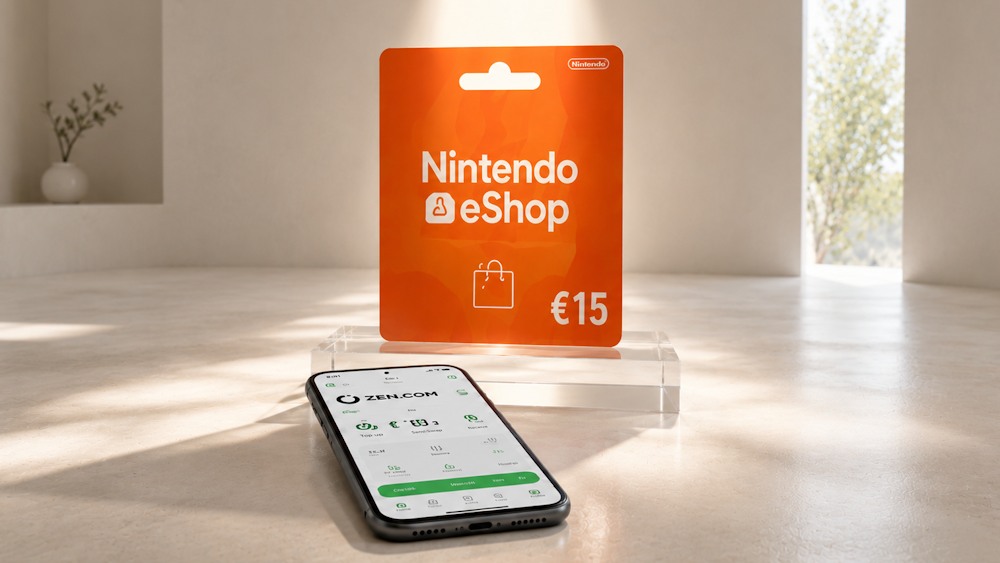
Why Nintendo eShop Cards Remain a Popular Choice
Despite the variety of modern payment methods available, Nintendo Gift Cards remain one of the most popular options among players. There are several good reasons for this. Top-up cards make it easier to control spending. You buy a code for a fixed amount — for example, $10, $20, or $50 — and cannot spend more than the balance available. This is especially useful for parents who want to limit their children’s in-game spending or for anyone planning a budget for entertainment.
Another advantage is convenience. There’s no need to enter bank card details every time or use a separate payment method in Nintendo eShop. You simply purchase a code and redeem it in the eShop. This makes topping up easier and avoids tying every purchase to a payment card.
Most importantly, a card gives you the option to use different payment methods when adding funds to your Nintendo balance. You purchase a gift card through an available payment service and then redeem it in Nintendo eShop. For example, you can buy a Nintendo voucher with Zen Wallet and use the code you receive to top up your balance.
Key reasons to choose a Nintendo Gift Card:
- Budget control. The funds are limited to the card’s denomination, so you cannot spend more than planned.
- You do not need to store payment details in your Nintendo Account to redeem the code.
- Quick activation. Enter the code in the eShop, and the funds are added to your balance.
- Gift potential. You can give the card to a friend or child and let them choose the content they want.
- Flexible payment. You can purchase the gift card through an available payment service and then use the code to top up your Nintendo balance.
Overall, a Nintendo Gift Card online is a practical way to add funds without paying for every purchase directly with a bank card. This format works well for budget control, gifts, and different top-up scenarios. The next section looks at where and how to buy the right card so you can top up Nintendo through Zen Wallet.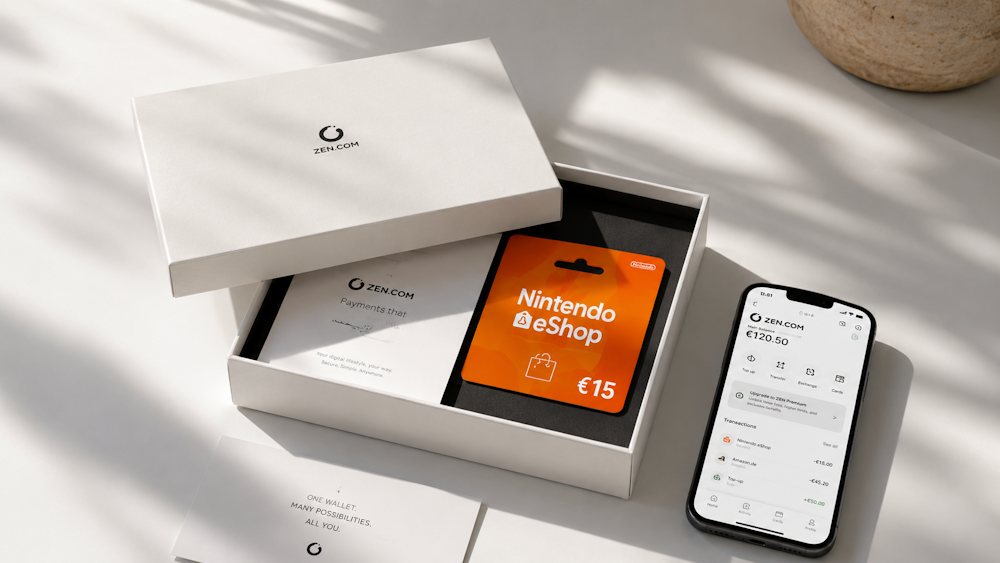
Buying Nintendo eShop Cards with Zen Wallet on Baxity Store
When you plan to buy a Nintendo Gift Card, it is important to check more than just its denomination and price. The seller’s reliability matters too:
- the code should be guaranteed to be valid;
- the payment should be secure;
- delivery should be predictable.
This is especially important when you plan to make a purchase through a third-party payment service. There are several simple criteria that can help you assess a seller. At a minimum, look for:
- verified reseller status and work with official suppliers;
- payment data protection;
- clear delivery terms and customer support.
Baxity Store meets all these criteria. It is a verified reseller that has been operating in the digital voucher market for more than ten years across over 100 countries. Here are the store’s main advantages:
- Official products. You receive genuine Nintendo eShop codes without the risk of activation
- Instant delivery. The code is sent to your email immediately after payment.
- All transactions are protected with SSL encryption.
- Wholesale pricing. Orders of 10 or more cards qualify for a special price per card.
- 24/7 support. If any questions arise, the team is available to help resolve them.
For those who want to buy Nintendo with Zen Wallet, Baxity Store offers Nintendo Gift Cards in different regions and denominations, as well as selected Nintendo Switch Online codes. To avoid mistakes, you first need to choose the correct region, currency, and card value. That is where we will start.
Choose the Appropriate Region and Value
Before you buy Nintendo Cards, there are three things you need to check: region, currency, and denomination. Cards are tied to a specific eShop region. A card bought for the US region won’t work with a European account. If the region doesn’t match your Nintendo account settings, you won’t be able to redeem the code. So when choosing Nintendo Cards through Zen Wallet, start by identifying the right currency for your account. Then pick a denomination that matches the amount you plan to add to your balance. This approach makes browsing the available options straightforward and helps you find the most affordable choice.
Currently, Baxity Store offers cards in two currencies:
- USDfor the US region: $10, $20, $35, $50
- GBPfor the UK region: £15, £25, £50, £75, £100
The key difference between these currencies comes down to currency exchange. If your Nintendo account is set to the US region, you’ll need a USD card. For a UK account, you’ll need GBP. Choosing the wrong currency means the code won’t work, so double-check before you buy.
It’s also important not to confuse a Nintendo eShop Gift Card with a Nintendo Switch Online membership. They’re different products:
- A gift card adds funds to your balance.
- A membership activates a subscription for a specific period.
Baxity Store also offers Nintendo Switch Online US individual memberships — 3-month and 12-month options.
To complete your Nintendo eShop purchase with Zen Wallet on Baxity Store:
- Go to the Baxity Store homepage, find the Gaming Credits category, and select a Nintendo Gift Card.
- Browse the available denominations.
- Choose a card that matches your Nintendo account region, currency, and the purpose of your Nintendo eShop top-up through Zen Wallet.
Once that’s done, you can proceed to checkout and payment.
Complete Your Purchase with Zen Wallet
Once you have selected the card, it is time to buy the Nintendo Gift Card. Here’s what to do:
- Add the card to your cart and proceed to checkout.
- Log in or register on the Baxity Store website. If this is your first purchase, create an account. For security, a brief verification step may be required. This is an important step that helps protect your funds.
- Click Checkout and choose a payment method. Zen Wallet is among the available options.
- Confirm your order, tick the box confirming your agreement with Baxity Store’s security policy, and click Place order.
- Pay through Zen Wallet. Open the app and confirm the transaction.
The payment is processed instantly. However, to complete Nintendo purchases via Zen Wallet, you still need to redeem the gift card code.
Receive Your Nintendo eShop Code
Once your payment is confirmed, Baxity Store sends the digital code to your email. You’ll also find it in your account dashboard under Orders. This is a standard digital delivery process — no physical shipping, no waiting, which gives you the assurance of quick delivery.
Before redeeming the code, take a moment to validate it. Make sure it matches the region and denomination you selected. If anything seems incorrect, contact Baxity Store support immediately — they’re available 24/7. To activate the Nintendo code purchased through Zen Wallet and top up your balance:
- Open Nintendo eShop on your console or through the Nintendo website.
- Select Redeem Codefrom the menu.
- Enter the 16-digit code you received.
- Confirm and wait for the balance to update.
Once the code is redeemed, the funds appear in your account instantly. This is the final action of your Nintendo eShop purchase through Zen Wallet. Now you can manage your balance and spend it on games, add-ons, subscriptions, and other digital products. We’ll cover what exactly you can buy with this balance in the next section.
What Can You Purchase with Nintendo eShop Balance?
Once your Nintendo eShop balance is topped up, the funds can be used for a variety of digital products. It’s not just individual games — the balance covers the main categories of digital content on Nintendo.
- Full game versions.This is the most obvious option. The Nintendo eShop features both Nintendo Switch exclusives and multiplatform projects from third-party studios — indie titles, AAA releases, and classic games. For users who want to buy Nintendo games with Zen Wallet, this is one of the most common ways to use a topped-up balance.
- Add-ons and downloadable content (DLC).A topped-up balance can also be spent on additional content for compatible games. This may include new levels, characters, content packs, or other expansions. Before purchasing, it’s worth checking the DLC’s compatibility with your specific game version and account region.
- Nintendo Switch Online subscription.The balance can be used to purchase a Nintendo Switch Online membership. This unlocks online play, cloud saves, classic games from NES, SNES, Game Boy, and other consoles, as well as special offers. So if you want, you can get Nintendo Switch with Zen Wallet for any subscription period.
- Season Passes.This is an offer that lets you purchase all future DLC for a single game at a discount. Instead of buying each expansion separately, you buy a “pass” and get access to all content that will be released over a specific season or year. For example, Cadence of Hyrule offers a Season Pass that unlocks three DLC packs as soon as they become available. Before redeeming such a product, it’s important to check its terms and compatibility with the game.
- In-game items.In some games, the balance can be used to purchase in-game items or other available digital content. The specific inventory depends on the game, region, and products featured in the Nintendo eShop.
- Other digital products.In different regions, the Nintendo eShop offers software such as creative tools, media applications, and other digital products that can be purchased with the balance.
In addition, the accumulated balance can be used together with My Nintendo Gold Points to reduce the cost of purchases. It’s important to remember: funds in your Nintendo eShop balance cannot be transferred to another account — they are tied to a specific Nintendo account.
Thus, topping up Nintendo through Zen Wallet gives you access to the entire Nintendo ecosystem: games, add-ons, subscriptions, and other content. Within the available applications and digital services on Nintendo, users can choose the content they need and spend funds according to their preferences.
How to Avoid Mistakes When Buying Nintendo eShop Cards
Even experienced players sometimes make mistakes when purchasing gift cards. Many issues can be avoided by checking a few key parameters before payment. Here’s a checklist that will help you buy a Nintendo Gift Card without unnecessary hassle.
| What to Check | Why It Matters | How to Check |
| Card region and currency | The card is tied to a specific eShop. A US card won’t work with a European account. Currency is determined by region: USD for the US, GBP for the UK. The code can only be redeemed in the region it was purchased for. Wrong region means no activation. | First, identify your Nintendo Account region. Then make sure the card matches that region and has the correct currency. When topping up Nintendo through Zen Wallet, this check should come first because the payment method doesn’t change regional code compatibility. |
| Card denomination | Not all denominations are available in every region. | Check the available denominations at Baxity Store for your region. Choose the amount you plan to add to your balance. |
| Correct email address | The code is sent to the email address provided during registration. If the address is incorrect, you won’t receive the code. | During registration and verification, the email is already linked to your account. Before payment, make sure you have access to that email. If the code is sent to an address you can’t check, receiving your order becomes difficult. |
| Seller reliability | The code must be valid, delivery predictable, and payment secure. Fraudulent sellers may sell an inactive code or not send it at all. | Choose only a verified reseller, such as Baxity Store. Check reviews, SSL encryption, and customer support availability. |
This short checklist takes just a few minutes. But it helps you verify the key parameters before payment and avoid issues with payment or code activation.
Conclusion
Topping up Nintendo eShop through Zen Wallet is easier than it seems. This payment method doesn’t work directly in the Nintendo store. But a Nintendo Gift Card solves this issue in just a few minutes. You buy a code from a verified seller, receive it by email, and redeem it in the eShop. No card linking, no regional blocks — just your balance and access to games.
Choosing Baxity Store gives you a guaranteed valid code, instant delivery, and payment protection. It’s a verified reseller trusted by players in over 100 countries. So if you want to buy Nintendo with Zen Wallet without any extra hassle — head to the catalog, pick your region and denomination, and top up your balance right now.
FAQ
Can I buy a Nintendo eShop Card using Zen Wallet?
Yes. You can use Zen Wallet for Nintendo purchases at Baxity Store, provided this payment method is available in your region. After payment, you receive a digital code and redeem it in the Nintendo eShop.
Why is direct Zen Wallet payment in the Nintendo eShop not available?
Nintendo does not support Zen Wallet as a direct payment method in the eShop. Instead, a different approach is used: first, you pay for a digital card through an available payment service, and then the code adds funds to your Nintendo Account.
Can I use a Nintendo eShop Card for a different region?
No, the region must match your Nintendo Account. For example, a US eShop card won’t work with a European account. Before purchasing, check the card’s region and currency.
What should I do if the code doesn’t arrive after payment?
First, check your inbox and spam folder. Also check the Orders section in your Baxity Store account. If the code is unavailable after payment confirmation, contact customer support.
Can I top up Nintendo eShop directly through Zen Wallet?
No, this payment method isn’t supported directly in the Nintendo eShop. But you can purchase a Nintendo Gift Card using Zen Wallet from a verified seller, and then redeem the code in the eShop. It takes just a few minutes.
Can I use Zen Wallet to buy a Nintendo eShop card from any country?
Yes, Zen Wallet is available in many countries. The key thing is that the seller you’re buying from accepts this payment method. Baxity Store accepts Zen Wallet and works with customers in over 100 countries.
Is it safe to buy a Nintendo Gift Card through Zen Wallet at Baxity Store?
Yes. Baxity Store is a verified reseller that works with official suppliers. All transactions are protected by SSL encryption, and codes are delivered instantly. So buying a Nintendo Gift Card through Zen Wallet at Baxity Store is safe and reliable.