Gaming gift cards have become an essential part of modern gaming. An Xbox balance gives users access to thousands of games, subscriptions, in-game currency, and other digital content.
More and more users are looking to buy an Xbox gift card with Apple Pay, combining the Xbox ecosystem with the familiar payment experience offered by Apple. However, before making a purchase, it is important to understand how to use Apple Pay for Xbox purchases, what opportunities Xbox gift cards provide, and what factors should be considered during checkout.
Using Apple Pay for Xbox Gift Card Purchases
Apple Pay is a payment service that turns your smartphone into a digital wallet. It allows users to pay for goods and services with a single tap without using a physical card. For gamers, this means the ability to top up their balance instantly without unnecessary hassle. NFC technology and biometric authentication make the process highly secure.
- Speed is one of the main advantages of using Apple Pay for Xbox The entire process, from scanning a fingerprint or confirming with Face ID to completing the payment, takes less than 10 seconds. This is especially important for gamers who do not want to spend time filling out lengthy payment forms. Mobile payments work across apps, browsers, and websites, providing instant transaction confirmation.
- Security is another strong advantage. Every purchase of an Xbox gift card with Apple Pay is protected by a unique dynamic security code. This means that even if transaction data is intercepted, it cannot be reused by fraudsters. No sensitive payment information is shared with the seller, which significantly reduces the risk of data exposure.
The benefits of mobile payments go beyond speed. There is no need to carry a wallet or remember card details every time you make a purchase. That is why many users choose Apple Pay for Xbox purchases when they want to pay for digital products quickly and conveniently from virtually anywhere.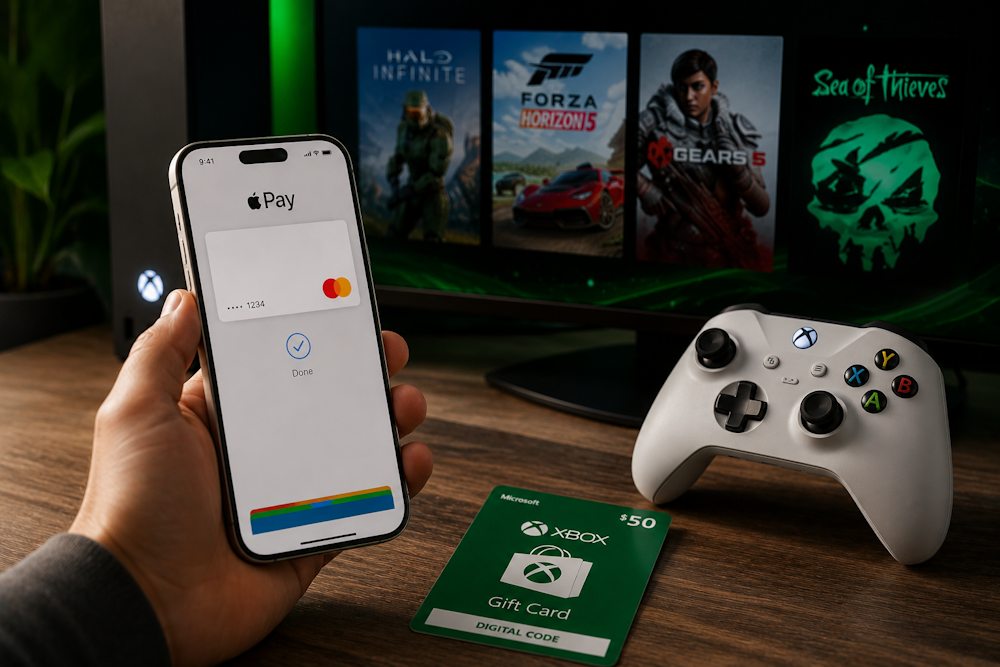
What You Can Buy with Xbox Gift Cards
Gaming gift cards have become an essential part of modern gaming. An Xbox balance gives you access to thousands of games, subscriptions, in-game currency, and other digital content. Xbox Gift Cards give you greater freedom when making digital purchases. Once redeemed, the funds are added to your Microsoft Account balance, allowing you to decide when and how to spend them.
More and more users choose to buy an Xbox prepaid card with Apple Pay to top up their balance quickly without using a bank card for every purchase. This is especially convenient for regular purchases within the Xbox digital ecosystem.
As a result, buying an Xbox card online with Apple Pay offers several advantages for every gamer:
- Budget control — spend only the amount you have added to your balance.
- Enhanced security — your bank card does not need to be linked to your Xbox account.
- Versatility — use your balance to purchase any eligible digital content in the Microsoft Store.
- A perfect gift — the recipient can choose exactly what they want to buy.
- No additional fees — top up your balance without extra banking charges.
- Instant delivery — receive a digital code immediately without waiting for physical delivery.
In addition, you can keep funds in your balance and use them whenever you need. Your Microsoft Account balance does not expire as long as your account remains active. Next, let’s explore the main categories of digital content you can purchase with your Xbox balance.
Xbox Game Pass Memberships
Xbox Game Pass is a subscription service that gives you access to hundreds of games for a fixed monthly fee. An Xbox balance is an ideal way to pay for this service, but there is one important difference: an Xbox Gift Card is a one-time balance top-up, not an automatic subscription. You can pay for an Xbox subscription with Apple Pay for one month and then renew it yourself using another gift card. Alternatively, you can add enough funds to cover several months in advance, as your Xbox balance can be used without any limitations.
As of 2026, four Game Pass subscription plans are available:
| Subscription | Price | What’s Included |
| Game Pass Core | $9.99/month | Online multiplayer and a catalog of 50+ games. |
| PC Game Pass | $13.99/month | Hundreds of PC games, Xbox Game Studios day-one releases, and EA Play. |
| Game Pass Premium | $14.99/month | 200+ games and an expanded game library. |
| Game Pass Ultimate | $22.99/month | 400+ games, EA Play, Xbox Cloud Gaming, and day-one game releases. |
If you buy an Xbox gift card with Apple Pay, you can use its value in the way that suits you best. For example:
- A $25 gift card is enough for approximately two months of Game Pass Core or almost one month of Game Pass Ultimate, with a small balance remaining.
- A $50 or $100 gift card can cover several months of your subscription or be used to pay for both Game Pass and other digital purchases.
The main advantage of buying an Xbox gift card with Apple Pay is having complete control over your spending. Once the paid subscription period ends, it will not renew automatically using your gift card balance. You decide when to top up your balance again and whether you want to continue your subscription.
📚 Related Articles
- Buy Xbox gift cards with Mastercard
- Buy Xbox gift cards with Visa Card
- Buy Xbox gift cards with Crypto
- Buy Xbox gift cards with NETELLER
- Buy Xbox gift cards with Paysafecard
- Buy PUBG Mobile UC with Paysafecard
- Which Xbox Subscription Should You Choose?
- How to get a refund from Steam, Xbox, PS and more?
Games and DLC Content
Full games are the most popular type of purchase among Xbox users. By using your Xbox balance, you can buy any title in the Xbox Store with Apple Pay without entering your card details for every purchase.
Today, the Microsoft Store offers thousands of games across every genre. Some of the most popular titles include Call of Duty, Halo Infinite, Forza Horizon 5, Starfield, Minecraft, Grand Theft Auto V, and Cyberpunk 2077.
- Prices for new releases start at $59.99 for standard editions and can reach $99.99 for Deluxe editions that include additional content.
- Classic games are often discounted by up to 75% during regular sales.
DLCs and Season Passes can also be purchased using your Xbox balance. If you top up your Microsoft Xbox balance with Apple Pay in advance, you can buy expansion bundles and Season Passes with discounts of up to 20%. The Microsoft Store regularly runs seasonal promotions, including Summer Sale, Black Friday Sale, Holiday Sale, and Spring Sale. During these events, discounts of 50–75% are common across large game libraries. Using a preloaded Xbox balance during these sales is especially beneficial, allowing you to buy games at reduced prices without paying directly with your bank card. Games and downloadable content become available immediately after your purchase is confirmed.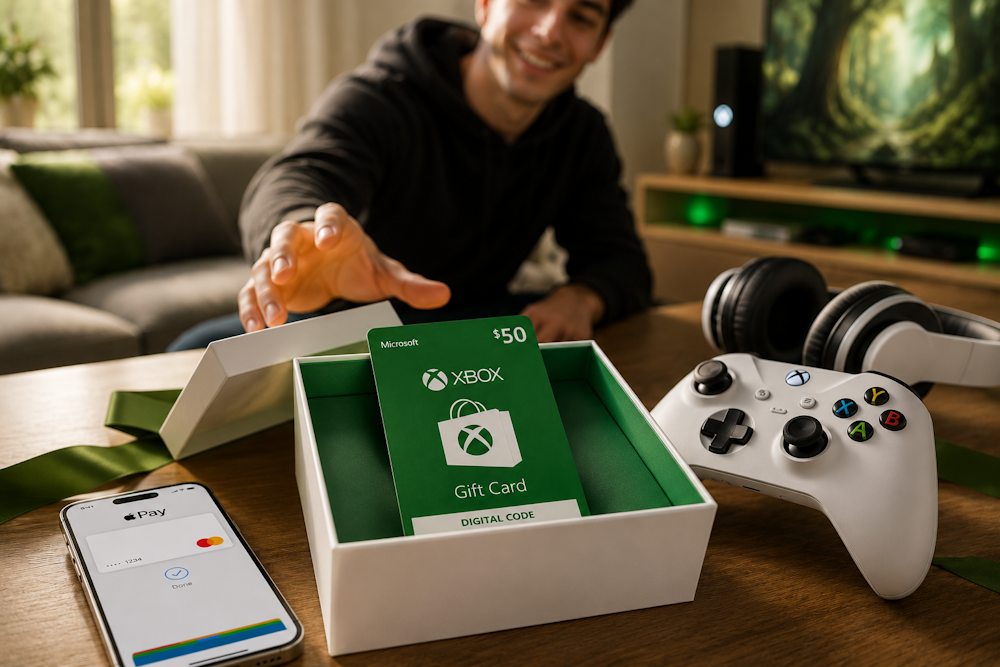
Game Currency and Cosmetics
In-game currency is an essential part of many modern games, from shooters to role-playing titles. Your Xbox balance can be used to purchase V-Bucks for Fortnite, FC Points for EA Sports FC, Call of Duty Points for Call of Duty, Riot Points for Valorant, and many other popular in-game currencies. You can also use your balance to buy cosmetic items, skins, emotes, Battle Passes, and seasonal rewards.
The price of in-game currency varies depending on the game and your region. For example:
- 1,000 V-Bucks cost approximately $8.99.
- 2,400 Call of Duty Points cost around $19.99.
- Battle Passes in many games are typically priced between $9.99 and $14.99 per season.
Using your Xbox balance allows you to make these purchases without linking a bank card to your Microsoft Account. When you pay for Xbox with Apple Pay, your transaction is confirmed instantly, allowing you to access your digital content without unnecessary delays.
In addition to regular purchases, many games offer limited-time seasonal bundles featuring exclusive skins, cosmetic items, and other rewards. These offers are often available for only a few days or weeks. For this reason, many players prefer to top up their balance in advance instead of paying for each purchase separately. By purchasing an Xbox Live Gift Card ahead of time, you’ll always be ready when a limited-time offer becomes available.
Why Apple Pay Is Not Always Available on Xbox
Many users ask a simple question: Does Xbox accept Apple Pay? Until recently, the answer was no. However, in 2026, Microsoft began gradually rolling out Apple Pay support in the Xbox Store. Even so, this payment method is still not available to every user and currently comes with several limitations.
If you want to use Apple Pay for Xbox purchases, it’s important to understand that availability depends on your region, device, and the way you complete your purchase. At the moment, Apple Pay has only been confirmed to work in selected countries, including the United States and the United Kingdom. It is most commonly available when checking out on an iPhone, iPad, or Safari browser, while the option may not appear on an Xbox console.
The most common reasons why Apple Pay may not be available include:
- Apple Pay has not yet been rolled out in your region.
- You’re making the purchase directly from an Xbox console.
- Your browser or device does not support Apple Pay.
- Your Microsoft Account region or currency does not match the payment settings available in the Microsoft Marketplace.
For this reason, many users choose to buy an Xbox Gift Card with Apple Pay and then redeem the code on their Microsoft Account. This approach does not depend on whether Apple Pay is available directly in your version of the Xbox Store and allows you to use your balance for digital purchases without additional restrictions. In the next section, we’ll show you how to do this quickly and securely through Baxity Store.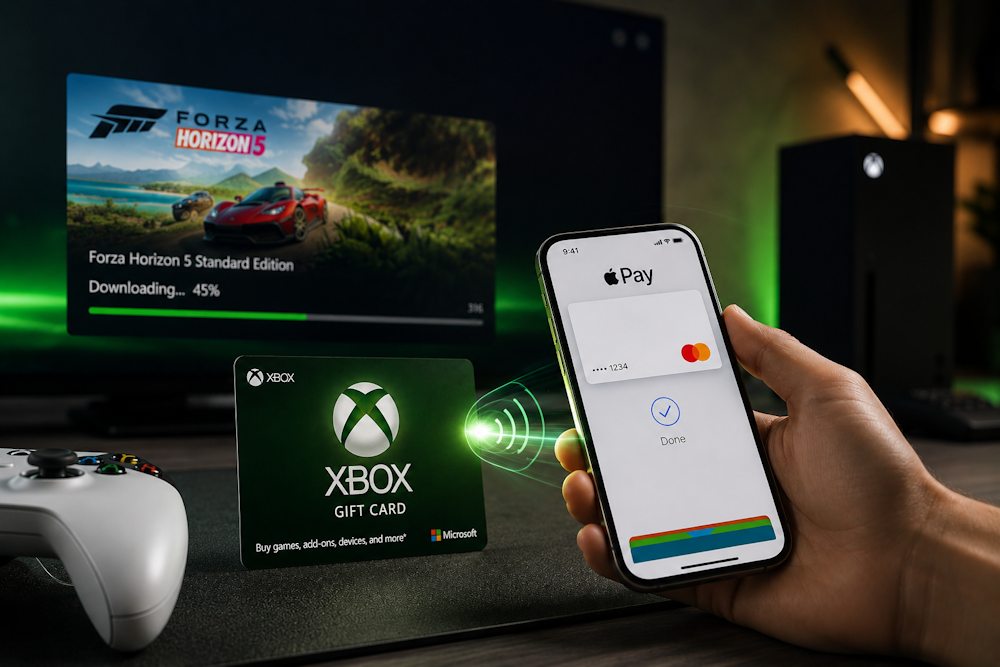
Alternative Way to Buy Xbox Gift Cards with Apple Pay
If Apple Pay is not available in your version of the Xbox Store, it does not mean you have to stop using this payment method. Instead, you can buy an Xbox Gift Card with Apple Pay from a digital gift card retailer and redeem the code on your Microsoft Account.
- However, it is important to choose your retailer carefully. There are many online marketplaces selling digital gift cards, but not all of them are verified partners of official distributors. As a result, customers may face delayed delivery, invalid or already redeemed codes, hidden fees, or a lack of customer support if any issues arise after the purchase.
For this reason, we recommend buying from a verified reseller that guarantees genuine digital codes and secure transactions. Baxity Store has been operating since 2018, has earned thousands of positive reviews from customers worldwide, and works directly with official distributors. This allows us to guarantee 100% legitimate digital codes and reliable activation for every purchase.
By choosing Baxity Store, you benefit from:
- the ability to buy an Xbox gift card online using Apple Pay;
- genuine Xbox Cards sourced from official distributors;
- regular promotions and special offers on popular digital products;
- wholesale pricing for orders of 10 or more gift cards;
- instant delivery or delivery within 72 hours, depending on the product;
- professional customer support whenever you need assistance.
This solution is ideal for users who want to use Apple Pay for Xbox purchases without worrying about regional restrictions or payment limitations. In the next section, we’ll show you exactly how to buy and redeem your Xbox Card through Baxity Store in just a few simple steps.
How to Buy Xbox Gift Cards with Apple Pay on Baxity Store
If you’re planning an Xbox top up with Apple Pay, you can complete your purchase on Baxity Store in just a few minutes. The entire process is straightforward, from choosing the right gift card value to redeeming it on your Microsoft Account.
To buy an Xbox gift voucher with Apple Pay, follow these simple steps:
- Go to the Gaming Credits category on the Baxity Store homepage and open the Xbox vouchers section, where you’ll find gift cards available in different denominations.
- Choose the denomination you need or add multiple gift cards to your cart if you want to top up a larger balance or purchase gift cards for several accounts.
- Proceed to your shopping cart and sign in to your Baxity Store account. If this is your first purchase, create an account and complete a short verification process. This is an important security step that helps verify the buyer’s identity, protect payments, and prevent fraudulent transactions.
- Click Checkout, review your order details, accept the Baxity Store Security Policy, select Apple Pay as your payment method, and confirm the payment by following the on-screen instructions.
- Check your email. Once your payment has been successfully processed, your digital code will be sent to the email address provided during checkout.
- Redeem your gift card. Sign in to your Microsoft Account, open the Redeem Code page, enter your digital code, and confirm the activation. The funds will be added to your Xbox balance instantly, allowing you to purchase games, Game Pass subscriptions, DLC, in-game currency, and other digital content.
Once your gift card has been redeemed, your Xbox balance is ready to use immediately. Before making your purchase, we recommend reviewing a few practical tips that will help you choose the right gift card, avoid activation issues, and use your balance without any problems.
Key Tips Before Buying Xbox Gift Cards with Apple Pay
Before you buy Xbox Live with Apple Pay, take a few minutes to check the key purchase details. Doing so will help you avoid activation issues, payment errors, and potential problems when redeeming your Xbox Gift Card.
| What to Check | Why It Matters |
| Microsoft Account Region and Currency | Your gift card must match both the region and the currency of your Microsoft Account. For example, a gift card in USD cannot be redeemed on an account that only supports EUR. |
| Email Address | Make sure you enter the correct email address, as your digital code will be delivered there after your purchase is completed. |
| Apple Pay Availability | Check that Apple Pay is set up on your device and is available for your selected payment method. |
| Retailer Reliability | Always buy from a verified reseller to ensure you receive a genuine code, secure payment processing, and customer support if you need assistance. |
Following these simple recommendations will help you avoid the most common purchasing mistakes. If you plan to use Apple Pay for Xbox, choosing the correct region, currency, and a trusted retailer will ensure that your gift card is activated quickly and without any unnecessary issues.
Conclusion
An Xbox Gift Card is a simple way to top up your balance, stay in control of your spending, and unlock the full range of Xbox digital content whenever you need it. Paying with Apple Pay makes purchasing an Xbox Gift Card even faster and more convenient.
Your next game, a new season, or a Game Pass membership could be just minutes away. Buy an Xbox Gift Card from Baxity Store, pay with Apple Pay for your Xbox Gift Card, receive your digital code, redeem it on your Microsoft Account, and start enjoying your favorite games without unnecessary delays.
FAQ
Can I buy an Xbox Gift Card with Apple Pay?
Yes, you can purchase an Xbox Gift Card via Apple Pay on platforms that support this payment method, including Baxity Store. Direct Apple Pay payments in the Xbox Store are currently available only in select regions (US, UK) and not on all devices. That’s why buying a gift card through a third-party platform remains the most reliable option for most users.
Why can’t I pay for Xbox Store purchases directly with Apple Pay?
Apple Pay was introduced to the Xbox Store in March 2026 and still doesn’t work for everyone. The main reasons: your region isn’t part of the phased rollout yet, you’re purchasing directly from an Xbox console (the feature is mainly available on mobile devices), or your Microsoft account currency isn’t compatible with Apple Pay.
What should I do if my card won’t activate?
The most common issue is a region mismatch between the card and your Microsoft account. For example, a USD card won’t work on a European account that uses EUR. Also, double-check the 25-character code — even one incorrect character will prevent the code from working. If everything seems correct, contact the seller — verified resellers like Baxity Store always help in such cases.
Is it safe to buy an Xbox Gift Card with Apple Pay from third-party sellers?
Yes, as long as you choose a verified reseller. Baxity Store, for example, is a trusted platform that has been operating since 2018, has thousands of positive reviews, and uses modern encryption for all transactions. Avoid unknown sites with suspiciously low prices — they often sell invalid or already redeemed codes.
How quickly will I receive my code after paying with Apple Pay?
At Baxity Store, the code is sent to your email address within seconds of payment confirmation. In some cases, delivery may take up to 72 hours (depending on the product), but most digital gift cards arrive instantly. You can also find the code in your Baxity Store account under the Orders section.