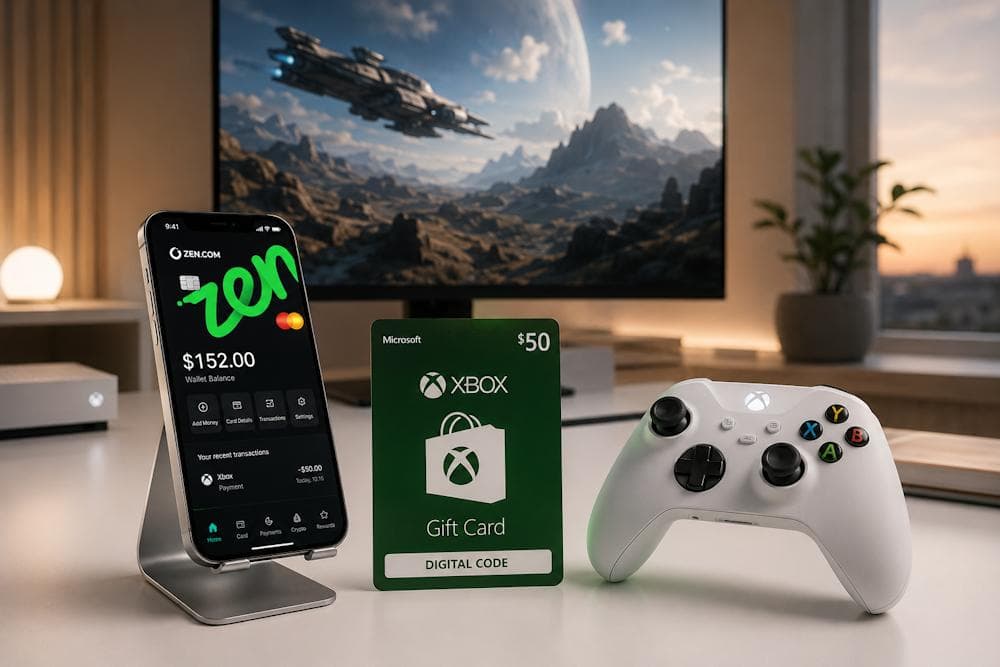
Zen Wallet is widely used for a wide range of digital purchases, but many users are still unsure how it works with gaming platforms. This is especially true for Xbox, where payment methods differ from those used on other platforms. Not everyone knows which payment solutions can be used to top up their account balance or whether an e-wallet is a suitable option for this purpose. As a result, users often come across inconsistent information and conflicting instructions. As a verified reseller, Baxity Store provides a clear and reliable way to complete the process. In this guide, we'll explain how to top up Xbox with Zen Wallet and walk you through every step, from choosing the right gift card to redeeming your code. We'll also show you how to use Zen Wallet for Xbox purchases, what to check before placing your order, and which common mistakes to avoid.
Why Players Use Zen Wallet for Digital Purchases
Over the past few years, digital wallets have evolved from being a convenient payment option to becoming an essential part of online shopping. More and more users are replacing traditional bank cards with digital payment solutions. According to Statista, the global value of digital wallet transactions has more than doubled over the last five years. The reason is clear: users increasingly prefer payment methods that allow them to complete purchases in seconds without re-entering their bank card details. This trend is especially noticeable for digital products, where the speed of payment directly affects the overall user experience. For gamers, this makes a real difference. Games, DLC, subscriptions, and gift cards are all purchased online, so the simpler the payment process, the faster users can access their digital content.
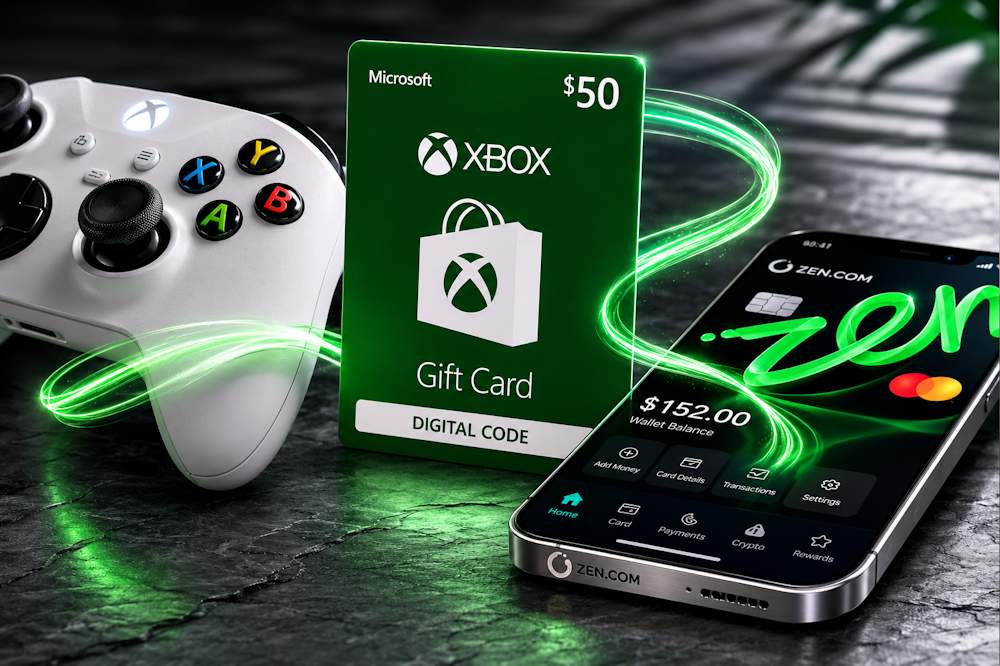
Zen Wallet follows the same principle. Once a payment method has been added to the wallet, purchases can be confirmed in just a few seconds. It's no surprise that many users are looking for a way to buy Xbox with Zen Wallet, allowing them to use their preferred payment method for Microsoft digital products as well.
Xbox Gift Card
Among the key advantages of Zen Wallet are:
- A European licence issued in Lithuania, helping ensure a high level of fund protection for users who regularly shop on digital gaming platforms.
- Support for more than 35 currencies, making it easier to pay across different regions, including the Turkish and Argentinian Xbox Stores.
- No currency conversion fees for most transactions, helping reduce the overall cost of digital purchases.
- Instant payment confirmation through the mobile app, allowing transactions to be completed faster than with a traditional bank card—especially during limited-time offers.
- Integration with major cryptocurrency exchanges, further demonstrating the reliability and versatility of the service.
These advantages become particularly valuable when paying for Xbox digital products with Zen Wallet. However, there is one important limitation to keep in mind. Microsoft does not support direct Xbox payment with Zen Wallet, so you cannot top up your Microsoft Account balance using Zen Wallet alone. That said, this does not mean you cannot use Zen Wallet for Xbox purchases. There is an official way to top up Xbox with Zen Wallet online by purchasing a digital gift card first and then redeeming it to add funds to your Microsoft Account. We'll explain exactly how this works in the next section.
📚 Related Articles
- Buy Xbox gift cards with Crypto
- Overview of All Xbox Subscription Plans
- How to Buy Xbox Gift Cards with Visa Card?
- Buy Xbox Gift Cards with Google Pay Online
- Buy Xbox Gift Cards with Apple Pay Easily and Securely
- Buy Xbox Gift Cards with Mastercard
- Buy Xbox Gift Cards with Crypto Online
- Xbox Paysafecard Payments: Full Guide
- How to Get a Refund from Steam, Xbox, PlayStation & More
What You Can Buy with Xbox Gift Cards
Since there is no direct way to pay for Xbox Live with Zen Wallet, the most convenient official solution for Zen Wallet users is to purchase an Xbox Gift Card Online. After redeeming the code, the card's value is added to your Microsoft Account balance, which can then be used for almost any digital purchase across the Xbox and Microsoft ecosystem. For Zen users, this is especially convenient because buying an Xbox Gift Card through Zen Wallet provides an easy and secure way to pay even though Microsoft does not accept Zen Wallet directly. Once the code has been redeemed, you gain access to a wide range of Microsoft digital content.
Games
- Full versions of games across every genre, from indie titles to AAA blockbusters.
- Deluxe, Ultimate, and Gold Editions that include additional digital content.
- Pre-orders for upcoming releases, often with exclusive bonus content.
Downloadable Content (DLC)
- Story expansions that extend the original game.
- New characters, weapons, vehicles, and game locations.
- Season Passes that unlock future updates and additional content.
In-Game Currency and Customisation
- Cosmetic items, including skins, emotes, and character appearances.
- In-game currency used for purchases within supported games.
- Special bundles featuring rare items and exclusive rewards.
Subscriptions (paid from the account balance)
- Xbox Game Pass Essential— basic access to online gaming and a curated library of titles;
- Xbox Game Pass Premium— access to over 200 games on console and PC, online multiplayer, cloud gaming;
- Xbox Game Pass Ultimate— the most comprehensive plan with a library of over 400 games on console, PC and cloud, day‑one access to new releases, EA Play and other services.
Important: there are also separate cards for activating Xbox Game Pass Ultimate or Essential subscriptions for a specific period. They do not top up your balance but directly activate Game Pass access for the chosen duration.
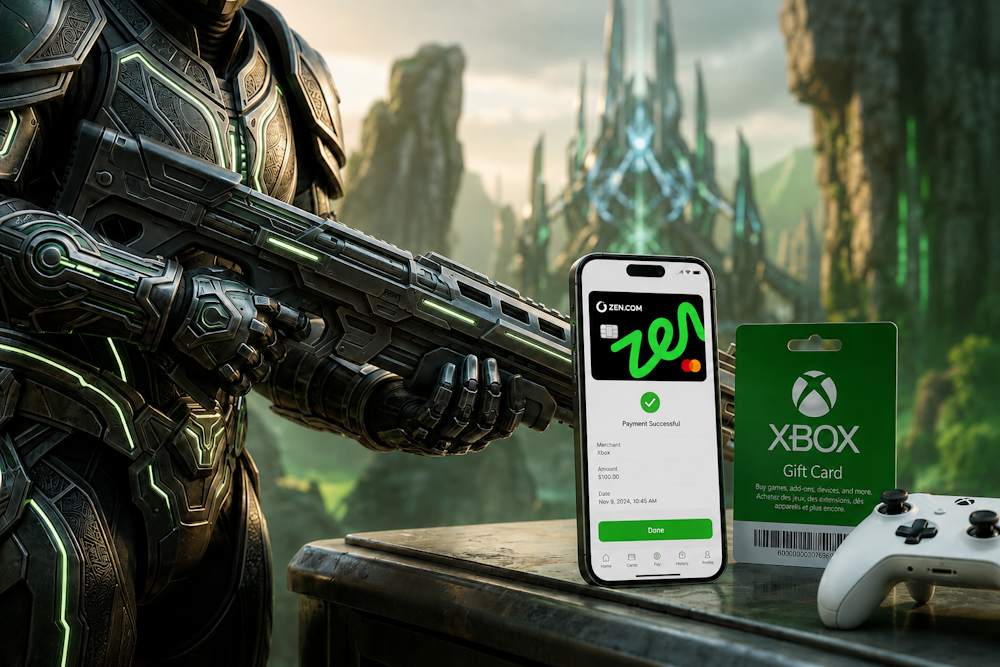
Entertainment Content
- Movies and TV shows available through Microsoft Store.
- Apps that can be downloaded to your Xbox console or Windows PC.
Beyond giving you access to digital content, Xbox Gift Cards online offer several additional advantages:
- You can add funds to your Microsoft Account in advance, so your balance is ready when a new game launches or a major sale begins.
- Gift cards are easy to give to family members or friends, making them a practical gift for both experienced Xbox players and new console owners.
- They help you manage your gaming budget without linking a bank card directly to your Microsoft Account.
- Your purchases remain connected to your Microsoft Account and become part of your digital library, making them available whenever you sign in with the same profile.
As a result, your Xbox balance with Zen Wallet becomes a flexible payment method for games, downloadable content, subscriptions, and other Microsoft digital entertainment. Purchasing a Microsoft Gift Card through Zen Wallet provides a convenient and secure way to fund your account. In the following sections, we'll explain where to buy Xbox Gift Cards safely and how to use your Zen Wallet balance as efficiently as possible.
Xbox Gift Card
Benefits of Buying Xbox Gift Cards Through Baxity Store
Choosing where to purchase an Xbox Store Gift Card affects more than just the price. It also determines the security of your purchase, how quickly you receive your code, and your overall buying experience. Baxity Store is a verified reseller specializing in digital products for gamers. We work exclusively with official suppliers, ensuring that every code is genuine and can be redeemed without any issues. If you're planning to buy Xbox gift card, our store offers licensed digital codes, transparent pricing and purchasing terms, and responsive customer support throughout every stage of your order. Among the key advantages of buying from Baxity Store are:
- verified reseller status, demonstrating our trusted position in the digital products market;
- instant digital delivery, with your code sent to your email immediately after payment;
- support for multiple payment methods, including Zen Wallet;
- a wide selection of card denominations and regions to suit any budget;
- competitive pricing, with regular promotions and discounts on popular denominations.
It's also worth paying attention to the Xbox Gift Card price. Baxity Store offers attractive conditions for both individual and business customers.
- We provide wholesale pricing for orders of 10 or more gift cards, making it an excellent solution for gaming communities, esports teams, businesses, and customers who purchase digital gift cards on a regular basis.
- We also run regular promotions and discounts on selected denominations, allowing you to save money without compromising on quality or security. Customers can compare prices across different regions and choose the option that best suits their needs.
Baxity Store also provides complete transparency throughout the purchasing process. Every order is recorded in your personal account, allowing you to review your order history at any time. Modern authentication mechanisms ensure that only you have access to your purchased digital codes. This is especially important when buying digital products, where protection against unauthorized access plays a key role.
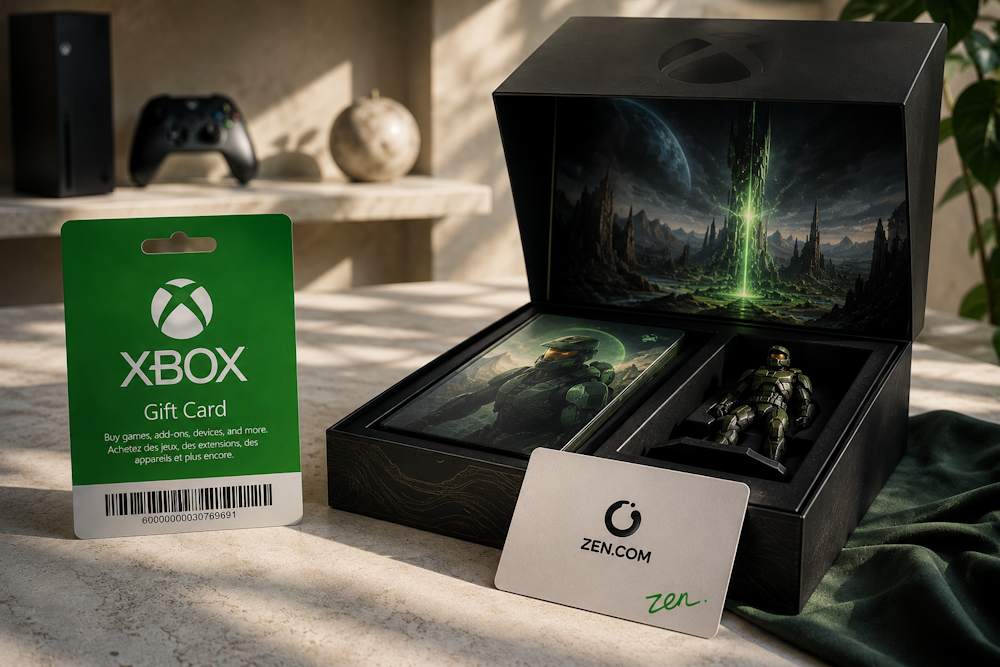
Now let's take a closer look at the three advantages that matter most when choosing where to buy Xbox Gift Cards: instant digital delivery, flexible payment options, and a secure checkout process. These are the features that most often influence a customer's decision when selecting a trusted digital gift card retailer.
Instant Digital Delivery
One of the main advantages of digital gift cards is that they can be delivered almost instantly. There are no shipping delays or long waiting times, which is especially important when you want to buy a game during a limited-time promotion. Customers who purchase an Xbox voucher with Zen Wallet usually receive their digital code within just a few minutes after payment. If an order requires additional verification, for example for security reasons, our team will promptly notify you of its status and do everything possible to ensure you receive your code as quickly as possible. This approach combines the speed of automated digital delivery with an additional layer of protection for our customers.
Multiple Payment Options
Baxity Store supports not only Zen Wallet but also a variety of other popular payment methods, allowing every customer to choose the option that suits them best. The platform also accepts bank cards, cryptocurrencies, and other e-wallets. This flexibility means customers don't have to change their usual payment habits and can continue using the payment method they prefer. If you want to top up Xbox with Zen Wallet, simply select this payment method during checkout and confirm the payment in the app. The Baxity Store platform features an intuitive interface, making the entire selection and checkout process quick and straightforward.
Xbox Gift Card
Secure and Convenient Checkout
The payment process at Baxity Store is designed with security as a top priority. All payment information is transmitted through encrypted channels, eliminating the risk of data interception. In addition, card details are never stored on our website. When purchasing digital products, security is just as important as fast delivery. As a verified reseller, Baxity Store places special emphasis on protecting every transaction and customer account. Modern identity verification measures help verify the buyer's identity and prevent unauthorized access. All payment information is transmitted through encrypted channels, ensuring that sensitive data remains protected throughout the payment process. Another advantage is complete order transparency. All orders, their current status, and purchased digital codes are stored in your personal account. Thanks to the high accessibility of the service, you can access this information from any device. If you use Zen Wallet for Xbox purchases, you can quickly review your order history or retrieve a previously purchased digital code whenever you need it. Next, we'll walk you through the process step by step and show you how to pay for an Xbox Gift Card with Zen Wallet quickly and easily.
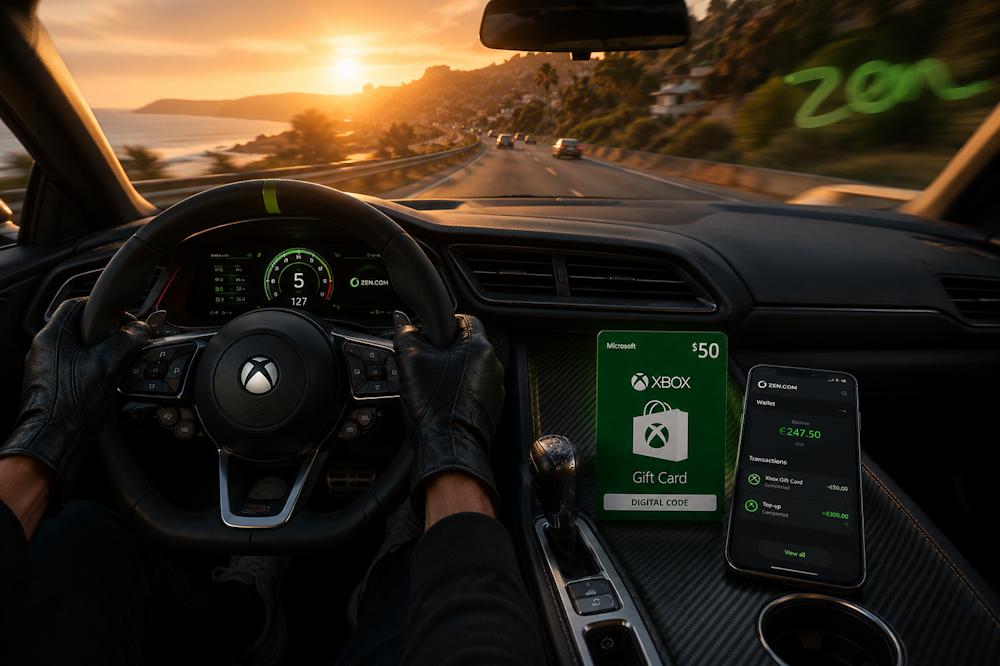
How to Pay for Xbox Gift Cards with Zen Wallet
The entire process of buying an Xbox Gift Card with Zen Wallet on Baxity Store takes just a few minutes.
- Choose the right gift card. On the Baxity Store homepage, open the Gaming Credits category and navigate to the Xbox
- Select the appropriate denomination and currency for your Microsoft Account region, then add the gift card to your cart. The catalogue includes Xbox Live Gift Cards available in multiple currencies, including USD, EUR, GBP, ZAR, INR, MXN, and AED, as well as dedicated cards for activating Xbox Game Pass Ultimate or Game Pass Essential subscriptions for a specific period. It is important to choose a gift card in the same currency as your Microsoft Account.
- Go to your cart and sign in to your account. Once you have added all the required products to your cart, open the Cart If you already have a Baxity Store account, simply sign in. If this is your first purchase, create an account and complete a short verification process. This is a mandatory step that helps protect customers and speeds up order processing.
- Complete the checkout and payment. Click Checkout, review your order, accept the Baxity Store Terms of Service and Security Policy, then select Zen Wallet from the available payment methods and confirm the payment in the app.
- Receive your digital code. Once payment for your prepaid Xbox card with Zen Wallet has been successfully completed, your order is automatically processed, and the digital code is sent to the email address associated with your account.
Activating Xbox Gift Cards on Your Microsoft Account
Once you've completed your purchase, all that's left is to redeem the digital code in your Microsoft Account. The Xbox Store Gift Card value is automatically added to your account balance, which can then be used to purchase games, add-ons, subscriptions, and other digital content. Whether you purchased an Xbox code with Zen Wallet or used another payment method, the activation process takes just a few minutes. You can redeem an Xbox Store Gift Card in several ways:
- Via your Xbox console — open Microsoft Store, select Redeem, enter the 25-character code, and confirm the activation.
- Via a web browser — sign in to your Microsoft Account on the official Microsoft Redeem page, enter your code, and confirm it.
- Via the Microsoft Store app on Windows — open the Redeem Code section, enter your code, and confirm the activation.
If you redeem an Xbox code with Zen Wallet, the funds will appear in your Microsoft Account balance immediately after activation. From that point on, your balance works just like regular store credit, allowing you to spend it on any eligible digital content available in Microsoft Store.
Important Things to Check Before Purchase
Before placing your order, take a few minutes to check the key details. This will help you avoid common mistakes when purchasing Xbox with Zen Wallet and ensure fast delivery and smooth activation of your digital gift card.
| What to Check | Why It Matters |
|---|---|
| Microsoft Account Region | Your Xbox Gift Card is region-specific and must match the region of your Microsoft Account. Using a VPN or other unofficial workarounds may prevent the code from being redeemed. |
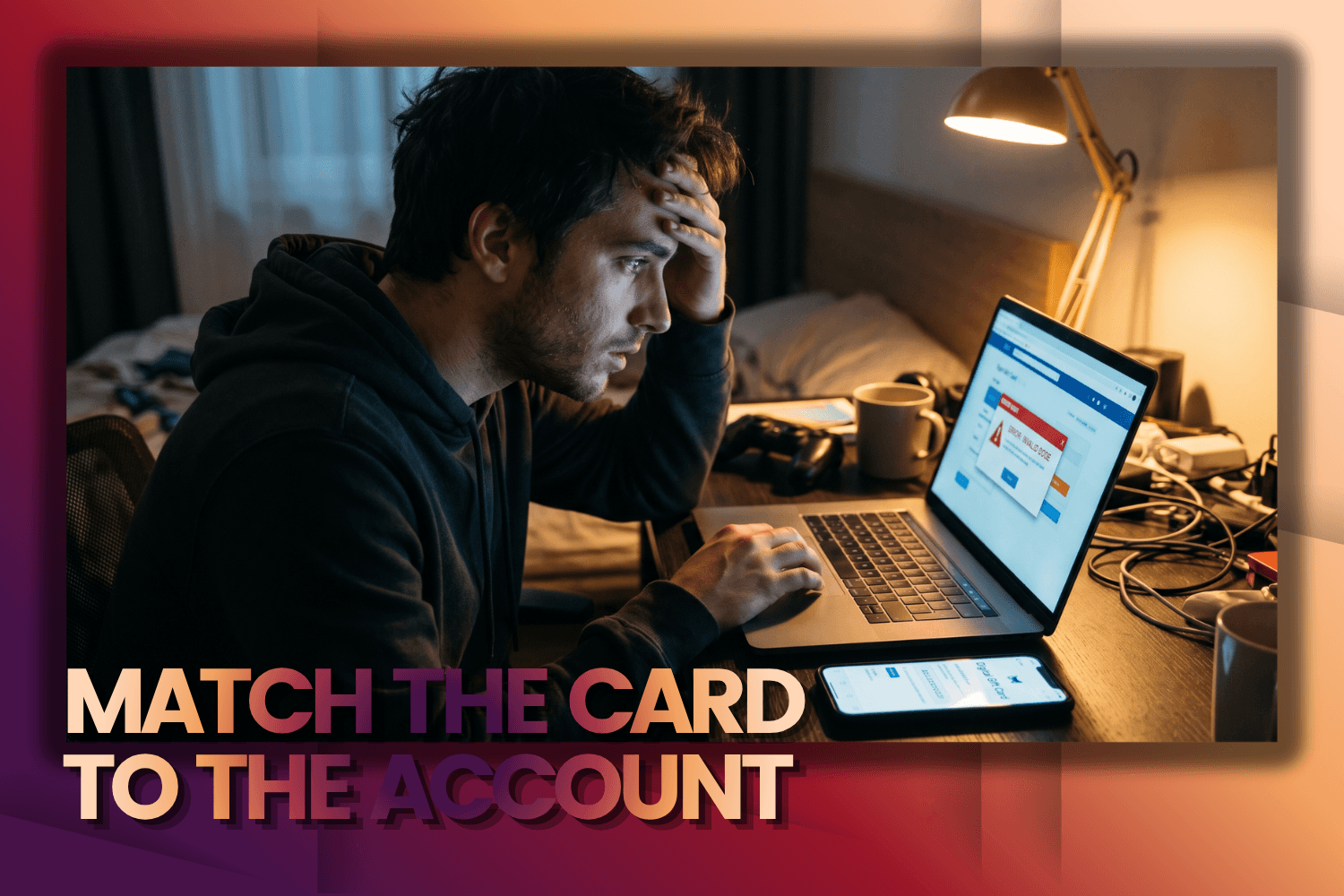
| Gift Card Currency | The gift card currency must match the currency of your Microsoft Account region (for example, GBP for a UK account or USD for a US account). Otherwise, the code cannot be redeemed. |
| Zen Wallet Balance | Before placing your order, make sure your Zen Wallet has sufficient funds. If your wallet uses a different currency, remember to consider any applicable currency conversion fees. |
| Payment Settings | Check that your payment method in Zen Wallet is active and ready for the transaction. Some banks may require additional verification for international payments. |
| Internet Connection | Use a stable internet connection during payment and code redemption to avoid interruptions or failed transactions. |
Also pay attention to the availability of cards in your required region. Not all denominations may be available at any given time due to supplier restrictions. Also make sure that your Zen Wallet for Xbox has sufficient balance and supports the currency you plan to use for payment. Additional recommendations:
- Check your email after completing the purchase — your digital code is usually delivered within a few minutes.
- If you have not received your code, contact the Baxity Store support team.
- Keep your digital code in a safe place until you redeem it.
- Do not share your code with third parties, as it can only be redeemed once.
Spending a few minutes checking these details can help you avoid the most common issues. Once everything has been verified, you can complete your purchase with confidence, knowing that your code will be delivered and activated without unnecessary delays.
Conclusion
Using Zen Wallet to purchase Xbox Gift Cards is a simple, secure, and fast way to top up your Microsoft Account balance. An Xbox Store Gift Card provides the official way to add funds to your Microsoft Account since Microsoft doesn't support direct Xbox payments through Zen Wallet, while also eliminating the need to enter your bank card details or other payment information for each purchase. In other words, you simply buy an Xbox Gift Card with Zen Wallet, redeem the code, and use your balance to purchase any digital content across the Xbox ecosystem. As a verified reseller, Baxity Store offers instant digital code delivery, support for multiple currencies and regions, and a convenient checkout experience using your preferred payment method. If you're looking for Xbox payment with Zen Wallet, simply choose the appropriate gift card on Baxity Store, complete your order, and receive your digital code within minutes. Redeem your code and start using your Microsoft Account balance for games, subscriptions, and other digital content.
FAQ
Does Xbox support direct payments with Zen Wallet?
No. Microsoft does not support direct payments through Zen Wallet. That is why users looking for a way to pay for Xbox with Zen Wallet typically purchase an Xbox Gift Card instead. Once the code is redeemed, the funds are added to your Microsoft Account balance and can be used for any eligible digital purchases.
Can I pay for an Xbox Gift Card with Zen Wallet?
Yes. Baxity Store supports using Zen Wallet to buy Xbox Gift Cards. After your payment has been successfully processed, you will receive a digital code that can be redeemed in your Microsoft Account.
When will I receive my code?
Delivery is instant. As soon as your payment is confirmed, the digital code is sent to your email address. In most cases, you'll receive it within just a few minutes.
What should I check before buying an Xbox Gift Card?
Before completing your purchase, verify your Microsoft Account region, the gift card currency, your wallet balance, and your payment settings. If you use Zen Wallet for Xbox purchases, make sure you have sufficient funds available. It's also a good idea to ensure you have a stable internet connection before completing the transaction.
What should I do if I choose the wrong gift card currency?
Your gift card must be issued in the same currency as your Microsoft Account region. If they don't match, the code may not be redeemed. Always verify both the region and the currency before completing your purchase to ensure a successful top up.
Can I redeem multiple Xbox Gift Cards on the same Microsoft Account?
Yes. You can redeem multiple Xbox Gift Cards on a single Microsoft Account. The funds are added to your balance and can then be used to purchase games, downloadable content, subscriptions, and other digital products.
Do I need an Xbox console to redeem my gift card?
No. You can redeem your code through an Xbox console, a web browser, or the Microsoft Store app on Windows. All Xbox Gift Cards sold by Baxity Store are delivered digitally, so you'll receive your digital code by email after completing your purchase.


Comments
Sign in to join the conversation. Every comment is reviewed before it appears on the page.
Sign in to comment
You need an account to leave a comment. Sign in and your name will be used automatically.
No comments yet. Be the first to write one.