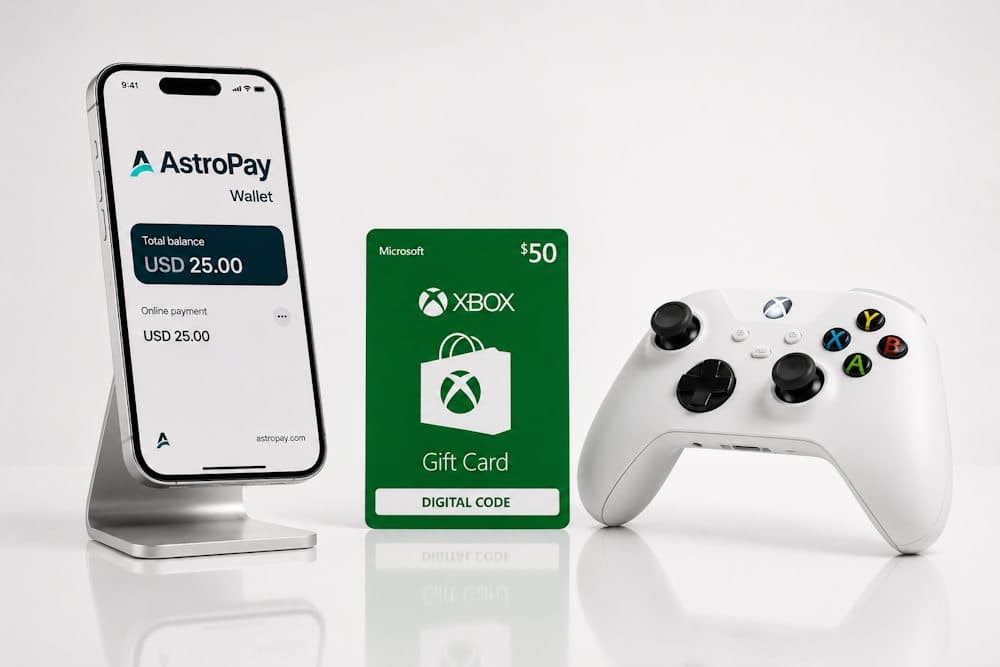
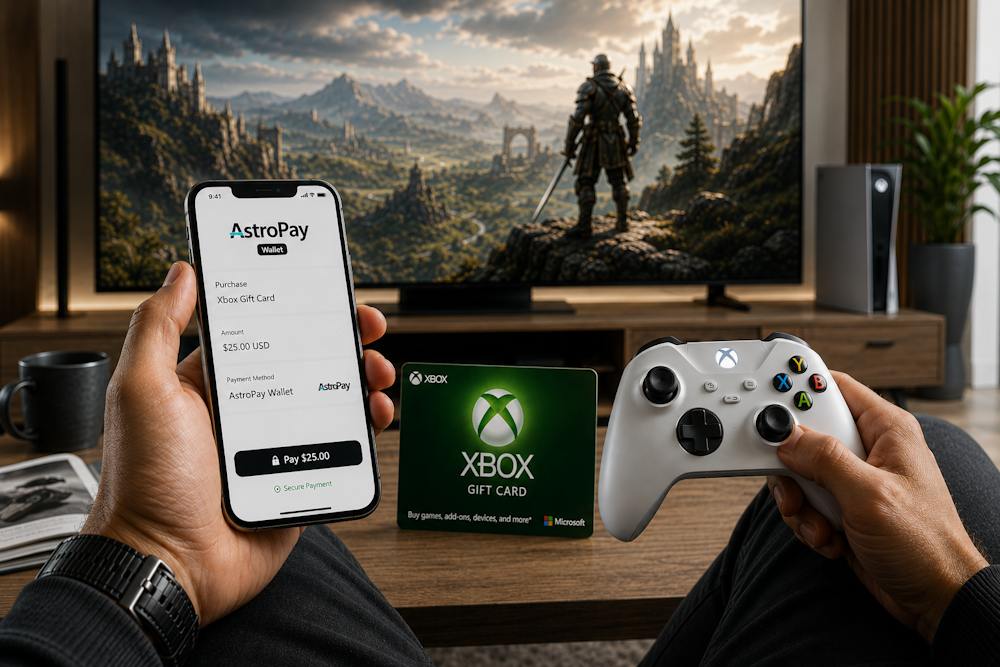
If you want to top up Xbox with AstroPay Wallet, you've probably already noticed that this payment method isn't available in every country or for every type of purchase. That doesn't mean you have to stop using AstroPay. Instead, you can choose another way to add funds to your Xbox account that is fast, secure, and free from unnecessary limitations. That's why Xbox Gift Cards have become one of the most popular choices among gamers. In this guide, we'll show you how to top up Xbox with AstroPay by purchasing a gift card, explain the advantages of this payment method, and highlight what to consider before making a purchase. We'll also explain why Baxity Store, a verified reseller, is a trusted place to buy genuine digital Xbox Gift Cards for your console and subscription services.
Xbox Gift Card
Why AstroPay Wallet Is Used for Xbox Purchases
AstroPay has become one of the world's most popular payment solutions for digital services. As of mid-2025, the platform has more than 16.4 million registered users, has processed over 234.7 million transactions, and handles an annual payment volume exceeding US$5 billion. Available in more than 150 countries and supporting over 30 currencies, AstroPay is widely used for international online purchases. It's no surprise that many users look for ways to top up Xbox with AstroPay Wallet. AstroPay Wallet's popularity isn't based solely on its global availability. Its prepaid model allows users to control their spending by paying only with the funds already available in their wallet. In addition, many gamers prefer to pay for Xbox purchases with AstroPay, as it lets them buy digital products without using their bank card directly. This adds another layer of security and privacy to every transaction.
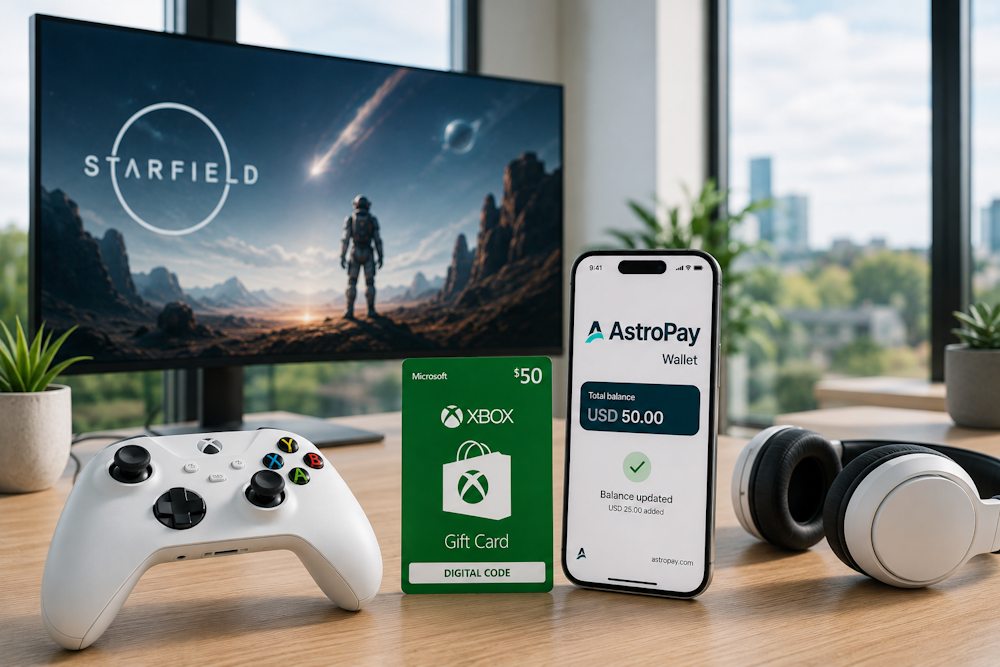
That's why many users choose AstroPay Wallet for digital purchases:
- Instant payments. Transactions are completed within seconds, without waiting for bank approvals or lengthy processing times.
- Better spending control. The prepaid balance helps you manage your budget by limiting purchases to the amount already available in your wallet.
- Greater privacy. You don't need to share your bank card details with every online store when buying digital products.
- Global accessibility. Support for more than 150 countries and over 30 currencies makes AstroPay a convenient payment solution for international purchases.
The AstroPay mobile app is another reason why, which holds a 4.7-star rating on the App Store and has been downloaded more than 10 million times on Google Play. Its intuitive interface, fast payments, and strong security are among the reasons why many gamers choose AstroPay Wallet for Xbox purchases. However, it's important to remember that direct payment support depends on your region and Microsoft's payment policies. That's why, in many cases, online Xbox Gift Cards are the simplest way to complete your purchase.
Xbox Gift Card
Why Many Users Choose Gift Cards Instead of Direct Store Payments
If you use AstroPay Wallet, there's one important thing to know: Xbox Store doesn't support AstroPay as a direct payment method. That doesn't mean you have to give up buying games or digital content. The solution is simple — buy an Xbox Gift Card with AstroPay, then redeem the code to your Microsoft Account. This approach offers another important advantage. Once the gift card has been redeemed, it no longer matters how it was purchased. The funds are added to your Microsoft Account balance and can be used to buy games, Xbox Game Pass, DLC, and other digital content. That's why many users prefer buying an Xbox Gift Card instead of looking for alternative payment methods. This solution also provides several practical advantages. Here's why gamers choose this option:
- Pay with AstroPay Wallet. You can buy an Xbox Gift Card using AstroPay, even though AstroPay Wallet isn't available as a direct payment method in Xbox Store.
- Better budget control. A prepaid balance helps you manage your spending more effectively. You spend only the amount you've planned, with no risk of unexpected charges, especially if the account is shared by multiple family members.
- Universal use. Once redeemed, the funds are added to your Microsoft Account balance. From that point on, the original payment method used to purchase the gift card no longer matters.
- More flexibility. You can purchase a digital code in advance, redeem it whenever you need it, or send it to another user as a gift.
- Additional security. Redeeming a gift card doesn't require you to share your financial details. You can also purchase the card without linking a bank card to your Microsoft Account.
- A convenient gift option. A digital code can be sent instantly to friends or family members, allowing them to choose the games or content they really want.
That's why, for many gamers, paying for an Xbox Gift Card with AstroPay has become a practical solution that combines payment flexibility, better budget control, and convenience. The key is choosing a trusted provider that guarantees genuine digital codes and fast delivery.
What Xbox Gift Cards Give You Access To
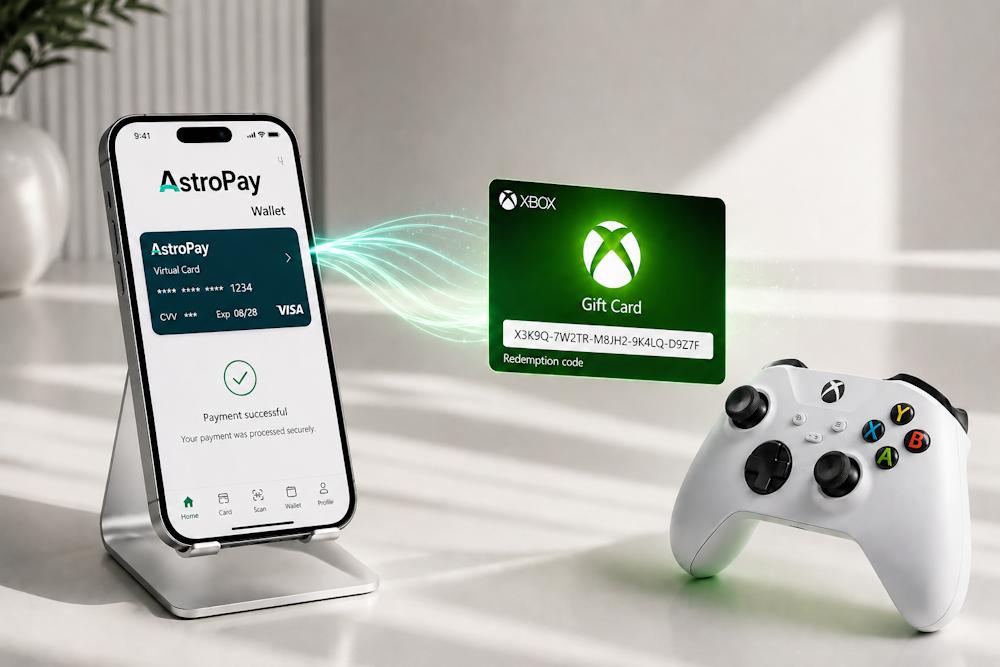
When you redeem an Xbox Gift Card online, its value is instantly added to your Microsoft Account balance. From that moment on, you gain access to Microsoft's digital ecosystem and decide how and when to spend your funds. An Xbox Gift Card is more than just an account top-up—it's a universal payment tool that gives you access to virtually all Xbox digital content.
- Full games. You can purchase the latest releases from the Xbox Store catalog, from blockbuster AAA titles to popular indie games. Your Microsoft Account balance works just like digital currency, allowing you to buy the games you actually want to play.
- Your Microsoft Account balance can also be used to purchase or renew subscriptions, giving you access to a library of hundreds of games for a fixed monthly fee. At the same time, if you want to buy Xbox Game Pass with AstroPay, you can also purchase an Xbox Game Pass Gift Card directly, choosing the subscription that best suits your needs, such as Xbox Game Pass Essential or Xbox Game Pass Ultimate for 1, 3, or 6 months.
- Additional content. Another major advantage is access to extra content. DLC, Season Passes, in-game currency, character skins, expansion packs, and new story campaigns can all be purchased instantly using your Microsoft Account balance. Since most modern games offer additional downloadable content, an Xbox Gift Card online becomes a convenient payment method for virtually everything.
- More than just gaming. There's even more. Through the Microsoft Store, you can also spend your balance on movies, TV shows, music, and other digital content. If you're looking for Xbox Live with AstroPay, the process follows the same principle: first, purchase the appropriate gift card using AstroPay, then redeem the code to your Microsoft Account.
Choosing an Xbox card online gives you a flexible way to top up your balance and pay for virtually any type of digital content within the Xbox ecosystem. This is especially convenient if you want to control your spending or make purchases over time. The most important thing is to choose a trusted seller that guarantees genuine digital gift cards.
📚 Related Articles
- Buy Xbox gift cards with Zen Wallet
- Buy Xbox gift cards with Crypto
- Overview of All Xbox Subscription Plans
- How to Buy Xbox Gift Cards with Visa Card?
- Buy Xbox Gift Cards with Google Pay Online
- Buy Xbox Gift Cards with Apple Pay Easily and Securely
- Buy Xbox Gift Cards with Mastercard
- Buy Xbox Gift Cards with Crypto Online
- Xbox Paysafecard Payments: Full Guide
- How to Get a Refund from Steam, Xbox, PlayStation & More
Buying Xbox Gift Cards with AstroPay Wallet on Baxity Store
Baxity Store is a verified reseller of digital products specializing in gaming vouchers, gift cards, and digital subscriptions. In our Xbox Gift Card Shop, you'll find Xbox Gift Cards in different denominations, currencies, and regions, as well as Xbox Game Pass Gift Cards for different subscription options. When you choose Baxity Store, you get:
- A wide selection of online Xbox Gift Cards. Choose from different denominations, currencies, and regions, as well as Xbox Game Pass Gift Cards with multiple subscription options.
- Guaranteed genuine codes. We sell only original digital gift cards sourced from official suppliers, ensuring that every code is authentic and ready for activation.
- Maximum payment security. Secure connections, advanced data encryption, and mandatory verification help protect every order.
- Instant delivery. Once your payment is confirmed, your digital code is sent directly to your email, and you receive a notification whenever your order status changes.
- Competitive pricing. Take advantage of regular promotions, attractive prices, and special offers for wholesale purchases of 10 or more gift cards.
- Professional customer support. Our team is ready to assist you at every stage, from placing your order to redeeming your gift card.
Whether you're looking for an Xbox voucher with AstroPay or want a fast way to complete an Xbox top up with AstroPay, we'll guide you through the entire purchasing process step by step—from choosing the right gift card to receiving your digital code.
Choosing the Correct Voucher Region
On the Baxity Store homepage, open the Gaming Credits category. Here, you'll find digital gift cards for the world's most popular gaming platforms. Go to the Xbox section and open the Xbox Gift Cards page. This is where you'll find all available gift card options to top up Xbox through AstroPay. The category page features online Xbox Gift Cards in different denominations, ranging from 2 EUR to 100 USD (depending on the region). Gift cards are available for the United States (USD), the United Kingdom (GBP), Europe (EUR), Mexico (MXN), the UAE (AED), South Africa (ZAR), and many other regions. In addition to one-time Xbox Gift Cards, the catalog also includes Xbox Game Pass Essential and Xbox Game Pass Ultimate Gift Cards for 1, 3, or 6 months. How to choose the right gift card:
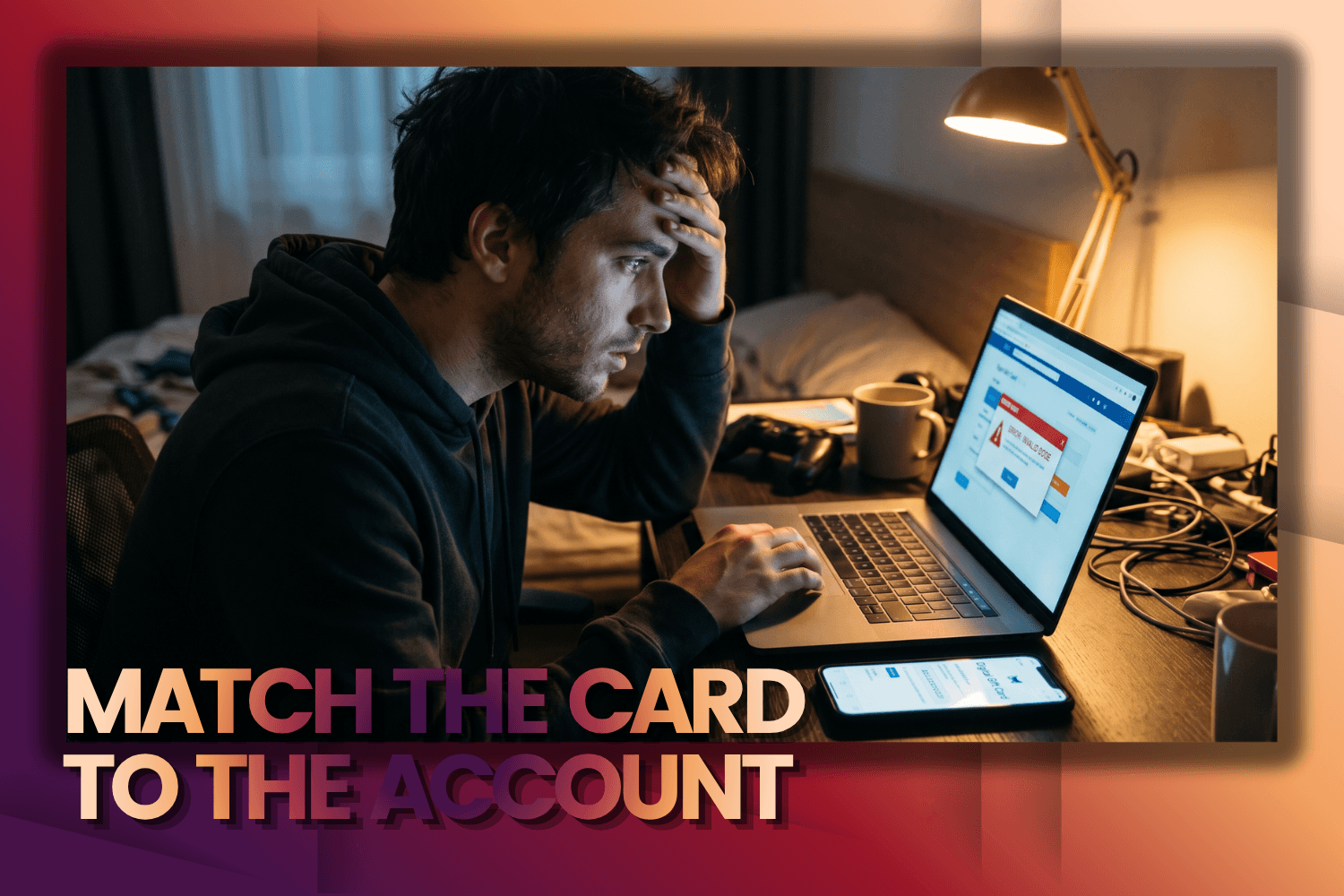
- Check your Microsoft Account region. This is the most important factor, as it determines whether you'll be able to redeem the gift card. If your account is registered in the United States, choose a gift card in USD. If it's registered in the United Kingdom, choose GBP. The gift card region must match your Microsoft Account region.
- Choose the right denomination. Several denominations are available for each currency. If you need a specific amount, you can simply add multiple gift cards to your shopping cart.
- Planning a wholesale purchase? If you need more than 10 gift cards, visit the wholesale orders page and contact the Baxity Store team to receive a special offer.
Once you've selected the correct region, gift card type, and denomination, add the product to your shopping cart. The next step is to complete your purchase using AstroPay Wallet for Xbox.
Xbox Gift Card
Paying Through AstroPay Wallet
Once you've added the selected gift cards to your shopping cart, open it and sign in to your Baxity Store account. If this is your first purchase, create a new account and complete a short authorization process. This is a mandatory step that helps protect your order and prevent fraudulent transactions. Next, if you've chosen AstroPay for your Xbox purchase, follow these simple steps:
- Go to checkout and review your order one more time.
- Select AstroPay from the available payment methods. Please note that this payment method is not available in every country, so its availability depends on the region of your AstroPay account.
- Check the box confirming that you agree to the Baxity Store Security Policy, then click Place Order.
- On the secure AstroPay payment page, enter your details and confirm the payment by following the instructions provided by the payment system.
Once the payment has been confirmed, you'll immediately receive a notification that your payment was successful. The entire process usually takes just a few minutes. This allows you to buy Xbox with AstroPay quickly and securely: payment authorization takes place on AstroPay's secure payment page, so your payment details are never shared directly with the seller.
Receiving Your Digital Code
After a successful payment, your code for the Xbox Gift Card purchased online is sent to the email address you provided during registration. It is also automatically saved in your Baxity Store account under the My Orders section. Delivery is automatic, so in most cases your digital code becomes available immediately after the payment is confirmed. If, for any reason, you don't receive the email, first check your Spam or Promotions folders. If the issue persists, contact the Baxity Store support team for assistance. We recommend storing your code in a safe place and never sharing it with third parties. Each code can only be redeemed once, so when you buy Xbox with AstroPay through Baxity Store, you are guaranteed to receive an original, unused digital code.
How to Redeem Xbox Gift Cards Safely
The redemption process does not depend on how your gift card was purchased. If you bought an Xbox prepaid card with AstroPay or used another payment method, simply enter the 25-character code into your Microsoft Account. Once confirmed, the full value of the gift card will be automatically added to your account balance. You can redeem your gift card in several ways. On an Xbox console
- Sign in to your Xbox profile.
- Open the Microsoft Store.
- Select Redeem or Use a code.
- Enter the 25-character code and confirm the redemption.
Using a web browser
- Go to the Microsoft Redeem page.
- Sign in to your Microsoft Account.
- Enter your gift card code.
- Confirm the redemption.
Once the code has been successfully redeemed, you'll receive notifications from Microsoft, and the gift card value will be added to your account balance immediately. After topping up your Xbox balance with AstroPay or another payment method, you can use the funds to purchase digital games, DLC, in-game currency, movies, or to buy and renew subscriptions. If a game supports multiplayer, your balance can also be used to purchase related content or services available through the Microsoft Store.
Useful Recommendations Before Buying Xbox Gift Cards
Before buying an Xbox Gift Card with AstroPay Wallet, it's worth considering a few important points. They will help you avoid common mistakes and make the entire purchase process as smooth as possible. The key recommendations are summarized in the table below.
| What to Check | Why It Matters |
|---|---|
| Microsoft Account Region | Your gift card must match your Microsoft Account region; otherwise, the code cannot be redeemed. |
| Gift Card Currency | Choose a gift card in the same currency as your Microsoft Account region (USD, EUR, GBP, etc.). |
| Gift Card Type | Make sure you're purchasing the correct product—either an Xbox Gift Card or the Xbox Game Pass Gift Card you need. |
| Email Address | Your digital code will be sent to this email address after your payment is confirmed. |
| AstroPay Balance | Before making the payment, make sure your wallet has sufficient funds for topping up Xbox with AstroPay, taking the full purchase amount into account. |
| Internet Connection | A stable connection helps prevent interruptions during the payment process. |
| Account Settings | Check the settings of your AstroPay and Microsoft Accounts to avoid issues with payment confirmation or account access. |
Following these simple recommendations will make Xbox recharge with AstroPay fast and secure, helping you receive your digital code without unnecessary delays.
Final Thoughts
Xbox Gift Cards remain one of the most convenient ways to top up your Microsoft Account balance, especially if you use AstroPay Wallet. They allow you to quickly pay for games, DLC, subscriptions, and other digital content without using your bank card directly in the Xbox Store. Simply choose the correct region and gift card denomination, redeem the code, and the funds will be available for your next purchase immediately. If you're looking for a reliable Xbox Gift Card Store, Baxity Store, as a verified reseller, offers original digital codes, instant delivery, secure payments, and professional customer support. That's why more and more users choose AstroPay for Xbox purchase as a convenient way to purchase online Xbox Gift Cards and top up their gaming balance in just a few minutes.
Xbox Gift Card
FAQ
Can I buy Xbox Gift Cards with AstroPay Wallet?
Yes. Although AstroPay is not available as a direct payment method in the Xbox Store, you can use it to purchase Xbox Gift Cards from a verified reseller such as Baxity Store. After redeeming the code, the balance is added to your Microsoft Account and can be used for games, subscriptions, DLC, and other digital content.
Can I use an Xbox Gift Card in any country?
No. Xbox Gift Cards are region-specific. Before purchasing, make sure the gift card matches the region and currency of your Microsoft Account. For example, a gift card in USD is intended for a US account, while a GBP card is for a UK account.
How long does it take to receive my Xbox Gift Card code?
In most cases, delivery is instant. Once your payment is confirmed, the digital code is automatically sent to your email address and is also available in your Baxity Store account under My Orders.
Can I buy Xbox Game Pass with an Xbox Gift Card?
Yes. After redeeming your Xbox Gift Card, you can use your Microsoft Account balance to purchase or renew eligible Xbox Game Pass subscriptions. Alternatively, you can purchase dedicated Xbox Game Pass Gift Cards for 1, 3, or 6 months directly from Baxity Store.
Is it safe to buy Xbox Gift Cards from Baxity Store?
Yes. Baxity Store is a verified reseller of digital products. All gift cards are sourced from official suppliers, payments are protected using modern encryption technologies, and every order is processed through secure payment channels.
What should I do if my gift card code doesn't arrive?
First, check your Spam or Promotions folder. If you still can't find the email, log in to your Baxity Store account and open the My Orders section, where your code is also available. If you still need assistance, contact the Baxity Store support team, and they will help resolve the issue as quickly as possible.


Comments
Sign in to join the conversation. Every comment is reviewed before it appears on the page.
Sign in to comment
You need an account to leave a comment. Sign in and your name will be used automatically.
No comments yet. Be the first to write one.